

Orchestria
Orchestria · Voice & Language
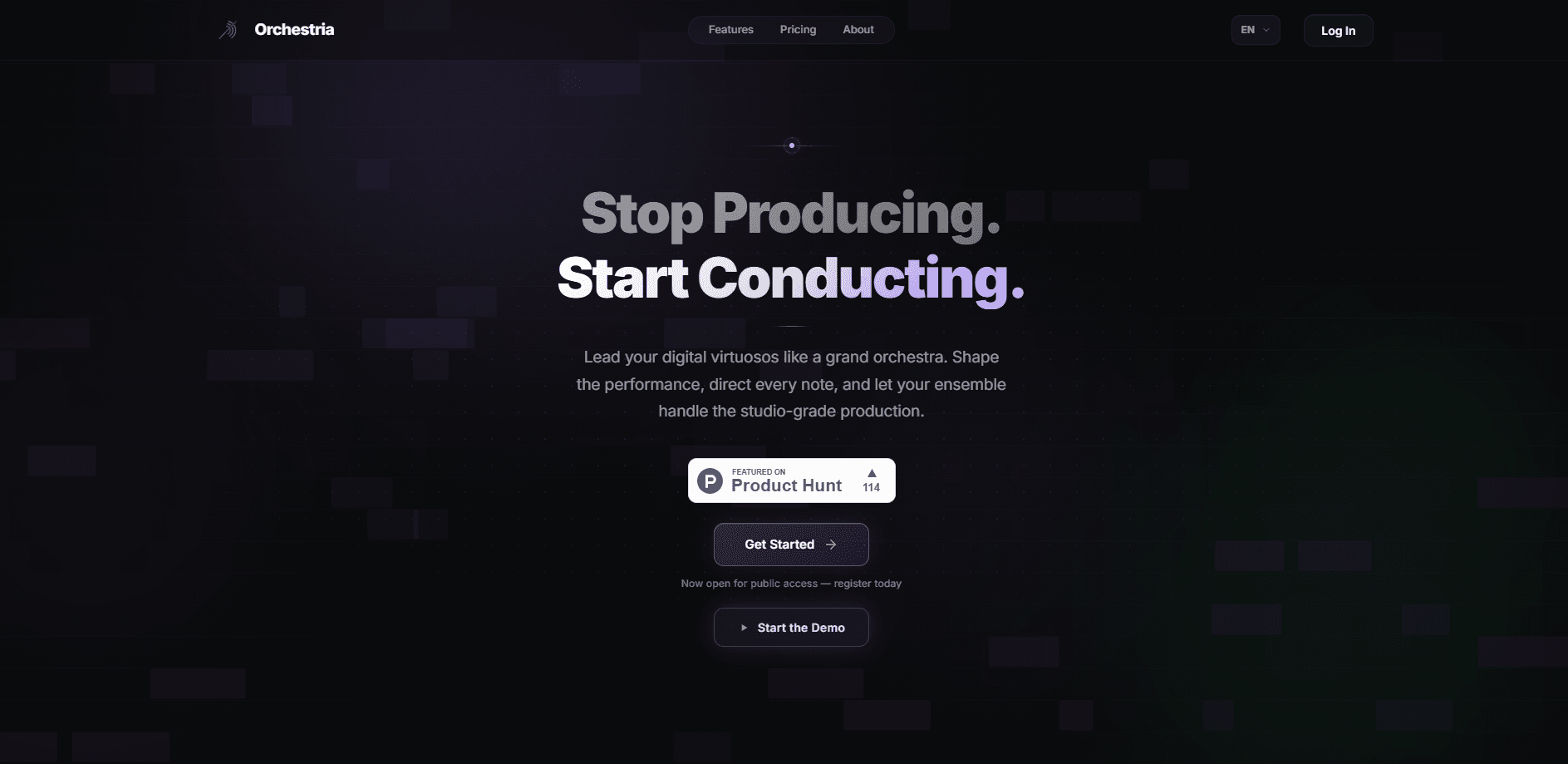
Orchestria is an agentic AI music studio that turns a plain-language prompt into a finished track, then lets you take the mix apart and change one piece without rebuilding everything. A small team of specialized agents handles drums, melody, critique, and mixing in real time while you stay in the conductor's seat. It runs in your browser, works on any platform, and exports stems as 24-bit WAV files plus sample-accurate MIDI for your DAW. Think of it as an AI music generator with an editor attached.
About Orchestria
What Is Orchestria
Orchestria is a browser-based AI music studio built around the idea of conducting rather than producing. Instead of wrestling with a DAW timeline, you describe what you want, and specialized agents collaborate to build the track. A drummer, a melodist, a critic, and a mix engineer all pitch in. It targets creators who have musical ideas but lack the studio skills or budget to finish them. That's a big market, and it's why so many AI song maker tools have appeared lately.
The core workflow separates generation from editing. You get a full mix in under 30 seconds, split it into drums, bass, vocals, and melody with Demucs-based stem separation, then change a single instrument with a text command. The catch is that the free tier is a demo, not a working studio. No downloads. No agentic control. A hard limit of two songs.
Getting Started
- Register an account on the Orchestria site; you can create your first track right away.
- Describe the music in the command bar in plain English, like "a moody lo-fi beat at 75 BPM with warm Rhodes chords."
- Listen to the generated mix, then send follow-up commands to adjust individual stems, such as making the drums harder or dropping the bass to C minor.
- Review each version in the session, rolling back or comparing iterations as you go.
- Export the final result as WAV or FLAC stems, or pull the MIDI into your DAW.
Product Information
A quick look at Orchestria's pricing, supported platforms, and performance.
Best for
The users, tasks, and scenarios where this tool fits best.
Users
- Beginners with musical ideas
- Bedroom producers
- Content creators
- Game and app developers
Tasks
- Generating a full track from a text description
- Editing one instrument at a time
- Separating a mix into stems
- Automated mixing and mastering
- Exporting to a DAW
Scenarios
- Sketching a song idea before a session
- Producing background music for a video or podcast
- Learning arrangement and mixing
- Prototyping a soundtrack for a game or app
Key features
Agentic multi-agent production
Orchestria runs several specialized agents at once, each focused on one job. The drummer builds rhythms, the melodist handles chords and melody, the critic reviews for balance and coherence, and the mix engineer sets levels, panning, EQ, and effects. You direct the group with natural-language commands, and the agents respond in real time. This is agentic music production, not a one-shot text-to-song generator where the track is fixed once it lands. That distinction matters. It's the difference between a tool you can steer and a slot machine.
Stem separation and targeted edits
Every track can be split into drums, bass, vocals, and melody as independent 24-bit/44.1 kHz WAV files. From there you change a single stem with a text command. A typical example: "Make the drums harder, add hi-hat rolls, and drop the bass to C minor." The melody and other parts stay exactly as they were. That's the whole point. If you always want to redo the whole track to fix one weak part, this workflow saves real time.
Real-time agent collaboration
The agents work concurrently rather than in a queue, so the session behaves like a live jam. You can watch each agent's activity in the live terminal as it lays down a groove, adds chords, or applies compression. AI mixing happens here, layer by layer. Sessions persist, so you can leave a project and come back to it without losing the thread.
Version history and rollback
Every change creates a new version. That means you can compare an original mix against an edit side by side, or roll back to an earlier state if a direction doesn't work out. For anyone who has mangled a good take by over-editing, this is the safety net that makes experimenting cheap. Try a wild idea. Undo it. No harm done.
Studio Mode with timeline, mixer, and drum editor
Studio Mode, available on the Maestro tier, adds a timeline, a built-in mixer, and a custom drum editor. It's the closest Orchestria gets to a traditional production workspace, and it's the point where you can shape the arrangement by hand instead of relying on commands alone. Pro users can't access it. That's the main practical gap between the two paid tiers.
MIDI export and DAW integration
The Maestro tier exports standard MIDI files with velocity, duration, and pitch mappings that match your arrangement. You can drag those files into Ableton, FL Studio, Logic Pro, or another DAW and keep working with real instrument libraries. That's the exit door. Combined with WAV and FLAC stem exports, it makes Orchestria a starting point rather than a closed box.
Hybrid audio engine and 24-bit output
Orchestria uses a hybrid generation engine that pairs AI generation with high-fidelity rendering. Master exports come out as lossless 24-bit/44.1 kHz FLAC and WAV files, which is the format professional mixing environments expect. The company doesn't disclose how the engine works. So the method is a black box, but the output quality is verifiable.
Pros and cons
Pros
- The agentic editing model is genuinely different: you fix one stem instead of regenerating a whole song.
- Stem separation into 24-bit/44.1 kHz WAV files gives you usable material for a real mixing session.
- Runs entirely in the browser, so there's nothing to install and it works across platforms.
- Clear tier structure with a 2-day free trial on both paid plans and no lock-in beyond your billing cycle.
- MIDI export on Maestro opens the output to any DAW, so tracks aren't trapped inside Orchestria.
Cons
- The free plan is a real limitation, not a taster: no downloads, no agentic control, and only two songs per month, so you can't actually finish anything on it.
- Studio Mode and MIDI export sit behind the $28/mo Maestro tier, which is steep for hobbyists who just want the timeline.
- API access is referenced in the docs but there's no public pricing or separate developer plan, so you'll need to contact the team before building on it.
- Real-time agent sessions and cloud storage need a stable connection; there's no offline mode.
Frequently asked questions
Orchestria is an AI music studio where specialized agents like a drummer, melodist, critic, and mixer work together in real time to turn your ideas into finished tracks. You direct them with plain-language commands from a browser.
Related content
Explore related tools, skills, and articles for Orchestria.
Orchestria Alternatives

Foley
Hanamori Labs, LLC · Voice & Language · Productivity · AI AssistantFoley is a voice to-do list that turns a spoken sentence into a filed task, complete with project, date and time, then helps you plan the day around what is already there.

HireKey
HireKey · Voice & Language · Productivity · LeaningHireKey is an AI job search copilot built by a former tech recruiter. It checks role fit, tailors resumes, runs interview practice and tracks every application.

Fluence
Yay Software (Yannick Huchard) · Writing · Voice & Language · ProductivityFluence is an Android app that reads PDFs, EPUBs, Word files and web articles aloud, follows each sentence as it speaks, and answers questions about the text on the phone itself.