

OverallGPT
OverallGPT · Marketing · Other · Prompts
OverallGPT is a web tool that sends one prompt to several AI models and shows their answers side by side, so you can compare outputs in one place instead of switching tabs.
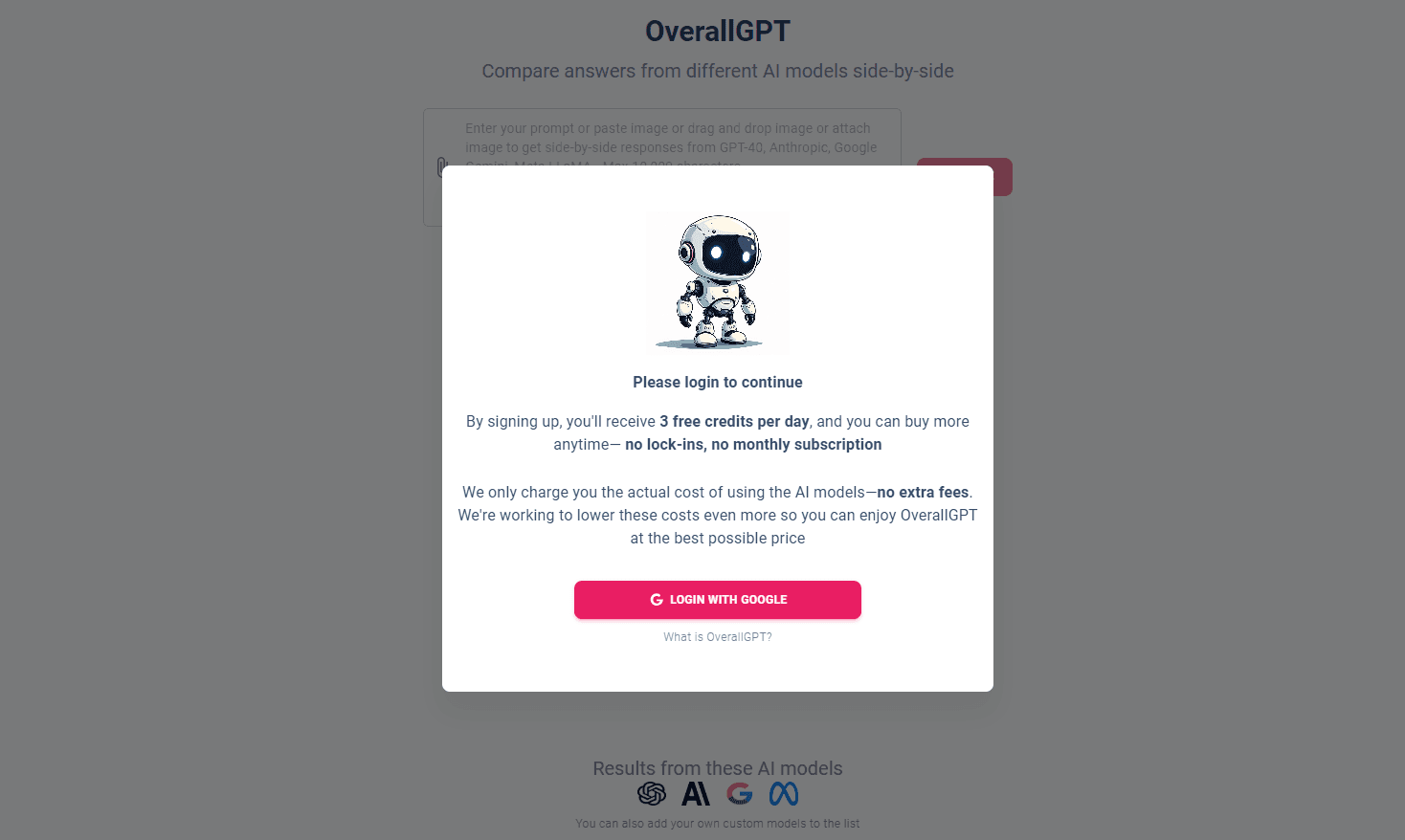
About OverallGPT
What Is OverallGPT
OverallGPT is a browser-based AI model comparison tool. You type a question once, and it returns answers from a multi-model set lined up next to each other, so you can compare AI models side by side instead of opening a separate chat for each one.
The point is transparency. Different models answer the same question in different ways, and a single answer tells you little about whether it is reliable. Putting several responses in one view makes the gaps easier to spot: where one model hedges, where another commits, and where they simply disagree. That matters for writing, research, and any task where a second opinion is worth having.
The limits come with the format. OverallGPT does not train its own models, so the quality of every answer depends on the providers behind it. It does not replace a specialist tool for a specific job, and a side-by-side view still leaves the final judgment to you. Treat it as a second opinion, not an answer key.
Getting Started
- Open overallgpt.com in a browser, with no account needed to try it.
- Type a question or prompt into the input box.
- Send the prompt and let the connected models each produce an answer.
- Read the responses side by side and compare where they agree or differ.
- Follow up with a sharper prompt if the first round does not settle the question.
Product Information
A quick look at OverallGPT's pricing, supported platforms, and performance.
Best for
The users, tasks, and scenarios where this tool fits best.
Users
- Writers
- Researchers
- Students
- Developers evaluating models
- Anyone skeptical of a single answer
Tasks
- Cross-checking a factual claim
- Comparing writing styles
- Testing a prompt
- Getting a range of ideas
- Spotting weak answers
Scenarios
- Deciding which model to use for a project
- Fact-checking before publishing
- Learning a new topic
- Drafting content
Key features
Side-by-side answer comparison
OverallGPT sends one prompt to several AI models and lays their answers out next to each other in a single view. You read them together rather than copying the same question between tabs. For anyone weighing an answer before acting on it, that layout turns a guess into a comparison. The trade-off is that a side-by-side view shows differences without resolving them, so the call is still yours.
One prompt, multiple models
Instead of managing a separate account and window for each model, you enter the prompt once and the tool routes it to the set it supports. That cuts the repetition out of comparing outputs. It suits people who test ideas across models often and do not want to maintain several subscriptions. How many models run at once depends on what the platform offers at any given time.
Transparency-focused design
The site is built around showing you how different models respond rather than promoting one as the best. Descriptions and layout stress the differences between outputs, which fits an AI decision making goal. That framing helps when you want evidence for a choice, not a recommendation handed to you. It also means OverallGPT stays out of the way and lets the raw answers speak.
Browser-based access
OverallGPT runs in the browser with no install, and you can try it without creating an account. That keeps the barrier low for a quick comparison, which matters when you only need one check. Because everything happens in one tab, the tool fits into an existing workflow rather than asking you to change it. No account also means no history to manage between sessions.
No model training of its own
OverallGPT does not build or fine-tune its own models. It works as a layer that gathers and displays answers from providers it connects to. That keeps the focus on comparison instead of adding another model to the pile. The practical consequence is that the quality and availability of answers track the providers, not OverallGPT itself.
Pros and cons
Pros
- One prompt shows answers from several models at once, which saves the back-and-forth of separate chats.
- No account is required to try it, so a first comparison costs nothing.
- The layout is built for comparison, which makes disagreements between models easy to see.
- It is browser-based with nothing to install, so it drops into an existing workflow.
- Useful as a quick second opinion before you act on a single model's answer.
Cons
- Answer quality depends entirely on the connected providers, since OverallGPT trains no models of its own.
- A side-by-side view shows differences but does not tell you which answer is correct.
- It does not replace a specialized tool built for one specific task.
- Which models are available, and how many run at once, can change with the platform.
Frequently asked questions
OverallGPT is a browser-based tool that sends one prompt to several AI models and displays their answers side by side. It is built for comparing outputs, not for being a single chat assistant of its own.
Related content
Explore related tools, skills, and articles for OverallGPT.
OverallGPT Alternatives

ngram 2.0
ngram · Video · Marketingngram 2.0 is an AI video generator for teams. It turns a prompt, a screen recording, or a product URL into a narrated explainer, product demo, or AI avatar video, and every scene stays editable.

shippedit.me
Krawlup · Marketing · Businessshippedit.me now redirects to Krawlup, a web platform that audits SEO, AEO and page speed every week, then hands the fixes to AI coding agents over MCP.

MePersona
MePersona, Inc. · Writing · Productivity · MarketingMePersona is an AI unified inbox for creators. It learns your voice, drafts replies to fan messages from 12 platforms, and sends only what you approve.