

Owl Browser
Olib AI · Coding
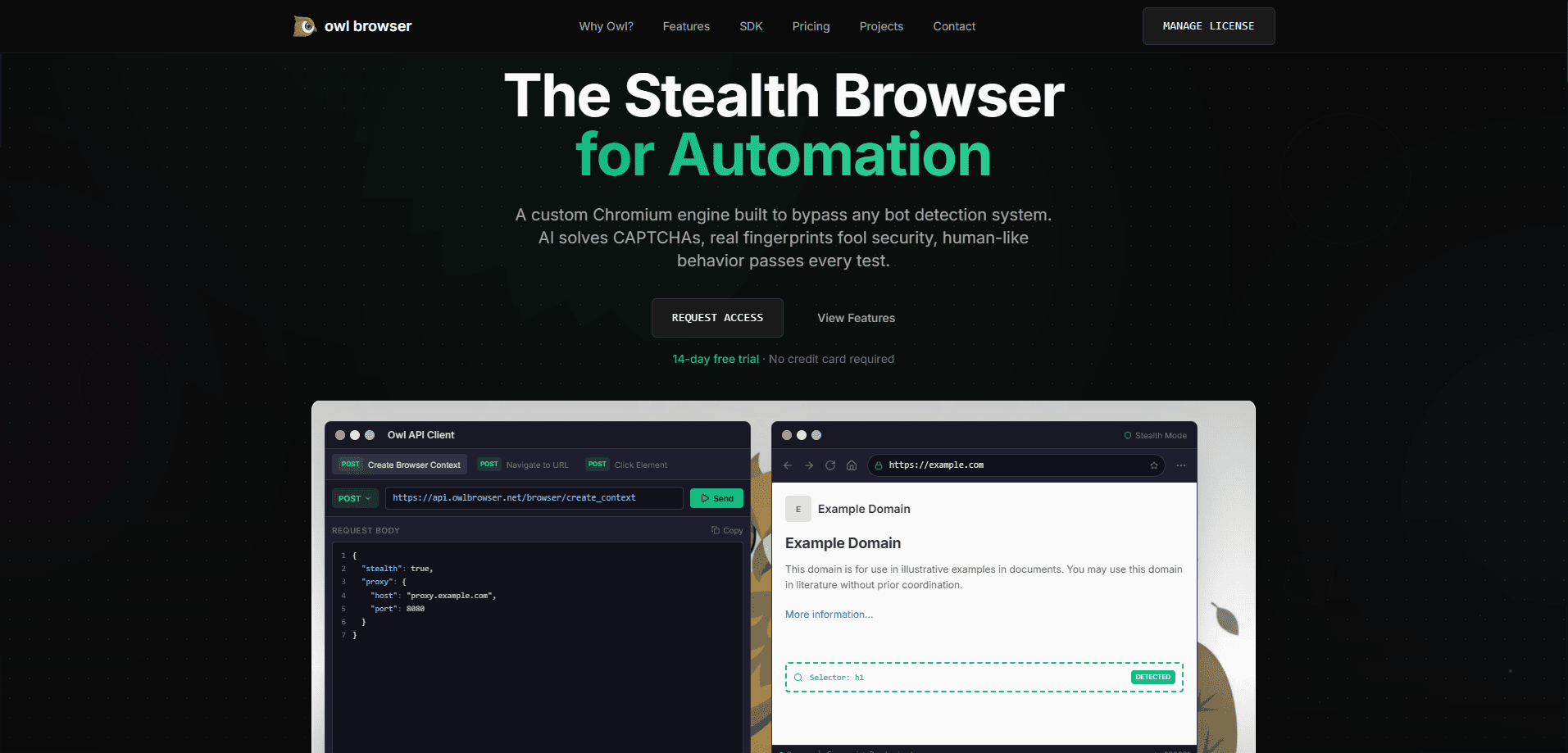
Owl Browser is a self-hosted Chromium browser engine built for AI agents that need to drive a real browser without getting blocked. Instead of replaying screenshots and guesswork, it hands an agent a compact, structured view of the page and lets it act on named handles. Stealth fingerprinting, a built-in MCP server, and an on-device vision model ship in the same package, which makes it a fit for teams running large-scale web automation at a volume where a single blocked request per hundred still costs real money each month.
About Owl Browser
What Is Owl Browser
Owl Browser is a custom Chromium/CEF build from Olib AI that treats browser automation as an engine problem, not a scripting trick. Most automation stacks control a normal browser from the outside, which leaves a trail that anti-bot systems learn to read. Owl Browser patches anti-detection logic into the Chromium C++ source itself. The values a website sees come from the same native code paths as a real machine.
Who is it for? Developers and data teams shipping autonomous AI agents that browse, click, and collect information at scale. The draw is twofold. You get stealth browser automation that holds up against Cloudflare, DataDome, and Akamai, plus an MCP server so an LLM agent can talk to the browser through a standard interface.
The tradeoff is the setup. Owl Browser isn't a download-and-go app. You run it yourself through Docker, keep it updated, and manage your own infrastructure and proxies. That means server costs. Access is also gated. Olib AI vet accounts and asks about intended use, so it's not the kind of tool you spin up on a whim for a weekend project.
Getting Started
- Sign up at the Olib AI portal and start the 14-day developer trial for $0.99 to get a license key.
- Pull the official Docker image and launch it with your API key set as an environment variable.
- Confirm the service is live by hitting the status endpoint at http://localhost:9222/api/v1/status.
- Install the Python SDK or the Node.js SDK, then create an isolated context in agent mode.
- Navigate, read the OwlMark page view, and click elements by their handle tokens to complete a task.
Product Information
A quick look at Owl Browser's pricing, supported platforms, and performance.
Best for
The users, tasks, and scenarios where this tool fits best.
Users
- AI automation developers who need an agent to browse real sites and stay undetected; requires comfort with Docker and API keys.
- Data teams running large collection jobs that break on standard headless Chrome. Best when they already manage their own servers.
- QA and testing engineers who automate login flows, signups, or checkout paths behind bot protection; suits teams with a proxy budget.
Tasks
- Web scraping at scale where anti-bot detection keeps killing the run
- Agent-driven research and form filling
- CAPTCHA-gated workflows
Scenarios
- Running hundreds of parallel sessions for market research
- Long-running collection jobs where token cost decides the budget
- Enterprise deployments needing custom seat counts and SLA support
Key features
Source-Level Stealth
Owl Browser spoofs fingerprints inside the Chromium C++ code rather than through JavaScript injection. The build carries 27 override modules and 31 Blink patches covering navigator, canvas, WebGL, WebRTC, fonts, and audio. Because the spoofed values originate from the same native paths as genuine ones, JavaScript-based bot detectors have nothing inconsistent to flag. Clever, and hard to replicate from a script.
Agent Rendering and OwlMark
Screenshot-driven agents burn tokens on images the model can barely read. Agent Rendering returns a compact text view of the page with a stable handle for every interactive element, like @handle_12. The agent observes the page, then clicks by handle. In Olib AI's own benchmark, this cut median tokens per task to about 38.6k. Chrome DevTools MCP needed roughly 71k for the same work, and Playwright MCP needed 73k.
Built-In MCP Server
The Model Context Protocol server runs inside Owl Browser and answers at POST /mcp over streamable HTTP. No separate process to babysit. Any MCP-aware agent client can connect and drive the browser through the same 185 automation tools the SDKs expose.
On-Device Vision AI
A local llama.cpp engine runs Qwen3-VL-2B to solve CAPTCHAs without sending images to a third-party service. That covers reCAPTCHA, hCaptcha, and Turnstile. For teams handling sensitive pages, keeping the solve on your own hardware matters as much as the accuracy does.
Multi-Context Concurrency
One instance can run up to 256 isolated browser contexts in parallel, each with its own cookies, proxy, and fingerprint profile. Cold-start time stays under 12ms. This is what makes large collection and testing jobs practical on a single box instead of a fleet.
Developer SDKs and Docker Deployment
The Python SDK (pip install owl-browser-sdk) and the Node.js SDK (@olib-ai/owl-browser) wrap the same client model, so Playwright-style scripts port over with modest changes. Deployment is a single Docker run command, and you keep the data on infrastructure you control. Migration takes an afternoon, not a sprint.
Pros and cons
Pros
- Anti-detection runs at the C++ source level, which removes the fingerprint leaks that sink script-level stealth.
- Agent rendering and OwlMark cut token usage by more than half versus common MCP browser servers, cutting cost per task.
- The MCP server and both SDKs make it quick to wire into an existing agent stack.
- Local CAPTCHA solving avoids shipping page images to outside services.
- Self-hosted deployment keeps cookies, proxies, and collected data on your own machines.
Cons
- Entry pricing starts at $49.99/mo, and the useful self-hosted tier jumps to $1,999/mo, so it's priced for teams rather than individuals.
- Setup assumes Docker and infrastructure know-how; there's no simple desktop install.
- Access is gated by an approval process, which slows down anyone wanting to test quickly.
Frequently asked questions
It's a browser engine for AI agents and automation scripts that need to browse real websites without triggering bot detection. Teams use it for large-scale scraping, agent-driven research, and testing flows that sit behind anti-bot systems, especially when a plain headless Chrome instance gets challenged or blocked within minutes of starting work.
Related content
Explore related tools, skills, and articles for Owl Browser.
Owl Browser Alternatives
Forefront
Forefront · CodingForefront is a web platform for building with open-source AI. It lets you fine-tune leading open-source language models on your own data, evaluate how they perform, and run them through an API or export them to host yourself. Developers who want the convenience of a closed-source platform but insist on owning their models and data are the target audience here.

Startkit
StartKit.AI · CodingStartkit is a boilerplate for building AI SaaS and AI wrapper products. Think of it as an AI startup boilerplate with the boring parts already wired up: authentication, Stripe and Lemon Squeezy payments, usage limits, transactional email, and an AI API starter that talks to OpenAI, Anthropic, Groq, or Llama. You clone the repo, set your price, and start on the part of your product that people actually pay for. It's Next.js under React and Tailwind, so most of the boilerplate code already feels familiar.
Testim
Tricentis · CodingTestim is an AI-powered test automation platform for building and running end-to-end tests across web, mobile, and Salesforce applications. It leans on machine learning to keep tests stable when an interface changes, so teams spend less time fixing broken selectors. Not bad for an automated testing tool you can start using today. You create tests by recording actions in a browser, then optionally add JavaScript when you need more control. It's a solid pick for busy QA teams.