

PageGains
PageGains · Coding
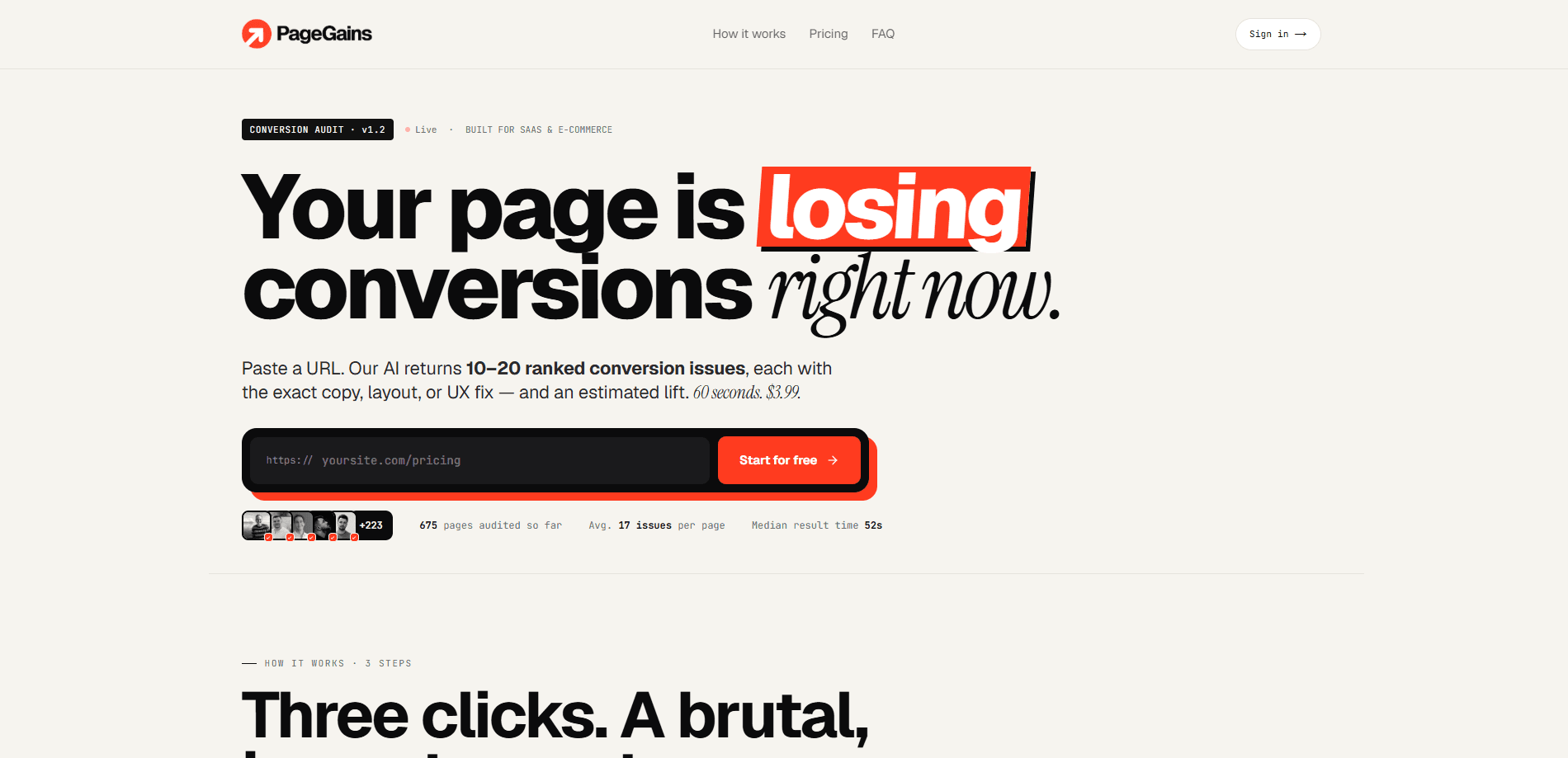
PageGains is a web-based AI conversion audit tool that analyzes any public URL and returns 10 to 20 ranked conversion issues, each with a suggested copy, layout, or UX fix and a predicted lift range. It targets SaaS and e-commerce teams who want to know why visitors leave without buying, and it runs the whole audit in about 60 seconds for $4.99 per page. You paste a URL, the tool crawls it the way a real visitor sees it, and you get a prioritized fix list you can hand to a designer or an AI coding agent.
About PageGains
What Is PageGains
PageGains is a browser-based landing page audit tool for SaaS and e-commerce sites. So what does it actually look at? You paste a public URL, and its AI scans the page against roughly 120 checks that cover clarity, friction, trust signals, visual hierarchy, readability, pricing anchors, form length, and mobile layout. The output is a ranked list of conversion rate optimization issues, not a vague score. Every issue comes with a concrete rewrite or mock of the fix.
The tool's main selling point is language. Instead of telling you a page "lacks trust," it tells you which line needs to change, which button sits too far below the fold, and how much lift the fix might produce. That makes SaaS conversion optimization workable for founders and marketers who don't have a dedicated CRO analyst on staff.
The biggest limitation is scope. PageGains reads the page as it renders, so it can't see behavior data like heatmaps, session recordings, or your actual analytics. It also won't run A/B tests for you. Treat the predicted lift numbers as directional estimates, not guarantees, since they come from a comparison against the tool's benchmark library rather than your own traffic. And it's a paid tool: the free check shows a preview, while the full corrections list sits behind the $4.99 per-audit price.
Getting Started
- Open pagegains.com in any modern browser and paste the URL of the page or domain you want reviewed.
- Choose whether you want a single page or a whole domain crawled. The tool finds the pages that decide the sale on its own.
- Run the audit and wait roughly 60 seconds while the AI works through its checklist.
- Read the ranked issue list. Start with the critical items at the top.
- Copy any fix as Markdown or as a ready-to-paste prompt for your AI coding agent, then ship it.
Product Information
A quick look at PageGains's pricing, supported platforms, and performance.
Best for
The users, tasks, and scenarios where this tool fits best.
Users
- SaaS founders
- E-commerce marketers
- Freelance designers and agencies
- Growth consultants
Tasks
- Auditing a landing page before launch
- Reviewing a whole domain
- Prepping a fix backlog
- Comparing page variants
Scenarios
- A founder shipping a new pricing page over the weekend and wanting feedback before Monday traffic arrives.
- An agency onboarding a client and needing a fast read on where the current site leaks conversions.
- A solo marketer who wants to improve a page but has no budget for a full CRO retainer.
- A developer who wants a plain-English list of what to change rather than a heatmap to interpret.
Key features
Ranked issue list instead of a score
Most audit tools hand you a number and leave you guessing. PageGains returns a prioritized list of 10 to 20 issues, ordered by severity, so you know what to fix first. These are ranked fixes, not a wall of generic advice. Each item names the problem in plain terms, like a buried headline or a form that's too long, and points at the exact element on the page. For someone with limited time, the ranking alone justifies the run.
Exact fixes, not just diagnoses
Every issue ships with a suggested rewrite, a mock of the corrected layout, and a predicted lift range. You can copy the fix as Markdown or as a prompt meant for an AI coding agent, which shortens the gap between "what's wrong" and "what to ship." The tool claims a median result time near 52 seconds, so this is a same-session workflow, not a next-day report.
Roughly 120 checks across eight categories
The audit covers clarity, friction, trust, hierarchy, readability, pricing anchors, form length, and mobile layout. That spread matters, because conversion problems often hide in places founders don't look, like pricing page wording or how a form feels on a phone. PageGains benchmarks each page against a library of more than 8,000 converting SaaS pages, so the checks have a reference point.
Domain-wide crawling
You can paste a single URL or a whole domain. When you give it a root domain, the tool finds the pages that decide the sale and audits each one the way a visitor sees it. That means above-the-fold content, scroll depth, forms, and calls to action all get read. This saves you from manually listing every page you think matters.
Built around a real visitor's view
PageGains renders the page the way a person experiences it rather than parsing raw HTML. It looks at what's visible without scrolling, how deep the page runs, and where the forms and CTAs actually sit. That framing keeps the feedback tied to what a real buyer sees, not what the code contains.
AI-agent-ready output
The fixes come out as prompts you can paste straight into a coding agent like a CLI assistant or an in-editor helper. If your workflow already leans on AI tools to make edits, this removes a manual translation step. You go from audit to a draft change in one copy-paste.
Pros and cons
Pros
- Fast turnaround. Audits finish in about a minute, so you can iterate during a working session.
- Straight to the point. The output gives you fixes you can act on right away, not a diagnosis to puzzle over.
- Clear prioritization. The ranked list tells you what to tackle first, which helps when you can't fix everything at once.
- Low cost per run. At $4.99 per audit, it's cheaper than a single hour of most CRO consultants.
- Output fits AI workflows. Fixes copy out as Markdown or agent prompts, which suits teams already using AI coding tools.
Cons
- No behavioral data. It can't see heatmaps, session recordings, or your analytics, so it misses how real visitors actually move through the page.
- Estimated lift is directional. The predicted numbers come from benchmarking, not your traffic, so don't treat them as forecasts.
- Paid per audit. The free check is a preview, and the full corrections list requires payment, which adds up if you audit many pages.
- No A/B testing. You still need a separate tool to validate whether a fix actually moved your conversion rate.
Frequently asked questions
It runs an AI conversion audit on a public URL and returns a ranked list of 10 to 20 CRO issues, each with a suggested fix and an estimated lift. You get a prioritized to-do list for improving a landing page or a whole domain.
Related content
Explore related tools, skills, and articles for PageGains.
PageGains Alternatives
Forefront
Forefront · CodingForefront is a web platform for building with open-source AI. It lets you fine-tune leading open-source language models on your own data, evaluate how they perform, and run them through an API or export them to host yourself. Developers who want the convenience of a closed-source platform but insist on owning their models and data are the target audience here.

Startkit
StartKit.AI · CodingStartkit is a boilerplate for building AI SaaS and AI wrapper products. Think of it as an AI startup boilerplate with the boring parts already wired up: authentication, Stripe and Lemon Squeezy payments, usage limits, transactional email, and an AI API starter that talks to OpenAI, Anthropic, Groq, or Llama. You clone the repo, set your price, and start on the part of your product that people actually pay for. It's Next.js under React and Tailwind, so most of the boilerplate code already feels familiar.
Testim
Tricentis · CodingTestim is an AI-powered test automation platform for building and running end-to-end tests across web, mobile, and Salesforce applications. It leans on machine learning to keep tests stable when an interface changes, so teams spend less time fixing broken selectors. Not bad for an automated testing tool you can start using today. You create tests by recording actions in a browser, then optionally add JavaScript when you need more control. It's a solid pick for busy QA teams.