

PageTest.AI
PageTest.AI · Coding
PageTest.AI is an AI content testing tool that runs A/B and multivariate tests on your website headlines, CTAs and page copy, then picks the winning versions for you.
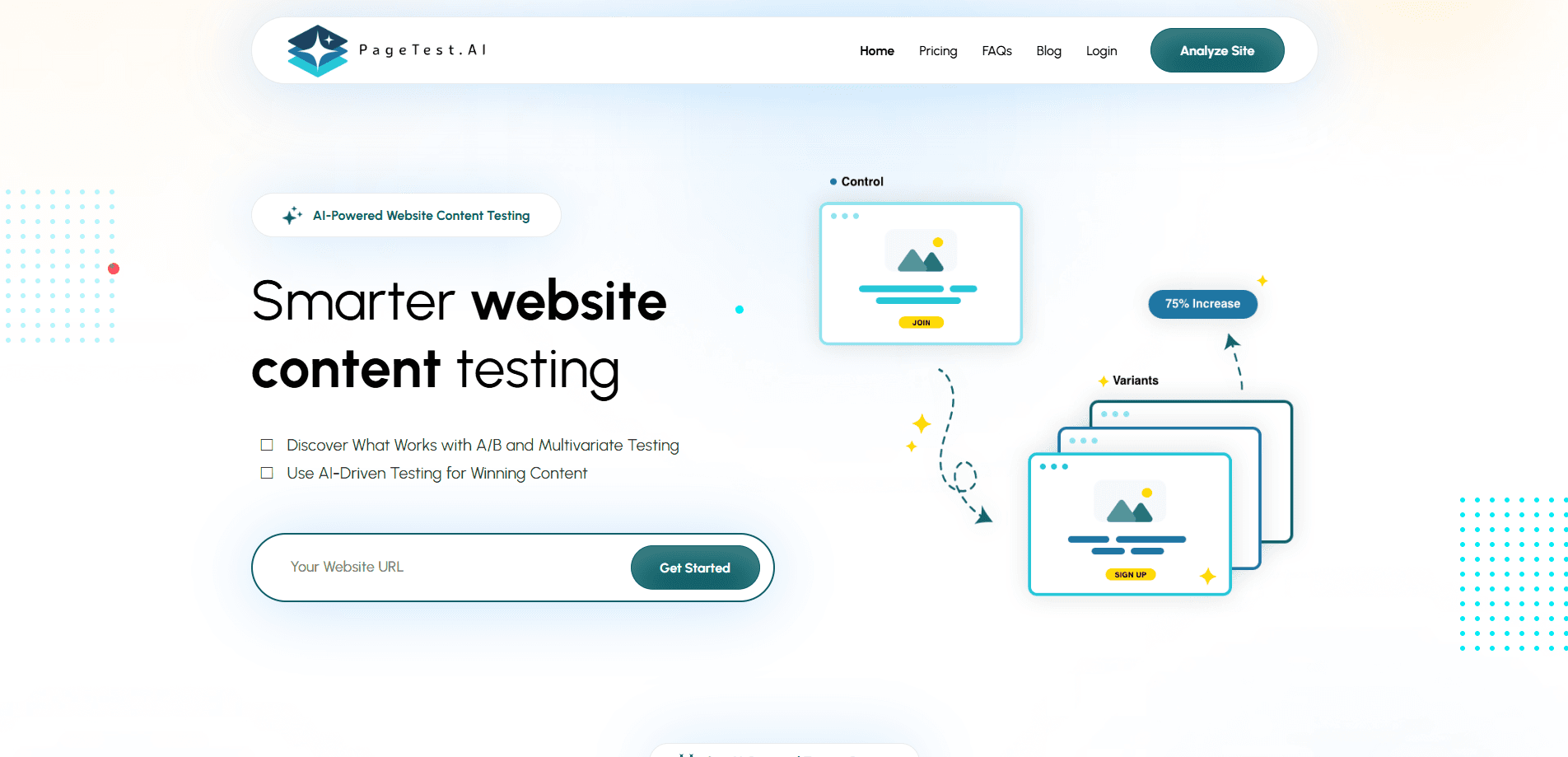
About PageTest.AI
What Is PageTest.AI
PageTest.AI is a website content testing platform built for marketers, agencies and store owners who want more clicks and signups from traffic they already have. Instead of guessing which headline or button label works, you let the platform serve different versions to real visitors and watch which one pulls more clicks.
The product came out of a team that has spent about 25 years building online businesses. Their pitch is simple: you do not need more traffic, you need to know which version of your page converts. PageTest.AI handles the split, the measurement and the recommendation inside one dashboard.
The catch is that it only tests content, not layout or backend. If your problem is page speed, a broken checkout or weak product-market fit, this tool will not solve it. It also asks for a card up front, so the free trial is not a no-strings plan.
Getting Started
- Add the PageTest.AI JavaScript snippet to the page you want to test, or install the WordPress plugin or Shopify app.
- Open the Chrome extension and highlight the element you want to change, such as a headline or a CTA button.
- Let the AI suggest content variations, or write your own.
- Pick how you will judge success, such as clicks, time on page, scroll depth or a visit to another URL.
- Launch the test and review the results once enough impressions come in.
Product Information
A quick look at PageTest.AI's pricing, supported platforms, and performance.
Best for
The users, tasks, and scenarios where this tool fits best.
Users
- Growth marketers
- E-commerce owners
- SEO teams
- Agencies
Tasks
- Headline testing
- CTA testing
- Multivariate testing
- Copy validation
Scenarios
- A page that gets steady traffic but a flat conversion rate
- A store launch with limited hours to spare
- A redesign where the team cannot agree on copy
Key features
AI Content Variations
PageTest.AI generates alternative versions of whatever you point it at, up to about 10 in a single pass. You can publish them as they are or edit them to match your brand voice. The point is to skip the blank-page problem when you have no idea what to test next, and it hands you AI copy variations you would otherwise write by hand.
No-Code Test Builder
You select elements with the Chrome extension instead of touching the codebase. Headlines, buttons and product copy become testable targets without a developer in the loop, which makes this a Chrome extension testing tool first and a coding project never. That shortens the gap between a hunch and a running experiment.
Multiple Success Metrics
The AI success engine reads clicks, time on page, scroll depth and whether a visitor moves to another page. A CTA can win on clicks while a headline wins on dwell time, and the tool reports both so you can weigh them. It also looks at broader site actions, since the payoff often lands on a later page.
Works With Any Website
A single JavaScript snippet covers most setups, and there are native paths for WordPress, Shopify and Google Tag Manager. Shopify A/B testing runs through the official app, so store owners can test product CTAs without leaving the platform. The listed support also covers Wix, Joomla, Magento, Squarespace and Drupal. If you can paste a snippet, you can test.
Automatic Recommendations
Once a test collects enough data, the platform flags the best performer and tells you to implement the winning content. The decision moves off your gut and onto the numbers the test produced, which is the core promise of any conversion rate optimization setup.
Self-Serve Demo and Support
You can book a free 15-minute call and watch a real test built on your own site. Paid plans add inline chat support, and the higher tiers add video call support and a monthly report.
Pros and cons
Pros
- AI suggestions cut the work of writing test variants from scratch.
- The Chrome extension and snippet setup keep the technical bar low.
- Tests track more than clicks, including time on page and scroll depth.
- A free-for-life plan with 10,000 monthly impressions lets small sites start without paying.
- Every paid plan carries a 90-day money-back guarantee.
Cons
- Paid plans start at $299 a month, which prices out solo bloggers and hobby sites looking for a cheap CRO tool.
- Testing pauses once you hit the monthly impression cap, so heavy-traffic sites can run short before the cycle resets.
- It only tests on-page content, so layout, speed and checkout problems stay outside its reach.
- There is no public API, which blocks teams that want to wire tests into their own pipeline.
Frequently asked questions
It runs A/B and multivariate tests on your website content, using AI to suggest variations and then reporting which one performs best. You point it at headlines, CTAs or copy, and it handles the split and measurement.
Related content
Explore related tools, skills, and articles for PageTest.AI.
PageTest.AI Alternatives

Base Code
Base44 (Wix) · Coding · ProductivityBase Code is a shared cloud development environment from Base44. Teammates describe changes to an existing GitHub codebase in chat, preview them live and send them back as pull requests.

Google EmbeddingGemma 2
Google DeepMind · Writing · Image · CodingGoogle EmbeddingGemma 2 is a 740M-parameter open model that turns text, code, images, audio, and video frames into vectors in one 768-dimension space, running on phones and laptops.

GitGlow
GitGlow · Coding · ProductivityGitGlow is a local-first desktop Git client that lets independent developers review their own code and their AI agents' changes in one place before shipping.