

Pandada AI
Pandada AI · Coding · Marketing
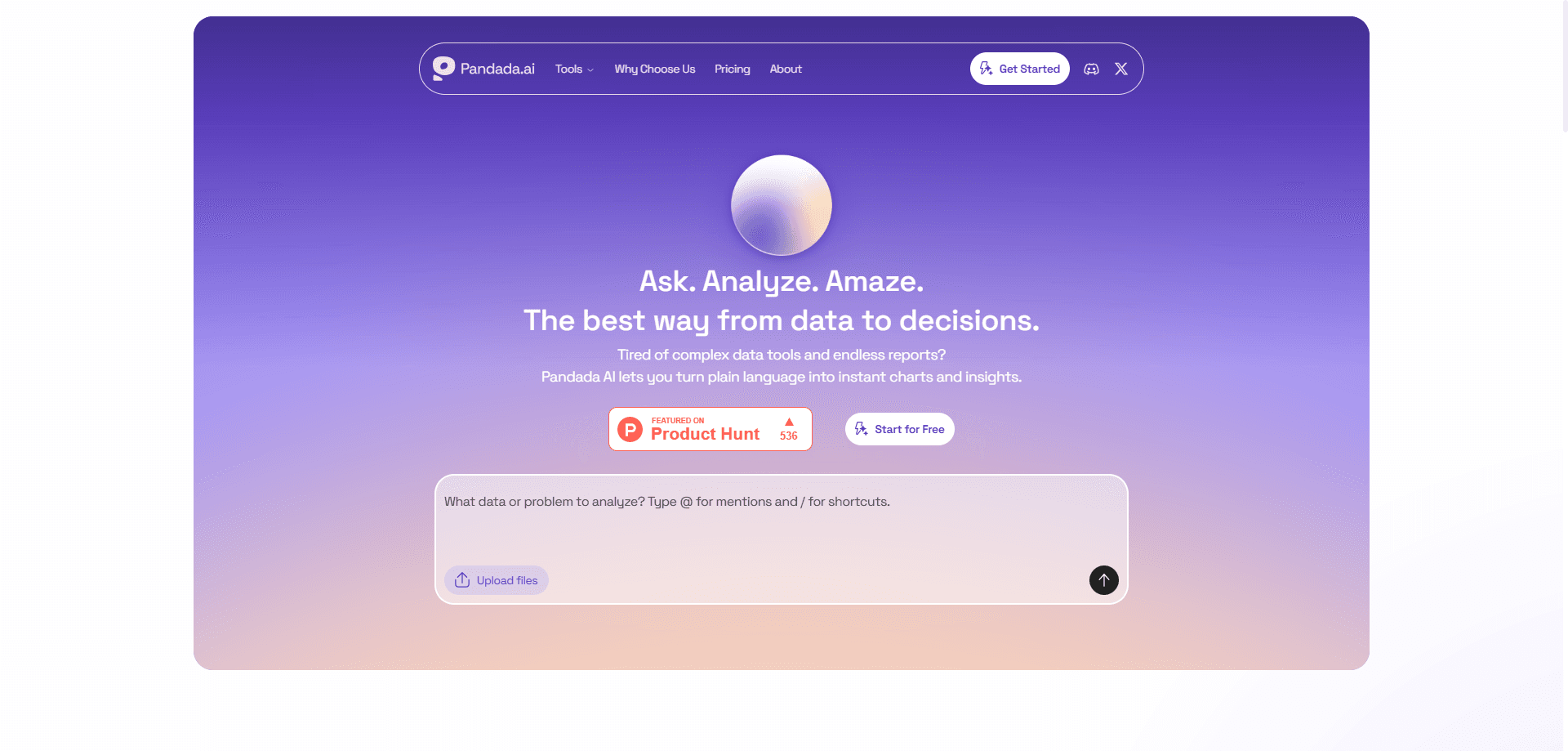
Pandada AI is an AI data analysis platform that turns messy spreadsheets and documents into charts, reports, and answers without formulas or code. You drop in files such as CSV, Excel, PDF, JSON, or PPTX, ask questions in plain language, and get a data visualization back. It targets students, researchers, and business teams who need quick data-to-insight work but don't want to fight pivot tables.
About Pandada AI
What Is Pandada AI
Pandada AI is a browser-based workspace for AI data analysis. Instead of writing formulas or dragging fields across a dashboard, you upload files and describe what you want in everyday words. The platform handles the cleaning, merging, and calculating steps in the background, then hands back a chart or a written report. That's the whole idea behind natural language data analysis: you talk, it computes.
The pitch is aimed at people who are stuck between a spreadsheet and a full business intelligence suite. Tools like Tableau demand training and setup, while a raw Excel sheet bogs down once you're juggling multiple files, messy headers, and a dozen tabs that never quite agree with each other. Pandada AI sits in the middle. No code, no formulas. Just a chat box that understands requests like "merge these two sales files and show me the top regions by revenue."
The main limitation is scope. It's built for individual use rather than team collaboration, and the free tier caps how many chats and how much storage you get. No live shared editing. If you need team collaboration or enterprise governance, this isn't the tool for that yet.
Getting Started
- Create a free account on the Pandada AI website and open a new chat workspace.
- Upload your files, up to 20 in a single session across CSV, Excel, PDF, JSON, PPTX, Word, and image formats.
- Ask a question in plain language, or pick a one-click shortcut such as merging files or converting a PDF to Word.
- Review the instant chart or report, then adjust your wording if the first answer misses the mark.
- Export the result as Markdown, PDF, or a PNG, JPG, or SVG chart, or send it to Google Docs.
Product Information
A quick look at Pandada AI's pricing, supported platforms, and performance.
Best for
The users, tasks, and scenarios where this tool fits best.
Users
- Students who need to analyze survey results or lab data for a paper and don't have a stats background, as long as they stay within the daily chat limit on the free plan.
- Researchers juggling many PDFs and spreadsheets who want a fast first pass before deeper manual analysis, since the platform can surface the key trends in a single chat session.
- Small business owners and analysts who need a sales or finance report without opening a BI tool or hiring a data specialist to build one from scratch.
- Anyone preparing a business presentation who needs polished charts and a written summary in minutes instead of a full afternoon of formatting.
Tasks
- Analyze Excel with AI in plain language, such as asking "which month had the highest churn?"
- Cross-file analysis, like merging two spreadsheets and comparing their totals in one workspace.
- PDF data analysis that pulls numbers out of reports and scanned documents, then turns them into structured Excel or Word files.
- Generating charts and slide-ready reports from raw numbers without manual formatting.
Scenarios
- Cleaning up survey data before a market research deadline.
- Turning financial statements into a quick visual overview for a client meeting.
- Sifting through academic papers and extracting the tables you actually need.
- Preparing weekly sales recaps when you'd rather not rebuild a pivot table each time.
Key features
Natural Language Data Analysis
You ask questions the way you'd ask a colleague, and Pandada AI translates that into an actual query against your files, handling the filtering, grouping, and aggregation you'd otherwise script by hand. There's no formula syntax to learn and no schema to map by hand. Type it. Get an answer. For anyone who has stared at a blank cell wondering which function to use, that's the core appeal, and it's the reason the tool feels closer to a conversation than to a spreadsheet.
Multi-File and Multi-Format Upload
A single session accepts up to 20 files across CSV, XLSX, JSON, PPTX, PDF, Word, and images. Individual files can run up to 50MB on the free plan and 200MB on the paid tier. Mixing formats in one workspace means you can compare a spreadsheet against numbers buried in a PDF without exporting anything first, which is exactly the kind of chore that used to eat a full afternoon.
Instant Charts and an AI Chart Generator
The platform generates visualizations on the spot once it understands your request. You can save charts as PNG, JPG, or SVG, which keeps them usable in slides and documents. The built-in AI chart generator reads the question and picks a sensible chart type rather than making you set axes and ranges yourself. Pick a number. Get a chart. For a data visualization tool, that's the part users notice first.
Report Generation and Export
Paid users can generate reports and export them as Markdown, PDF, or straight into Google Docs. Plus subscribers also get PowerPoint slide generation. So a raw spreadsheet can turn into a finished deck in a couple of steps. That's the payoff. As AI report generators go, it skips most of the copy-paste work.
File Conversion Tools
Beyond analysis, Pandada AI converts between formats. You can turn a PDF into Word or Excel, or merge several Excel files into one, in a single click. It's the kind of housekeeping that usually eats an afternoon, and that small shortcut often decides whether a report lands today or tomorrow.
Cross-File Analysis in One Workspace
Dropping several files into the same chat lets the AI reason across all of them at once. What happens if the totals don't line up? You can ask how one file's figures compare against another's, and the platform will trace the gap back to the rows that caused it. That kind of reconciliation is hard to do when each file lives in its own separate tool. No exports needed.
Data Security and Ownership
Files are encrypted during upload and storage. The company states it doesn't train its models on your data, and you can delete your files at any time. No hidden retention. For anyone handling client or research material, that reassurance is the first thing they check before uploading anything sensitive.
Pros and cons
Pros
- No formulas or coding required, so non-technical users can get real answers from their own files.
- Handles a wide mix of formats, including PDFs and presentations, in one workspace.
- Instant charts and report export cut a lot of manual formatting work.
- Free tier is genuinely usable for occasional analysis, with paid plans only needed for volume.
Cons
- Built for individual use, so teams wanting live collaboration or shared permissions will be disappointed for now.
- The free plan's 5 chats per day and 100MB storage fill up fast if you analyze regularly.
- It's aimed at quick insight generation rather than heavy statistical modeling, so it won't replace a dedicated stats package.
- Pricing for the paid tier isn't published on the site, so you'll need to check current rates before committing.
Frequently asked questions
It's used to analyze files and produce charts, summaries, and reports through plain-language questions. Typical jobs include business reporting, academic research, sales analysis, and survey breakdowns, all without writing formulas or code.
Related content
Explore related tools, skills, and articles for Pandada AI.
Pandada AI Alternatives
Forefront
Forefront · CodingForefront is a web platform for building with open-source AI. It lets you fine-tune leading open-source language models on your own data, evaluate how they perform, and run them through an API or export them to host yourself. Developers who want the convenience of a closed-source platform but insist on owning their models and data are the target audience here.

Startkit
StartKit.AI · CodingStartkit is a boilerplate for building AI SaaS and AI wrapper products. Think of it as an AI startup boilerplate with the boring parts already wired up: authentication, Stripe and Lemon Squeezy payments, usage limits, transactional email, and an AI API starter that talks to OpenAI, Anthropic, Groq, or Llama. You clone the repo, set your price, and start on the part of your product that people actually pay for. It's Next.js under React and Tailwind, so most of the boilerplate code already feels familiar.
Testim
Tricentis · CodingTestim is an AI-powered test automation platform for building and running end-to-end tests across web, mobile, and Salesforce applications. It leans on machine learning to keep tests stable when an interface changes, so teams spend less time fixing broken selectors. Not bad for an automated testing tool you can start using today. You create tests by recording actions in a browser, then optionally add JavaScript when you need more control. It's a solid pick for busy QA teams.