

PandasAI
Sinaptik GmbH · Coding · Other
PandasAI is an open source Python library that makes dataframes conversational. You ask questions about CSV files or SQL tables in plain English and get answers, tables or charts back.
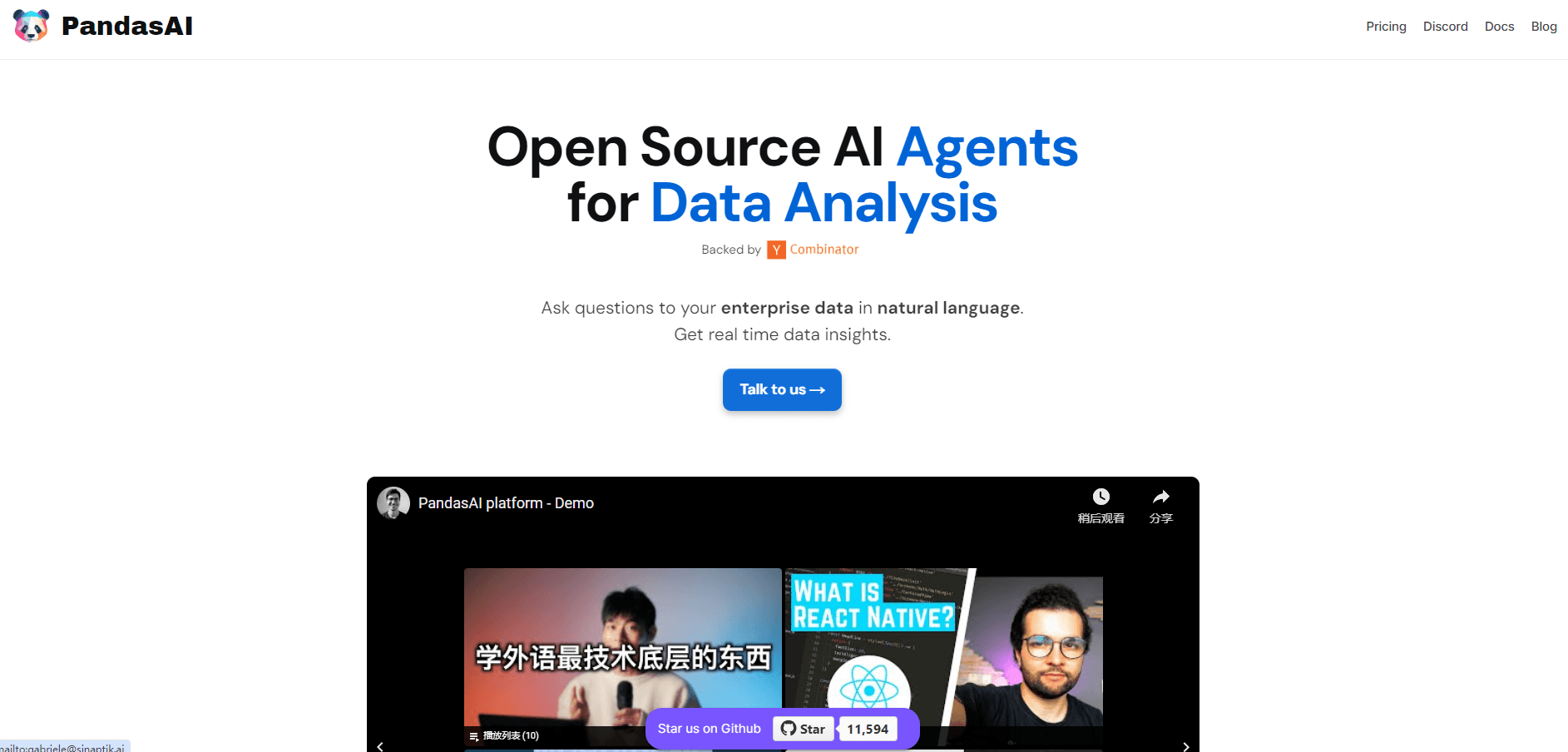
About PandasAI
What Is PandasAI
PandasAI is a pandas AI library built by Sinaptik, and it has become the default starting point for conversational data analysis in Python, the Berlin company behind the hosted Annie analytics app. You install it with pip, point it at a dataframe or a file, and then write df.chat("...") instead of chaining filter and groupby calls. The library sends your question plus a description of the data to a language model, which writes the pandas code, runs it and hands back the result.
The appeal is speed on the boring parts. Instead of learning a query language, you ask questions to your data in the words you already use in a meeting. Answering "which region had the highest revenue in Q3" normally means remembering column names, checking dtypes and fixing an off by one error. Natural language data analysis promises to close that gap, and PandasAI is one of the few tools that does it inside the notebook rather than in a separate dashboard. With PandasAI, the same question is one line, and the output arrives as a number, a dataframe or a Plotly chart.
The catch is that the generated code runs on your machine with your permissions. PandasAI ships a Docker sandbox for that reason, but the default setup executes model output directly. Treat the question text as input to a code interpreter, not as a harmless search box.
Getting Started
- Install the library with
pip install pandasai, then add an LLM extension such aspip install pandasai-litellm. Python 3.8 through 3.11 works. - Register the model once in your script with
pai.config.set({"llm": llm}), passing an API key for OpenAI, Anthropic, Google or another provider. - Load data with
pai.read_csv("data.csv")or wrap an existing pandas DataFrame. - Ask a question in
chat()and read the returned object. Longer sessions use the Agent class, which keeps context between turns. - Add a semantic layer with column descriptions if the model keeps guessing wrong about what a field means.
Product Information
A quick look at PandasAI's pricing, supported platforms, and performance.
Best for
The users, tasks, and scenarios where this tool fits best.
Users
- Data analysts who already work in pandas and want a faster first pass on a dataset, with the caveat that generated code still needs a read before it goes into production.
- Python developers building an internal "ask your data" panel, since the library drops into an existing script or notebook without a separate backend.
- Students and researchers learning pandas, provided they check the code the model writes rather than trusting the answer alone.
Tasks
- Ad hoc questions on spreadsheets
- Warehouse queries through the cloud connectors
- Charting
- Prototyping a natural language analytics feature before committing to a vendor platform, because the MIT licensed core costs nothing to test.
Scenarios
- Monday reporting
- Opening an unfamiliar dataset
- Live questions during a meeting, where typing out a groupby would stall the conversation.
Key features
Chat With a Dataframe
The core call takes a plain question and returns whatever fits: a string, a number, a dataframe or a figure. You can chain follow-ups in one session with pai.chat(), but each call starts fresh unless you switch to the agent. For exploratory work on a single file, this is the fastest path from question to answer.
Multi-Turn Agent
The Agent class holds conversation state, so "and which one has the most deals" refers back to the previous answer. It also supports clarifications, explanations of what it did and query rephrasing when the first attempt misses. On the enterprise tier, the agent can be trained against a local vector store, which keeps phrasing conventions and business definitions on your side.
Semantic Layer
You can register a dataset once with pai.create(), giving each column a type and a description, then reuse it across sessions. Views and transformations build on that schema, so a field called amt_net can carry the label "net revenue after returns" for every future question. This is the difference between an assistant that guesses and one that knows your table.
Bring Your Own Model
A working AI data analyst needs a model behind it, and this setup keeps that choice yours. PandasAI doesn't ship a model. You connect OpenAI, Anthropic, Google or anything LiteLLM covers, and you pay that provider directly. That keeps the library cheap and lets a team standardize on whatever model already passed procurement. Swapping providers is one line in the config.
Docker Sandbox
pandasai-docker runs generated code inside an isolated container that has no network access and capped resources. Prompt injection is a real risk when end users type the questions, and this is the setting that keeps a malicious instruction from touching your filesystem. Docker has to be running before you start the sandbox.
Custom Skills and Enterprise Controls
Skills let you wrap your own Python functions, so the model can call a pricing lookup or a unit conversion instead of writing that logic from scratch. The hosted platform adds the pieces large teams ask for: SSO and SAML, role based access, audit logs, private VPC hosting and an air gapped deployment option.
Pros and cons
Pros
- Free under the MIT license for the core library, with no seat count and no usage cap from Sinaptik.
- Output is plain Python, so you can inspect the generated code, log it or override it.
- Works with the stack you already have: pandas, CSV files, Excel sheets and SQL extensions.
- Model choice stays open through LiteLLM, which matters when a cheaper or self hosted model is required.
- The semantic layer fixes the usual failure mode of text to SQL tools, where column meanings get guessed wrong.
Cons
- Requires Python fluency. A business user can't install it or read a traceback, so the hosted app is the realistic option for them.
- Cloud data connectors and vector store training sit behind the enterprise license, which is quoted per company with no public price.
- Generated code can be subtly wrong. A plausible dataframe with the wrong filter looks correct until someone checks it.
- Python 3.12 and newer aren't supported yet, which blocks teams that already moved their stack forward.
Frequently asked questions
The library is free under the MIT license and you can install it today. You still pay for the language model, either through an API key or your own hosted model. The cloud platform has a free trial and paid enterprise plans.
Related content
Explore related tools, skills, and articles for PandasAI.
PandasAI Alternatives

Base Code
Base44 (Wix) · Coding · ProductivityBase Code is a shared cloud development environment from Base44. Teammates describe changes to an existing GitHub codebase in chat, preview them live and send them back as pull requests.

Google EmbeddingGemma 2
Google DeepMind · Writing · Image · CodingGoogle EmbeddingGemma 2 is a 740M-parameter open model that turns text, code, images, audio, and video frames into vectors in one 768-dimension space, running on phones and laptops.

GitGlow
GitGlow · Coding · ProductivityGitGlow is a local-first desktop Git client that lets independent developers review their own code and their AI agents' changes in one place before shipping.