

Paperpal
Cactus Communications · Writing · AI Detection
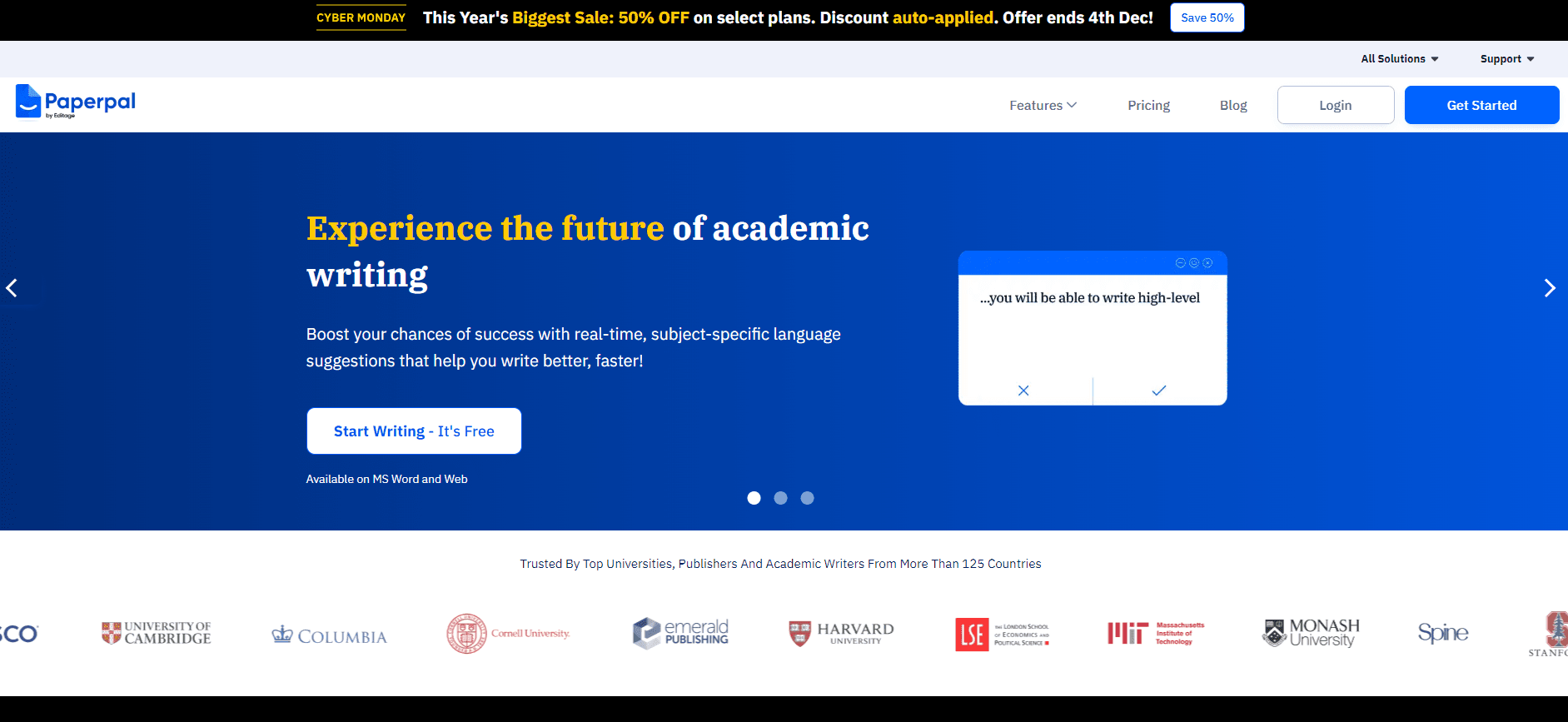
Paperpal is an AI academic writing assistant that helps researchers polish manuscripts, check citations, and fix the submission errors that get papers rejected before review.
About Paperpal
What Is Paperpal
Paperpal is an academic writing tool built by Cactus Communications, the same company behind the editing service Editage. It works as a grammar checker for research papers first, then adds citation and similarity tools on top. The audience is specific: researchers, grad students, and non-native English speakers who write manuscripts for journals but don't have the budget or time for a professional editor.
The core problem it solves is rejection before review. Journals often return papers without a full read because the language is rough, references are broken, or the formatting doesn't match submission rules. You want to know whether your manuscript is ready. Paperpal checks those things in minutes rather than after a painful rejection email.
It isn't a general-purpose chatbot. As a manuscript editing tool, Paperpal is tuned on published research, so its suggestions follow academic conventions instead of casual prose. The trade-off is scope. It's for manuscripts, theses, and reports. Not for marketing copy or blog writing.
Getting Started
- Create a free account on the Paperpal site, or open the free add-in inside Microsoft Word, Overleaf, or Google Docs.
- Upload or paste your manuscript, or start typing in the web editor.
- Run a language check to flag grammar, punctuation, and phrasing issues, then accept or reject each suggestion.
- Run the citation and plagiarism tools to verify references and catch text overlap.
- Export the cleaned file or paste the corrected text back into your submission.
Product Information
A quick look at Paperpal's pricing, supported platforms, and performance.
Best for
The users, tasks, and scenarios where this tool fits best.
Users
- Non-native English researchers
- Graduate students writing a first manuscript
- Lab teams with a deadline
Tasks
- Fixing grammar in a research paper
- Verifying references
- Reducing text similarity
Scenarios
- Final proofing the night before a deadline
- Preparing a response to reviewer comments
- Drafting a thesis chapter in a second language
Key features
Academic Language Check
The core editor scans your research paper for grammar, punctuation, and word choice, then explains each fix. What sets it apart from a generic grammar checker is the training data: suggestions follow research-writing conventions, so it won't try to make a methods section sound like a blog post. You review every change. That keeps your voice intact.
Citation and Reference Tools
The citation generator checks that your references are complete and formatted to journal rules, flagging broken links and mismatched entries. This is the feature that saves the most time on a long paper. One bad DOI in a reference list can trigger a desk rejection. It also builds citations in common styles.
Plagiarism and Similarity Checks
This plagiarism checker compares your text against published literature and shows overlapping passages. You get a report you can act on before submission. That's useful when you've reused boilerplate phrasing in a methods section. It's a safety net. Not a substitute for your institution's screening.
AI Detection and Disclosure Support
Paperpal includes an AI-content check and templates for disclosure statements, which has become relevant as more journals require authors to declare AI use. It gives you a way to see how AI-like a passage reads and to state your use of tools honestly in the manuscript.
Rewrite and Paraphrase
A rewrite option rephrases sentences to improve clarity or reduce similarity, with several tone levels. The academic setting keeps the output formal. It works best on clunky sentences you already understand. Don't use it to generate content from scratch.
Journal Submission Readiness Check
Before you submit, the tool runs a compliance pass against journal formatting expectations, covering structure and reference style. Think of it as a checklist that catches the mechanical errors reviewers notice first. Will it catch every journal's odd rule? No. It reduces the odds of an avoidable return.
Plugins for Word, Overleaf, and Google Docs
You can use this research paper editor where you already write instead of copying text into a separate site. The Word add-in is the most common entry point for researchers who already draft everything in that app, and Overleaf support matters a great deal if your lab writes in LaTeX. Keeping the tool inside your editor is a small thing that adds up over a long project.
Pros and cons
Pros
- Suggestions are tuned for academic writing, so the output sounds like a journal article rather than generic AI text.
- Word, Overleaf, and Google Docs plugins mean you don't have to leave your writing environment.
- Reference and plagiarism checks catch submission-killers before a journal sees them.
- Free tier lets you test the core language check before paying.
- Data-handling certifications (ISO 27001, ISO 42001, HIPAA, GDPR) matter when your manuscript is unpublished.
Cons
- The plagiarism and AI checks are aids, not official reports, so you still need your institution's tools for a final call.
- Best results assume you can judge whether a rewrite keeps your meaning, which takes some writing confidence.
- Deeper usage, like unlimited checks, sits behind a paid plan, so heavy users hit the paywall quickly.
- It's built for academic manuscripts, so writers working on other formats will find it narrow.
Frequently asked questions
Paperpal is a research paper editor and AI academic writing assistant rolled into one. It fixes language issues, checks citations and plagiarism, and runs a submission pass so papers enter review in better shape.
Related content
Explore related tools, skills, and articles for Paperpal.
Paperpal Alternatives

Google EmbeddingGemma 2
Google DeepMind · Writing · Image · CodingGoogle EmbeddingGemma 2 is a 740M-parameter open model that turns text, code, images, audio, and video frames into vectors in one 768-dimension space, running on phones and laptops.

MePersona
MePersona, Inc. · Writing · Productivity · MarketingMePersona is an AI unified inbox for creators. It learns your voice, drafts replies to fan messages from 12 platforms, and sends only what you approve.

Fluence
Yay Software (Yannick Huchard) · Writing · Voice & Language · ProductivityFluence is an Android app that reads PDFs, EPUBs, Word files and web articles aloud, follows each sentence as it speaks, and answers questions about the text on the phone itself.