

Paragon
Paragon · Coding
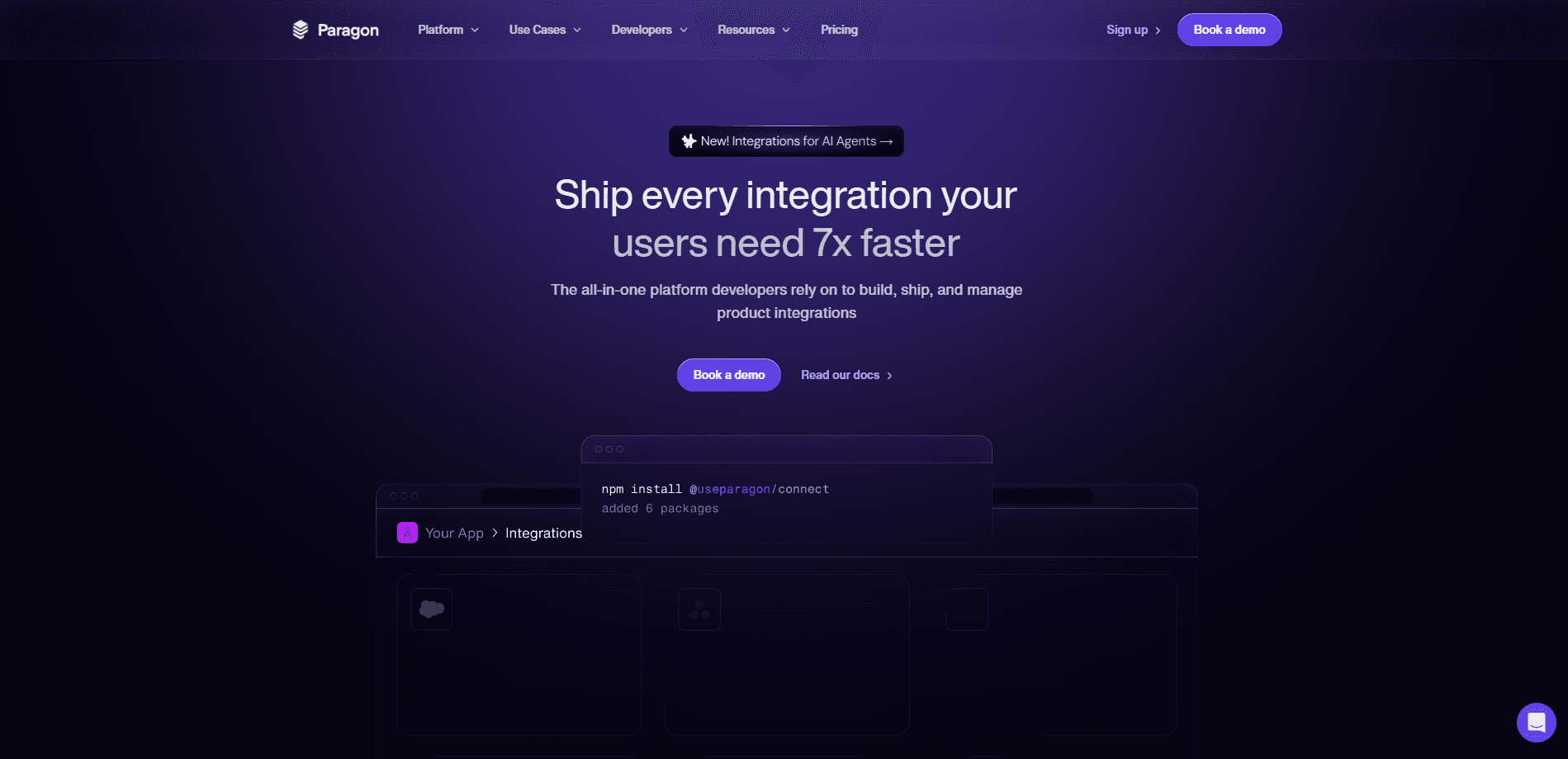
Paragon is integration infrastructure for AI agents and SaaS teams. It manages authentication, data sync, and third-party actions across 130+ connectors so your team can ship agent features faster.
About Paragon
What Is Paragon
Paragon is a platform for building the integrations that connect a software product to the other apps its customers already use. Teams use it to let an AI agent read customer data, take actions in tools like Salesforce or Slack, and react to events without writing a separate connection for each provider.
The core problem it solves is maintenance. Every third-party API changes, needs its own auth flow, and enforces its own permission rules. Paragon keeps that layer behind one interface, so engineers write product logic instead of chasing provider updates.
The tradeoff is scope. Paragon is infrastructure for developers, not an end-user app. You need an engineering team to embed its SDK, and the deeper features such as self-hosting or dynamic field mapping sit behind the Enterprise tier.
Getting Started
- Create a free Paragon account and pick the connectors your product needs from the catalog.
- Install the Connect SDK and embed the Connect Portal so users can link their own accounts.
- Choose a primitive: ActionKit for real-time actions, Managed Sync for data pipelines, or Workflows for async logic.
- Subscribe to events or call the API, then monitor every run from the dashboard.
Product Information
A quick look at Paragon's pricing, supported platforms, and performance.
Best for
The users, tasks, and scenarios where this tool fits best.
Users
- AI product engineers
- SaaS platform teams
- Backend developers
Tasks
- Feeding customer files into a RAG pipeline
- Letting an agent act in customer tools
- Reacting to third-party events
- Building custom connectors
Scenarios
- Launching a new integration quickly
- Migrating legacy integrations
- Enterprise deployment
Key features
Managed Sync
Managed Sync moves your customers' third-party data into your own systems with two API calls. It runs ingestion on schedules as tight as every minute, then normalizes records across integrations into schemas you can adjust. A Permissions API lets retrieval pipelines check inherited, group, org-wide, and link-sharing access before returning content.
ActionKit
ActionKit gives an AI agent one API and one MCP server for hundreds of integration actions. Agents query and act in apps like CRMs and project tools without the team maintaining each provider API, and the action schemas are tuned for either agents or UI. Calls are synchronous, so an agent gets a response while the user waits.
Workflows
Workflows is an embeddable iPaaS for the async parts of integration logic. Teams write logic in TypeScript or a low-code editor, trigger runs from their app or a third-party webhook, and keep everything in CI/CD. Because it lives on the same platform as sync and actions, one auth model covers all three.
Fully Managed Authentication
Paragon owns the OAuth flows, credential refreshes, and provider-side auth changes for every connector. Developers embed the Connect Portal or use the headless SDK, and end users link accounts through a branded interface. When a provider changes its API, the platform absorbs the update instead of the product team.
Custom Connectors
Beyond the pre-built catalog, teams can wrap any third-party API in a custom connector and reuse the same managed auth, monitoring, and action layer. This keeps niche or internal tools on the same interface as mainstream apps, so one platform handles the full set.
Monitoring and Observability
The dashboard tracks every event from authentication to credential refresh to individual tool calls. Teams can watch connected users, inspect task history, and set monitoring webhooks. Events also flow through APIs, so integration health can feed into existing alerting.
Pros and cons
Pros
- One interface covers auth, sync, and actions instead of three separate tools.
- 130+ pre-built connectors plus custom connectors for anything missing.
- Managed auth removes weeks of provider-specific OAuth work.
- Access to the full product suite on every plan, with usage tied to connected users.
- SOC 2 Type II, GDPR, HIPAA, and ISO 27001 compliance for regulated buyers.
Cons
- Pricing is quote-based, so small teams can't estimate cost from the site alone.
- Self-hosting, dynamic field mapping, and priority support are Enterprise-only.
- It's infrastructure for developers, so non-technical users can't adopt it directly.
Frequently asked questions
It's the layer that connects your product to third-party apps. Paragon handles authentication, data syncing, and actions so your team writes product features instead of integration plumbing.
Related content
Explore related tools, skills, and articles for Paragon.
Paragon Alternatives

Base Code
Base44 (Wix) · Coding · ProductivityBase Code is a shared cloud development environment from Base44. Teammates describe changes to an existing GitHub codebase in chat, preview them live and send them back as pull requests.

Google EmbeddingGemma 2
Google DeepMind · Writing · Image · CodingGoogle EmbeddingGemma 2 is a 740M-parameter open model that turns text, code, images, audio, and video frames into vectors in one 768-dimension space, running on phones and laptops.

GitGlow
GitGlow · Coding · ProductivityGitGlow is a local-first desktop Git client that lets independent developers review their own code and their AI agents' changes in one place before shipping.