

Parallax by Gradient
Gradient · Other
Parallax by Gradient is a fully decentralized inference engine that lets you build your own AI cluster for running large language models across multiple devices, no matter how different their hardware is or where they physically sit. Instead of renting cloud GPUs, you pool the machines you already own and serve models like Qwen, DeepSeek, and GLM from a single local endpoint.
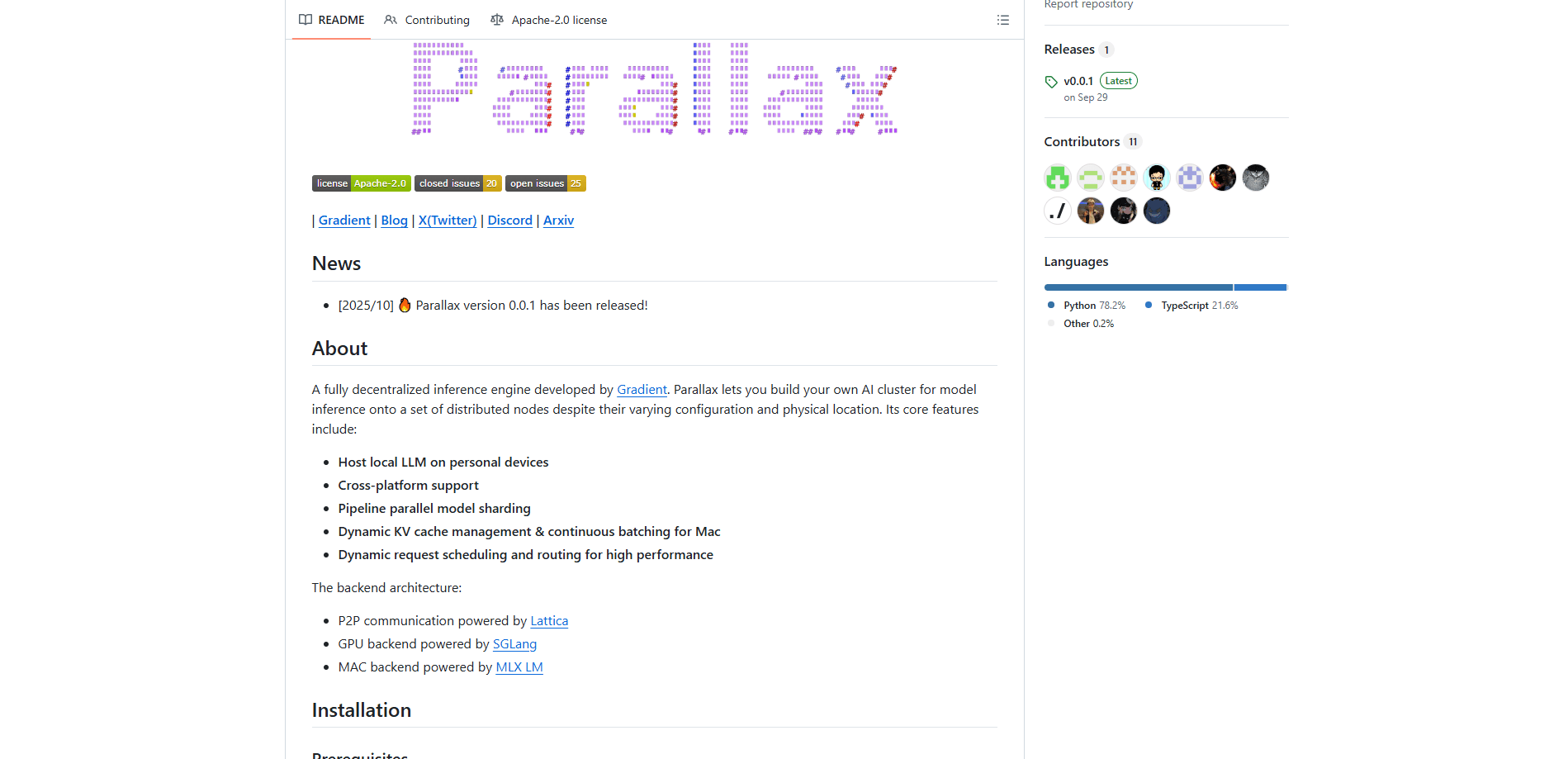
About Parallax by Gradient
What Is Parallax by Gradient
Parallax is an open-source distributed AI cluster framework built by Gradient. It splits a large language model across several machines and runs inference on them together, so a laptop, a desktop with a GPU, and a small server on the other side of your home network can act like one bigger machine. The whole thing speaks a peer-to-peer protocol, which means there's no central server that has to stay online. That's the pitch.
The problem it solves is simple to state and painful to live with. Running a capable LLM normally means either paying per token to a cloud provider or buying one very expensive GPU that fits the entire model. Parallax takes a third path. It shards the model layer by layer and streams requests across whatever hardware you have, so you get more mileage out of devices that are already sitting on your desk. Your prompts and outputs stay on your own machines, which matters if you're handling anything you'd rather not send to a third party.
The main limitation is that this is a developer tool, not a click-to-install app. You'll be comfortable with a terminal, and on Linux you can expect to touch Docker or set up GPU drivers. The project is young, too. Version 0.0.1 landed in October 2025, so some rough edges are expected and model support is a moving target. If you want something that just works out of the box with zero setup, a hosted API will treat you better.
Getting Started
- Install the client by cloning the repo and running
./install.sh, which sets up a Python virtual environment and builds the needed binaries. Windows users can grab a standalone installer instead. - Activate the environment with
source .venv/bin/activateand confirm your hardware extras were picked up, since macOS and Linux GPU builds install different backend components. - Start the local node with a command like
parallax serve -m Qwen/Qwen3.5-0.8B, choosing a model that fits your combined memory. - Join additional machines to the same cluster so the model shards span every device you've added.
- Point your app or script at the local endpoint and send requests as you would to any OpenAI-compatible API.
Product Information
A quick look at Parallax by Gradient's pricing, supported platforms, and performance.
Best for
The users, tasks, and scenarios where this tool fits best.
Users
- Developers who already own a few machines and want to run self-hosted LLM workloads without cloud bills, provided they're okay working from a terminal.
- Privacy-conscious teams handling sensitive text who'd rather keep inference on local hardware than send prompts to a hosted API.
- Hobbyists curious about distributed AI cluster setups and willing to spend an afternoon on configuration.
Tasks
- Hosting a shared LLM endpoint for a home lab or small office where several people point their tools at one local server.
- Testing and comparing open models like Qwen, DeepSeek, or GLM on real hardware instead of paying per benchmark run.
- Building agents and internal tools that need a local AI inference backend without a vendor lock-in or usage cap.
Scenarios
- A weekend project to squeeze a bigger model out of a laptop plus a spare desktop with a GPU.
- Running a coding assistant on office machines so no source code leaves the building.
- Experimenting with pipeline parallel model sharding to see how far pooled consumer hardware can go.
- Anyone who wants to run an LLM locally across a couple of mixed machines and skip the cloud entirely.
Key features
Distributed Model Sharding
Parallax splits a model across devices using pipeline parallelism, so each machine only holds a slice of the network rather than the whole thing. That's what lets hardware with very different specs cooperate on one model. You can grow the cluster by adding nodes, and the framework adjusts how work is divided.
Hardware-Agnostic Cluster
The engine doesn't demand identical machines. It handles the tricky part of routing requests across nodes with varying configuration and physical location, which is the whole point of a decentralized setup. A Mac, a Linux box with a GPU, and a Windows machine can all take part in the same cluster.
Peer-to-Peer Communication
Nodes talk to each other through Lattica, a P2P layer, so there's no single point of failure in the network. If one node drops, the cluster doesn't collapse with it. This design is what makes running the cluster "anywhere" more than a marketing line.
Cross-Platform Support
You can install Parallax on Windows, Linux, and macOS. The GPU backend leans on SGLang and vLLM, while Macs run through MLX LM. Installation paths differ per system, and the project ships a Windows installer plus Docker images for GPU machines. The payoff is genuine cross-platform LLM hosting: one cluster, several operating systems, no code changes.
Optimized Request Handling
On Mac, Parallax adds paged KV cache management and continuous batching, techniques that keep memory use in check while serving many requests. Request scheduling adjusts on the fly to decide which node handles what, aiming to keep throughput high across the cluster.
OpenAI-Compatible Serving
Once a node is running, it exposes an endpoint your existing tools can call much like a hosted API. That means apps, scripts, and agents you've already built don't need a rewrite. The project also documents an integration path for OpenClaw.
Pros and cons
Pros
- Free and open source, so there's no per-token bill and you can read exactly how inference works.
- Turns hardware you already own into a working LLM cluster, including mismatched machines.
- Keeps prompts and outputs on your own devices, which helps with privacy and compliance.
- Cross-platform support means Macs and Linux GPU machines can share one deployment.
- P2P architecture avoids a central server, so there's no single point of failure.
Cons
- Setup is developer-grade. It's not a one-click app, and Linux GPU installs can involve Docker or driver work.
- The project is early stage. Expect changing model support and occasional breakage.
- Performance depends entirely on your hardware; pooled consumer devices won't match a cloud GPU cluster.
- Documentation is still filling in, so some troubleshooting means reading the repo or asking on Discord.
Frequently asked questions
Yes. Parallax by Gradient is open source and free, with no subscription. You pay only for the electricity and hardware you already run it on. There's no paid tier, so the "$0" price covers the full product.
Related content
Explore related tools, skills, and articles for Parallax by Gradient.
Parallax by Gradient Alternatives
BinkBink
BinkBink · OtherBinkBink is a free online game platform and AI game maker that lets anyone turn a short text description into a playable browser game. You can jump into hundreds of community-made games. Or describe your own idea and play it in seconds, then share it with friends. Want to create your own game? You don't need to code. No engine setup, no download, no hassle.

Audiogen
Audiogen Inc. · OtherAudiogen is an AI music generator built by Audiogen Inc., a small research team that spent about 2.5 years training its own generative music model and designing a web interface around it. Instead of a plain text box, this AI music tool turns the timeline into a beginner-friendly Generative Audio Workstation, or GAW, where inpainting, extending, remixing and stem editing work more like painting on a canvas. The product is still in beta, so access runs through a waitlist or an invite. Paid plans aren't published yet.

Aiml API
AIMLAPI OÜ · OtherAiml API is a unified AI model API that puts more than 1000 models from OpenAI, Google, Anthropic, and others behind one endpoint and one bill. You write code against a single OpenAI-compatible schema, then switch between chat, image, video, and audio models by changing a model string. It suits developers and small teams who want multi-model access without juggling a dozen separate provider accounts, and it removes the usual billing headache that comes with testing several vendors. One key covers it all.