

Tess AI
Tess AI · Marketing · AI Detection
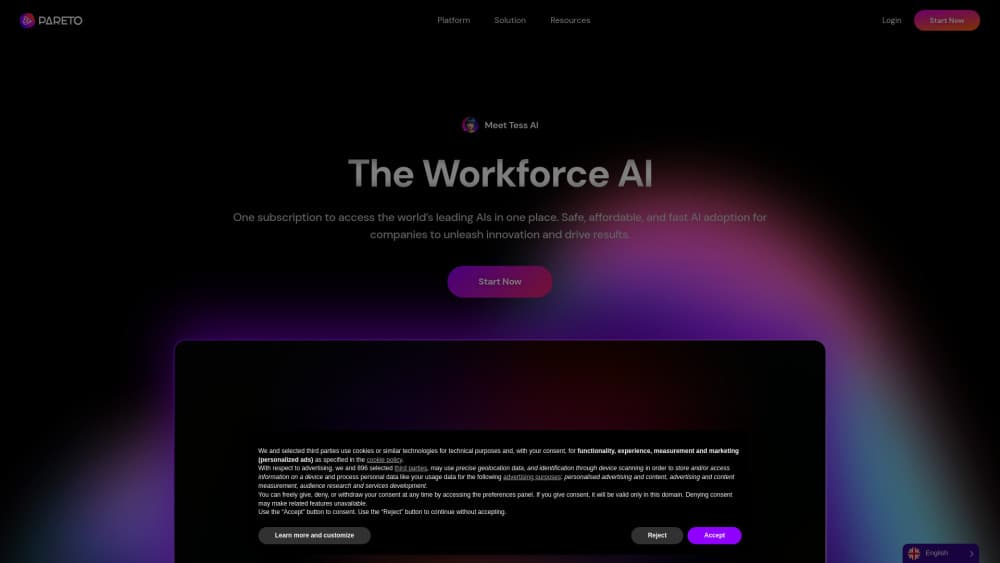
Tess AI is a multi-model AI agent platform where teams hire autonomous Human AIs that plan and finish work on their own, with governance and budgets built in.
About Tess AI
What Is Tess AI
Tess AI is an agent platform built for companies that want AI to do actual work, not just answer questions. Instead of a single chatbot, it gives you a team of autonomous agents that run on a shared workspace. You describe a goal in plain language, and the agent plans the steps, calls the tools it needs, and reports back with a finished deliverable.
The product sits on top of more than 250 AI models. Tess routes each step of a task to whichever model fits it best, then stitches the results into one output. The company frames this as AI orchestration rather than a model by itself. The docs claim up to 8x better performance than single-model setups. That's a vendor figure. Treat it with caution.
Pricing is unusual. Every plan is billed per workspace and shared across unlimited users, so there's no per-seat fee. The tradeoff is a credit system: heavy tasks burn more credits, and you'll want to watch your wallet if your team runs a lot of long jobs.
If you're weighing Tess AI pricing against a stack of single-model subscriptions, the per-workspace model is the part to study first. For a team of ten, one plan often costs less than a handful of separate seats elsewhere. That math flips if only one person ever runs the agents.
Getting Started
- Create a workspace and pick the model your first agent thinks with, such as GPT-5.5 or Gemini 3.1.
- Set the work mode: supervised, where you review each run, or autonomous for full independence.
- Connect the tools the agent should reach, like Gmail, Drive, Slack, or HubSpot.
- Describe the outcome you want in plain language and let the agent plan and run it.
- Review the deliverable in Cowork, then roll the agent out to the rest of the team.
Product Information
A quick look at Tess AI's pricing, supported platforms, and performance.
Best for
The users, tasks, and scenarios where this tool fits best.
Users
- Operations and marketing teams
- Small businesses without a technical staff
- Agencies and multi-client shops
Tasks
- Market and competitor research
- Campaign production
- Sales follow-ups
Scenarios
- Always-on background work
- Centralized AI governance
- Embedding agents in a product
Key features
Multi-Model Orchestration
Tess doesn't tie you to one provider. It holds 250+ models across the major labs and picks the best one for each step of a task, then combines the results. For AI agents for business use, that means less time juggling subscriptions and more consistent output across text, image, code, and audio work.
Autonomous Human AIs
Agents here are meant to hold a role rather than complete a one-off task. You give one a name, a personality, and a budget, and it works a job around the clock. These autonomous AI agents learn your business the longer they run, so their output improves instead of resetting with each session.
Cowork Mission Control
Cowork is the control room for your agent team. It shows an org-style view with hierarchy, squads, and managers, plus a day planner and live run status. Instead of a flat chat log, you get a structure that mirrors how real teams are organized. That matters more than it sounds. Most agent tools give you a list of chats. Tess gives you an org chart.
Governance and Budget Controls
Restrictions let admins define which models, connectors, context size, and monthly budget each team or person can use. Approvals can gate anything leaving the building, and SIEM audit events log activity. This is the feature that tends to enable company-wide rollout. It answers the "what's stopping an agent from overspending" question.
Connectors and Integrations
Native connectors, MCP plugins, webhooks, and an OpenAI-compatible API let agents work inside your existing stack. Agents start integrated with tools like Gmail, Drive, Slack, and HubSpot. So they act on real data instead of operating beside it. Setup is the slow part. Once wired up, the agents stop needing hand-holding.
Persistent Memory and Knowledge Bases
Every task feeds a living memory and any knowledge bases you attach. Agents keep company context from day one and carry it across long runs. The practical effect is fewer repeated explanations and better answers on work that depends on your internal documents, especially when an agent handles the same account or client week after week.
Agent Embedding
You can embed a Tess agent on your own site, turning an internal tool into a customer-facing one. That opens use cases like support or lead qualification without building a separate system from scratch.
Mobile App
A mobile app lets you check runs, approve work, and start new jobs away from your desk. For teams that operate across time zones, it keeps approvals moving when nobody's at a laptop. Handy if you travel. The full builder still lives on the web.
Pros and cons
Pros
- Per-workspace pricing covers unlimited users, so adding teammates doesn't raise the bill.
- One subscription reaches 250+ models, which cuts the number of tools you pay for separately.
- Governance controls (budgets, permissions, approvals, audit logs) make company-wide deployment realistic.
- Agents run on schedules and keep working when you close the tab.
- An API, MCP server, and embedding option give developers room to build on top.
Cons
- There's no free plan. Testing it means committing to a paid workspace first.
- Credits, not seats, drive cost, and heavy agent runs can drain a monthly allowance faster than you'd expect. You'll need to monitor usage.
- Setup still requires someone to configure connectors, policies, and budgets, which is more work than a simple chat app.
Frequently asked questions
It's used to automate multi-step work, such as research reports, campaign production, and sales follow-ups, by running autonomous agents that plan and complete tasks rather than only answering questions.
Related content
Explore related tools, skills, and articles for Tess AI.
Tess AI Alternatives

ngram 2.0
ngram · Video · Marketingngram 2.0 is an AI video generator for teams. It turns a prompt, a screen recording, or a product URL into a narrated explainer, product demo, or AI avatar video, and every scene stays editable.

shippedit.me
Krawlup · Marketing · Businessshippedit.me now redirects to Krawlup, a web platform that audits SEO, AEO and page speed every week, then hands the fixes to AI coding agents over MCP.

MePersona
MePersona, Inc. · Writing · Productivity · MarketingMePersona is an AI unified inbox for creators. It learns your voice, drafts replies to fan messages from 12 platforms, and sends only what you approve.