

PartGenie: Component Finder
PartGenie · Coding
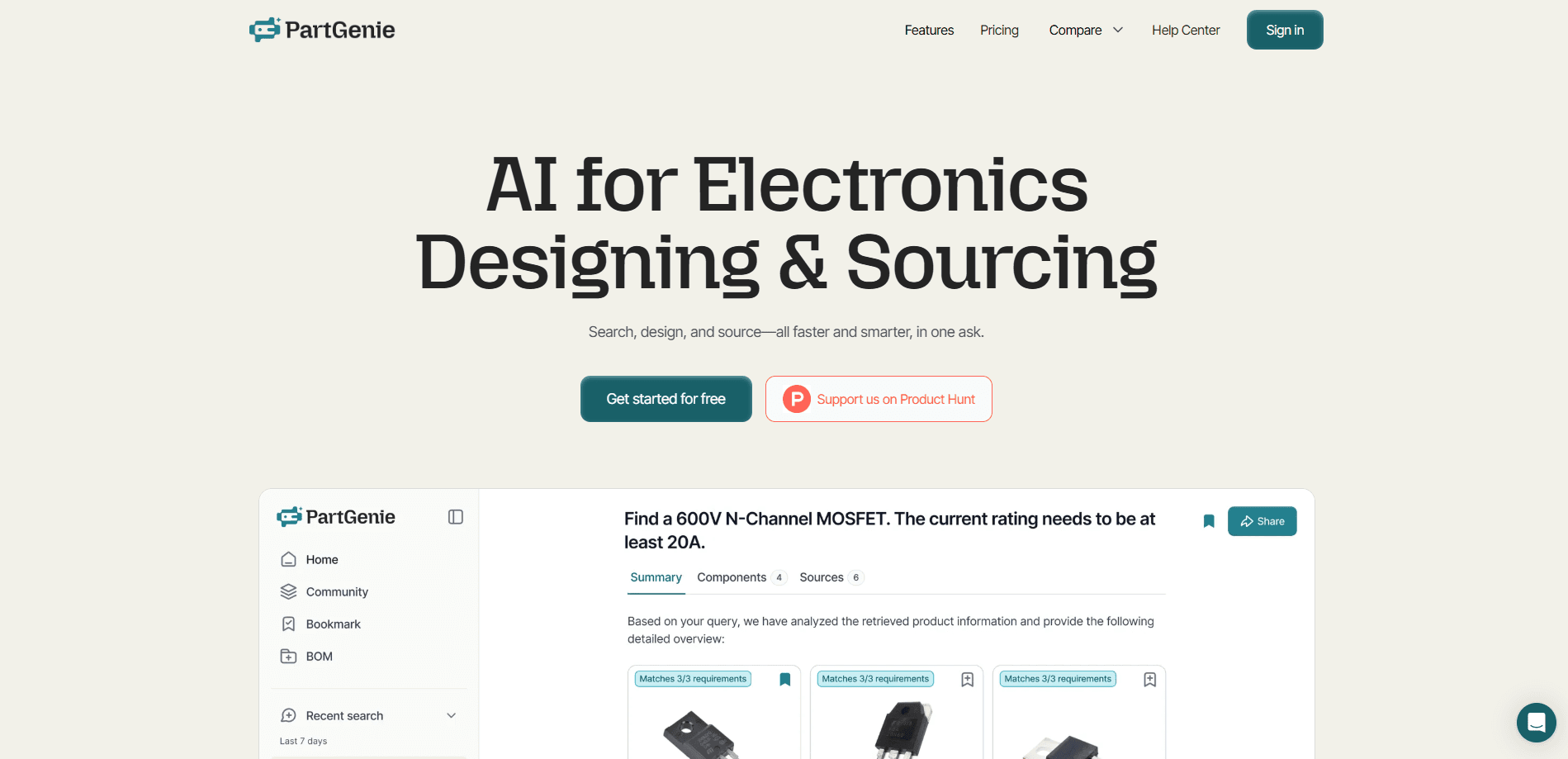
PartGenie: Component Finder is an AI platform for electronics component sourcing and design work. It lets engineers and procurement teams search a database of over 22M parts from 7,700+ manufacturers. You pull specs and datasheets, compare in-stock alternatives, and check BOM risk from one place. The pitch is simple: instead of juggling a dozen distributor sites and separate PDF datasheets whenever you need a spec or a second source, you just ask in plain language and get design-ready answers grounded in verifiable engineering evidence.
About PartGenie: Component Finder
What Is PartGenie: Component Finder
PartGenie is built for people who pick parts for a living. If you're an engineer choosing a voltage regulator or a buyer chasing a second source for a delayed chip, the tool tries to answer those questions fast. It pairs an AI chat layer with a verified component database, so you can search by spec, read datasheets, and get alternative part lists with the reasoning shown.
The product leans on hardware-specific AI models rather than a generic chatbot. That matters, because part selection has real rules. Package. Tolerance. Temperature range. Lifecycle status. A general model will happily invent a pinout. PartGenie instead grounds every answer in datasheet data and flags when it isn't sure, which is the difference between a suggestion you can trust and one that quietly breaks your board. That distinction matters far more than raw model size.
This is a sourcing and design-assist tool, not a full ECAD suite. ECAD models are downloadable but billed separately, and the deeper database signals, including substitutes and sourcing trends, sit behind the paid tiers. Scope is the real limit here. Teams on the Free plan also hit monthly AI credit caps quickly.
Getting Started
- Create an account at app.partgenie.ai and pick a plan. The Free tier works for testing with 50 AI credits a month.
- Upload a datasheet, image, or part number to the chat, or describe what you need in plain language.
- Review the suggested parts, compare specs side by side, and open the alternative part list for each candidate.
- Push your picks into a Smart BOM sheet to check risk, gaps, and alternative opportunities.
- Export the BOM, alternatives, or ECAD models for use in your design workflow.
Product Information
A quick look at PartGenie: Component Finder's pricing, supported platforms, and performance.
Best for
The users, tasks, and scenarios where this tool fits best.
Users
- Hardware engineers
- Procurement and sourcing teams
- Students and makers
Tasks
- Datasheet analysis
- Alternative part sourcing
- BOM health checks
Scenarios
- A chip goes long-lead and you need a drop-in replacement before the next build. You search by spec and filter for stock.
- Early design research when you're comparing three candidate parts and want consolidated specs in one view.
- Recurring procurement reviews where you re-check BOM risk each quarter rather than from scratch.
Key features
AI component search
You describe the part in plain language and PartGenie returns candidates from its 22M+ part database. Search works from text, part numbers, uploaded images, or whole files. No more tab-hopping. Credit consumption scales with how many searches and chats you run.
Datasheet chat and analysis
Upload a datasheet and ask what you actually need to know. Pinout? Operating range? Drop-in compatibility? The AI reads the PDF for you and answers against the document rather than from memory. That's the difference between a usable answer and a confident guess.
Alternative part reports
For any part, the tool builds an alternative list with supporting evidence attached. You can see exactly why a substitute was suggested before you commit to it, and the whole list exports cleanly for a design review or sourcing meeting. This is the feature that saves real time when a line is short and you're under deadline pressure.
BOM Health
Smart BOM sheets let you load your bill of materials and get a read on risk, coverage gaps, and alternative opportunities. It's the difference between finding out about a supply problem now versus at the assembly stage. Free accounts get a preview. Pro lifts the cap.
AI hardware design
Beyond sourcing, PartGenie can help work through design decisions and generate design-ready ECAD output. You get symbols, schematics, and footprints in common EDA formats, with community designs you can browse for reference.
Knowledge library and custom instructions
You can keep a personal Knowledge library of reference files (up to 3 on Free, unlimited on Pro) and set custom AI instructions. It's how you get the model to respect your own part preferences and house rules instead of generic defaults.
Team rules and integrations
Business and Enterprise tiers add Team Rules for sourcing and compliance policy, a request-to-approve review workflow, single sign-on, and ERP/PLM integrations with API access so larger organizations can keep sourcing standards consistent across every engineer and buyer seat on the account.
Pros and cons
Pros
- Large verified database: 22M+ parts from 7,700+ manufacturers in one search instead of several tabs.
- Alternatives come with evidence, so you can judge fit rather than trust a bare suggestion.
- Hardware-tuned models reduce the risk of invented specs you'd get from a general chatbot.
- Free tier is genuinely usable for testing, with part search and a single Smart BOM.
- All major EDA formats covered for ECAD downloads.
Cons
- AI credits run out fast on the Free plan, capping you at roughly 20 searches and 15 designs a month.
- ECAD model downloads are billed separately, on top of your subscription.
- The deeper database signals and full alternative lists are locked to Pro, so Free users see previews only.
- No public API documented yet, which limits custom automation for smaller teams.
Frequently asked questions
It's an AI tool for electronics component sourcing and design. You use it to search parts, read datasheets, find alternatives, and check the health of a bill of materials without hopping between a dozen distributor sites and separate PDF viewers for most of an afternoon.
Related content
Explore related tools, skills, and articles for PartGenie: Component Finder.
PartGenie: Component Finder Alternatives
Forefront
Forefront · CodingForefront is a web platform for building with open-source AI. It lets you fine-tune leading open-source language models on your own data, evaluate how they perform, and run them through an API or export them to host yourself. Developers who want the convenience of a closed-source platform but insist on owning their models and data are the target audience here.

Startkit
StartKit.AI · CodingStartkit is a boilerplate for building AI SaaS and AI wrapper products. Think of it as an AI startup boilerplate with the boring parts already wired up: authentication, Stripe and Lemon Squeezy payments, usage limits, transactional email, and an AI API starter that talks to OpenAI, Anthropic, Groq, or Llama. You clone the repo, set your price, and start on the part of your product that people actually pay for. It's Next.js under React and Tailwind, so most of the boilerplate code already feels familiar.
Testim
Tricentis · CodingTestim is an AI-powered test automation platform for building and running end-to-end tests across web, mobile, and Salesforce applications. It leans on machine learning to keep tests stable when an interface changes, so teams spend less time fixing broken selectors. Not bad for an automated testing tool you can start using today. You create tests by recording actions in a browser, then optionally add JavaScript when you need more control. It's a solid pick for busy QA teams.