

Pastebin.ai
Pastebin.ai · Coding · Productivity
Pastebin.ai is a free online pastebin that turns code, logs, and notes into clean shareable links. Pastes stay unlisted by default, with expiry, password, and browser encryption controls.
About Pastebin.ai
What Is Pastebin.ai
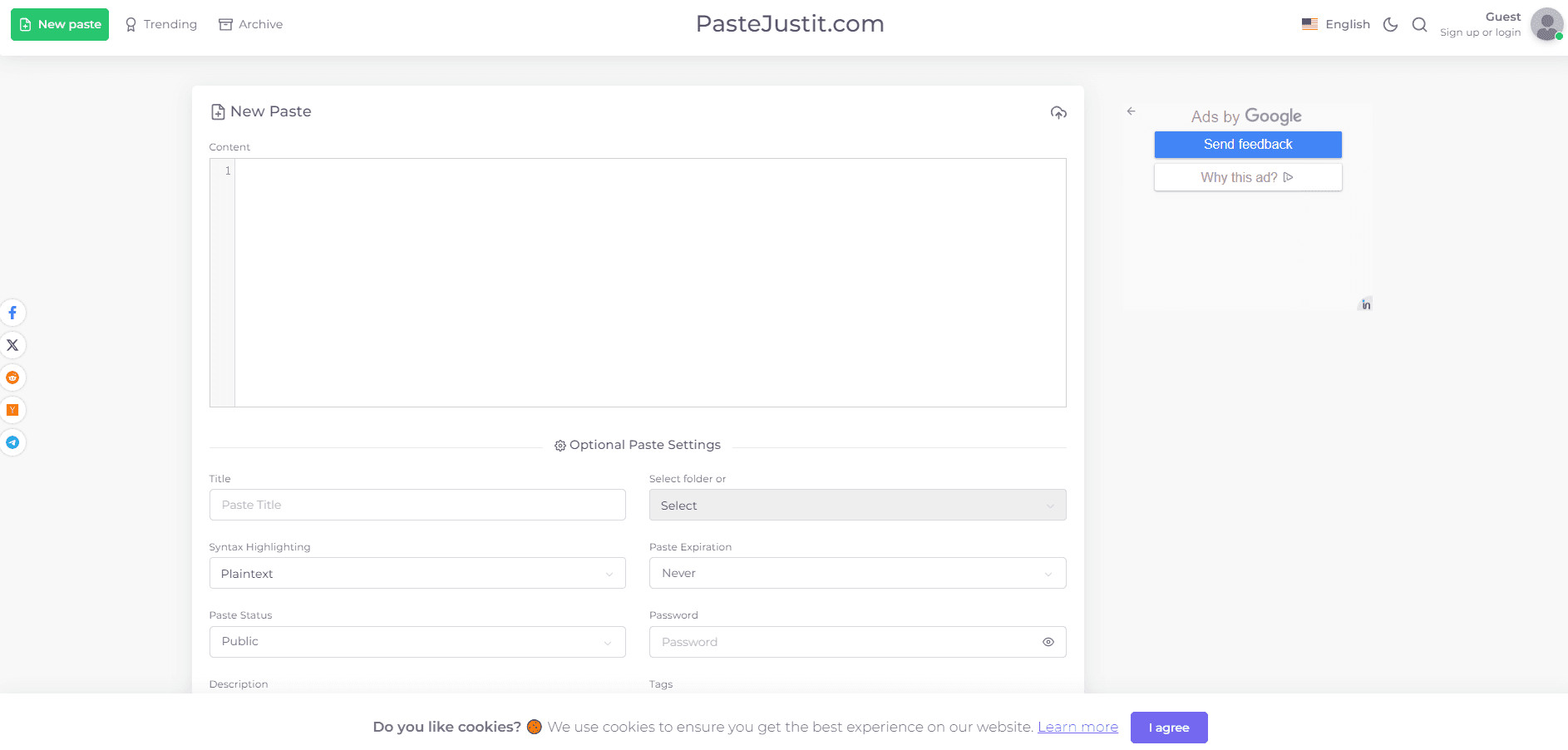
Pastebin.ai is a text sharing tool for one focused block of text and the link that points to it. You paste a stack trace, a JSON payload, a config file, or a chunk of code, and it hands back a URL you can drop into a chat, an email, or a support ticket instead of pasting hundreds of lines inline. The editor takes up to 1 MB of UTF-8 text and highlights more than 60 syntax modes.
The pitch is privacy by default. New pastes are unlisted, so they stay out of public discovery unless you deliberately change visibility, and paste pages carry noindex directives so search engines do not pick them up. You can add a password, set a view limit, or turn on burn-after-read when a link should die after one open.
Browser encryption is the feature that separates it from older pastebins. Clear text is encrypted with AES-256-GCM in your browser before upload, and the key stays in the URL fragment after the #, so the server only ever stores ciphertext.
The limits are worth stating plainly. Encrypted mode keeps readable text off the server but it cannot stop a recipient from copying, screenshotting, or forwarding what they can already read. Encrypted pastes also lose the raw URL, so automated tools that fetch plain text will not work on them. And if you are sharing production credentials, this is not a secret manager, no matter how good the local scanner is.
Getting Started
- Open the editor at pastebin.ai and paste or upload your text. There is no signup, no CAPTCHA, and no account to create for anonymous pastes.
- Pick a language mode from the suggestions so the highlighted output is easy to read. You can set it by hand if the guess is wrong.
- Choose your controls. Leave visibility unlisted, set an expiration, add a password, or turn on browser encryption before the link leaves your machine.
- Create the paste and copy the link. Anonymous pastes also return a one-time delete token, so save it if you need to remove the paste later.
- Sign in with Google if you want a dashboard. Owned pastes can be edited, organized into folders, tagged, and revised with snapshot history.
Product Information
A quick look at Pastebin.ai's pricing, supported platforms, and performance.
Best for
The users, tasks, and scenarios where this tool fits best.
Users
- Developers sharing code snippets
- Support and QA teams
- Privacy-conscious users
Tasks
- Sharing logs and error output
- Exchanging JSON or configuration
- Sending a text note to another device
- Automating paste creation
Scenarios
- Filing a bug report with a full trace
- Handing off a config during an incident
- Cleaning up a code review
Key features
Browser-side encryption
Encrypted pastes use AES-256-GCM in your browser before anything leaves the machine. The decryption key sits in the URL fragment after the #, which normal HTTP requests do not transmit, so the server stores ciphertext rather than readable text. It pairs well with an expiry or burn-after-read when the plaintext should never sit on a server.
Visibility, password, and view controls
Visibility, access, and retention are three separate settings here, and the names say what each one does. Unlisted keeps a paste out of public discovery while anyone with the URL can still open it. A password adds an access check, and a unique-view limit cuts access off after a set number of counted viewers. Owner-only visibility locks a paste to the Google account that made it.
Expiration and burn-after-read
Expiration ranges from ten minutes to permanent, so temporary text does not sit around. Burn-after-read ends access after one deliberate retrieval and overrides a view limit someone might have set. These controls reduce future availability at the source link. They cannot recall copies a recipient already downloaded or screenshotted.
Syntax highlighting across 60+ modes
The editor supports more than 60 syntax modes and suggests a language for you without silently overriding your choice. Recipients get line numbers, line and range links, in-paste search, copy, download, and a raw endpoint when the paste is eligible for machine-readable access. It displays readable code but never compiles or runs it.
Local secret scanner
Before you submit, the editor checks for common credential shapes in the browser and can build a redacted preview. The scan runs locally, so the flagged text never leaves your machine during the check. It is a review aid, not a guarantee, so a password manager remains the right place for real secrets.
Developer API with account tokens
Signed-in users can create revocable bearer tokens and drive the API: create a paste with one JSON request, list and update owned pastes, read revisions, and delete items under their control. Anonymous creation needs no token at all, and the returned delete token is shown once so you can remove a paste without an account.
Pros and cons
Pros
- No account, no CAPTCHA, and no ads needed to create a basic paste, which keeps the core workflow fast.
- Unlisted is the default, and paste pages carry noindex, so casual sharing does not leak text into search results.
- AES-256-GCM encryption happens in the browser and the key stays out of requests, so plaintext never reaches the server in encrypted mode.
- Expiration, passwords, view limits, and burn-after-read give several ways to bound how long a link lives.
- Signed-in users get folders, tags, revision history, and a documented API, which covers recurring work.
Cons
- Encrypted pastes have no raw URL, so scripts and tools that fetch plain text will not work on them.
- There is no paid tier or team workspace, so anyone needing seats, SSO, or an SLA has to look elsewhere.
- The secret scanner is best-effort and misses values it does not recognize, which is risky if you lean on it for credentials you should not paste at all.
Frequently asked questions
Yes. Creating a paste, syntax highlighting, raw views, expiration, burn-after-read, and browser-encrypted sharing are all free and need no account. There is no paid plan to upgrade to.
Related content
Explore related tools, skills, and articles for Pastebin.ai.
Pastebin.ai Alternatives

Base Code
Base44 (Wix) · Coding · ProductivityBase Code is a shared cloud development environment from Base44. Teammates describe changes to an existing GitHub codebase in chat, preview them live and send them back as pull requests.

Google EmbeddingGemma 2
Google DeepMind · Writing · Image · CodingGoogle EmbeddingGemma 2 is a 740M-parameter open model that turns text, code, images, audio, and video frames into vectors in one 768-dimension space, running on phones and laptops.

GitGlow
GitGlow · Coding · ProductivityGitGlow is a local-first desktop Git client that lets independent developers review their own code and their AI agents' changes in one place before shipping.