

Pastey Extension
Pastey · Other
Pastey Extension is a browser add-on that turns your clipboard into something that understands context. It bills itself as a promptless AI extension. Instead of writing prompts, you trigger a shortcut on the page you're already reading, and this AI browser extension works out what you need from the current tab and the content you've copied. It suits people who move text between a dozen tabs a day. Seconds, not minutes.
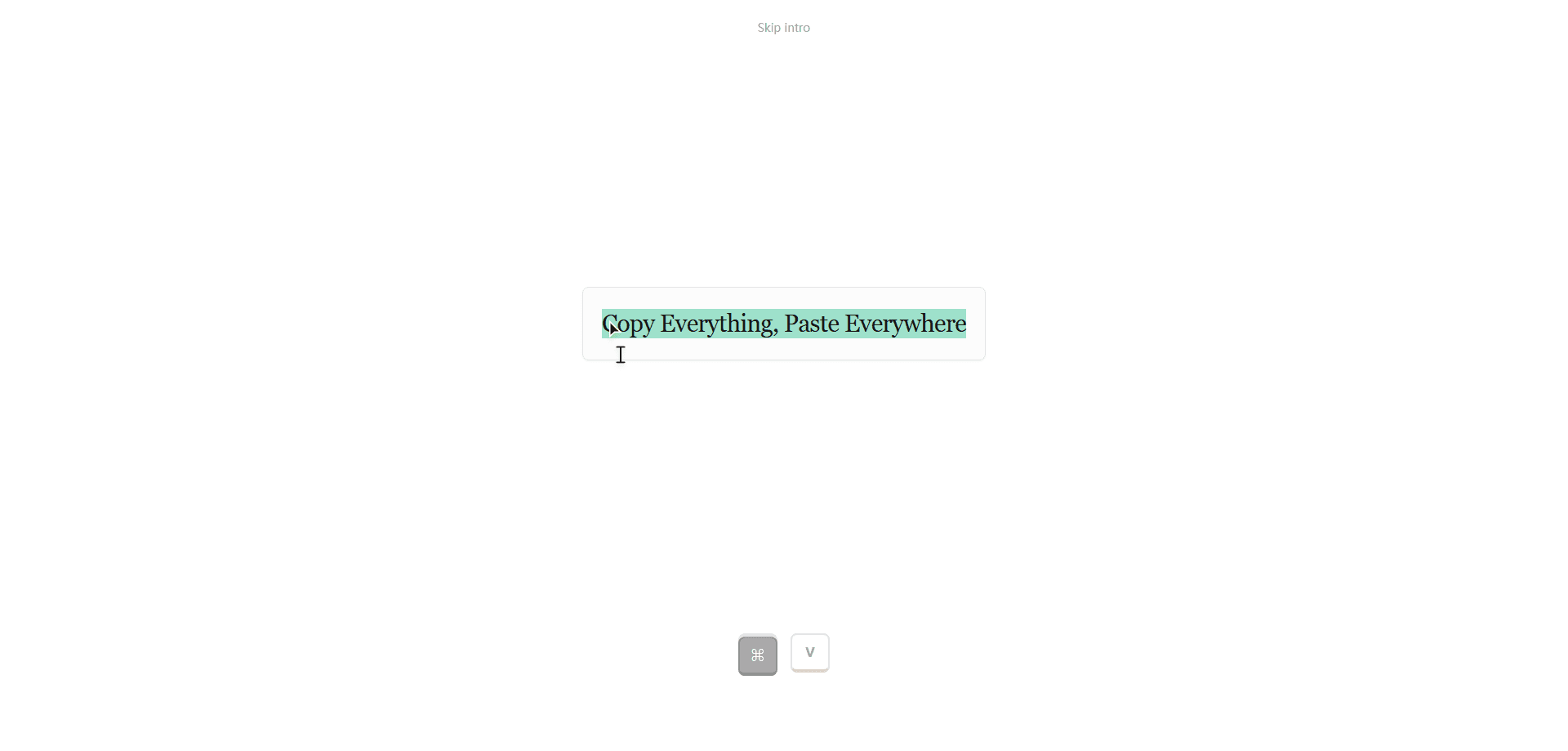
About Pastey Extension
What Is Pastey Extension
Pastey Extension is a context-aware paste tool for the browser. Think of it as a clipboard manager for Chrome that also reads the page you're on. Its pitch is simple: no prompt box, no chat window, no setup ritual. You copy something, hit a shortcut, and the extension reads both the copied clip and the tab you're on to decide what happens next.
The core problem it tackles is the copy-paste shuffle. Most people keep notes, emails, codes, and links scattered across tabs, then retype or reformat them by hand. Pastey watches the kinds of clips you handle, from tracking numbers and card digits to spreadsheet formulas and code lines, and responds to the type of content rather than to a command.
The biggest limit is trust. A tool that reads your active tab and understands your clipboard is exactly the sort of thing that needs clear data handling, and the public site gives little detail on where your content goes. If privacy terms matter to you, check the official site before you commit.
Getting Started
- Visit the official Pastey website and install the browser extension for your supported browser.
- Pin the extension so its shortcut stays within reach while you browse.
- Copy any clip you want to work with, such as a link, a code line, or a phone number.
- Press the Pastey shortcut on the page you're reading; the extension reads the current tab as context.
- Accept the suggested paste, or dismiss it and keep your original clip.
Product Information
A quick look at Pastey Extension's pricing, supported platforms, and performance.
Best for
The users, tasks, and scenarios where this tool fits best.
Users
- Knowledge workers who live in tabs
- Developers and analysts
- Casual browsers
Tasks
- Moving a snippet from one tab into a form on another
- Handling mixed clip types in one session
- Reducing manual reformatting
Scenarios
- Filling out checkout or shipping forms with a card number or tracking code on screen.
- Pulling a code line from docs into a terminal or editor tab.
- Reusing a fact or quote you copied earlier while drafting in a web editor.
Key features
Promptless Operation
No input box. No send button. You copy a clip and fire a shortcut, and Pastey decides the action from context. For anyone tired of writing the same instructions over and over, that removal of the prompt step is the whole point.
Context-Aware Pasting
The extension reads the tab you're on to understand where a clip is going. A card number pasted into a payment field and the same number pasted into a notes app don't need the same treatment, and Pastey aims to tell the difference.
Clipboard Content Recognition
Pastey spots the type of content on your clipboard. As an AI clipboard extension, its own demo shows it handling quotes, email addresses, meeting links, phone numbers, hex colors, command lines, currency amounts, spreadsheet formulas, masked card digits, and shipping tracking numbers.
One-Shortcut Workflow
The whole flow runs off a keyboard shortcut on the active page. No switching apps, no opening a side panel first. Speed is the selling point, and a single trigger keeps the loop short.
Works Inside Your Current Tab
Because it hooks into the page you're already on, Pastey can adapt a paste to the field or context in front of you rather than dumping raw text. That's the difference between a plain clipboard manager and a tool that reacts to the page.
Pros and cons
Pros
- Removes the prompt step, so routine pastes take one shortcut instead of several actions.
- Recognizes many clip types, including codes, colors, and formulas that usually need cleanup.
- Reads the current tab, which lets it tailor a paste to the destination field.
- Keeps your workflow inside the browser, with no app switching.
Cons
- The public site is thin on pricing and data-handling details, so you can't confirm where your clipboard content goes before installing. That's a real gap.
- Reading your active tab and clipboard is a real privacy trade-off, and that risk lands on the user.
- It depends on the current tab for context, so it's less useful for content you handle outside the browser.
- The free tier's exact limits aren't published, so it's hard to gauge what you get before paying.
Frequently asked questions
It's a browser extension that manages and pastes clipboard content using the page you're on as context. You copy something, hit a shortcut, and it works out the right paste without you writing a prompt.
Related content
Explore related tools, skills, and articles for Pastey Extension.
Pastey Extension Alternatives
BinkBink
BinkBink · OtherBinkBink is a free online game platform and AI game maker that lets anyone turn a short text description into a playable browser game. You can jump into hundreds of community-made games. Or describe your own idea and play it in seconds, then share it with friends. Want to create your own game? You don't need to code. No engine setup, no download, no hassle.

Audiogen
Audiogen Inc. · OtherAudiogen is an AI music generator built by Audiogen Inc., a small research team that spent about 2.5 years training its own generative music model and designing a web interface around it. Instead of a plain text box, this AI music tool turns the timeline into a beginner-friendly Generative Audio Workstation, or GAW, where inpainting, extending, remixing and stem editing work more like painting on a canvas. The product is still in beta, so access runs through a waitlist or an invite. Paid plans aren't published yet.

Aiml API
AIMLAPI OÜ · OtherAiml API is a unified AI model API that puts more than 1000 models from OpenAI, Google, Anthropic, and others behind one endpoint and one bill. You write code against a single OpenAI-compatible schema, then switch between chat, image, video, and audio models by changing a model string. It suits developers and small teams who want multi-model access without juggling a dozen separate provider accounts, and it removes the usual billing headache that comes with testing several vendors. One key covers it all.