

PayPing
Anas Muhammad (Effie) · Other
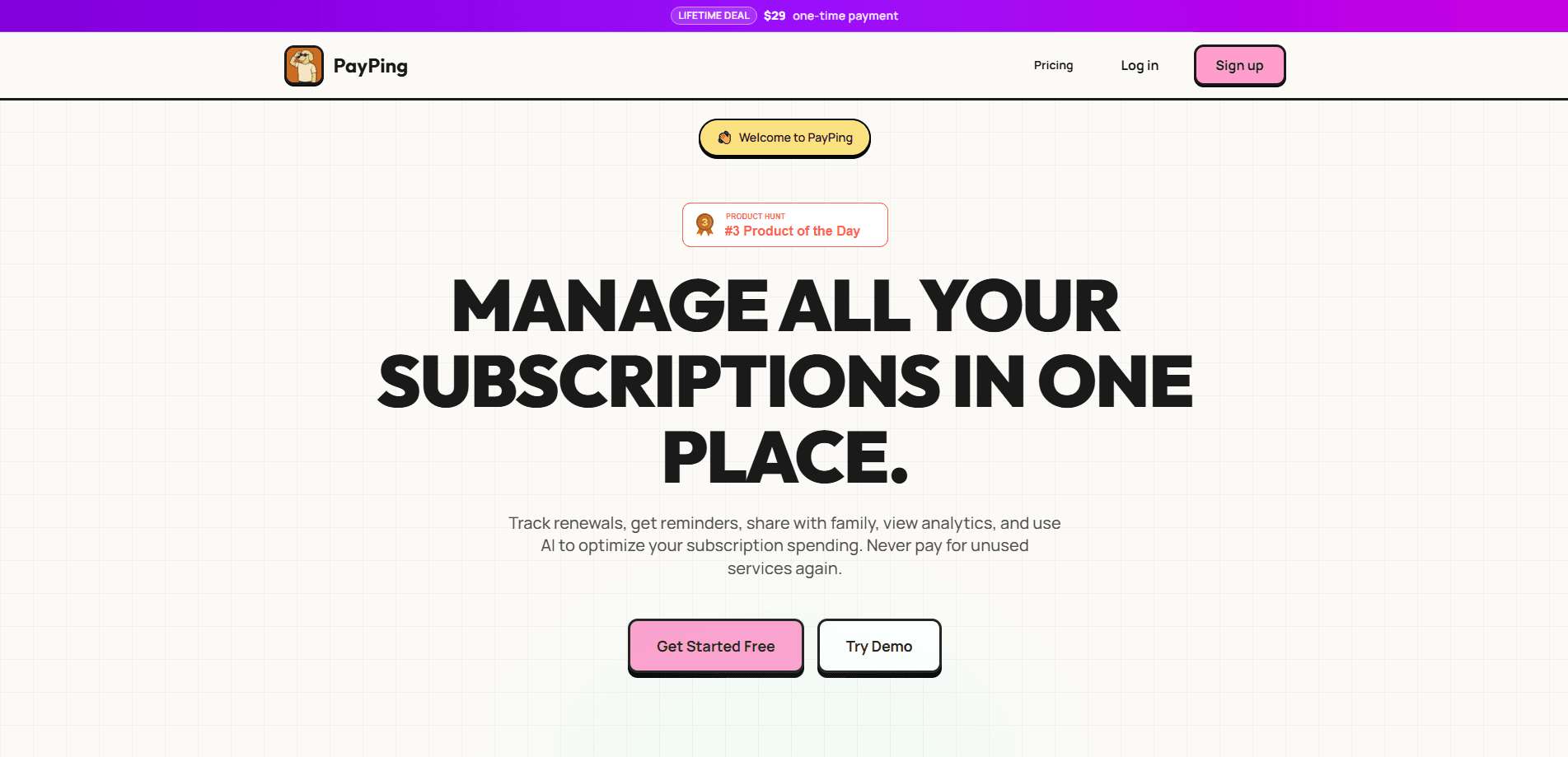
PayPing is a subscription tracker for people who keep forgetting what they're paying for. It pulls every recurring charge into one dashboard, tracks renewal dates, sends subscription reminders before money leaves your account, and works as a bill splitting app for shared household costs. There's also an AI copilot that reads your list and turns it into AI subscription savings advice. The pricing is unusual here: one payment of $39 for lifetime access instead of yet another monthly fee.
About PayPing
What Is PayPing
PayPing solves one specific, annoying problem. Most people pay for two or three services they no longer use. The charges slip past, month after month. The app puts all your subscriptions, utility bills, and credit card due dates on one screen so the next renewal doesn't ambush you.
The product comes from a single developer, Anas Muhammad (who goes by Effie), and it's built around a lifetime license rather than a monthly one. That's deliberate. A tracker you rent every month is just one more recurring cost to monitor, and that quietly defeats the entire point of using a tracker in the first place.
The main limitation is scope. PayPing is a recurring payment tracker, not a payment gateway. It doesn't connect to your bank to auto-detect charges, so entering subscriptions is mostly manual. You're also capped at 3 subscriptions on the free plan, which is tight if your list is long.
Getting Started
- Create a free account on the PayPing website and log in.
- Add your first recurring payments: subscription name, amount, billing cycle, and next renewal date.
- Set reminder timing so PayPing pings you a few days before each charge hits.
- Invite family members if you want to split shared bills and keep one reconciliation view.
- Open the analytics tab, then ask the AI copilot for ranked savings suggestions.
Product Information
A quick look at PayPing's pricing, supported platforms, and performance.
Best for
The users, tasks, and scenarios where this tool fits best.
Users
- Budget-conscious households
- Freelancers and gig workers
- Anyone who's ever been surprised by a renewal
Tasks
- Tracking subscription renewals
- Splitting recurring family bills
- Finding wasted spend
- Watching total monthly recurring spend
Scenarios
- Auditing your subscriptions after a free trial you forgot to cancel
- Planning a budget cut when income drops
- Coordinating household bills when multiple people pay different services
Key features
Recurring Payment Tracking
PayPing keeps every subscription, utility bill, and card due date on a single dashboard with renewal counts. You see what's due next instead of discovering charges weeks later in a bank statement. One list, one timeline, no more guessing. You stop relying on memory and a messy bank statement to figure out what's actually charging you every single month.
Renewal Reminders
Reminders fire before a charge lands, and you control how far ahead. This is the core anti-waste mechanism, since most forgotten subscriptions die here rather than at the cancellation screen. You route reminders for credit cards and utilities. You can add them in one go. And the app treats card due dates the same as app subscriptions.
AI Copilot for Savings
The AI copilot reads your actual PayPing data and returns ranked savings plans, cancellation drafts, and next-step actions. It isn't a generic chatbot handing out boilerplate advice. Ask it where to cut. It answers against your real numbers, and that grounding makes the output far more useful than a chatbot guessing at your budget.
Family Bill Splitting
Shared costs get assigned to members with a clear monthly reconciliation. If four people split a family streaming plan plus one utility bill, everyone can see who owes what without a separate spreadsheet. The app is built for accountability, not just record-keeping.
Spending Analytics
Analytics views break recurring spend into categories and set it against your budget context. You can spot which category eats the most each month and whether that share has shifted over time as your habits change. Category detection is manual, so the insight depends on how carefully you tag entries when you first add them.
Pros and cons
Pros
- One-time $39 lifetime payment with no recurring fee, which fits the whole point of tracking subscriptions.
- Free tier covers 3 subscriptions, enough to test the workflow before paying.
- Reminder workflow spans subscriptions, credit cards, and utilities in one place.
- AI copilot gives suggestions grounded in your own data rather than generic tips.
- Family bill splitting with shared reconciliation views for households.
Cons
- No bank integration means manual entry, so a long list takes real setup time.
- The 3-subscription free limit pushes most active users to the paid plan quickly.
- Web-only. You can't add a subscription from a mobile app the moment you spot one.
- No public API, which rules it out if you wanted to wire tracking into another tool.
Frequently asked questions
As a subscription management app, it tracks your recurring payments in one dashboard, reminds you before renewals, splits shared bills, and uses AI to suggest where you can cut spending. Think of it as a control panel for everything that charges you on a schedule.
Related content
Explore related tools, skills, and articles for PayPing.
PayPing Alternatives
BinkBink
BinkBink · OtherBinkBink is a free online game platform and AI game maker that lets anyone turn a short text description into a playable browser game. You can jump into hundreds of community-made games. Or describe your own idea and play it in seconds, then share it with friends. Want to create your own game? You don't need to code. No engine setup, no download, no hassle.

Audiogen
Audiogen Inc. · OtherAudiogen is an AI music generator built by Audiogen Inc., a small research team that spent about 2.5 years training its own generative music model and designing a web interface around it. Instead of a plain text box, this AI music tool turns the timeline into a beginner-friendly Generative Audio Workstation, or GAW, where inpainting, extending, remixing and stem editing work more like painting on a canvas. The product is still in beta, so access runs through a waitlist or an invite. Paid plans aren't published yet.

Aiml API
AIMLAPI OÜ · OtherAiml API is a unified AI model API that puts more than 1000 models from OpenAI, Google, Anthropic, and others behind one endpoint and one bill. You write code against a single OpenAI-compatible schema, then switch between chat, image, video, and audio models by changing a model string. It suits developers and small teams who want multi-model access without juggling a dozen separate provider accounts, and it removes the usual billing headache that comes with testing several vendors. One key covers it all.