

PDF Dino
PDF Dino · Coding · Productivity
PDF Dino is an AI data extraction tool that turns PDFS into clean Excel, CSV, or JSON. It's built for finance, legal, and automation teams that need structured data fast.
About PDF Dino
What Is PDF Dino
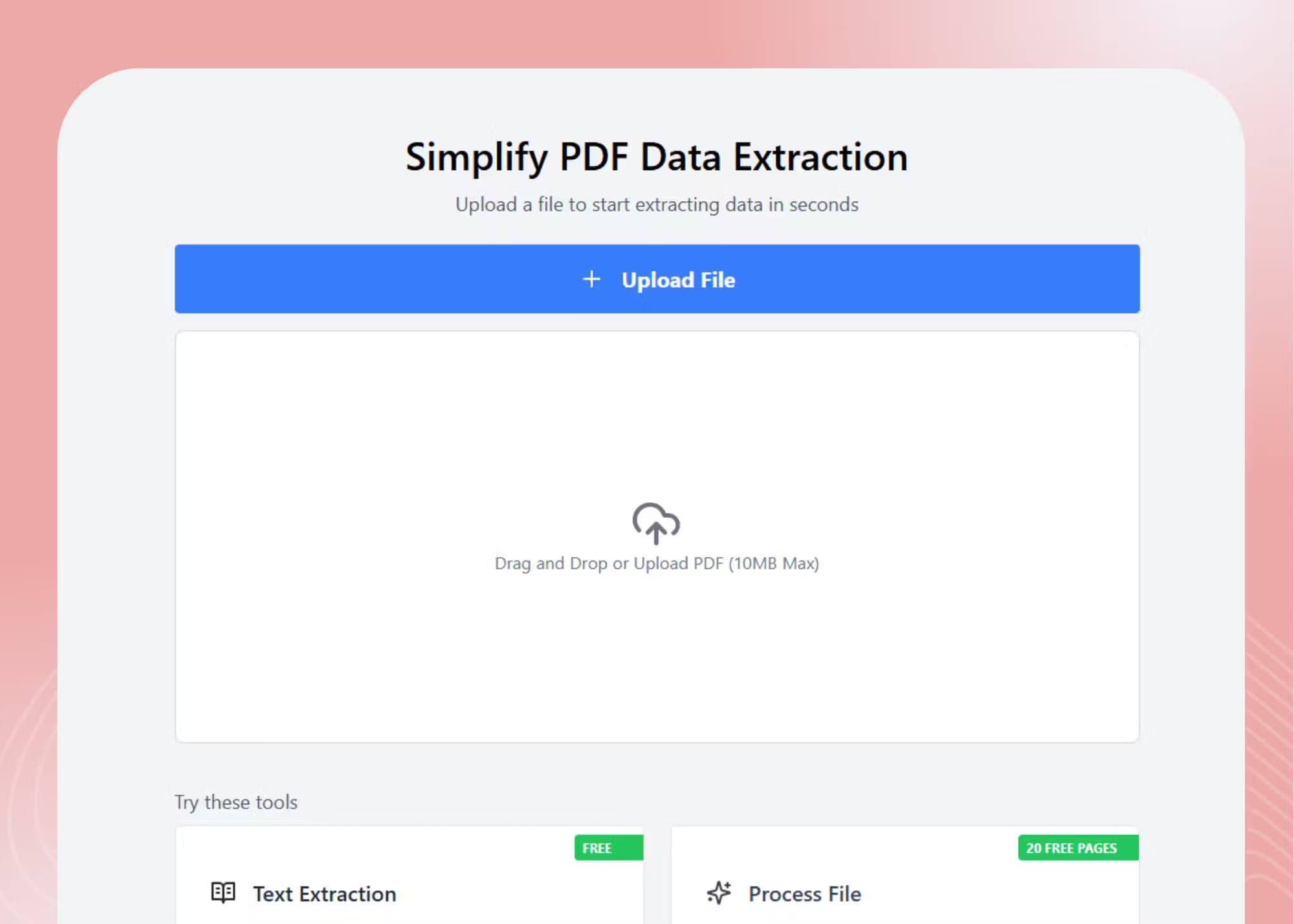
PDF Dino is a web based tool that pulls structured data out of PDF files. You upload a document, and its AI reads the layout, preserves tables, and hands back the same information as Excel, CSV, JSON, or plain text.
Most people run into the same wall: a PDF looks fine on screen but fights back the moment you try to reuse its numbers. Copying a table into a spreadsheet scrambles the columns. Rebuilding an invoice by hand eats an afternoon. PDF Dino targets that specific headache, not general document editing.
The catch is that it's a data tool, not a PDF editor. You won't annotate, sign, or redesign pages here, and messy scans with faint text still limit accuracy. It's for getting numbers out, not prettying documents up.
Getting Started
- Create a free account on the PDF Dino site. New users start with 20 free credits.
- Upload your PDF, or drag in several files at once.
- Pick the fields or tables you want and choose an export format.
- Run the AI extraction, then review the parsed result.
- Download the structured file or push it into your workflow.
Product Information
A quick look at PDF Dino's pricing, supported platforms, and performance.
Best for
The users, tasks, and scenarios where this tool fits best.
Users
- Finance and accounting staff
- Legal and compliance teams
- Researchers and students
- Automation builders
Tasks
- Using a PDF to Excel converter on financial reports
- Extracting order details from shipping slips
- Turning a batch of reports into JSON
- Pulling figures from a brokerage statement
Scenarios
- Month end accounting
- Contract review sprints
- Building an AI workflow
- Academic literature reviews
Key features
Smart AI Extraction
PDF Dino pairs text and vision models to read documents that trip up basic converters. It can extract tables from PDF files, handle multi-column pages, and survive awkward line breaks, then rebuild the layout as clean fields. The point is accuracy on messy layouts, not just text you could copy yourself.
Flexible Export Formats
Every result can leave as JSON, Excel, CSV, or plain text. That range matters because different teams live in different tools. An accountant wants a spreadsheet, a developer wants JSON, and a small business might just want text. You pick the format after extraction, so one PDF can serve several jobs.
Large File Handling
The tool is built to chew through thousands of pages in a single run. Speed stays steady as the batch grows, which is what separates it from one-page online converters. For anyone drowning in scanned reports, that capacity is the feature that saves the day.
Built in File Security
Files move over encrypted connections and are processed under strict data privacy rules. For teams handling contracts, payroll, or financial records, that protection isn't optional. It's the reason you can hand over sensitive documents without losing sleep.
Use Case Coverage
PDF Dino ships with ready workflows for finance, legal, AI, research, and ecommerce documents. Each one points to the fields that matter for that job, like totals for accounting or SKUs for logistics. It shortens the setup time on the documents you actually handle.
Pros and cons
Pros
- Turns tables and multi-column layouts into structured data without manual retyping.
- Exports to JSON, Excel, CSV, or text, so the output fits your existing tools.
- Handles large batches and thousands of pages in one run.
- Free tier includes text extraction plus 20 credits to test advanced features.
- Covers common document types like invoices, contracts, and reports out of the box.
Cons
- It's a data extraction tool, not a PDF editor, so you can't sign or redesign pages.
- Accuracy hinges on document quality. Faint scans or heavy handwriting can drag results below the advertised 95%.
- Advanced processing uses volume based pricing, which you have to price out for your own workload.
- No public API is documented, so automation has to lean on file exports.
Frequently asked questions
It extracts structured data from PDFs. You upload a document, and PDF Dino returns the contents as Excel, CSV, JSON, or text, preserving tables and layout so the data is ready to use.
Related content
Explore related tools, skills, and articles for PDF Dino.
PDF Dino Alternatives

Base Code
Base44 (Wix) · Coding · ProductivityBase Code is a shared cloud development environment from Base44. Teammates describe changes to an existing GitHub codebase in chat, preview them live and send them back as pull requests.

Google EmbeddingGemma 2
Google DeepMind · Writing · Image · CodingGoogle EmbeddingGemma 2 is a 740M-parameter open model that turns text, code, images, audio, and video frames into vectors in one 768-dimension space, running on phones and laptops.

GitGlow
GitGlow · Coding · ProductivityGitGlow is a local-first desktop Git client that lets independent developers review their own code and their AI agents' changes in one place before shipping.