

PDF Editor
Icecream Apps · Voice & Language · Productivity
PDF Candy is a browser-based PDF editor with 44+ tools for changing text, signing, annotating, and converting files. It fits anyone who needs quick PDF fixes without installing software.
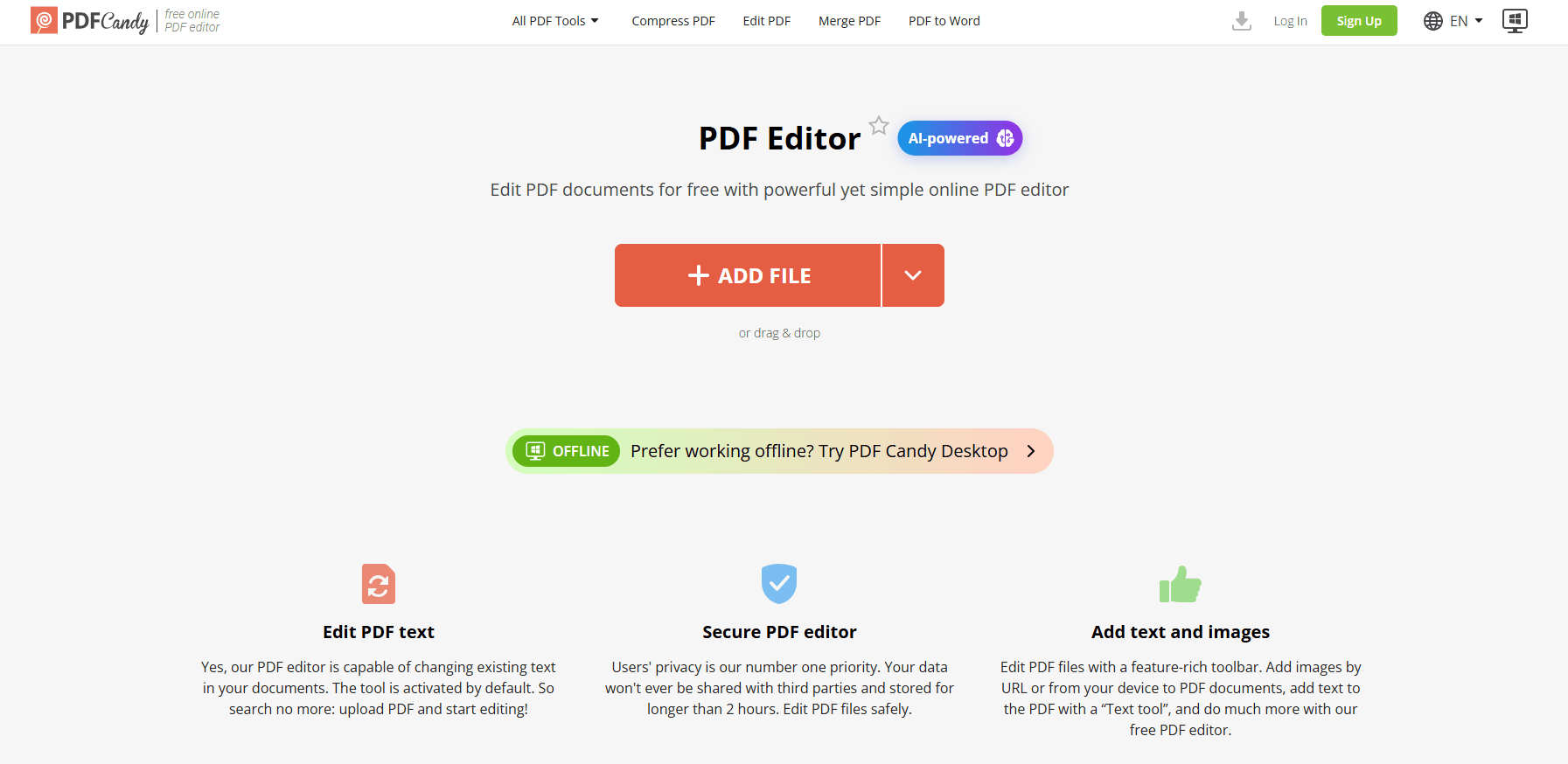
About PDF Editor
What Is PDF Candy
PDF Candy is an online PDF editor from Icecream Apps, the developer behind the Icecream PDF Editor desktop app. It runs in a browser and gathers more than 44 tools for editing, converting, and managing PDF files in one place. You upload a document, edit it in a visual workspace, and export the result.
The editing workspace handles text changes, image inserts, annotations, signatures, and page management. Around it sit converters that cover PDF to Word, PDF to image, and the reverse, plus utilities for merging, splitting, compressing, and protecting files. A set of AI options adds translation, rewriting, and summarization.
The service keeps a free tier, but it caps file size and hourly tasks. Confidential documents get end-to-end encryption, and the site states that uploads are deleted from its servers within two hours. Payments run through Paddle, and the company backs purchases with a 30 day refund window. As with most upload-based editors, anyone handling regulated data should confirm the retention terms before sending sensitive files.
Getting Started
- Open the edit PDF page in a browser and upload a file from your device, Google Drive, or Dropbox.
- Move between pages with the navigation panel on the right.
- Make changes with the text, image, and annotation tools, using undo and redo as needed.
- Add a signature by typing a name, drawing it, or importing an image.
- Click Export file, then download the edited document to your device.
Product Information
A quick look at PDF Editor's pricing, supported platforms, and performance.
Best for
The users, tasks, and scenarios where this tool fits best.
Users
- Office workers fixing a document fast
- Students and teachers
- Freelancers and solo traders
- Small teams without design tools
Tasks
- Editing text directly
- Signing a document
- Annotating a draft
- Merging and splitting files
- Converting between formats
- Summarizing or translating long text
Scenarios
- Reviewing a contract before a deadline
- Preparing coursework
- Sending an invoice to a client
- Cleaning a scanned form
Key features
Text and object editing
PDF Candy lets you change text on a page and reshape the objects around it. You can set a new font size, color, or alignment, replace or delete whole paragraphs, and correct typos without touching the layout. Images and shapes move, resize, rotate, or disappear on demand. For a contract or a report, that means a fix lands in the original file instead of an attached note.
AI assistance
The editor carries a small AI layer that translates content, rewrites passages, generates fresh text, and summarizes long sections. You pick the block you want to work on and let the tool return a draft, which you then adjust. It suits people who want a faster way through repetitive writing rather than a full assistant. AI output still needs a read-through before you rely on it.
Signing and annotations
You can sign a PDF by drawing with a mouse or finger, typing a name into a styled version, or importing an image of a signature, then drop it anywhere on the page. Alongside that sits a set of markup tools: highlight, underline, strike through, sticky notes, stamps, arrows, and freehand sketching. For contract review or grading, the marks and the signature stay in one file.
Merge, split, and page management
The page tools reorder, rotate, delete, crop, and insert pages, and you can split a document or merge several into one. Selected pages can be pulled out into a separate PDF. You can also use a whiteout option or a filled rectangle to cover content you want hidden. This covers the everyday job of assembling a final document from scattered parts.
Conversion toolkit
A set of converters moves PDF into Word, Excel, PowerPoint, images, EPUB, and HTML, and brings those formats back the other way. Compress shrinks large files, Protect adds a password, and Unlock removes one you own. Reach for these when a file needs to travel into another app or fit under an upload limit.
Privacy and file handling
Uploads are protected with end-to-end encryption and, per the site, deleted from the servers within two hours of the session ending. A paid plan lifts the free tier's 50 MB file cap up to 500 MB and removes the hourly task limit. Anyone handling sensitive documents should weigh the upload model against a desktop tool that keeps files local.
Pros and cons
Pros
- The editor runs in a browser, so there's nothing to install and it works on a shared or borrowed machine.
- The tool set covers editing, signing, converting, and page management in one place.
- The free tier lets you test the service before paying, and the paid plans are cheap by comparison with desktop suites.
- Uploads are encrypted and, per the site, removed within two hours, which eases some privacy concerns.
- Payments run through Paddle and come with a 30 day refund window.
Cons
- The free tier caps files at 50 MB and limits hourly tasks, which gets in the way on large jobs.
- Every file goes to a server, so highly sensitive documents may belong in a local tool instead.
- The AI features are lighter than a dedicated writing assistant and still need a human check.
- It moves text around an existing layout rather than reflowing a document, so heavy reshaping is limited.
Frequently asked questions
PDF Candy is a browser-based PDF editor from Icecream Apps. It gathers more than 44 tools for editing text, signing, annotating, converting, merging, and managing PDF files in one workspace. You upload a document, work on it visually, and export the result.
Related content
Explore related tools, skills, and articles for PDF Editor.
PDF Editor Alternatives

Foley
Hanamori Labs, LLC · Voice & Language · Productivity · AI AssistantFoley is a voice to-do list that turns a spoken sentence into a filed task, complete with project, date and time, then helps you plan the day around what is already there.

HireKey
HireKey · Voice & Language · Productivity · LeaningHireKey is an AI job search copilot built by a former tech recruiter. It checks role fit, tailors resumes, runs interview practice and tracks every application.

Fluence
Yay Software (Yannick Huchard) · Writing · Voice & Language · ProductivityFluence is an Android app that reads PDFs, EPUBs, Word files and web articles aloud, follows each sentence as it speaks, and answers questions about the text on the phone itself.