

Personal AI Memory
marswangyang · Other · Chatbot
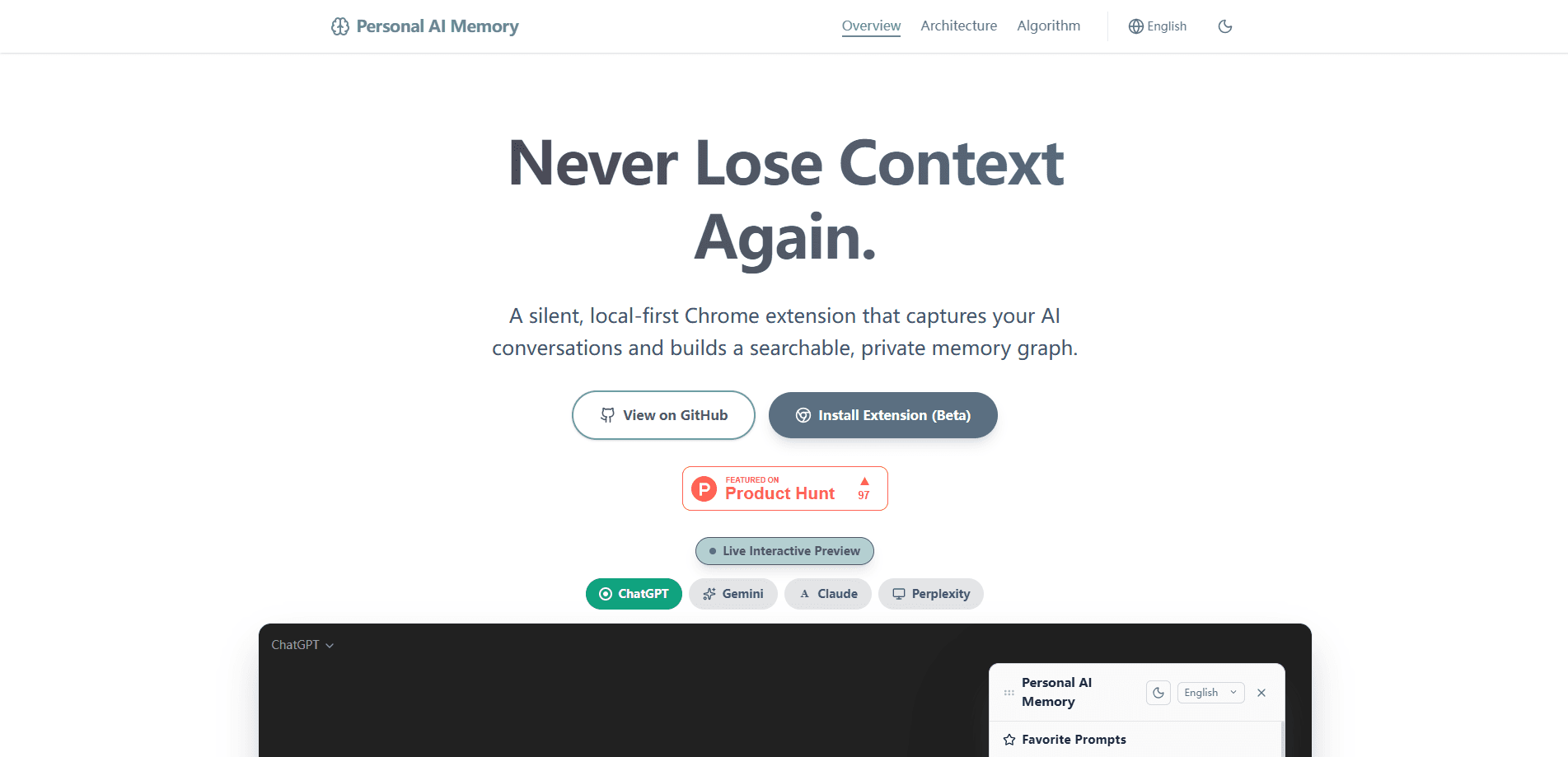
Personal AI Memory is a free, local-first Chrome extension that remembers your AI conversations for you. It quietly captures chats on ChatGPT, Claude, Gemini, Perplexity, and Grok, stores them in a private memory graph on your own device, and gives you one-click AI conversation recall in any new chat. Nothing leaves your browser. You don't need an account.
About Personal AI Memory
What Is Personal AI Memory
Personal AI Memory is a Chrome extension built around one problem: every AI assistant forgets you the moment the tab closes. You explain your project on ChatGPT in the morning, open Claude after lunch, and start from zero again. Annoying. This ChatGPT memory extension watches the five big assistants in the background and turns those scattered chats into searchable memories you actually own.
The whole thing runs inside your browser. Embeddings are generated with WebAssembly and ONNX, memories live in IndexedDB, and keyword indexes stay in the service worker. There's no server, no API key, and no sign-in. That design is the product's biggest selling point and also its main limit: because nothing syncs to a cloud, your private AI memory stays on one Chrome profile on one machine. Switch devices and you start over, unless you export a backup.
It's early software, currently around version 0.0.7, so expect rough edges and the occasional breaking change, but the privacy model is unusually strict for this category.
Getting Started
- Install Personal AI Memory from the Chrome Web Store, or download the latest release .zip and load it unpacked from chrome://extensions/ after enabling Developer mode.
- Open ChatGPT, Claude, Gemini, Perplexity, or Grok in a normal tab. The extension starts capturing conversations that are already on the page, so there's nothing to click.
- Let it index the chats in the background. Semantic embeddings and a keyword index build themselves locally as you browse.
- When you start a new chat, click the Recall button next to the input box to inject your most relevant past memories as context.
- Export a JSON backup from the extension panel if you want to move your memories to another Chrome profile or keep a safety copy.
Product Information
A quick look at Personal AI Memory's pricing, supported platforms, and performance.
Best for
The users, tasks, and scenarios where this tool fits best.
Users
- Heavy multi-assistant users who bounce between ChatGPT, Claude, and Gemini all day and are tired of re-explaining the same context.
- Privacy-conscious professionals who want AI memory but refuse to send their conversations to another company's servers.
- Developers and writers who reuse their own past prompts and want a searchable library instead of scattered chat history.
Tasks
- Recovering context from an old conversation
- Reusing favorite prompts
- Backing up AI conversations
Scenarios
- Picking up a long project across different assistants where each one needs the same background.
- Working on a laptop where you want a local-only record of sensitive business or research chats.
- Switching between ChatGPT and Claude for the same task and wanting both to share one memory.
Key features
Passive Conversation Capture
The extension catches your conversations automatically on ChatGPT, Claude, Gemini, Perplexity, and Grok. No save button. No copying. Visit a page with existing chats and the extension quietly pulls them in, which means your memory builds itself while you work normally.
Hybrid Local Search
Recall combines two search methods: vector similarity with a time-decay weighting, and BM25 keyword matching. The results are merged with Reciprocal Rank Fusion, a ranking trick that blends both lists so recent and keyword-relevant memories both surface. Put simply, it's semantic search for AI chats that never leaves your machine. Everything runs locally, so search stays fast and private.
One-Click Recall
A Recall button sits next to the input box on every supported AI site. Click it. The extension searches your memory and injects the top matches as a RAG prompt, giving the assistant your history as background knowledge before you type a word, and it behaves exactly the same way across all five platforms.
Fully Local Storage
Embeddings are produced in-browser with ONNX and WebAssembly, memories are kept in IndexedDB, and the keyword index lives in the service worker's memory. No server. No API key. No account. Your conversations never leave your machine, and for anyone who'd rather not hand another company their chat logs, that's the strongest reason to pick this over cloud-based memory tools.
Local Backup and Restore
You can export your entire memory as a JSON file, embeddings included, and import it again later on another Chrome profile or machine, which makes the JSON the only supported way to move your memories around and your safety net if you clear browsing data.
Favourite Prompts with Folders
Beyond conversation memory, the extension stores your own prompts in a searchable library that stays on your device, with a Trie-based autocomplete to speed up reuse and drag-and-drop folders to keep longer prompt collections organized. It's a small feature, but a practical one for anyone who rewrites the same instructions weekly.
Floating Memory Panel
A draggable panel sits on every supported AI site, so you can browse, search, and manage memories without opening a separate dashboard. You also get eight UI languages, auto-detected, plus a dark and light theme.
Pros and cons
Pros
- Genuinely local-first: no server, no account, and no API key required.
- Captures five major AI platforms automatically with zero setup.
- Hybrid vector plus keyword search handles both fuzzy recall and exact-term lookups.
- Free with no paid tier and no usage cap.
- JSON backup with embeddings included gives you real data portability.
Cons
- Memory stays on one Chrome profile, so it doesn't sync across devices unless you manually export and import.
- Still early (around version 0.0.7), so expect occasional bugs and breaking changes.
- Chrome and Edge only, which leaves Firefox and Safari users out.
- No public API, so you can't wire your memories into your own tools or scripts.
Frequently asked questions
Yes. It's a free Chrome extension with no paid plan, no subscription, and no credit system. You install it, and every feature is available without payment.
Related content
Explore related tools, skills, and articles for Personal AI Memory.
Personal AI Memory Alternatives
BinkBink
BinkBink · OtherBinkBink is a free online game platform and AI game maker that lets anyone turn a short text description into a playable browser game. You can jump into hundreds of community-made games. Or describe your own idea and play it in seconds, then share it with friends. Want to create your own game? You don't need to code. No engine setup, no download, no hassle.

Audiogen
Audiogen Inc. · OtherAudiogen is an AI music generator built by Audiogen Inc., a small research team that spent about 2.5 years training its own generative music model and designing a web interface around it. Instead of a plain text box, this AI music tool turns the timeline into a beginner-friendly Generative Audio Workstation, or GAW, where inpainting, extending, remixing and stem editing work more like painting on a canvas. The product is still in beta, so access runs through a waitlist or an invite. Paid plans aren't published yet.

Aiml API
AIMLAPI OÜ · OtherAiml API is a unified AI model API that puts more than 1000 models from OpenAI, Google, Anthropic, and others behind one endpoint and one bill. You write code against a single OpenAI-compatible schema, then switch between chat, image, video, and audio models by changing a model string. It suits developers and small teams who want multi-model access without juggling a dozen separate provider accounts, and it removes the usual billing headache that comes with testing several vendors. One key covers it all.