

pheebo
pheebo · AI Detection
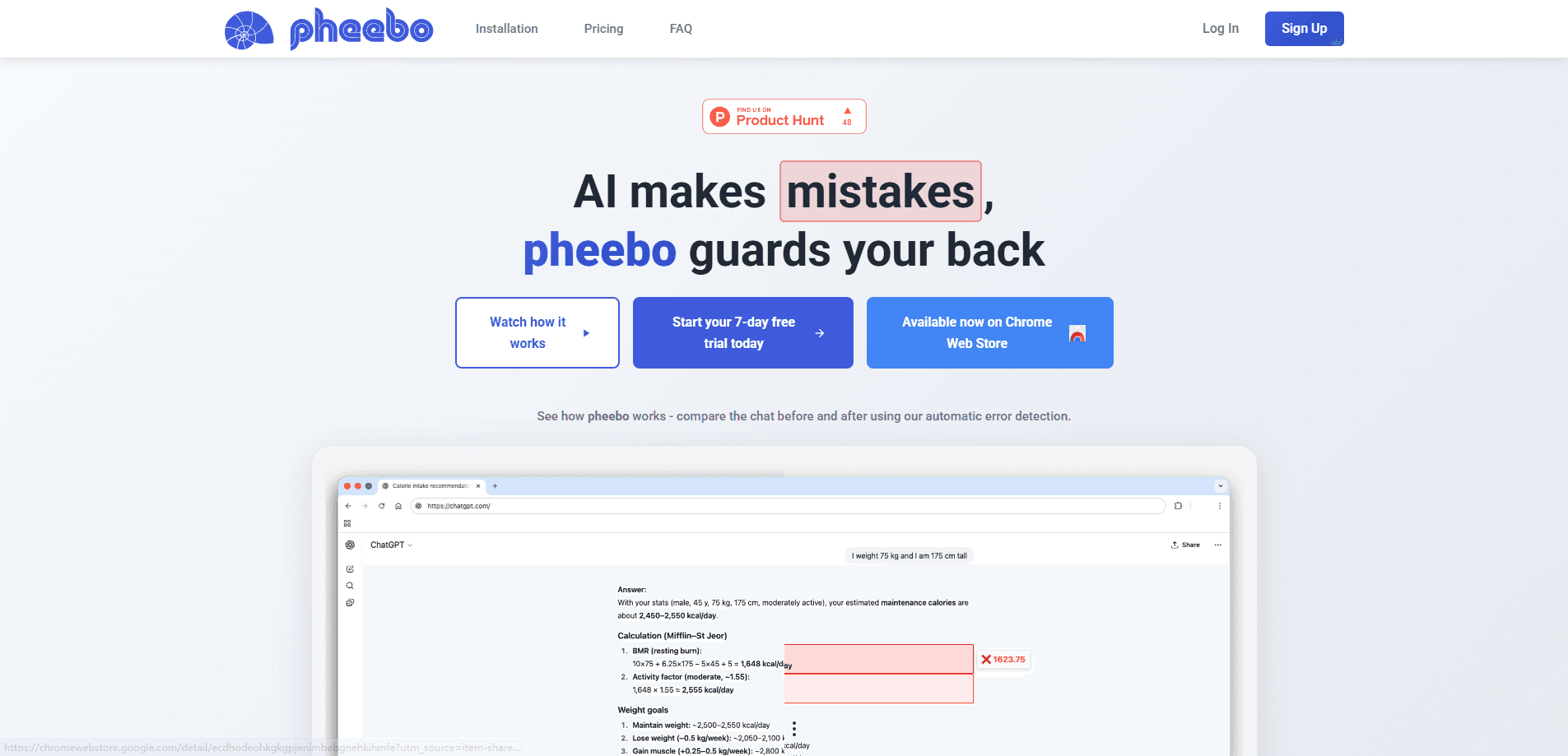
pheebo is a free Chrome extension that scans AI-generated content for math errors and highlights mistakes as they appear. It sits in your browser and checks numbers, equations, and calculations inside chats from tools like ChatGPT and Claude, so you don't have to re-verify every figure by hand. The tool runs on the page you're already reading, which means the AI math error detector works without pulling you away from whatever you're doing. Nothing to paste. Nothing to leave behind.
About pheebo
What Is pheebo
pheebo is a browser extension built around one narrow job: catching math errors in AI-generated text. AI models write fluently, but their arithmetic slips. A fabricated statistic, a wrong percentage, or a broken equation can look completely convincing on the page. That's the trap. pheebo reads that content and flags the parts where the numbers don't add up.
The pitch behind it stays simple. People trust AI output because it reads well, and that trust is what makes quiet math errors expensive. A wrong figure in a report costs time. A bad calculation in a financial summary can cost money. pheebo's answer is to check the math for you in the background instead of asking you to double-check every line.
The lighting carries some limits worth knowing before you install it. It works as a Chrome extension, so it lives inside Chrome and doesn't cover mobile apps or other browsers. It detects math errors specifically. It isn't a general fact-checker, and it won't catch a wrong claim that contains no numbers. So what does that leave? Treat it as a math guard, not a truth machine.
Getting Started
- Open the Chrome Web Store and search for pheebo, then click Add to Chrome to install it.
- Pin the extension to your toolbar so you can switch modes quickly while you work.
- Choose Selection mode for one-off checks: select any math expression on a page and pheebo analyzes it right away.
- Switch to Automatic mode when you want the extension to detect errors across AI-generated content by itself.
- Read the highlights as they appear and fix the flagged calculations before you copy the text anywhere else.
Product Information
A quick look at pheebo's pricing, supported platforms, and performance.
Best for
The users, tasks, and scenarios where this tool fits best.
Users
- Students and researchers
- Writers and editors
- Analysts and finance workers
Tasks
- Spot-checking a single equation
- Reviewing a long AI answer full of numbers
- Sanity-checking reports and summaries
Scenarios
- Comparing finance options that a chatbot laid out
- Grading or reviewing AI-assisted homework
- Drafting a data-heavy article at your desk
Key features
Real-time math error detection
Automatic mode reads AI-generated content as it appears and highlights mistakes without interrupting you. No command. No separate tool. The errors surface in place, which keeps the review inside the flow of reading.
Selection mode for one-off checks
When you only care about a single expression, Selection mode lets you highlight it and get an immediate analysis. One expression, one answer. It's the fast path for checking one calculation inside a long answer, and it gives you a way to verify a specific number without scanning everything else.
Works inside your existing workflow
pheebo lives in Chrome, so it reads content on the page you're already looking at. That's the core difference from pasting text into an online checker: nothing gets copied out, and the check happens where the content already is.
Free with no account required
You install pheebo and use it, with no sign-up gate and no cost. The extension notes a 5/5 rating on the Chrome Web Store, and the free model means there's no pricing tier to work out before you test whether Automatic mode fits how you work.
Highlights rather than rewrites
The extension marks the errors and leaves the fixing to you. It doesn't silently alter the text, so you stay in control of what changes and can judge each flag on its own. That matters when a flagged expression is actually intentional. AI content verification here means a second set of eyes on the numbers, not an automatic edit. Reach for it when you need to check AI math before the content travels any further.
Pros and cons
Pros
- Free to install and use, with no account required, so trying it costs nothing.
- Automatic mode checks math inside AI content without you copying anything out.
- Selection mode handles quick single-expression checks on demand.
- Runs in Chrome, where a lot of AI chat work already happens.
- Highlights errors in place, so it doesn't pull you out of your workflow.
Cons
- Limited to Chrome on desktop, so it's not an option for mobile or other browsers.
- Only catches math and numeric errors, not wrong claims that contain no figures.
- Detection isn't perfect, so flagged and missed errors still need your judgment on the final call.
Frequently asked questions
pheebo checks AI-generated content for math errors and highlights them in real time. It focuses on numbers and calculations, so it flags a wrong sum or a bad percentage rather than judging whether the surrounding text is true.
Related content
Explore related tools, skills, and articles for pheebo.
pheebo Alternatives
Isgen AI
Isgen · AI DetectionIsgen AI is a web-based AI detector that scores text for machine authorship and shows you which sentences and phrases push the number up. It's built for teachers, editors, students, and writers. Their question is simple: did this draft come from ChatGPT, GPT-5, Claude, Gemini, DeepSeek, or another model? You paste or upload content, run a scan, and get a Human, AI, and Mixed breakdown in seconds. There's also a companion editor that scores text while you write it.
Humanizeai Tools
Humanizeai Tools · Writing · AI DetectionHumanizeai Tools is a web-based AI humanizer that rewrites machine-generated text so it sounds like a person wrote it, which is the whole point of the category it belongs to. Paste a draft from ChatGPT, Claude, or Gemini, run it through the tool, and it swaps out the phrases and sentence patterns that AI detectors flag. If your goal is to make AI text sound human before you publish it, this is the kind of tool built for exactly that. It suits students, bloggers, and marketers who need copy that reads naturally and clears tools like GPTZero, Copyleaks, and Winston AI after a single pass.

Hidemyai
Hidemyai · Writing · AI DetectionHidemyai is an AI content humanizer. It rewrites text from ChatGPT, Jasper, and similar tools so the result reads like a person wrote it. You paste your draft, pick a document type and tone, and the service returns a version meant to bypass AI detectors such as Originality.ai, Turnitin, and ZeroGPT. It targets writers, marketers, and students who lean on AI drafts but can't ship copy that sounds robotic. The promise is simple: make AI content undetectable.