
Phind AI Cheap Alternative
Phind AI · Coding
Phind AI is a browser-based AI search engine that answers questions with cited web sources across five model options, from a free Mistral entry mode to paid Qwen and Llama modes.
About Phind AI Cheap Alternative
What Is Phind AI
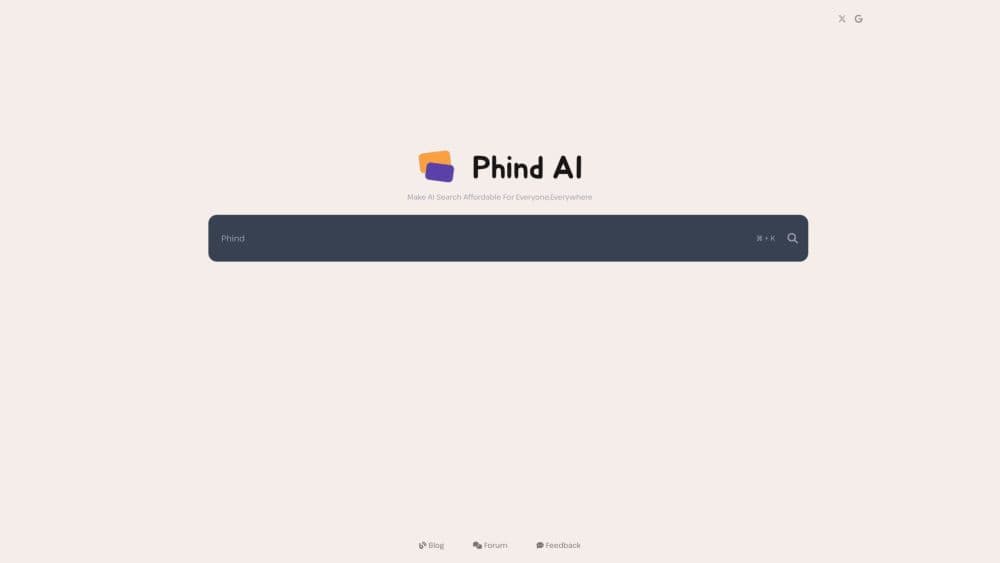
Phind AI is an AI search engine that runs entirely in a browser at phind-ai.com. You type a question the way you'd ask a colleague, and it writes an answer drawn from pages it pulls off the web, then lists the links it used. The whole pitch is cost. The site's tagline promises to "make AI search affordable for everyone, everywhere," and the interface is built around a single search box rather than a dashboard full of settings.
The model picker is the part that separates it from most rivals. Five options sit in a dropdown: Mistral Entry, Llama Expert, Qwen Advanced, Qwen Summit, and Mixtral Synthesis. Only the first one ships without a Pro label. The other four sit behind a paid subscription handled through Stripe checkout on the site, and each one behaves differently. Entry handles quick lookups. The Pro modes are tuned for longer answers, the sort you want when you're reading through a stack trace or comparing two libraries.
What you give up is polish and paperwork. Phind AI publishes no price list on its own pages, keeps documentation thin, and offers no public API. Everything happens on the web, so there's no desktop app and no mobile app. That's fine for a student who wants an answer fast. It's a real problem for a team that needs to wire the search into a product or budget for seats in advance.
Getting Started
- Open phind-ai.com in any browser. There's nothing to install and no extension to add.
- Pick your language from the URL path, then use the search box in the middle of the page. The ⌘K shortcut jumps you straight into it.
- Choose a model from the dropdown above the box. Start with Mistral Entry to see how the answers read, then move up to a Pro model when you need deeper output.
- Ask your question in full sentences. Add the framework, language, or error text so the engine has something concrete to search against.
- Read the answer, then open the source links underneath to check anything that matters. Use the forum or the feedback form if an answer comes back thin.
Product Information
A quick look at Phind AI Cheap Alternative's pricing, supported platforms, and performance.
Best for
The users, tasks, and scenarios where this tool fits best.
Users
- Students and self-taught learners
- Developers stuck on an error
- Anyone priced out of Perplexity Pro
- Writers checking a claim
Tasks
- Debugging a build failure
- Comparing two libraries
- Learning an unfamiliar API
- Sanity-checking a number
Scenarios
- Quick lookups on a borrowed device
- Deciding whether to pay
- Late-night debugging with a deadline
Key features
Answers With Linked Sources
Every answer comes with the pages it drew from, listed under the text. That turns a search into something you can verify instead of something you have to trust. For research and for anything you plan to publish, the source list is the useful half of the product.
Five Model Options in One Box
The dropdown lets you switch between Mistral Entry, Llama Expert, Qwen Advanced, Qwen Summit, and Mixtral Synthesis without leaving the page. Entry is the free route. The Pro models take longer and produce more thorough answers, which helps with code and with questions that have several parts.
Keyboard-First Search
The ⌘K shortcut drops your cursor into the search field from anywhere on the page. Small thing, but it's the difference between a tool you keep open and one you forget about. People who search twenty times a day will notice.
Free Entry Mode
Mistral Entry runs without a subscription, so you can test the answer quality before spending anything. It's the right mode for definitions, quick syntax checks, and single-fact questions. Push it toward a long debugging session and the gaps show.
Forum and Feedback Channels
The site runs a public forum plus a feedback form, and both feed back into the product. Bug reports and thin answers have somewhere to go. It's a small operation, so responses aren't instant, but the channel exists.
Nothing to Install
Everything happens in the browser, including on a phone. No extension, no desktop client, no account setup screen blocking the search box. That's the main reason it works on locked-down machines where you can't install software.
Pros and cons
Pros
- Free entry mode with no subscription, which makes it the cheapest way to try AI search with citations.
- Model choice in the same interface, so you can drop to a fast mode for a lookup and step up for a debugging session.
- Source links under every answer, which makes fact-checking possible without a second search.
- Runs in any browser with no install, useful on work laptops and shared computers.
Cons
- No published price list on the site, so you have to reach the checkout screen to learn what a Pro model costs.
- No public API and thin documentation, which rules it out for teams that need to embed search in their own tools.
- Web only. There's no mobile app, so offline reading and push notifications aren't part of the deal.
- Smaller outfit than Perplexity, so expect rougher edges in answer formatting and slower fixes when something breaks.
Frequently asked questions
Phind AI is a web-based AI search engine at phind-ai.com. You ask a question, it searches the web, and it returns a written answer with the source links listed underneath. It positions itself as a low-cost alternative to Phind and Perplexity rather than a full research platform.
Related content
Explore related tools, skills, and articles for Phind AI Cheap Alternative.
Phind AI Cheap Alternative Alternatives

Base Code
Base44 (Wix) · Coding · ProductivityBase Code is a shared cloud development environment from Base44. Teammates describe changes to an existing GitHub codebase in chat, preview them live and send them back as pull requests.

Google EmbeddingGemma 2
Google DeepMind · Writing · Image · CodingGoogle EmbeddingGemma 2 is a 740M-parameter open model that turns text, code, images, audio, and video frames into vectors in one 768-dimension space, running on phones and laptops.

GitGlow
GitGlow · Coding · ProductivityGitGlow is a local-first desktop Git client that lets independent developers review their own code and their AI agents' changes in one place before shipping.