

Pi, your personal AI
Inflection AI · Marketing · Chatbot
Pi is Inflection AI's personal AI assistant, built for warm, voice-first conversation, reminders and reflective chats that help you think out loud and plan your day.
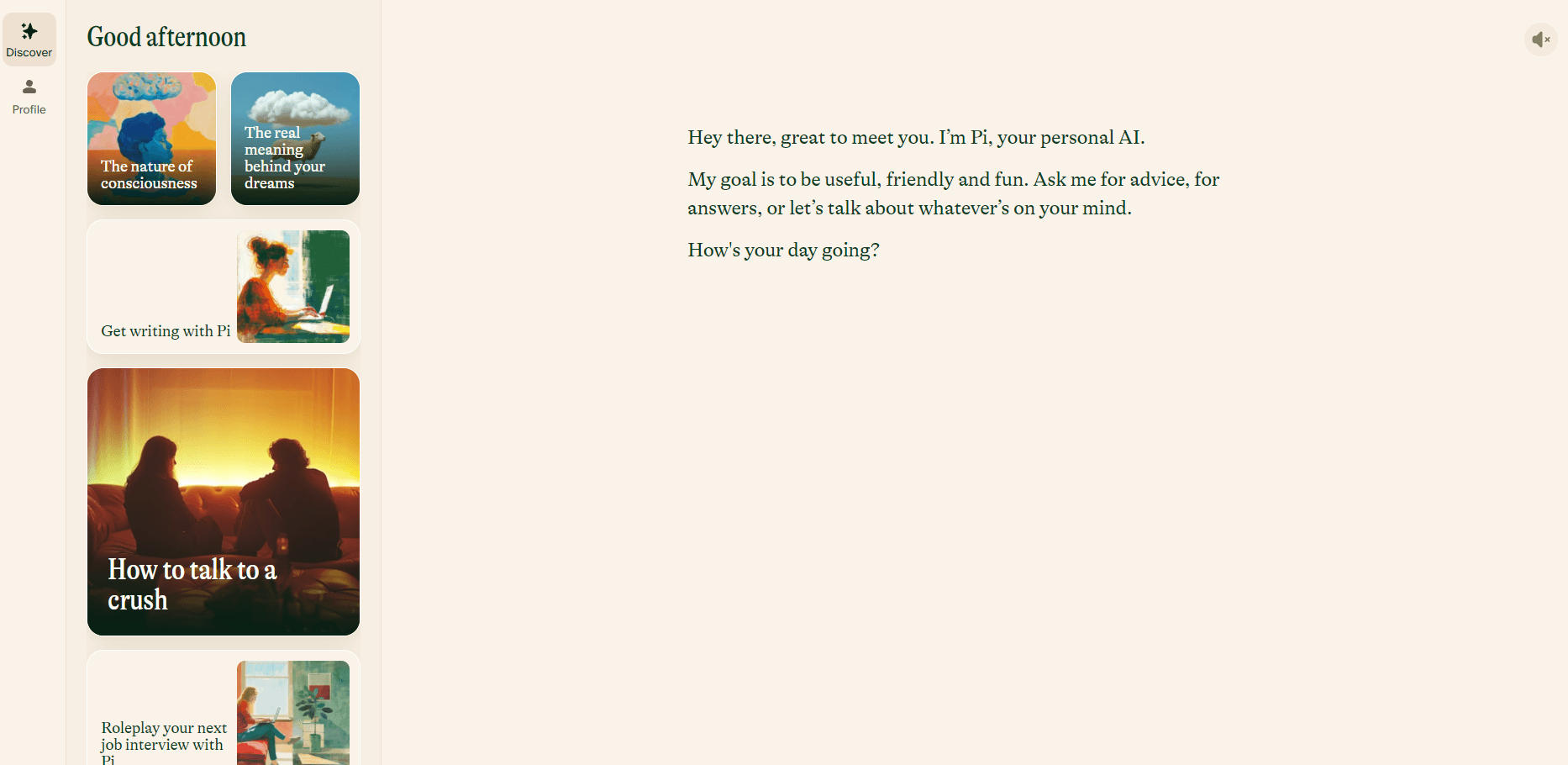
About Pi, your personal AI
What Is Pi
Pi is a chat assistant from Inflection AI, a public benefit corporation that describes its work as personal intelligence. The company markets it as the first emotionally intelligent AI, and the pitch is narrow on purpose. Most AI chatbots answer a question and stop. Pi keeps the exchange going, asks how you feel about the answer, and remembers the thread next week.
Pi AI covers three everyday jobs: thinking out loud, staying organized, and learning something new. You can vent after a rough meeting, ask it to hold a reminder for Thursday, or let it walk you through a topic you know nothing about. Voice mode handles all of that without typing. It works as an AI companion app, not a productivity suite.
The limits matter too. Pi won't write production code, draft a contract, or crunch a spreadsheet. Inflection built it for reflection and daily life, so heavy technical work belongs in another tool. It isn't a therapist either, and the company publishes its own crisis guidance for that reason.
Getting Started
- Open hey.pi.ai in a browser, or install the app from the App Store or Google Play.
- Sign in with an email address, Google, or Apple.
- Choose the name Pi should call you, and allow microphone access if you'd rather talk than type.
- Start with something like "help me plan my week," then adjust notifications when Pi asks.
Product Information
A quick look at Pi, your personal AI's pricing, supported platforms, and performance.
Best for
The users, tasks, and scenarios where this tool fits best.
Users
- People who think better out loud
- Anyone building a daily habit
- Students and language learners
- Busy parents and caregivers
Tasks
- Rehearsing a hard conversation
- Sorting out a decision
- Capturing reminders and to-dos
- Learning a subject from scratch
Scenarios
- A ten minute debrief at the end of the workday, when you want to untangle what went wrong before you head home.
- Hands-free conversation on a commute or a long walk, when typing isn't an option.
- A morning check-in with the Daily Brief, which surfaces what's on your plate before the day gets loud.
Key features
Emotionally aware conversation
Pi responds to tone, not just wording. Tell it you're exhausted and it asks what drained you instead of firing off productivity tips. That style comes from training that rewards empathy, and it's the main reason people stick with the product.
Voice conversations
Tap the call button and talk to Pi the way you'd talk to a friend. It answers in a natural voice, waits for you to finish, and handles interruptions without losing the thread. Handy when your hands are full or speaking feels easier than writing.
Reminders and to-dos
Pi holds one-off reminders and repeating daily tasks inside the chat. Ask for a nudge at 7pm and it schedules one, then reads the time back. The list lives in the app, so small errands don't need a separate task manager.
Pi's Memory
Pi keeps notes about your preferences, people, and plans, then brings them into later conversations. Mention that you're training for a half marathon and it asks about your runs next month. You can review and delete what it stores from settings.
Daily Brief and Learn with Pi
Daily Brief opens your morning with a short summary built around the day ahead. Learn with Pi takes a topic you pick and splits it into a sequence of short lessons. Both sit in the same interface as the chat, so starting one takes a tap.
Draft with Pi
Draft with Pi helps with messages, posts, and short documents. You describe the audience and the tone, and Pi produces a first pass you can edit. It's aimed at everyday writing rather than long reports.
Pros and cons
Pros
- The conversation feels warmer than most chatbots, which makes daily use easier to sustain.
- Voice mode works well for hands-free moments like cooking or prepping for a drive.
- Reminders, memory, and daily summaries share one place, so there's less app switching.
- Inflection AI Pi is free on web, iOS, and Android, with no subscription tier to compare.
- The tone stays calm when you describe a stressful situation, which helps you keep talking.
Cons
- It's weak at coding, math, and data work, so you'll need another tool for those jobs.
- Long factual research answers are thinner than what dedicated research assistants produce.
- Memory is useful but limited, and very old details can drop out of context.
- There's no team or enterprise workspace, which rules it out for shared work.
Frequently asked questions
Yes. Pi is free on the web, iOS, and Android, and Inflection AI doesn't sell a consumer subscription for it.
Related content
Explore related tools, skills, and articles for Pi, your personal AI.
Pi, your personal AI Alternatives

ngram 2.0
ngram · Video · Marketingngram 2.0 is an AI video generator for teams. It turns a prompt, a screen recording, or a product URL into a narrated explainer, product demo, or AI avatar video, and every scene stays editable.

shippedit.me
Krawlup · Marketing · Businessshippedit.me now redirects to Krawlup, a web platform that audits SEO, AEO and page speed every week, then hands the fixes to AI coding agents over MCP.

MePersona
MePersona, Inc. · Writing · Productivity · MarketingMePersona is an AI unified inbox for creators. It learns your voice, drafts replies to fan messages from 12 platforms, and sends only what you approve.