

Picsellia Atlas
Picsellia · Coding · Leaning
Picsellia is an end-to-end MLOps platform for computer vision teams, handling datasets, annotation, training, deployment and production monitoring in one system.
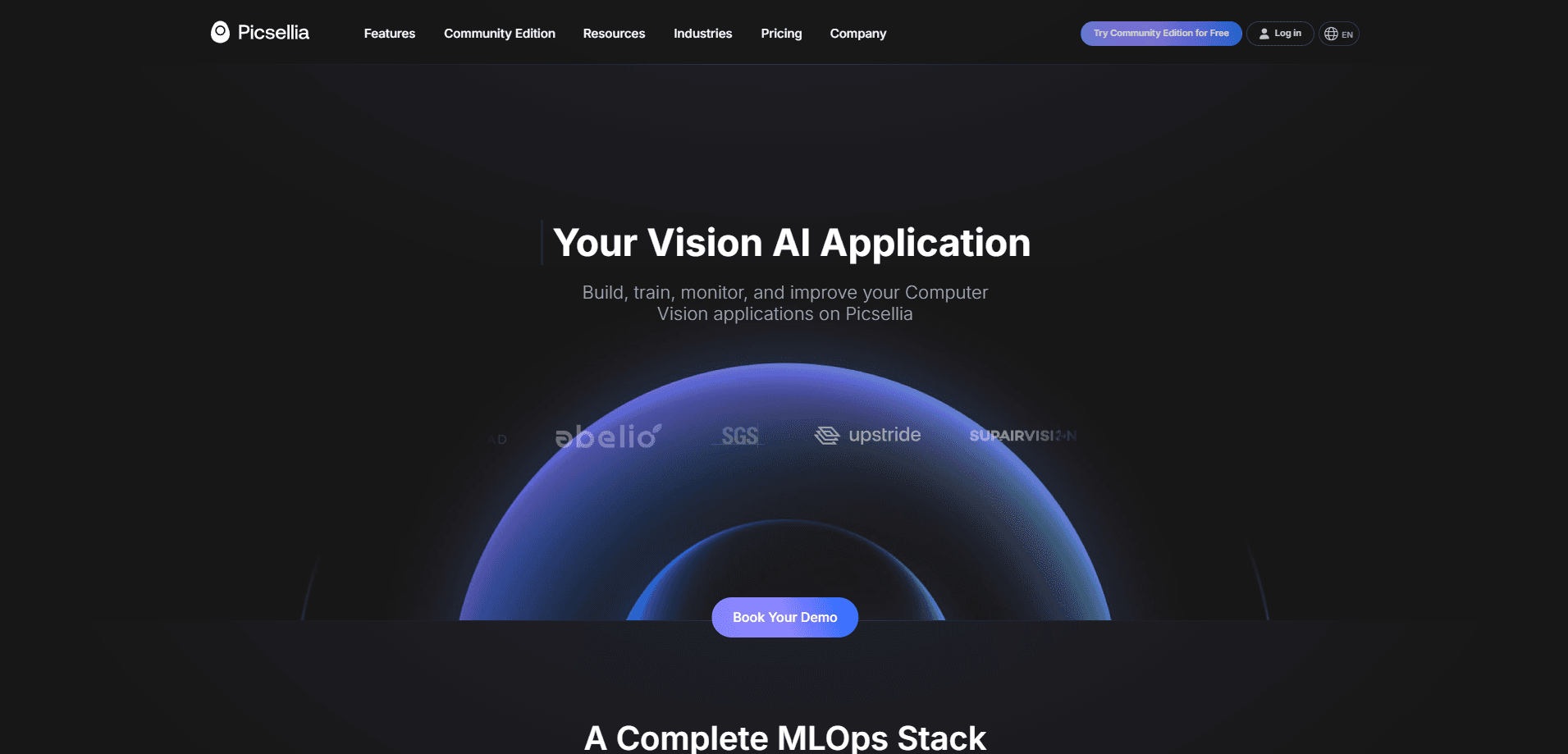
About Picsellia Atlas
What Is Picsellia
Picsellia is a platform for teams that build computer vision systems and are tired of stitching together five separate tools to get one model into production. You manage image and video datasets, annotate them with AI-assisted labeling, train and track experiments on any GPU, deploy the result to cloud, edge or on-premise hardware, and watch it in production. The pitch is shared lineage: every step keeps a link back to the raw image, so you can trace a prediction all the way to the data that produced it.
As a vision AI platform, it also keeps every experiment reproducible, which is the part most homegrown setups lose first.
The problem it targets is familiar to anyone who has shipped a vision model. Data lives in one tool, labels in another, training runs in a notebook nobody can reproduce, and after launch the model quietly degrades as camera angles shift or product packaging changes. Picsellia puts all of it behind one platform, so a team moves from a pilot to a monitored production system without rebuilding its stack halfway through.
The important limits are scope and price. Picsellia is built for computer vision only, so if you need NLP or tabular ML you'll look elsewhere. Pricing is modular and usage-based, which suits teams with steady volume but makes costs harder to predict for a small experiment. There's also no free plan, so trying it means booking a demo or starting the trial.
Getting Started
- Book a demo or start a trial on picsellia.com, then pick the modules you need: Data Engine, VisionAI Factory and Reliability Engine.
- Upload or connect image and video datasets, then version them so every change is tracked.
- Label images with AI-assisted annotation tools, or bring in a trained labeling team through the labeler seats.
- Train models on your own GPU or pay-per-use Picsellia compute, and compare experiments side by side.
- Deploy to cloud, edge or on-premise, then monitor predictions and drift from the same dashboard.
Product Information
A quick look at Picsellia Atlas's pricing, supported platforms, and performance.
Best for
The users, tasks, and scenarios where this tool fits best.
Users
- Computer vision engineers who want one pipeline for datasets, training and deployment instead of gluing tools together.
- ML platform and MLOps leads responsible for keeping models healthy after launch, not just during the pilot.
- Data annotation managers who need AI-assisted labeling at scale and the option to add trained labeling seats.
- Enterprise teams in manufacturing, agriculture, energy, aerospace or defense with data residency and compliance rules.
Tasks
- Managing and versioning large image and video datasets with shared lineage from raw file to prediction.
- Annotating images with AI-assisted tools and quality checks instead of exporting to a third-party labeler.
- Training, tracking and comparing experiments across your own GPUs or Picsellia's pay-per-use compute.
- Monitoring production inference for drift and catching a failing model before it quietly costs you.
Scenarios
- Moving a computer vision pilot off a pile of notebooks and into a monitored production system.
- Standing up an on-premise or air-gapped deployment for a factory or utility that cannot send data to the cloud.
- Running a defect-detection or crop-monitoring project across several plants or sites under one platform.
- Getting ISO 27001-grade security and access controls without building the infrastructure yourself.
Key features
End-to-End Pipeline with Shared Lineage
Picsellia keeps data management, annotation, training, deployment and monitoring in one system rather than five. Shared lineage connects every production prediction back to the dataset and model version that produced it, which is what makes debugging a degraded model a matter of tracing a link instead of reconstructing history from memory.
AI-Assisted Annotation
The image annotation tool applies model suggestions to speed up labeling and keep quality consistent across a team. You can run annotation in-house or add trained labeler seats at €10 per labeler a month, so a project can scale the labeling workforce without switching platforms.
Any-GPU Training and Experiment Tracking
Teams train on their own infrastructure or rent GPU compute inside Picsellia for €3.50 an hour, with T4, A10G and A100 options and automatic shutdown. Experiments are logged and compared in one place, so a result doesn't vanish inside someone's notebook.
Flexible Deployment to Cloud, Edge or On-Premise
Models deploy to the cloud, to edge hardware, or fully on-premise. Enterprise customers get Helm charts for Kubernetes, a Docker Compose path for smaller teams, and an air-gapped option where container images arrive on secure media. That flexibility matters when data can't legally leave a plant.
Production Monitoring with Drift Detection
Reliability Engine watches predictions in production and flags drift when input data shifts. Monitoring runs on Monitoring Units at €1.00 per 1,000 predictions, with volume discounts that drop the rate as prediction counts grow. Catching drift early is the difference between a quiet failure and a fixed model.
Enterprise Security and Access Control
Picsellia is ISO 27001:2022 certified and GDPR compliant, with AES-256 encryption at rest and TLS 1.3 in transit. Access control covers SSO/SAML, 2FA, audit logs, scoped API keys, IP allowlisting and role-based permissions, which is the baseline most regulated buyers ask for.
Pros and cons
Pros
- One platform covers the full computer vision pipeline, so teams stop paying for and integrating five separate tools.
- Shared lineage from raw image to production prediction makes debugging and compliance tracing far easier.
- Deployment options reach from managed cloud to air-gapped on-premise, which fits strict data residency rules.
- Usage-based pricing with automatic volume discounts means per-unit cost falls as image and prediction volume grows.
- ISO 27001 and GDPR compliance come built in rather than bolted on later.
Cons
- There's no free plan, so evaluating Picsellia means booking a demo or a trial rather than signing up and poking around.
- Pricing is modular plus usage-based, which makes a small or unpredictable project hard to budget before you commit.
- It's computer vision only, so teams that also run NLP or tabular models still need a second platform for those.
- Module pricing starts around €500 per module a month, a real cost for solo developers or early pilots.
Frequently asked questions
Picsellia is an MLOps platform for computer vision teams. It covers dataset management, annotation, model training, deployment and production monitoring in one system, so a team can take an image or video project from raw data to a monitored production model.
Related content
Explore related tools, skills, and articles for Picsellia Atlas.
Picsellia Atlas Alternatives

Base Code
Base44 (Wix) · Coding · ProductivityBase Code is a shared cloud development environment from Base44. Teammates describe changes to an existing GitHub codebase in chat, preview them live and send them back as pull requests.

Google EmbeddingGemma 2
Google DeepMind · Writing · Image · CodingGoogle EmbeddingGemma 2 is a 740M-parameter open model that turns text, code, images, audio, and video frames into vectors in one 768-dimension space, running on phones and laptops.

GitGlow
GitGlow · Coding · ProductivityGitGlow is a local-first desktop Git client that lets independent developers review their own code and their AI agents' changes in one place before shipping.