

Pinch
Pinch (Y Combinator-backed) · Other
Pinch is an AI speech translation tool that interprets live meetings in your own voice and dubs video or audio into 10 languages while keeping the original speaker's tone.
About Pinch
What Is Pinch
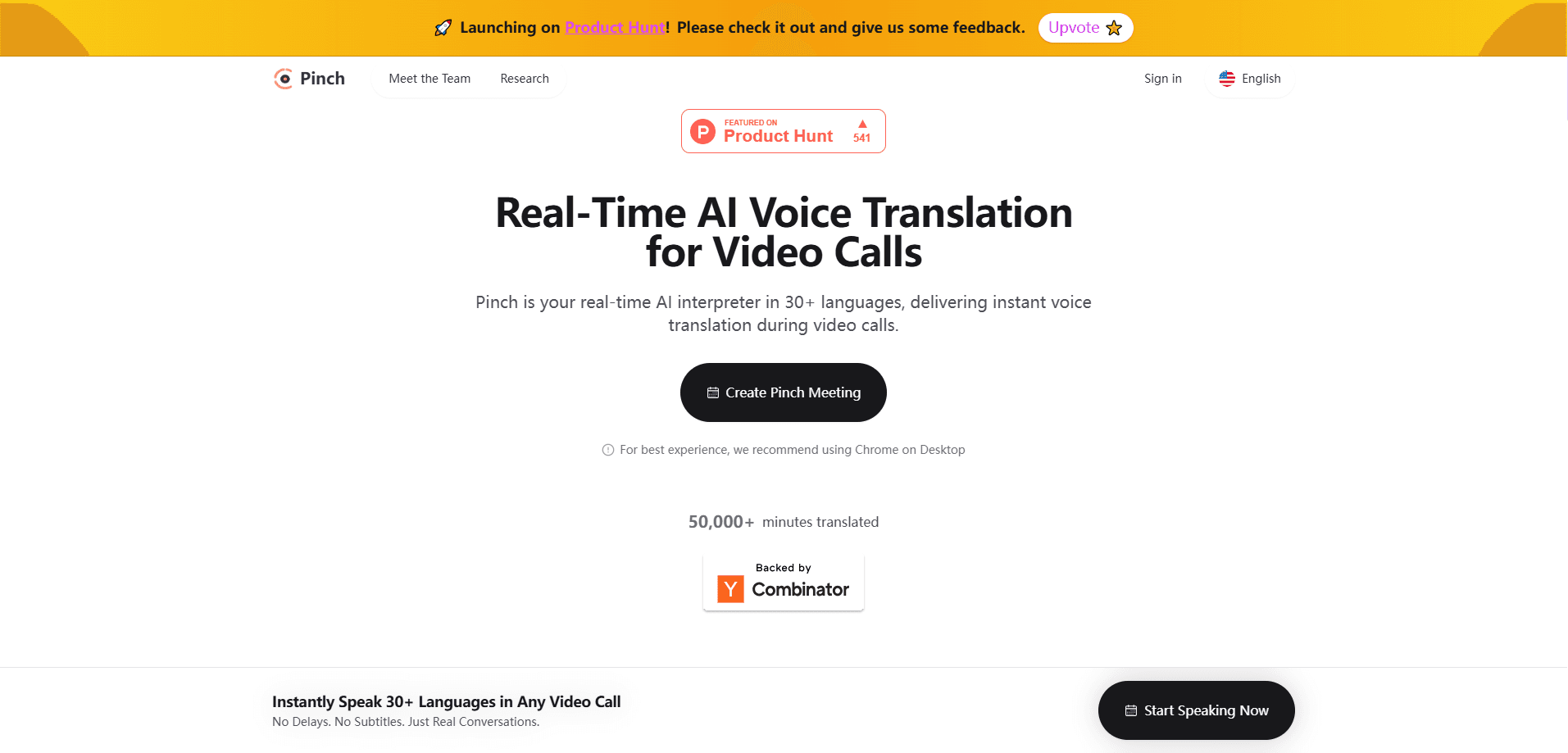
Pinch is a speech translation platform from a Y Combinator-backed team. It handles two jobs: real-time interpretation for meetings and calls, and offline dubbing for recorded video and audio.
The live side works through a Mac app and a browser tool. The app listens to everything you hear, shows you a transcript, and can speak your words into the meeting in another language using a voice that sounds like you. Other participants don't need to install anything, and there are no meeting bots joining the call. You just switch your microphone to Pinch.
The dubbing side takes a video or audio file, transcribes it, translates it with phrasing a native speaker would use, and rebuilds the track in the original speaker's voice. Background music and ambient sound are preserved rather than wiped out. There's also a REST API for developers who want to plug dubbing into their own pipeline.
The main limits are practical. Dubbing covers 10 languages today, the desktop app is Mac-only, and output URLs from the API expire after 48 hours. Live translation depends on a stable connection because the audio is processed as it streams.
Getting Started
- Create an account at startpinch.com. New accounts get $5 in free credit, and no card is needed.
- For live meetings, install the Mac app or open the browser tool, then pick your source and target languages.
- For dubbing, open the studio, upload a video or audio file, and review the auto-detected speakers, transcript, and translation before generating anything.
- Generate the dub once the preview looks right, then download the result. Developers can instead POST a media URL to the API and poll for the finished file.
Product Information
A quick look at Pinch's pricing, supported platforms, and performance.
Best for
The users, tasks, and scenarios where this tool fits best.
Users
- Remote teams spread across languages
- Podcasters and video creators
- Developers building media or meeting products
Tasks
- Running a cross-language sales or support call
- Localizing a recorded interview or tutorial
- Dubbing a full podcast feed on a schedule
Scenarios
- International hiring interviews where the interviewer and candidate don't share a first language
- Republishing an old episode lineup for a new region
- Quick language checks before a big release
Key features
Real-Time Voice Translation
The Mac app captures the audio you hear in a cross-language call, transcribes it, and translates it on screen. When you speak, Pinch can send your voice back into the meeting in the target language using a voice model that keeps your tone. It runs without meeting bots, so the people on the other side don't see an extra participant.
Dubbing with Voice Preservation
Pinch dubs recorded video and audio while keeping the original speaker's voice, warmth, and delivery. Background music, ambience, and sound design stay in the mix, which matters for content where the music is part of the message.
The Dubbing Studio
The browser studio shows speaker detection, the transcript, and the translation before you generate anything. You can correct names, fix phrasing, and confirm who is who first, then generate the dub once the preview is right.
Natural Phrasing Translation
Pinch translates toward how a native speaker would actually say something rather than a literal word-for-word swap. The team has published a side-by-side comparison against ElevenLabs using default settings on both tools, so you can hear the difference yourself.
Developer API
Two APIs cover the main cases. A REST dubbing endpoint takes a video or audio URL in MP4, MOV, WebM, MP3, or WAV, and a WebSocket endpoint streams microphone audio for live translation. Developers get an API key from a portal and pay per minute.
One Wallet Across Products
Live translation and dubbing both draw from a single balance. You top up $10, $25, $50, or $100 at a time, the balance never expires, and every minute of use is logged with its product and cost.
Pros and cons
Pros
- Keeps the original speaker's voice in dubs, which is hard to replicate and central to listener trust.
- Runs live translation without meeting bots, so nothing extra appears in the call for other participants.
- Preview-first dubbing studio lets you fix speaker labels and phrasing before paying for a render.
- Straightforward pay-as-you-go pricing with $5 free credit and a balance that never expires.
- Covers both a no-code browser tool and an API for developers within the same account.
Cons
- Dubbing reaches 10 languages today, fewer than some established dubbing services.
- The live meeting app is Mac-only, so Windows and mobile users can't use that part yet.
- API output URLs are valid for only 48 hours, so you need to download results promptly.
- Live translation depends on a steady connection, since the audio is processed as it streams.
Frequently asked questions
Pinch translates speech in two ways: it handles live meeting translation in real time, and it dubs recorded video or audio into another language. Both keep the original speaker's voice.
Related content
Explore related tools, skills, and articles for Pinch.
Pinch Alternatives
BinkBink
BinkBink · OtherBinkBink is a free online game platform and AI game maker that lets anyone turn a short text description into a playable browser game. You can jump into hundreds of community-made games. Or describe your own idea and play it in seconds, then share it with friends. Want to create your own game? You don't need to code. No engine setup, no download, no hassle.

Audiogen
Audiogen Inc. · OtherAudiogen is an AI music generator built by Audiogen Inc., a small research team that spent about 2.5 years training its own generative music model and designing a web interface around it. Instead of a plain text box, this AI music tool turns the timeline into a beginner-friendly Generative Audio Workstation, or GAW, where inpainting, extending, remixing and stem editing work more like painting on a canvas. The product is still in beta, so access runs through a waitlist or an invite. Paid plans aren't published yet.

Aiml API
AIMLAPI OÜ · OtherAiml API is a unified AI model API that puts more than 1000 models from OpenAI, Google, Anthropic, and others behind one endpoint and one bill. You write code against a single OpenAI-compatible schema, then switch between chat, image, video, and audio models by changing a model string. It suits developers and small teams who want multi-model access without juggling a dozen separate provider accounts, and it removes the usual billing headache that comes with testing several vendors. One key covers it all.