
Pinkfish - Vibe Workflow Automation
Pinkfish AI, Corp. · Coding · Productivity
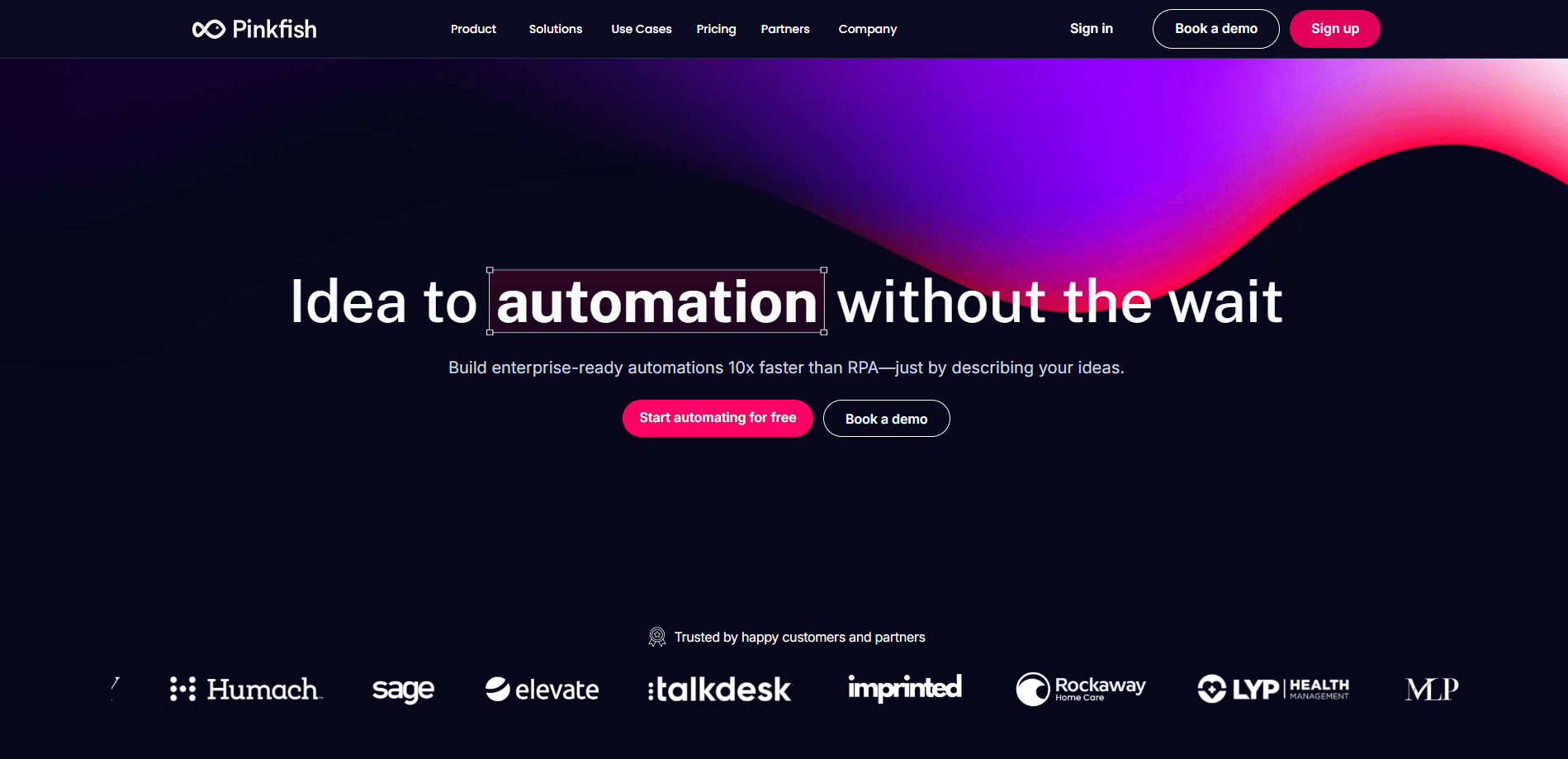
Pinkfish is an enterprise platform for AI workflow automation. You describe a workflow in plain language and Pinkfish builds and runs it across 500+ business apps and thousands of MCP tools.
About Pinkfish - Vibe Workflow Automation
What Is Pinkfish
Pinkfish is a workflow automation and AI agent platform built for enterprises. The core idea is simple: instead of dragging boxes around on a canvas, you describe what you want in natural language and let the platform generate the workflow for you. The company calls this vibe workflow automation, and it applies to everything from a quick single-step automation to a multi-step process that touches CRM, order management, ERP and warehouse systems in one run.
The product is organized around four parts. Coworker is a chat assistant connected to your apps. Agents are configurable AI assistants you build for a specific job. Workflows are the automations themselves, built in either Agent Mode (an infinite canvas with a coding agent that builds alongside you) or Guided Mode (a step-by-step view where you still see the generated code). Guardian watches every run and self-heals failures instead of just sending an alert. Under all of it sit the integrations: 500+ enterprise apps and 25,000+ MCP tools, plus document processing, browser automation and custom connections.
Two things matter for planning. It is an enterprise product with governance, permissions and audit built in, so it is aimed at companies rather than individuals. And Genesys acquired Pinkfish to fold agentic automation into its customer experience platform, which makes it a safer long-term bet but also ties its roadmap to a larger vendor.
Getting Started
- Sign in to the Pinkfish app, or book a demo if your team needs the enterprise rollout path
- Connect the apps you already use, such as Salesforce, Slack, Zendesk or Snowflake, and pick which AI model your org should run on
- Open a Workflow in Agent Mode, type what the workflow should do in plain English, and let the coding agent assemble the nodes
- Run the draft, review each node's inputs and output in the Monitor tab, then promote it from a release and publish it to your team
Product Information
A quick look at Pinkfish - Vibe Workflow Automation's pricing, supported platforms, and performance.
Best for
The users, tasks, and scenarios where this tool fits best.
Users
- Operations teams
- Business users without coding skills
- Enterprise developers and automation engineers
- IT and platform admins
Tasks
- Customer support resolution
- Document processing
- Cross-system data sync
- Browser automation for legacy tools
- Approval workflows
Scenarios
- A support ticket spans four systems
- A team has 50 pending automation requests
- A process breaks at 2am
- A tool has no API
- A regulated process needs a paper trail
Key features
Vibe workflow automation
You type what a workflow should do and the coding agent researches, writes and wires the nodes onto the canvas. Builders get full code in the background while non-coders get a result they can run. This is the opposite of picking from a fixed library of pre-built blocks, and it is the feature that separates Pinkfish from older no-code tools.
Deterministic execution
Pinkfish focuses on deterministic orchestration, meaning the same prompt and inputs produce the same result every time. That matters for mission-critical work like pricing and order flow, where a creative answer is a bug. The agent reasons inside guardrails rather than improvising at the final step.
Agents with enterprise context
Agents are configurable assistants with custom instructions, tools and resources. You attach datastores, file stores and knowledge bases with read, write or admin permissions, then expose the agent through the Pinkfish app, Slack or Microsoft Teams. Agents can also call other agents and workflows as tools.
Guardian self-healing
Guardian watches runs in real time, diagnoses failures and repairs them automatically. Where most monitoring only alerts you, Guardian resolves the problem and keeps the workflow moving, which cuts the time a broken automation sits idle.
500+ integrations and 25,000+ MCP tools
Pinkfish ships native connections to hundreds of enterprise apps, from Salesforce and Zendesk to Snowflake and ServiceNow, plus thousands of MCP tools and custom connections built in minutes. It also covers document processing, browser automation, web scraping, audio and video handling, so workflows reach tools that have no API.
Model-agnostic by design
Swap between OpenAI, Anthropic, Google, Grok, Azure and Perplexity, or bring your own model through the BYOM setting. The platform is not tied to a single provider, so you can change models without rebuilding the workflows around them.
Governance and compliance built in
Permissions, SSO, audit trails and approval steps sit inside the platform rather than being bolted on. Pinkfish holds SOC 2, CASA Tier 3 and HIPAA certifications, and admins keep visibility into every run.
Pros and cons
Pros
- Plain language building puts workflow automation within reach of people who do not write code
- Deterministic execution suits the mission-critical processes that most automation tools avoid
- Broad integration surface, with 500+ apps and 25,000+ MCP tools at launch
- Model-agnostic setup removes lock-in and lets teams switch providers when pricing or quality changes
- Guardian self-healing keeps broken workflows running instead of waiting on a person
- Governance, SSO and audit are native, which shortens review for regulated teams
Cons
- Pricing is not public, so you have to talk to sales before you know what it costs
- The enterprise focus means small teams may find more than they need
- Buying Pinkfish now means riding Genesys's roadmap, since the acquisition folds it into a larger platform
- The most advanced features, such as Agent Mode and Guardian, reward teams who invest time in learning them
Frequently asked questions
Pinkfish is used to automate multi-step business workflows and build AI agents that work across your existing apps. A typical job is resolving a support request end to end, or moving data between systems that were never connected.
Related content
Explore related tools, skills, and articles for Pinkfish - Vibe Workflow Automation.
Pinkfish - Vibe Workflow Automation Alternatives

Base Code
Base44 (Wix) · Coding · ProductivityBase Code is a shared cloud development environment from Base44. Teammates describe changes to an existing GitHub codebase in chat, preview them live and send them back as pull requests.

Google EmbeddingGemma 2
Google DeepMind · Writing · Image · CodingGoogle EmbeddingGemma 2 is a 740M-parameter open model that turns text, code, images, audio, and video frames into vectors in one 768-dimension space, running on phones and laptops.

GitGlow
GitGlow · Coding · ProductivityGitGlow is a local-first desktop Git client that lets independent developers review their own code and their AI agents' changes in one place before shipping.