

Pixelagent
Pixeltable, Inc. · Coding · Other
Pixelagent is an open-source Python framework for building stateful AI agents. It unifies an LLM, storage, and orchestration in one model, so you can add tools, memory, and multimodal data fast.
About Pixelagent
What Is Pixelagent
Pixelagent is a Python framework from Pixeltable, Inc. for building custom AI agents, and it works as a self-contained AI agent framework. It treats an agent as three parts working together: a language model, a store for everything the agent produces, and the orchestration that runs it. Instead of wiring those pieces by hand, you declare an agent in a few lines and let the framework handle persistence and provider calls. It also gives you a clear path to build AI agents in Python without pulling in a stack of unrelated tools.
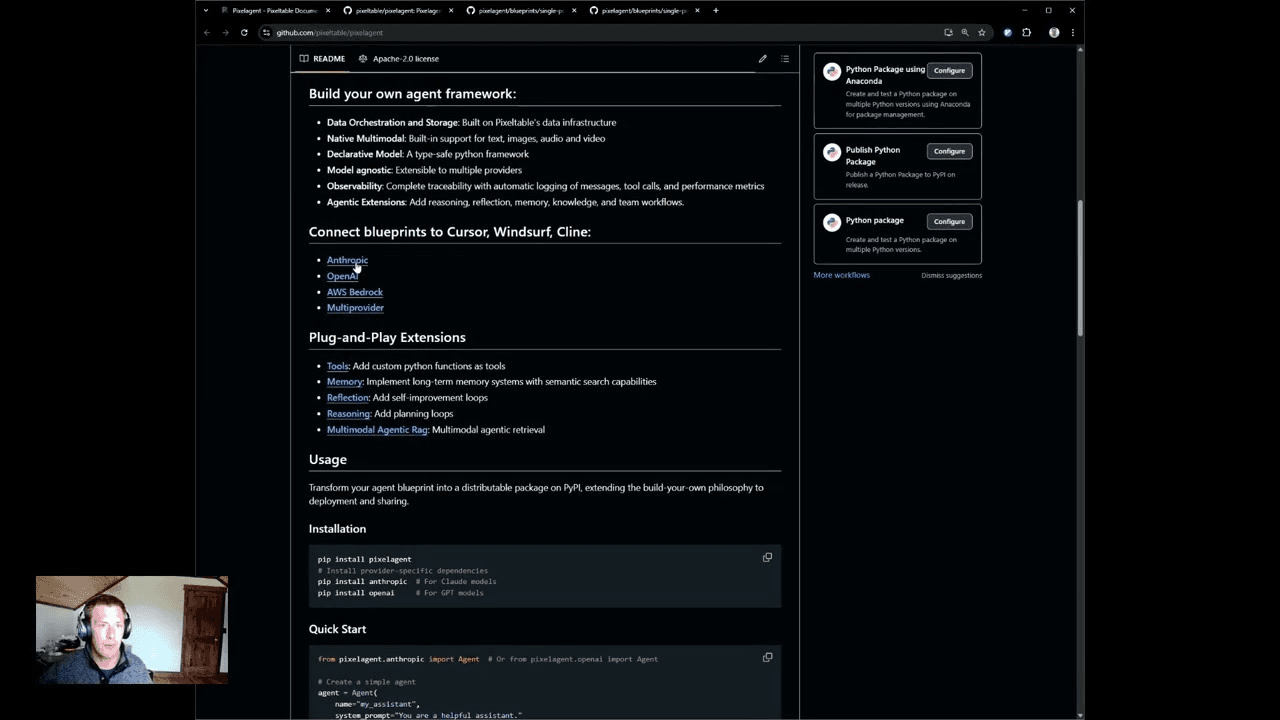
The framework ships with four provider modules (OpenAI, Anthropic, AWS Bedrock, and Gemini), so the same agent code can switch between different language models. Agent memory and tool-call history land in tables automatically, which means you can query past conversations and logs later. Pixeltable handles the data layer, and Pixelagent sits on top of it.
The catch is who this is for. Pixelagent is a developer library, not a no-code builder, so you need to be comfortable writing Python and running a package from the command line. It is early software, the published releases still sit in the 0.1.x line, and API changes can arrive between versions. There is no hosted app to click into, and you bring your own model API keys.
Getting Started
- Install the package with
pip install pixelagent, then add the provider SDK you plan to use, such aspip install openaiorpip install anthropic. - Create an agent by importing the Agent class for your provider and passing a name and a system prompt.
- Send a message with
agent.chat(), or register Python functions as tools and call them withagent.tool_call(). - Inspect what the agent stored by querying its memory and tools tables, then extend the agent with memory, reflection, or planning loops from the examples.
Product Information
A quick look at Pixelagent's pricing, supported platforms, and performance.
Best for
The users, tasks, and scenarios where this tool fits best.
Users
- Python developers
- AI engineers moving past prototypes
- Teams that need multimodal AI agents
Tasks
- Adding tools to an agent
- Building long-term memory
- Running reasoning and planning loops
- Multimodal agentic retrieval
Scenarios
- Prototyping a support agent during a sprint
- Auditing what an agent did
- Testing across model providers
Key features
Declarative, type-safe agent model
You define an agent by declaring its name, system prompt, and tools, and the framework handles the rest. The type-safe Python model catches mismatched arguments at build time rather than deep inside a request. For a developer, that means less boilerplate and fewer silent failures when an agent evolves.
Four built-in LLM providers
Pixelagent ships agent classes for OpenAI, Anthropic, AWS Bedrock, and Gemini, and the same shape of code works across all four. Switching providers is mostly a matter of changing the import. This keeps a project from being locked to a single model vendor while you compare cost and quality.
Automatic state and memory persistence
Agent memory and tool-call history are written to Pixeltable tables as the agent runs. You can query those tables afterward to replay a conversation or check which tools fired. Persistent memory also means an agent can pick up an earlier thread instead of starting cold each session.
Tool calling from plain Python functions
Any Python function can become a tool. You decorate a function, hand it to the agent, and the model decides when to call it during a chat. Because tools live as ordinary code, you can reuse existing libraries, such as pulling live stock data, without wrapping them in a new schema.
Native multimodal data handling
The framework handles text, images, audio, and video as first-class data, since the storage layer underneath is built for it. An agent can reason over a mix of media in one workflow instead of pushing everything through a text-only pipe. That matters for retrieval and analysis tasks where the source isn't plain text.
Observability and agentic extensions
Messages, tool calls, and performance metrics are logged automatically, giving you a trace of what the agent did and how long it took. On top of that, the project ships examples for memory, reflection, reasoning, and multimodal retrieval that you can drop into an agent. The result is a framework you extend instead of a black box you accept.
Pros and cons
Pros
- Combines an LLM, storage, and orchestration in one framework, so you skip assembling separate services.
- Four providers, including OpenAI, Anthropic, Bedrock, and Gemini, are available out of the box.
- Conversation memory and tool-call logs persist automatically and stay queryable.
- Handles text, images, audio, and video natively, which suits multimodal retrieval.
- Free and open source under the Apache 2.0 license, with runnable examples included.
Cons
- Aimed at Python developers, so there's no no-code path for non-programmers.
- Still early releases, and the published version sits in the 0.1.x line, so expect breaking changes.
- You bring your own LLM API keys, which means separate provider costs on top.
- The package leans on Pixeltable's data layer, so switching storage later isn't trivial.
Frequently asked questions
Pixelagent is an open-source Python framework for building AI agents, released as a free open source AI agent framework. It combines a language model, a storage layer, and orchestration in one declarative model, so you can build agents with memory, tool calling, and multimodal data instead of wiring separate services yourself. It comes from Pixeltable, Inc. and is released under the Apache 2.0 license.
Related content
Explore related tools, skills, and articles for Pixelagent.
Pixelagent Alternatives

Base Code
Base44 (Wix) · Coding · ProductivityBase Code is a shared cloud development environment from Base44. Teammates describe changes to an existing GitHub codebase in chat, preview them live and send them back as pull requests.

Google EmbeddingGemma 2
Google DeepMind · Writing · Image · CodingGoogle EmbeddingGemma 2 is a 740M-parameter open model that turns text, code, images, audio, and video frames into vectors in one 768-dimension space, running on phones and laptops.

GitGlow
GitGlow · Coding · ProductivityGitGlow is a local-first desktop Git client that lets independent developers review their own code and their AI agents' changes in one place before shipping.