

Plannotator
backnotprop · Coding
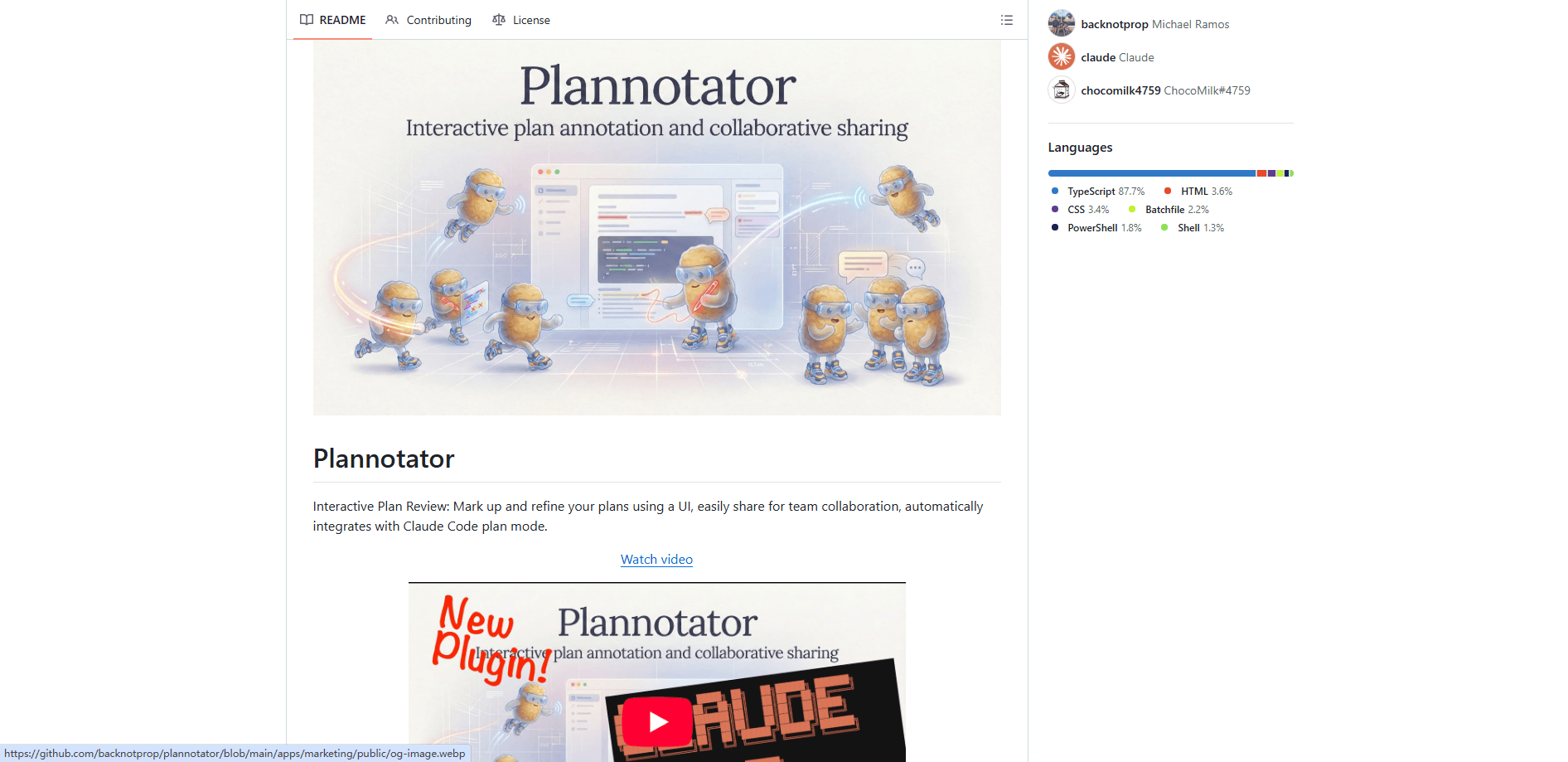
Plannotator is a local, browser-based AI code review tool for coding agents. It opens the plan your agent just wrote, or the code it just changed, inside a browser window where you can highlight text, leave comments, and send everything back to the agent as structured feedback. Think of it as a markdown annotation tool for agent output. It runs on your machine, it's free and open source, and it plugs into agents like Claude Code, Codex, Copilot CLI, Gemini CLI, and OpenCode.
About Plannotator
What Is Plannotator
Plannotator is a visual layer for the moment when an AI agent has written a plan but hasn't built anything yet. Instead of scrolling through a long block of text in your terminal, you get the same document rendered as a web page. You can select a sentence, attach a comment, and hit send. The agent receives your AI coding agent feedback and revises its work. The project describes itself as a review surface, and that's accurate. It sits between the agent and the next step of the task.
The appeal is timing. Catching a bad assumption in a plan costs a few minutes. Catching the same mistake after the code is written costs a lot more. Plannotator leans on that gap, especially for people who use agents on large features where one wrong design decision can ripple through dozens of files.
It's also worth knowing what it isn't. Plannotator doesn't write code, and it doesn't host anything for you. Everything runs locally. Your plans, diffs, and comments stay on your machine. If a workflow depends on a shared cloud workspace, you'll need to fit Plannotator around that, not the reverse. Another limit: it lives alongside a coding agent, so it has no use on its own if you don't already run agent tools like Claude Code or Codex on this machine.
Getting Started
- Run the installer for your platform. On macOS, Linux, or WSL that's
curl -fsSL https://plannotator.ai/install.sh | bash. Windows users run the PowerShell or Command Prompt equivalent. - Let the installer wire itself into your agents. It detects which coding agents are present and adds the matching hooks, slash commands, and skills.
- Open a new terminal and check that the command works by running
plannotator --version. - In your coding agent, trigger a review. Commands include
/plannotator-annotate <file|dir|url>,/plannotator-review [PR_URL], and/plannotator-lastfor the agent's most recent message. - Your browser opens the document, you mark it up, and your comments go straight back to the agent.
Product Information
A quick look at Plannotator's pricing, supported platforms, and performance.
Best for
The users, tasks, and scenarios where this tool fits best.
Users
- Developers running AI coding agents who want to steer plans before code gets written
- Solo builders shipping features with Claude Code or Codex and reviewing diffs alone
- Team leads who want to comment on a PR or a spec without leaving their editor flow
Tasks
- Marking up an agent-written plan so the next revision matches your intent
- Reviewing local changes or a GitHub and GitLab pull request line by line
- Annotating a rendered HTML artifact the agent produced
Scenarios
- A large refactor where one wrong design choice would touch dozens of files
- Late-night work when you want review notes captured in a browser instead of a chat scroll
- Reviewing a teammate's PR that touches code you don't have open locally
Key features
Plan review before the agent acts
The core of Plannotator is catching problems while they're still cheap to fix. When your agent proposes a plan, the plan opens in your browser with the text laid out for reading. You select a section, type a comment, and send it. The agent gets your notes as a batch and rewrites the plan. That loop lets you annotate AI plans before a single file changes. For anyone who has watched an agent confidently build the wrong thing for twenty minutes, this is the feature that earns the install.
Code review with a full diff viewer
Once the agent starts writing code, Plannotator shifts to reviewing it. Local changes and remote pull requests open side by side, so you can comment on specific lines and suggest replacements. It handles Git, GitButler, Jujutsu, Perforce, GitHub, and GitLab. That covers most stacks people actually use. Your line-level comments go back to the agent the same way plan comments do.
HTML artifact annotation
Agents increasingly output HTML: a dashboard mockup, a report, a small interactive page. Plannotator renders that HTML in the browser and lets you annotate the rendered result rather than the source. It's a small feature that solves a real annoyance. Reading raw tags is slow. Now you don't have to.
Wide agent support from one installer
The installer detects which agents you have and configures each one. The supported list includes Claude Code, Codex, Copilot CLI, Gemini CLI, OpenCode, Kiro, Droid, Amp, and Pi. Hooks are used where the agent supports them, slash commands where that fits better. You're not juggling nine separate setup guides. That matters if you switch between agents on different projects.
Local-first privacy
Plannotator runs on your machine in a browser tab and states that it doesn't collect usage data. Plans, diffs, and comments stay local until you send them to your own agent. For teams handling private code, that's a meaningful difference from tools that want you to upload context to a hosted service.
Pros and cons
Pros
- Free and open source, with no subscription or seat pricing
- Setup is one script that configures every detected agent for you
- Plan review catches design mistakes before they turn into code
- Review comments flow straight back to the agent instead of living in a separate chat
- Everything stays local, which suits private codebases
Cons
- It only helps if you already run a coding agent, so it's useless on its own
- The integrated terminal wants Node.js and npm on Windows and some Linux setups, and without them a couple of features fall back
- The extra skills and the option to let the model start skills on its own are off by default, so you have to opt in during install
Frequently asked questions
Yes. Plannotator is free and open source, and the project lists no paid tiers. There's nothing to subscribe to, and the code is public on GitHub.
Related content
Explore related tools, skills, and articles for Plannotator.
Plannotator Alternatives
Forefront
Forefront · CodingForefront is a web platform for building with open-source AI. It lets you fine-tune leading open-source language models on your own data, evaluate how they perform, and run them through an API or export them to host yourself. Developers who want the convenience of a closed-source platform but insist on owning their models and data are the target audience here.

Startkit
StartKit.AI · CodingStartkit is a boilerplate for building AI SaaS and AI wrapper products. Think of it as an AI startup boilerplate with the boring parts already wired up: authentication, Stripe and Lemon Squeezy payments, usage limits, transactional email, and an AI API starter that talks to OpenAI, Anthropic, Groq, or Llama. You clone the repo, set your price, and start on the part of your product that people actually pay for. It's Next.js under React and Tailwind, so most of the boilerplate code already feels familiar.
Testim
Tricentis · CodingTestim is an AI-powered test automation platform for building and running end-to-end tests across web, mobile, and Salesforce applications. It leans on machine learning to keep tests stable when an interface changes, so teams spend less time fixing broken selectors. Not bad for an automated testing tool you can start using today. You create tests by recording actions in a browser, then optionally add JavaScript when you need more control. It's a solid pick for busy QA teams.