

Plot Factory
Plot Factory · Other
Plot Factory is an online story planner and writing app for novelists who want to plot, organize, and draft in one place.
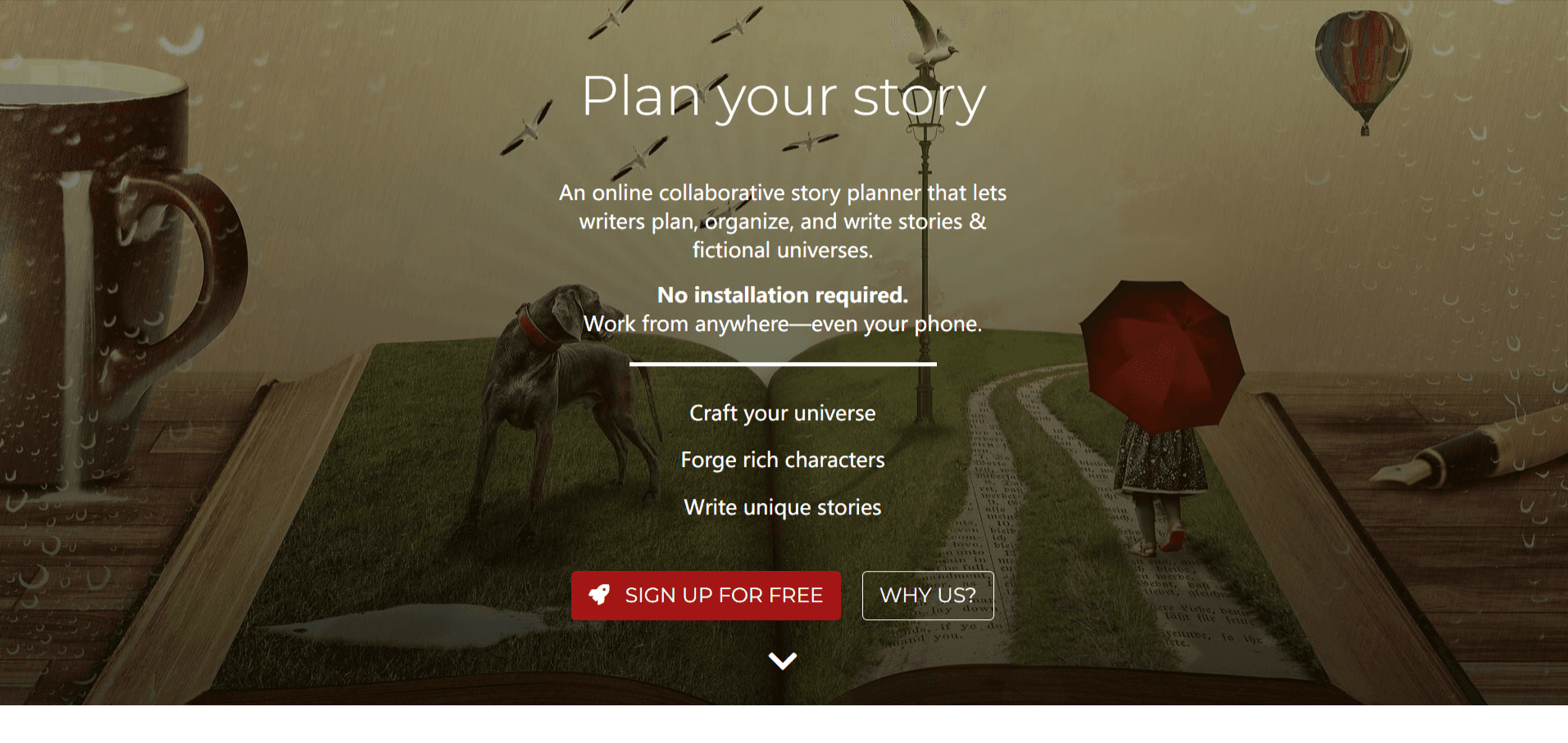
About Plot Factory
What Is Plot Factory
Plot Factory is a browser-based writing app built for people who outline before they draft. Think of it as novel writing software that also handles the drafting. Instead of juggling a notes app, a spreadsheet of characters, and a word processor, you keep the whole book inside one workspace. Stories are split into chapters and scenes, so you can watch a plot come together before you commit to prose.
The core idea is organization. You build characters on reusable sheets, link fictional worlds to one book or many, and store research, links, and stray ideas right next to the manuscript. A built-in stats tracker shows your daily and monthly word counts, which turns the vague goal of "write more" into something you can actually measure.
Two limits are worth knowing up front. There's no offline mode, so you need a connection to work. The free tier also caps you at one story and limits daily narrations, and a few of the more advanced planning tools sit behind the paid tier.
Getting Started
- Create a free account with your email and sign in through any browser.
- Start a story and add your first book, then set up a chapter structure.
- Build characters on the character sheets and fill in the details you'll need later.
- Add scenes to each chapter and write in the manuscript editor, which autosaves as you go.
- Export the finished draft to Word, ePub, PDF, Text, or HTML when you're ready to share or self-publish.
Product Information
A quick look at Plot Factory's pricing, supported platforms, and performance.
Best for
The users, tasks, and scenarios where this tool fits best.
Users
- Novelists who plan before they write
- Indie authors preparing to self-publish
- Writers who move between devices
Tasks
- Outlining plot and subplot
- Tracking characters and continuity
- Editing by ear
Scenarios
- Daily writing sprints
- Beta reading and editing passes
- Organizing a long series
Key features
Chapter and Scene Organization
Plot Factory splits every book into chapters and scenes, and you can drag scenes within a chapter or move them across chapters. You also tag the point-of-view character for each scene, which is a simple way to stop accidental head-hopping between characters.
Character Sheets
Characters live on dedicated sheets where you record names, genders, and other facts you'll need to reference. You can start from a built-in template or build your own sheet, and you can attach a profile picture. The sheets stay viewable while you're inside the editor.
World Building
A separate space holds the details of your fictional universe, from locations to magic systems and objects. Think of it as a dedicated world building tool. You can link a world to one book or to many, which matters most when you're writing a series and need the same rules to apply throughout.
Story Outline Templates
Pre-made outline designs help you shape a plot while keeping tension and a clear story arc. You can also create plot points and group them into acts, then sort and reorder them until the structure holds together.
Manuscript Editor and Autosave
The editor handles the actual drafting and saves your work automatically after every edit. A dead battery won't cost you a chapter. Nor will a closed tab. That's the kind of thing you stop worrying about once it's in place.
Narration and Text-to-Speech
A narration generator reads your story out loud using life-like voices, including English accents and female voices. Hearing prose spoken is a fast way to spot clumsy phrasing that reads fine silently. The daily narration limit applies on the free tier.
Writing Stats and Goals
The stats tracker logs your word count by day, week, and month, and you can set a goal to see progress visually. It also breaks down how much attention each character gets, measured by scene count or overall percentage, which is handy for checking whether a major character has quietly disappeared.
Export and Sharing
You can export a novel to Word, ePub, Text, PDF, or HTML, either one chapter at a time or as a whole book. Sharing works through a URL that lets friends, beta readers, or editors read your work without signing up.
Pros and cons
Pros
- Everything for a book sits in one workspace, so you aren't bouncing between a notes app and a word processor.
- It runs entirely in the browser and works on phones and tablets, with no installation required.
- Autosave after every edit means you won't lose progress to a crash or a forgotten save.
- Exports cover the formats self-publishers and querying writers actually need, including ePub and docx.
- The free tier covers the basics, so you can test the workflow before paying.
Cons
- There's no offline mode, so you can't write on a flight or anywhere without a connection.
- The free plan allows only one story and limits narrations per day, which gets tight fast for a multi-project writer.
- Real-time collaboration isn't available yet, so co-writing still means passing drafts back and forth.
Frequently asked questions
It's a tool for planning and writing fiction. You outline plots, build characters and worlds, and draft your manuscript in the same place, which suits novelists who like structure before prose. Is it built for planners or discovery writers? It leans toward planners.
Related content
Explore related tools, skills, and articles for Plot Factory.
Plot Factory Alternatives

Odyssey 3
Odyssey · OtherOdyssey-3 is Odyssey's foundation world model. It simulates physics in real time, turns a prompt into an interactive environment, and adapts to robots, cars and games.

JarvisCore
Prescott Data · Coding · Productivity · OtherJarvisCore is an open source Python runtime where AI agents work as equal peers on an agent mesh, claim tasks from a shared ledger, and reach external services through a zero-trust broker.
Clef
Cloudflare · Business · OtherClef is Cloudflare's open-source decision model for Workers AI. It returns calibrated probabilities for typed questions, not generated text, so agents can classify, route, and act fast.