

Plume AI
Sofuto Solutions LLP · Writing
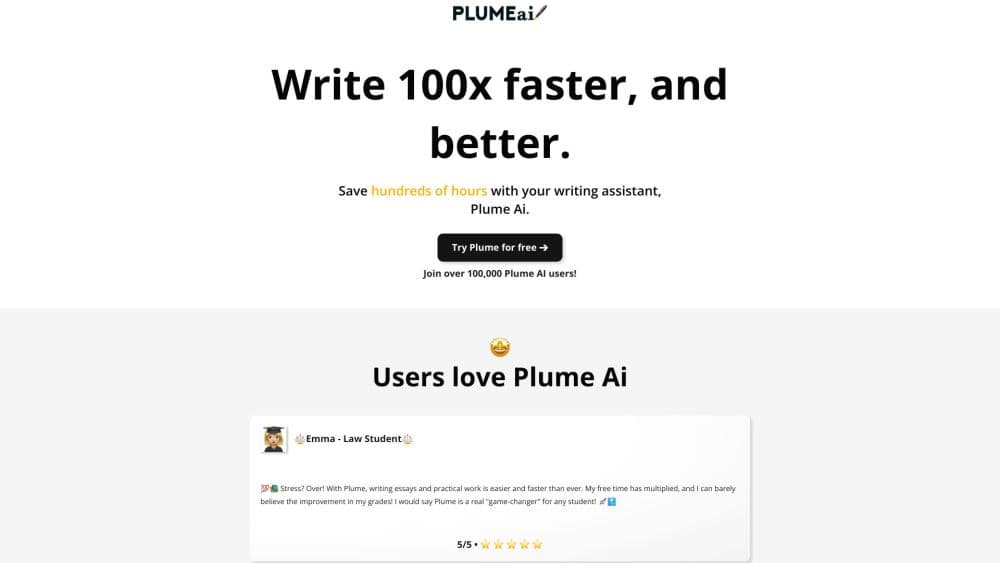
Plume AI is a browser based AI writing assistant for students that drafts essays and reports, corrects your drafts, turns course notes into revision sheets, and makes stiff AI text read naturally.
About Plume AI
What Is Plume AI
Plume AI is a web app that puts a chat panel next to a real document editor. You describe the assignment or paste your own draft, and the assistant builds an outline, writes the sections, and lets you edit everything page by page before exporting to Word or PDF. The company behind it is Sofuto Solutions LLP, registered in England, and the product runs in the browser with no install.
The problem it solves is the gap between knowing what to write and producing a finished, formatted document. Students usually juggle a chat window, a word processor, and a separate grammar checker. Plume folds those steps into one workspace, which matters most when a deadline is close and the structure of the answer is the hard part.
Two limits are worth knowing before you pay. The assistant writes text, not research, so anything factual still needs your own sources and checks. And schools vary on how much AI help they allow, so the academic honesty rule of your institution decides whether a generated draft is acceptable at all.
Getting Started
- Open the site and start a document. You can log in straight away or begin writing and sign in when you export.
- Tell Plume what the task is: essay, thesis chapter, internship report, or lab report, plus your subject, level, and expected length.
- Add context. Upload your course PDFs, attach a Word file of notes, and paste the assignment brief so the writing follows your actual requirements.
- Review the plan the assistant proposes, then generate the sections and edit them in the editor with its formatting and margin controls.
- Run the correction pass for wording, clarity, and transitions, then use the humanizer on any part that reads mechanical.
- Download the finished file as Word or PDF, or copy the text somewhere else.
Product Information
A quick look at Plume AI's pricing, supported platforms, and performance.
Best for
The users, tasks, and scenarios where this tool fits best.
Users
- University students writing essays and dissertations
- Students preparing for exams
- Interns and apprentices writing reports
- Writers and job seekers polishing text
Tasks
- Drafting an essay from a brief
- Correcting your own writing
- Building revision sheets
- Making AI text sound human
- Formatting and exporting
Scenarios
- A literature essay due in three days
- Revision week before finals
- A first internship report
Key features
Document Generation From a Brief
Plume builds a plan before it writes, and that order is what separates it from a plain chatbot. You set the subject, academic level, and expected length, then approve or adjust the sections it proposes. The output arrives as an editable document rather than a wall of text in a chat window.
Correction and Inline Rewriting
Upload a draft you wrote yourself and ask for a correction pass on wording, clarity, structure, and transitions. You can also select one passage and request a rewording while the rest of the document stays untouched. AI proofreading is the feature that makes Plume AI useful for people who do their own writing and just want a second pair of eyes.
Revision Sheets and Quiz Mode
Point the assistant at a course PDF and ask for a summary you can study from. It returns essential concepts, definitions, and a clean outline. Quiz mode takes the same document and asks you questions, checks your answer, explains what you missed, and keeps track of your score.
AI Text Humanizer
The humanizer is a separate tool for text you already have. Paste a paragraph that sounds like a machine wrote it, and Plume rewrites it with shorter sentences and plainer wording. The meaning should survive, the tone changes. Keep the sentences you like and discard the rest, which is far quicker than editing every clause by hand.
Word and PDF Editor
The workspace behaves like a word processor: pages, bold and italic, headings, spacing, and adjustable margins. You can import a Word or PDF file to continue an existing document, and every finished piece exports back to Word or PDF. For anyone used to formatting in Word, the learning curve is short.
Citations, Translation, and AI Edits
Paid plans bundle the smaller everyday tools. Citation handling, translation, and targeted AI edits sit inside the same document, so a paragraph can be translated or tightened without leaving the page. These are the tasks that otherwise get spread across three browser tabs.
Templates by Assignment Type
Essay, dissertation, internship report, reading report, case study, and practical report each get a structure that matches what supervisors expect. Templates matter for AI essay writer work and report writing alike, and choosing the right one early saves the most time, because the section order is already correct before a single word is generated.
Pros and cons
Pros
- The plan first workflow produces documents with a visible structure, which is where most student drafts actually fail.
- Document upload means the assistant works from your own course material and notes rather than generic knowledge.
- Correction, humanizing, revision sheets, and quizzes live in one place, replacing several separate tools.
- Word and PDF export works from inside the editor, so no formatting gets lost in a copy and paste step.
- The free plan lets you test the output on a real assignment before committing to a subscription.
Cons
- The Plus plan caps you at 30 document generations a month, which a heavy essay schedule will burn through quickly.
- Full document rewrite stops at five pages on Plus, so long theses need the $60 Pro plan.
- Plume AI has no public API, which rules out anyone who wants to plug the writing workflow into their own app.
- Generated content still needs a factual check, and submitting unchecked output can breach your school's academic integrity rules.
Frequently asked questions
Plume AI writes and corrects academic documents in the browser. You give it an assignment brief or upload your own draft, and it produces a formatted Word style document you can edit and export.
Related content
Explore related tools, skills, and articles for Plume AI.
Plume AI Alternatives

Google EmbeddingGemma 2
Google DeepMind · Writing · Image · CodingGoogle EmbeddingGemma 2 is a 740M-parameter open model that turns text, code, images, audio, and video frames into vectors in one 768-dimension space, running on phones and laptops.

MePersona
MePersona, Inc. · Writing · Productivity · MarketingMePersona is an AI unified inbox for creators. It learns your voice, drafts replies to fan messages from 12 platforms, and sends only what you approve.

Fluence
Yay Software (Yannick Huchard) · Writing · Voice & Language · ProductivityFluence is an Android app that reads PDFs, EPUBs, Word files and web articles aloud, follows each sentence as it speaks, and answers questions about the text on the phone itself.