

PocketPal AI
LLM Ventures · Business · Chatbot
PocketPal AI is a free, open source private AI chat app that runs GGUF language models offline on iPhone and Android, so your prompts and replies stay on the device.
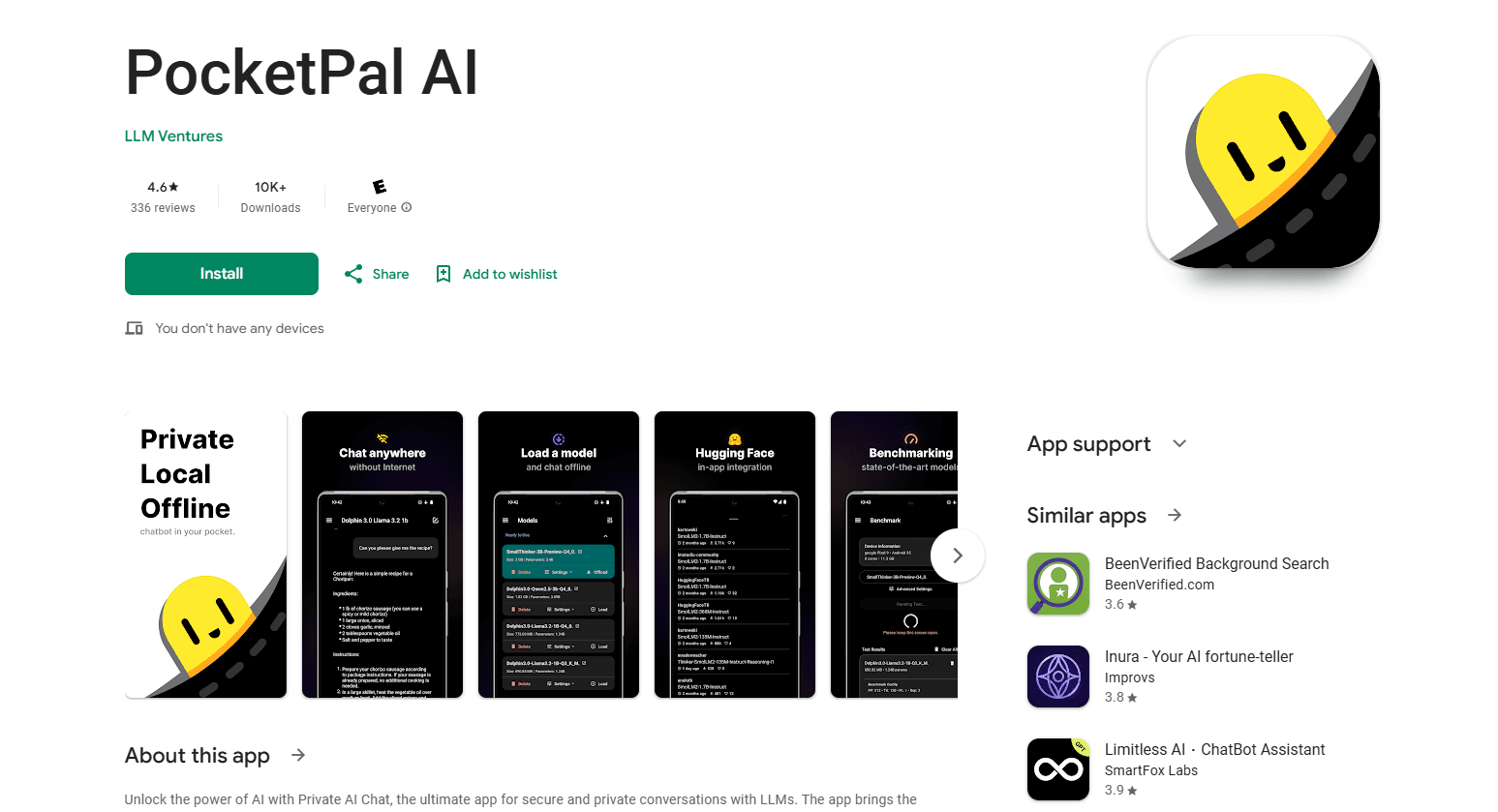
About PocketPal AI
What Is PocketPal AI
PocketPal AI is an on-device AI chat app from LLM Ventures. Instead of sending your messages to a server, it loads a language model onto your phone and runs it locally. That means no account, no cloud round-trip and no internet needed once a model is downloaded. The project is MIT-licensed, and the code lives on GitHub under the developer Asghar Ghorbani.
The product has grown well past a simple chat window. It supports text-to-speech with on-device neural voices, a Pals system for building custom assistants with their own model and system prompt, and a benchmarking tool that measures tokens per second and memory use. You can pull models straight from Hugging Face, including gated ones, if you paste an access token. The website reports more than 3.1 million downloads across iOS and Android, and the GitHub repo has drawn over 8,500 stars.
The main limit is the phone itself. Small open models fit in memory that a handset can spare, but their answers are weaker than a frontier cloud model, and larger downloads eat storage fast. Users also need to download a model (roughly 1 to 5 GB) before the first chat.
Getting Started
- Install PocketPal AI from the App Store or Google Play
- Open the menu, go to Models, and download one that fits your phone's memory
- Optionally add a Hugging Face access token in Settings to reach gated models
- Tap Load on the model, then open Chat and start typing
- Long-press a message to edit or retry, and save a Pal for repeat tasks
Product Information
A quick look at PocketPal AI's pricing, supported platforms, and performance.
Best for
The users, tasks, and scenarios where this tool fits best.
Users
- Privacy-focused users
- Frequent travelers
- Students and researchers
- Developers and tinkerers
- Budget users
Tasks
- Offline chat
- Voice replies
- Custom assistants
- Model management
- Benchmarking
- Tool use
Scenarios
- On a plane or a trail
- Reviewing sensitive documents
- Testing a new phone
- Going multilingual
- Leaving devices behind
Key features
On-Device GGUF Chat
The core of the app is local inference. PocketPal AI runs quantized GGUF models through llama.cpp, so Gemma, Qwen, Phi, Llama and thousands more can chat fully offline. Nothing in a conversation is uploaded or stored on external servers. The app also keeps the screen awake during inference so long answers do not get cut off by a lock timer.
On-Device Text-to-Speech
Answers do not have to stay silent. PocketPal ships neural text-to-speech that runs on the phone, using engines such as Kokoro through ONNX Runtime. Voices are generated locally with no cloud calls, which keeps the same privacy promise as the chat itself. That matters for hands-free use, accessibility and anything read aloud on the move.
Pals and PalsHub
Pals are personalized assistants you configure with their own default model, system prompt and personality. Assistant Pals target a task, while Roleplay Pals add a role, a location and other context for scripted conversations. PalsHub is an in-app marketplace where you browse and install community Pals, including premium ones bought inside the app. The result is that one download covers many separate workflows.
Hugging Face Model Library
Model choice drives everything, so the app connects to Hugging Face directly. You search GGUF models, filter by quantization, and either download now or bookmark for later. Gated models open up once you add a personal access token in Settings. The app also lets you add a model file from local storage, which suits anyone who already keeps weights on the device.
Built-In Benchmarking
The benchmark page turns guesswork into numbers. It measures tokens per second and memory use for the models you load, so you can compare candidates on your actual hardware before settling on one. Results can be shared to the AI Phone Leaderboard, where they line up against other devices and help the next buyer pick a model size that a phone can handle.
Tool Use and Agent Loop
Newer builds let capable Pals call tools mid-conversation. A Talent is a small engine the model can invoke, and the app registers tools such as a calculator, date and time lookup, and rich HTML rendering. The agent loop streams tokens, detects a tool call, runs it and feeds the result back for the next turn. It is the first step from plain chat toward an assistant that gets things done on the device.
Pros and cons
Pros
- Runs language models fully offline, so conversations work with no signal and no account
- Free and open source under the MIT license, with no subscription to unlock chat
- Privacy is the design, since prompts and replies stay on the device
- On-device neural text-to-speech adds spoken answers without cloud calls
- The benchmark tool reports concrete tokens-per-second figures on your own phone
Cons
- Small on-device models give weaker answers than frontier cloud models, so hard reasoning can disappoint
- You must download a model first, often 1 to 5 GB, before the first chat works
- Large models need a handset with plenty of RAM, and older or low-end phones will struggle
- The best models drain battery and warm the phone during long sessions
- There is no public API, so the app is for personal use rather than building on top of it
Frequently asked questions
PocketPal AI is a free, open source app that runs language models directly on your phone. It supports GGUF models, so you download one, load it and chat offline on iPhone or Android with no account and no cloud. It also adds on-device text-to-speech, custom Pals and a benchmarking tool.
Related content
Explore related tools, skills, and articles for PocketPal AI.
PocketPal AI Alternatives

Knocket
Knocket (Tencent RTC team) · Productivity · Business · ChatbotKnocket is a free live chat and contact page tool that lets visitors message you from your website, app, or a shareable link, with every reply handled from Telegram or one inbox.

shippedit.me
Krawlup · Marketing · Businessshippedit.me now redirects to Krawlup, a web platform that audits SEO, AEO and page speed every week, then hands the fixes to AI coding agents over MCP.

Ayven
Alknoma · Productivity · BusinessAyven is an AI control centre by Alknoma that turns a plain-language goal into a dated plan, hands the work to your people and AI agents, and asks for your approval only when the call is yours.