

Podcastle
Podcastle · Voice & Language · Video
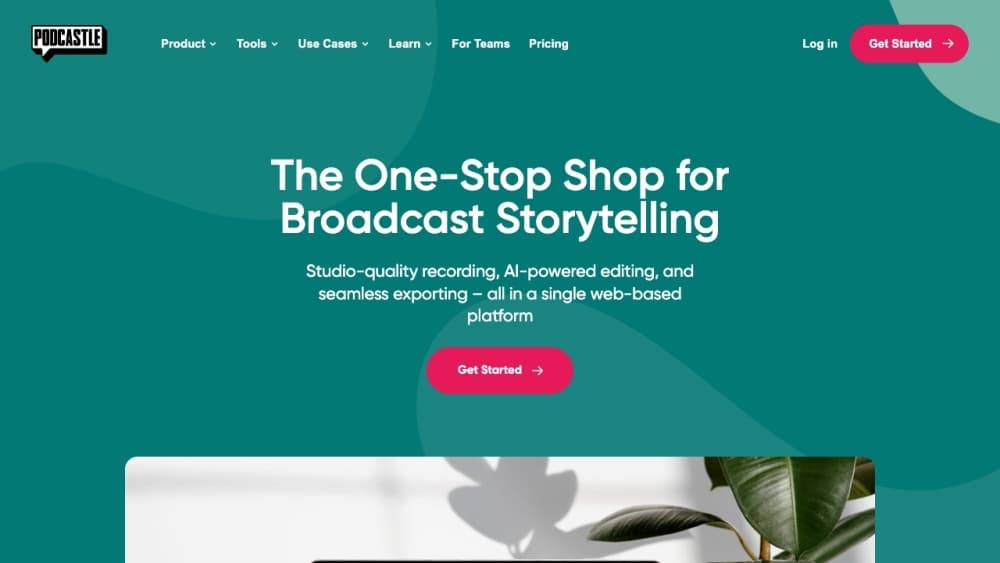
Podcastle is an all-in-one AI podcast editor and podcast recording software for recording, editing, transcribing, and publishing audio and video shows, with voice cloning and text-to-speech built in.
About Podcastle
What Is Podcastle
Podcastle is a browser-based studio that handles the whole podcast workflow in one place. You record, clean up audio, edit by editing text, and publish episodes without juggling a recorder, an editor, and a hosting service. The company was founded in 2020, and the platform now runs under the Async brand while keeping the podcast tools its early users came for.
The idea behind it is simple. Most podcasters lose hours to editing, noise removal, and transcript work, and that overhead is the reason many shows stall. Podcastle takes those chores off the table. Magic Dust makes a phone recording sound close to a studio take, Revoic clones a voice from a short sample, and text-to-speech reads a script aloud so you can fix a line without re-recording the whole episode.
The catch is depth. It isn't a replacement for a full digital audio workstation when you need fine control over mixing and mastering, and the free plan caps transcription and storage hard enough that regular shows outgrow it fast. For interviews and solo shows that need to go from raw audio to a published episode quickly, the tradeoff usually lands in your favor.
Getting Started
- Create a free account at podcastle.ai, then open the studio in your browser.
- Record directly in Podcastle or upload audio and video files, and let the automatic transcription finish.
- Edit by deleting words in the transcript, then run Magic Dust to clean the audio and fix levels.
- Add music from the royalty-free library, drop in generated voiceovers, and trim the episode to length.
- Publish to a Podcastle hosting page and push the episode to the major podcast networks.
Product Information
A quick look at Podcastle's pricing, supported platforms, and performance.
Best for
The users, tasks, and scenarios where this tool fits best.
Users
- Podcasters and interviewers
- Solo creators without a production team
- Marketers and educators
Tasks
- Cleaning up rough recordings
- Transcription and captions
- Voiceover and voice cloning
- Publishing and hosting
Scenarios
- A weekly interview show
- Turning a long recording into clips
- Fixing an episode after the guest has left
Key features
Text-Based Audio Editing
Podcastle transcribes your recording automatically and ties every word to its spot in the audio. You edit by deleting text, and the matching audio drops out with it. Removing filler words or a fumbled sentence becomes a quick pass through a document rather than scrubbing a waveform.
Magic Dust Audio Cleanup
Magic Dust is the noise and level tool that does the most visible work. It strips background hum, hiss, and room echo, then balances the volume so voices sit at an even level. A recording made on a laptop mic in a kitchen can come out sounding close to a treated studio take, which is why reviewers keep pointing to it as the standout feature.
Voice Cloning and Text-to-Speech
Revoic builds a digital copy of your voice from a short set of recorded sentences, then reads any typed script in that voice. The platform also offers a large library of preset AI voices across multiple languages. You use this to fix a misread line, add narration, or produce an episode without speaking into a mic at all.
All-in-One Recording and Hosting
The studio records audio and video, supports remote guests, and stores episodes on a Podcastle hosting page that pushes shows to the major podcast networks. Keeping recording, editing, and distribution under one login means fewer subscriptions and less file shuffling between apps.
Video Podcast Support
Podcastle handles video as well as audio, so video podcasts and recorded interviews export with the visuals intact. You can pull audio for an audio-only feed and keep the video version for YouTube or social clips from the same project.
Royalty-Free Music and Sound Library
A built-in library of music tracks and sound effects gives you background audio and transitions without hunting for licenses. You drop a track onto the timeline, adjust the level under the voice, and export without worrying about rights.
Pros and cons
Pros
- Recording, editing, transcription, and hosting live in one place, which cuts the number of tools a small show has to pay for.
- Magic Dust rescues rough recordings, so a decent result doesn't depend on owning an expensive mic or a treated room.
- Automatic transcription feeds captions and show notes, saving hours on content that would otherwise be typed by hand.
- Voice cloning and text-to-speech let you patch a line or add narration without re-recording a guest session.
Cons
- The free plan caps transcription and storage tightly, so anyone publishing regularly hits the paid tiers quickly.
- It isn't a full digital audio workstation, so fine mixing, mastering, and advanced routing fall outside what it does.
- Voice cloning and premium editing tools sit behind paid plans, which means the features that draw people in cost extra.
- Publishing ties episodes to Podcastle's own hosting, so moving an established show elsewhere takes extra work.
Frequently asked questions
Podcastle is an AI podcast platform for recording, editing, transcribing, and publishing audio and video shows. It also handles audio cleanup, voice cloning, and text-to-speech in the same browser studio.
Related content
Explore related tools, skills, and articles for Podcastle.
Podcastle Alternatives

Foley
Hanamori Labs, LLC · Voice & Language · Productivity · AI AssistantFoley is a voice to-do list that turns a spoken sentence into a filed task, complete with project, date and time, then helps you plan the day around what is already there.

HireKey
HireKey · Voice & Language · Productivity · LeaningHireKey is an AI job search copilot built by a former tech recruiter. It checks role fit, tailors resumes, runs interview practice and tracks every application.

Fluence
Yay Software (Yannick Huchard) · Writing · Voice & Language · ProductivityFluence is an Android app that reads PDFs, EPUBs, Word files and web articles aloud, follows each sentence as it speaks, and answers questions about the text on the phone itself.