

Podfy AI
PodfyAI · Writing · Video · Marketing
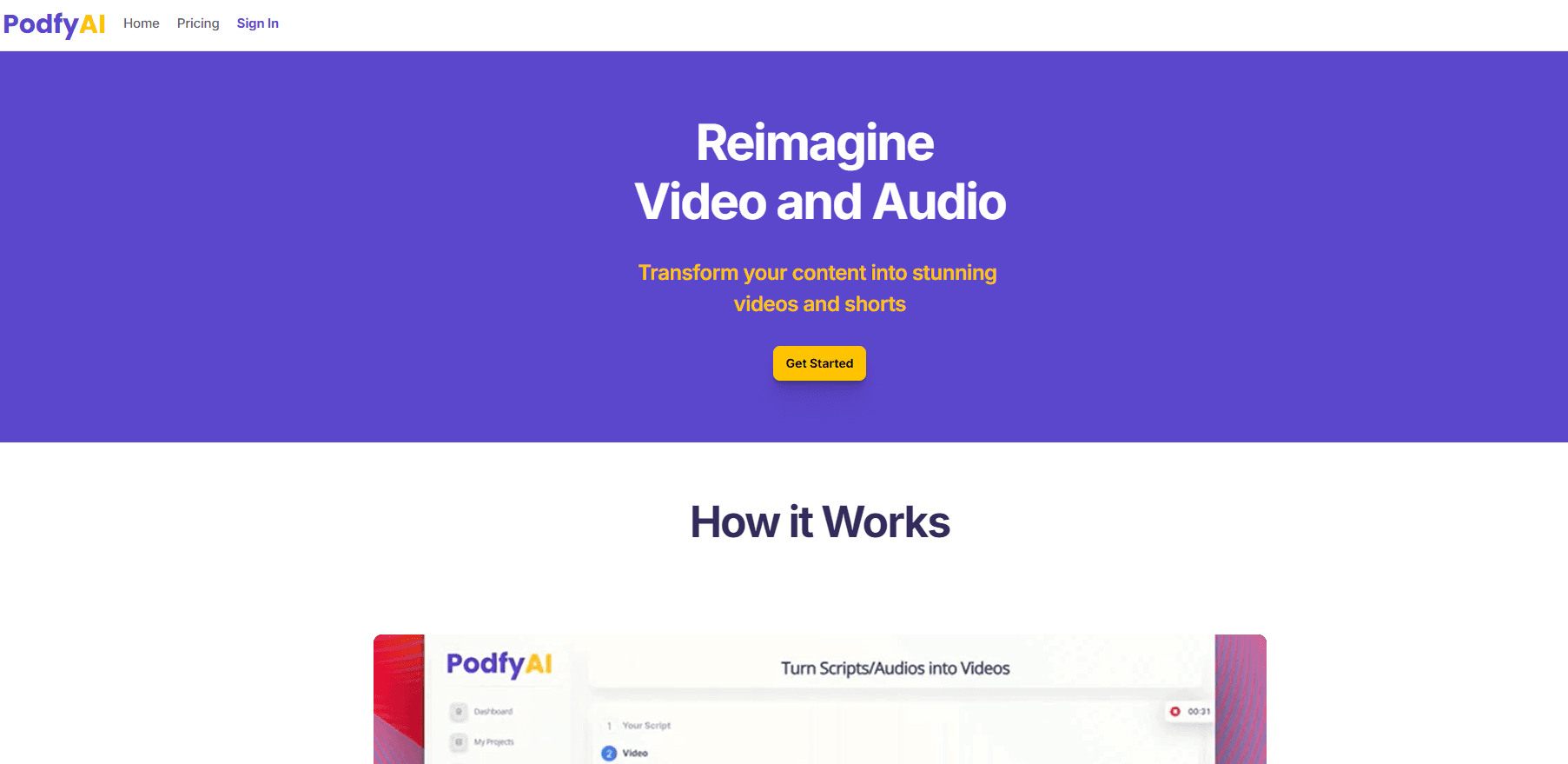
Podfy AI is a web-based AI video generator that turns scripts, texts and audio into finished videos with narration, subtitles and music in a few clicks.
About Podfy AI
What Is Podfy AI
Podfy AI is an online video generator built for people who want finished clips without editing them by hand. You paste a script, type an idea, or upload an audio file, and the platform returns a cut video with voiceover, captions, transitions and a soundtrack already in place.
It leans on two habits that show up across social video. One is faceless content: narration over stock images and animated text, so the creator never goes on camera. The other is repurposing: you feed in a long recording or a written draft and pull short vertical clips out of it for TikTok, Shorts and Reels.
The limit is control. Because Podfy AI generates an entire video from one input, fine adjustments such as frame-level trimming or custom motion graphics sit outside what it does. Advanced features also burn more credits than the base rate, so a plan that looks generous on paper can run out faster than you expect.
Getting Started
- Sign up at podfy.ai and open the dashboard. No download is needed, since it runs in the browser.
- Pick a starting point: a script, a topic for the smart script writer, or an audio or music file.
- Set the language, voice and format, then let Podfy AI assemble narration, images, captions and a soundtrack.
- Preview the result, tweak what you want, and export it ready to post to YouTube, TikTok or Instagram.
Product Information
A quick look at Podfy AI's pricing, supported platforms, and performance.
Best for
The users, tasks, and scenarios where this tool fits best.
Users
- Faceless channel operators
- Solo creators on a tight budget
- Theme page owners who post daily
Tasks
- Turning a written script into a video
- Repurposing audio into visuals
- Planning a video from a topic
Scenarios
- Running a faceless YouTube channel
- Cutting short videos for social feeds
- Marketing a product or a service
Key features
Script and text to video
Paste a finished script or a rough idea and Podfy AI builds the whole video around it. The platform adds narration, picks images, places captions and layers a soundtrack, so the piece arrives close to publishable rather than as a raw draft. It is the core workflow the rest of the tool hangs off.
Audio and music to video
Feed in a recorded voice track, a podcast episode or a piece of music and the tool turns it into video with matched visuals and subtitles. This is the path most people take when they already have audio and only need a visual shell for it. Synchronizing captions to the audio is what makes the output usable on social feeds.
Smart script generation
Give Podfy AI a topic, an idea or a subject and it drafts a script for you. The feature targets the early stage of video making, when you know what you want to talk about but not how to phrase it. Consider it a first draft. You will usually edit the result before it becomes a video.
Short clips and video repurposing
The short video maker pulls brief vertical clips out of longer material, which is the format Shorts, Reels and TikTok reward. As a video repurposing tool, it saves the work of writing something new each time, since one recording can supply several clips. How many clips you get in a month tracks with your plan's credit count.
Text to voice and text to image
Two supporting tools do the heavy lifting inside a project. Text to voice turns written lines into spoken narration, and text to image produces visuals from a prompt that you can then animate. Premium voices are reserved for the paid plans, while the free trial runs on the standard set.
Credit-based plans with monthly renewal
Every plan is priced in credits, where one credit equals about one minute of video and heavier features draw down more. Credits renew each month, so unused time does not roll over into the next cycle. The free trial hands you five minutes to test the flow before you commit.
Pros and cons
Pros
- Turns a script or an audio file into a fully assembled video, which removes the manual editing most creators dread.
- Runs entirely in the browser, so there is nothing to install and it works on any machine.
- Free trial with five minutes of video lets you test the workflow before paying.
- Entry price of $9/month for 2.5 hours of video keeps the cost low for a solo creator.
Cons
- No API, so teams that want to call the generator from their own software are out of luck.
- Advanced features consume extra credits, which means the advertised video minutes can shrink in real use.
- Credit plans do not roll over, so quiet months still cost you the full fee.
- Customization stops at the templates and presets on offer, so frame-level edits need a separate editor.
Frequently asked questions
Podfy AI is used to turn written scripts, texts and audio files into finished videos. It handles narration, images, captions and music in one pass, which suits faceless channels, short clips and repurposing long recordings into social video.
Related content
Explore related tools, skills, and articles for Podfy AI.
Podfy AI Alternatives

Google EmbeddingGemma 2
Google DeepMind · Writing · Image · CodingGoogle EmbeddingGemma 2 is a 740M-parameter open model that turns text, code, images, audio, and video frames into vectors in one 768-dimension space, running on phones and laptops.

MePersona
MePersona, Inc. · Writing · Productivity · MarketingMePersona is an AI unified inbox for creators. It learns your voice, drafts replies to fan messages from 12 platforms, and sends only what you approve.

Fluence
Yay Software (Yannick Huchard) · Writing · Voice & Language · ProductivityFluence is an Android app that reads PDFs, EPUBs, Word files and web articles aloud, follows each sentence as it speaks, and answers questions about the text on the phone itself.