

PopAir
PopAir · Other · Chatbot
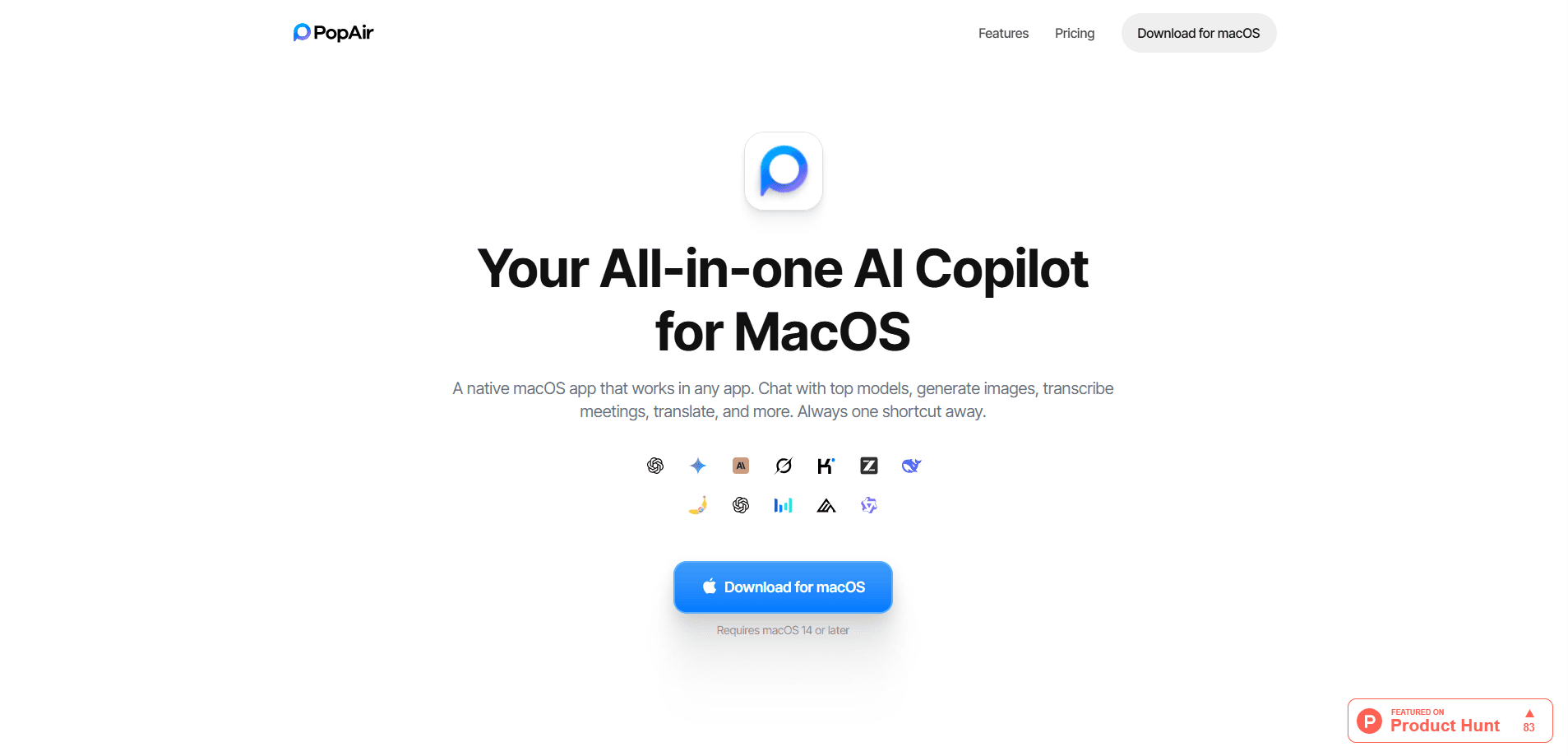
PopAir is a native macOS AI copilot that brings frontier models into any app you already use. It runs in a floating bar, a sidebar, or through keyboard shortcuts, so you can chat, generate and edit images, translate text, transcribe meetings, and pull text out of screenshots without switching windows. The app leans on one account across several model families, which means fewer browser tabs and fewer subscriptions to juggle.
About PopAir
What Is PopAir
PopAir is a desktop AI assistant built specifically for macOS. Think of it as an AI chat app that skips the browser tab. Instead, it sits on top of whatever you're working in and answers from there.
The main problem it solves is fragmentation. If you hop between Claude, ChatGPT, and Gemini all day, PopAir puts them behind one interface with shared credits and one set of shortcuts. You pick a model, type, and move on.
Is it for everyone? No.
There are real limits. It's macOS only, and it needs macOS 14 (Sonoma) or later, so Windows and older Macs are out. Heavier features like image generation, meeting transcription, and web search run on a separate Power Credit pool that drains faster than plain chat, and unused credits reset monthly instead of rolling over to the next cycle.
Getting Started
- Download PopAir from the official website and install it on a Mac running macOS 14 or later.
- Open the app and sign in to create your account. The free tier works without a credit card.
- Choose an access point: enable the floating bar, the sidebar, or set a keyboard shortcut for instant calls.
- Pick a model from the Eco or Balanced tier, then start a chat, drop in a document, or highlight text to translate or rewrite.
- Upgrade to a paid plan from the app settings when you need more chat or Power Credits.
Product Information
A quick look at PopAir's pricing, supported platforms, and performance.
Best for
The users, tasks, and scenarios where this tool fits best.
Users
- Mac users who pay for more than one AI chatbot
- Writers, students, and researchers
- People in back-to-back meetings
Tasks
- Translating blocks of text in place
- Extracting text from screenshots
- Generating and retouching images
- Chatting with PDFs
Scenarios
- Working inside an app that has no AI features and wanting help without breaking focus.
- Reviewing a long contract or paper on a deadline and needing fast summaries.
- Drafting emails and posts while keeping the tone consistent across a busy day.
- Turning a recorded meeting into a clean set of notes within minutes.
Key features
Multi-Model AI Chat
PopAir lets you chat with several frontier model families from one window, including Claude, GPT, Gemini, Grok, and DeepSeek, plus newer additions as they ship. Higher plans open up the Smart tier, so the model you pick isn't capped by your subscription level. That matters if you write prompts that need the strongest available model.
AI Image Studio
The Image Studio works as a built-in AI image generator and photo editor. You can create images from prompts, remove backgrounds, change them, upscale a low-resolution photo, retouch, or strip objects out of a shot. It runs on Flux and Seedream models, and this is where the Power Credits go fastest.
Floating Bar and Sidebar
The floating bar and sidebar are the core idea behind the app. They sit over whatever window is active, so the assistant is always one keystroke away rather than a separate program. You can customize keyboard shortcuts for the calls you make most, which speeds up repetitive work.
Meeting Transcription
PopAir records meetings and produces a live transcript, then generates an AI summary once you stop. You can also ask questions about what was covered, which is handy when you've missed a chunk of a call and need to catch up quickly.
OCR and Text Extraction
OCR pulls text out of screenshots, images, and documents, so content that isn't selectable becomes reusable. Combined with translation and rewriting, this turns an image into editable text you can drop into notes or a draft.
Translation, Rewriting, and Summarizing
Everyday productivity tools sit alongside the chat. The AI translation feature handles highlighted text in place, and the same menu covers rewriting, summarizing, grammar checks, and an "intelligent writing" pass. None of it needs a browser, which keeps your workflow in one place.
Web Search with AI
PopAir includes AI-powered web search inside the app. It returns summarized results along with the underlying links, so you can check a fact without leaving your current task.
Pros and cons
Pros
- One login and credit balance covers multiple model families, which cuts down on separate subscriptions.
- The floating bar and sidebar keep AI inside any app, so you rarely switch windows.
- Free tier is usable without a credit card and includes basic image generation.
- Meeting transcription doubles as a note-taking tool, with AI summaries you can question afterward.
Cons
- macOS only and requires macOS 14 or later, so Windows and older Macs can't run it.
- Power Credits for images, transcription, and web search deplete much faster than chat credits, and unused credits don't roll over.
- Exact pricing isn't shown until you sign in, which makes planning a bit awkward before you commit.
Frequently asked questions
PopAir is a macOS AI assistant for chatting with several frontier models, generating and editing images, translating and rewriting text, extracting text with OCR, transcribing meetings, and running AI web searches from a floating bar or sidebar.
Related content
Explore related tools, skills, and articles for PopAir.
PopAir Alternatives
BinkBink
BinkBink · OtherBinkBink is a free online game platform and AI game maker that lets anyone turn a short text description into a playable browser game. You can jump into hundreds of community-made games. Or describe your own idea and play it in seconds, then share it with friends. Want to create your own game? You don't need to code. No engine setup, no download, no hassle.

Audiogen
Audiogen Inc. · OtherAudiogen is an AI music generator built by Audiogen Inc., a small research team that spent about 2.5 years training its own generative music model and designing a web interface around it. Instead of a plain text box, this AI music tool turns the timeline into a beginner-friendly Generative Audio Workstation, or GAW, where inpainting, extending, remixing and stem editing work more like painting on a canvas. The product is still in beta, so access runs through a waitlist or an invite. Paid plans aren't published yet.

Aiml API
AIMLAPI OÜ · OtherAiml API is a unified AI model API that puts more than 1000 models from OpenAI, Google, Anthropic, and others behind one endpoint and one bill. You write code against a single OpenAI-compatible schema, then switch between chat, image, video, and audio models by changing a model string. It suits developers and small teams who want multi-model access without juggling a dozen separate provider accounts, and it removes the usual billing headache that comes with testing several vendors. One key covers it all.