

PopTranslate
PopTranslate · Writing · Other
PopTranslate is a Mac translation app that instantly translates selected text, compares results across AI engines, handles OCR from images, and reads sentences aloud.
About PopTranslate
What Is PopTranslate
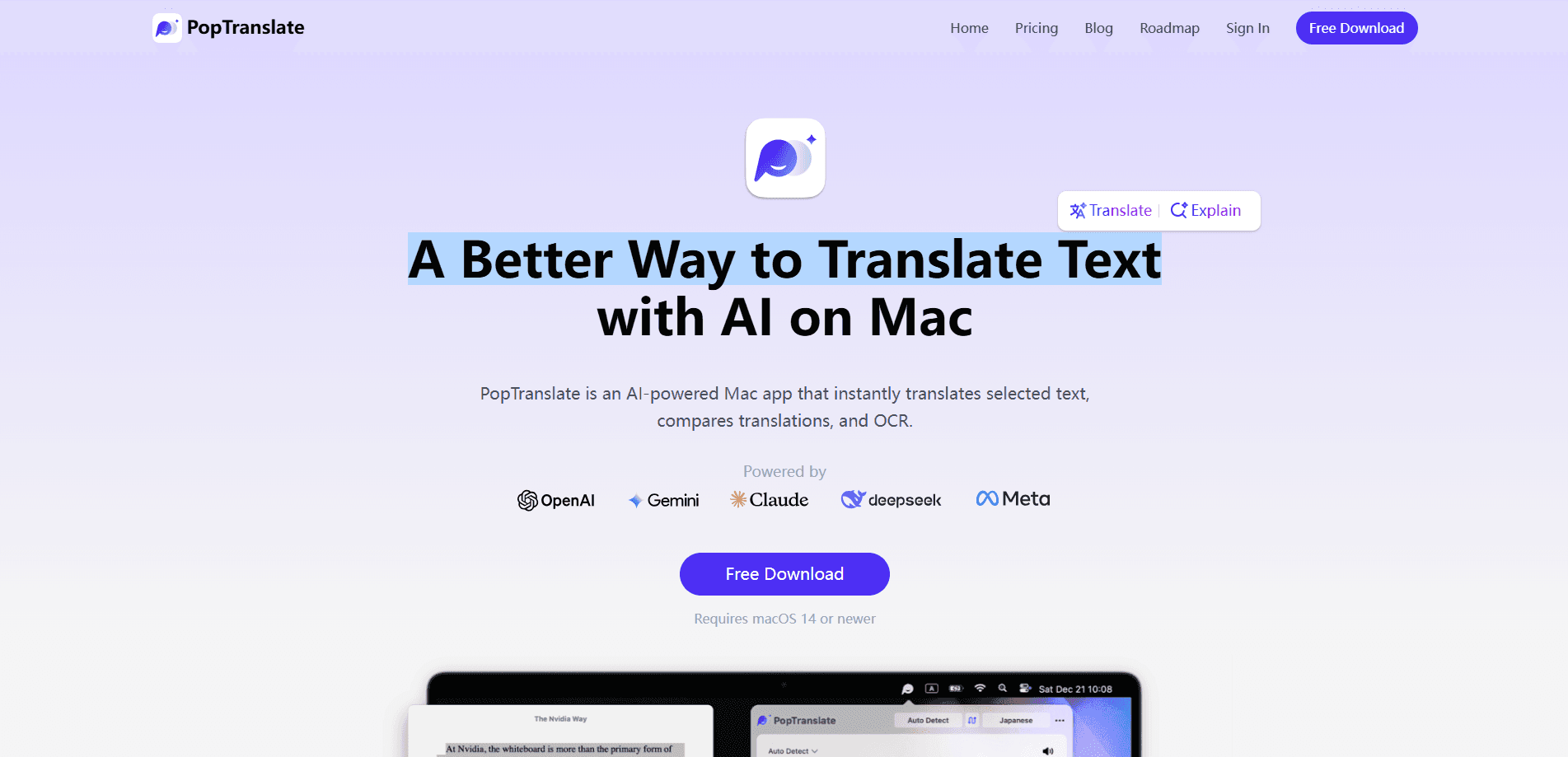
PopTranslate is a translation app built natively for macOS. You highlight text in any app, hit a shortcut, and a small pop window returns the translation without breaking what you were doing. The pitch is speed and context: no copy-paste trip to a browser tab, no losing your place in a PDF or document.
The app leans on multiple AI engines rather than one. Instead of trusting a single model, you can pull translations from more than one provider and compare them side by side, which helps when wording matters and you want to see where engines disagree. A built-in OCR mode reads text straight off an image, and text-to-speech plays the result back in natural pronunciation.
There are limits worth knowing before you download. PopTranslate runs on macOS 14 or newer, and there is no Windows or Android version yet. The free tier gives you 10 translations a day, and the pro features sit behind a paid plan. An account can be signed in on up to 3 devices at once.
Getting Started
- Download PopTranslate from the official site and install it on a Mac running macOS 14 or later.
- Sign up and log in with your email; the free plan unlocks 10 translations a day automatically.
- Put the cursor over any text, select it, and trigger the translate shortcut to open the pop window.
- Optionally switch on OCR for image text or use AI Explain, Define, Rewrite, and Voice tools.
- Read the result, compare engines, or listen to the pronunciation, then copy it where you need it.
Product Information
A quick look at PopTranslate's pricing, supported platforms, and performance.
Best for
The users, tasks, and scenarios where this tool fits best.
Users
- Readers and researchers
- Writers and support staff
- Language learners
Tasks
- Translating selected text
- OCR translation
- Comparing translations
Scenarios
- Working through foreign documents
- Handling international messages
- Studying a new language
Key features
Select and translate instantly
Highlight text in almost any app and a shortcut opens a pop window with the translation. You never leave the document or page, so reading flow stays intact. The feature is the core of the product: it turns translation into a quick check rather than a task.
Comparison translation across AI engines
Rather than trust one model, PopTranslate can translate the same text through more than one AI engine and show the results side by side. That matters when a phrase is ambiguous or when you want to see how wording shifts between providers. You pick the version that reads best instead of accepting the first result.
OCR translation
OCR mode lifts text out of images and screenshots and turns it into something you can translate and edit. It is the practical fix for text stuck in a photo, a scanned page, or a screenshot where copy-paste is impossible. Once the text is out, the same translation flow applies.
AI language tools
Beyond plain translation, the app bundles AI Explain, AI Define, AI Rewrite, and AI Voice. Explain gives a plain description of a selected sentence, Define shows definitions and examples for a word, Rewrite tidies grammar and tone, and Voice reads it aloud. Together they cover comprehension, correction, and listening, not just swapping languages.
Natural text-to-speech
The app reads translated sentences out loud with natural text-to-speech pronunciation. It is useful for checking how a phrase actually sounds, practicing a language, or listening while you do something else. This pairs well with the study-oriented tools above for learners who want to hear what they read.
Native Mac experience
PopTranslate was designed and built for macOS rather than adapted from another platform, so the shortcuts, pop window, and menu behavior fit how Mac apps work. It needs macOS 14 or newer and runs on Mac only. For people who live in a Mac workflow, that native fit is the reason to choose it over a web translator.
Pros and cons
Pros
- Translates selected text in place, so you stay inside whatever app or document you were reading.
- Comparison mode shows output from more than one AI engine, which helps when wording is ambiguous.
- OCR turns text in images and screenshots into editable, translatable content.
- The free tier gives 10 translations a day, enough to test the workflow before paying.
- AI Explain, Define, Rewrite, and Voice extend it from translation into language study.
Cons
- Mac only. There is no Windows version yet, so non-Mac users need another tool.
- The free plan caps you at 10 translations a day, which runs out fast for heavy use.
- Advanced features, including richer AI models and OCR translation, sit behind the Pro subscription.
- An account is limited to 3 devices, so teams sharing one login will hit that ceiling.
Frequently asked questions
PopTranslate translates text you select on your Mac and shows the result in a pop window, without leaving the app you were in. It also handles OCR from images, compares translations across AI engines, and reads sentences aloud.
Related content
Explore related tools, skills, and articles for PopTranslate.
PopTranslate Alternatives

Emailwritr
Emailwritr · Writing · MarketingEmailwritr is an AI email copywriting tool built for affiliates, course creators, and online businesses that want more revenue from the list they already own. Instead of blank pages or generic chatbot prompts, this AI email writer generates welcome sequences, launch campaigns, cart recovery emails, and promo series from frameworks modeled on well-known direct-response copywriters. You connect your autoresponder, answer a few questions about your offer, and it writes the copy for you.

Swms
Swms AI · Writing · Productivity · BusinessSwms is an AI safety compliance tool that turns a plain description of a job into ready-to-use safety documents. Describe your project, trade, and known hazards, and it writes a safe work method statement, job hazard analysis, safe work procedure, RAMS, or safety data sheet in seconds. It also ships with Oscar, a chat assistant that answers workplace safety questions in any language. Teams in construction, mining, transport, and warehousing use it to cut the paperwork that usually eats into a workday.

Prosp
Prosp · Writing · Voice & Language · MarketingProsp is an AI LinkedIn outreach tool built for agencies and sales teams, and it writes the message and the voice note in your own voice for each prospect so they actually reply. You connect your accounts, find leads, and let the AI draft and send personalized messages at scale, all from one inbox. It's built for people running outbound at volume. That's the whole pitch. Every touchpoint still has to feel human.