

Portal Labs
Portal Labs · Coding · Productivity
Portal Labs is a no-code AI workspace where teams build and deploy custom AI agents from plain-language prompts, backed by built-in document, data and research tools.
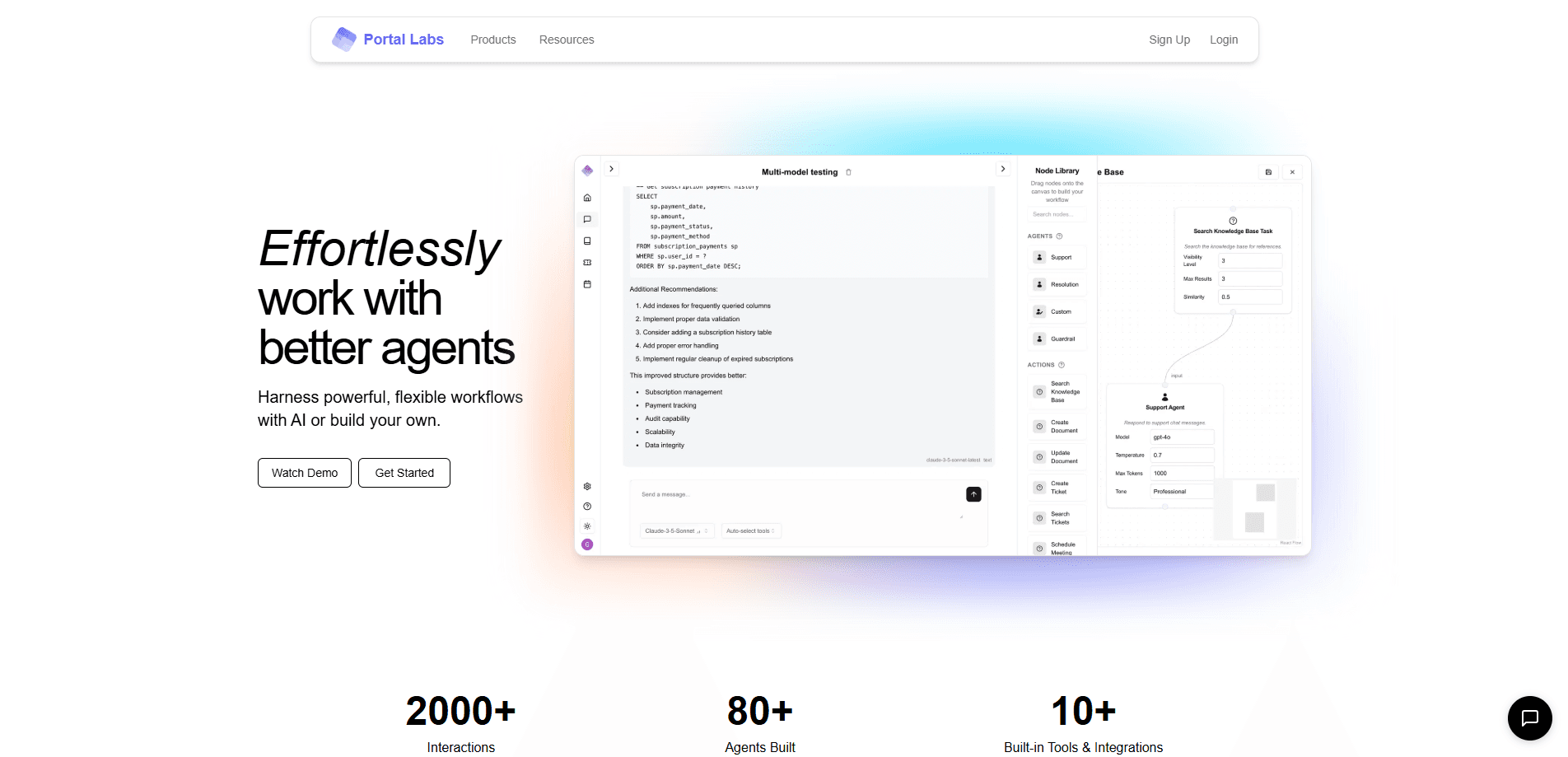
About Portal Labs
What Is Portal Labs
Portal Labs is a no-code AI agent platform that turns a written description into a working agent. You explain what you want done, point the agent at your documents or data, and it runs the task. There is no code to write and no model to wire up by hand.
The pitch is aimed at small teams and solo operators who want a shared AI assistant instead of a stack of separate chat accounts. Documents, data and messages all live in the same place, and the platform pulls in outside tools when a job needs them.
The tradeoff is control. Because everything runs through a guided workspace, you spend less time tuning individual models and more time inside the system's own building blocks. The deepest features and the strongest models sit behind the paid plan.
Getting Started
- Create an account at useportals.dev with your email or a linked sign-in.
- Describe the agent you want in plain language and pick which tools it can use.
- Connect your documents, data or outside apps so the agent has something to work from.
- Run the agent on a task, review the output, and adjust the instructions until it does what you need.
Product Information
A quick look at Portal Labs's pricing, supported platforms, and performance.
Best for
The users, tasks, and scenarios where this tool fits best.
Users
- Small teams that want a shared AI workspace
- People who avoid code
- Teams sitting on their own knowledge
Tasks
- Building AI workflow automation
- Research across sources
- Querying internal documents
Scenarios
- Standing up a first custom agent
- Pulling scattered tools together
- Giving a whole team the same assistant
Key features
Build agents with natural language
The AI agent builder works by description: you say what the agent's job is in a sentence or two instead of assembling it from menus. A first-time user can get something running without a tutorial, and you refine the agent by editing the description as you go.
Built-in document and data system
Documents and structured data live inside the workspace and stay available to every agent you build. That means the assistant answers from your material rather than from general knowledge alone, and you do not need a separate database to get started.
Advanced web research
Agents can pull information from the open web and fold it into a task, which covers questions your own files cannot answer. It pairs with the built-in data system, so an agent can mix outside sources with private ones in a single response.
Connect to your other tools
The platform links to apps you already use, so an agent can read and act on data that lives outside it. This is what turns a self-contained assistant into one that fits an existing stack.
Model choice across free and paid tiers
The Free plan runs lightweight models such as GPT-4o-mini, Claude Haiku and Gemini 2.0 Flash. Premium unlocks stronger models including GPT-4o and DeepSeek R1, plus the platform's most capable tools.
Shared workspace with access controls
Team plans add a collaborative space with permissions, so several people can share one set of agents and data. Custom, hand-built agents from the Portal Labs team are part of the same tier.
Pros and cons
Pros
- No-code builder keeps the entry bar low, so non-developers can ship a working agent.
- Free plan covers unlimited documents, data and messages with lightweight models, which is enough to test the idea.
- Premium locks in a flat $10/month price for stronger models and the most capable tools.
- Documents, data and agents share one workspace, which saves juggling separate tools.
Cons
- Web only, so there is no mobile or desktop app for working away from a browser.
- The strongest models and tools sit behind Premium, so the free tier is a trial rather than a finished setup.
- No public API details, which makes it hard to wire the platform into your own systems.
- Custom agents from the team are sold through a custom quote instead of published pricing, so costs are hard to predict up front.
Frequently asked questions
Portal Labs is used to build and run AI agents without code. You describe a task in plain language, give the agent access to your documents and data, and let it carry the work out while you review the result.
Related content
Explore related tools, skills, and articles for Portal Labs.
Portal Labs Alternatives

Base Code
Base44 (Wix) · Coding · ProductivityBase Code is a shared cloud development environment from Base44. Teammates describe changes to an existing GitHub codebase in chat, preview them live and send them back as pull requests.

Google EmbeddingGemma 2
Google DeepMind · Writing · Image · CodingGoogle EmbeddingGemma 2 is a 740M-parameter open model that turns text, code, images, audio, and video frames into vectors in one 768-dimension space, running on phones and laptops.

GitGlow
GitGlow · Coding · ProductivityGitGlow is a local-first desktop Git client that lets independent developers review their own code and their AI agents' changes in one place before shipping.