

Portkey Prompt Engineering Studio
Portkey · Coding
Portkey Prompt Engineering Studio is a prompt management platform to write, version, test, and deploy prompts across 1600+ AI models from one shared library.
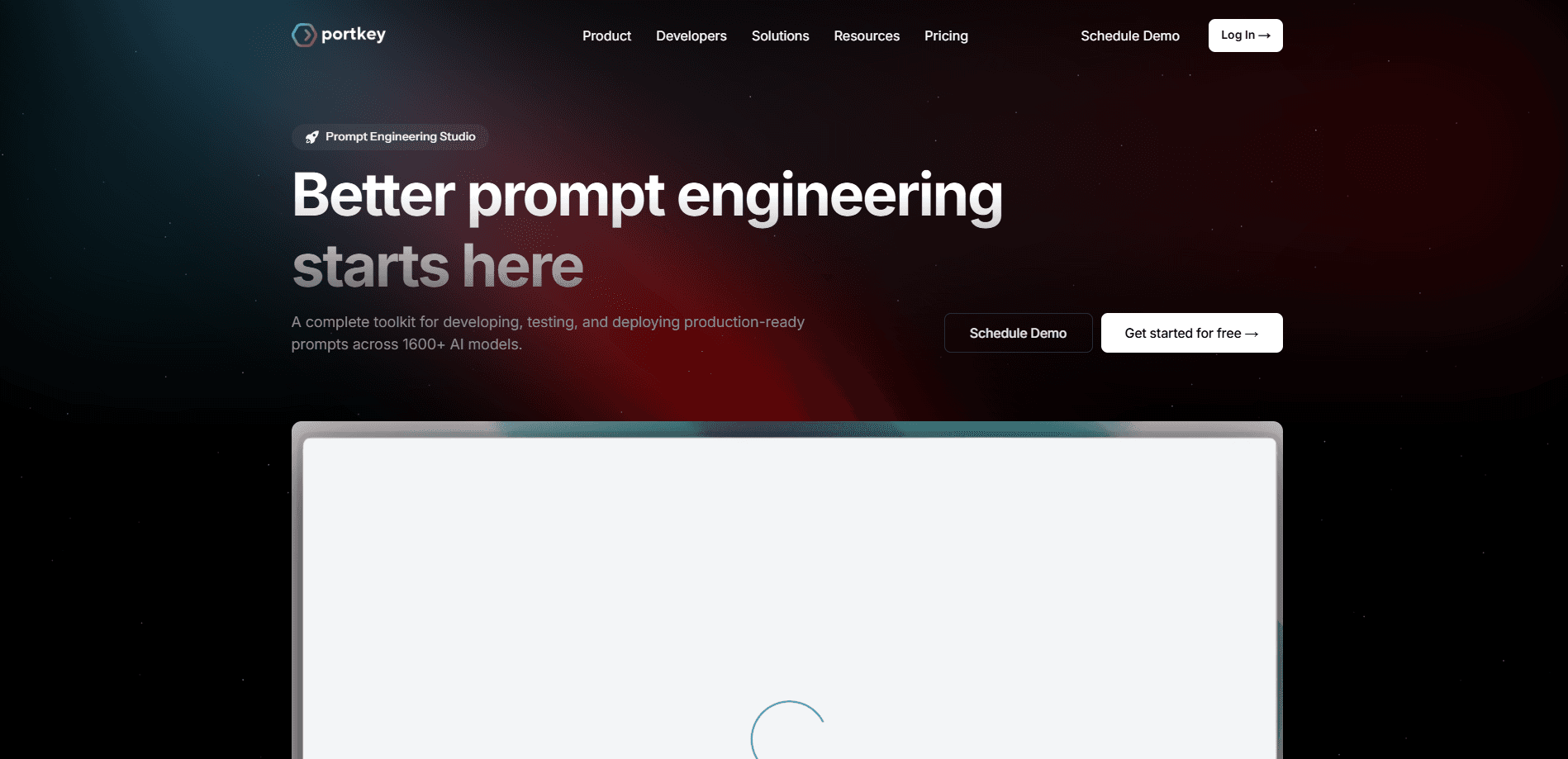
About Portkey Prompt Engineering Studio
What Is Portkey Prompt Engineering Studio
Portkey Prompt Engineering Studio is a workspace for managing prompts the way engineers manage code. It is a prompt engineering tool built around one job: keep prompts organized, tested, and ready to ship.
The tool targets the gap between an experiment and a shipped feature. Most teams test prompts in notebooks or spreadsheets, then paste the winner straight into a codebase where nobody tracks what changed. The Studio keeps every prompt in one place, labels versions for staging and production, and shows how each one performs once real users hit it.
The catch is scope. It is built for teams running AI apps at some scale, and it assumes you already know what a prompt and a model endpoint are. Solo users with one prompt get little out of the versioning and access controls, and the richer features sit behind paid plans.
Getting Started
- Sign in at prompt.new or through your Portkey account, then connect the AI providers you plan to use.
- Open the Multimodal Playground and write a prompt, or import one you already have.
- Test it side by side across models, add variables for dynamic input, and refine until it holds up.
- Save the prompt to the shared library, then group related prompts into folders with access controls.
- Publish a version and call it in production through the Prompt API or an API endpoint.
Product Information
A quick look at Portkey Prompt Engineering Studio's pricing, supported platforms, and performance.
Best for
The users, tasks, and scenarios where this tool fits best.
Users
- AI engineering teams
- Product developers shipping LLM features
- Prompt engineers running comparisons
- Platform and DevOps leads
Tasks
- Managing prompts across providers
- Versioning prompts for release
- Testing prompt changes
- Deploying prompts to production
- Sharing reusable parts
Scenarios
- A team cut over from one model to another
- A support bot that drifts after edits
- Onboarding a new engineer
- Auditing cost per use case
Key features
Multimodal playground
The AI prompt playground is where prompt work happens. You write and run a prompt across 1600+ models, add images alongside text, and compare responses side by side. Parallel runs show cost and latency next to each answer, so you pick a model on evidence rather than a hunch. An AI assistant can suggest rewrites when a prompt underperforms.
Prompt versioning and rollback
Every saved change becomes a new version. You label one for staging and another for production, then promote or roll back with a click. That turns prompt edits into the same reviewable step as a code change, so a bad tweak doesn't take down a live feature. Older versions stay available if you need to restore them.
Shared prompt library
The library works as the LLM prompt library for the whole organization. You organize prompts into folders, set access controls, and let teammates reuse what already works. Standard prompts stop living in scattered docs, and the whole team works from the same source.
Prompt API and endpoints
Saved prompts run in your app through the Prompt API, which exposes Completions and Render endpoints, and through deployable API endpoints. You update the prompt in the Studio and the app picks it up, so a wording change doesn't need a fresh deploy. It keeps the prompt out of your codebase and under the team that owns it.
Prompt partials
Partials are reusable blocks you drop into several prompts. If a system instruction or a context block shows up in many places, you write it once and reference it, which cuts duplication and keeps wording consistent. Change the partial and every prompt that uses it updates.
Prompt observability
Observability ties prompt performance to the data your app already logs. You see usage, cost, and version comparisons for each prompt, which shows whether a change helped or hurt. That feedback loop lets a team improve prompts from real traffic instead of guesswork.
Pros and cons
Pros
- Keeps prompts in version control with labeled deployments and one-click rollback, so a bad edit is easy to undo.
- Tests one prompt across 1600+ models side by side, comparing cost and latency before you commit.
- Helps a team deploy prompts to production through an API endpoint, so wording changes skip a code release.
- Central library with folders and access controls stops prompts from scattering across teams.
- Shares reusable partials so standard instructions stay consistent across a whole project.
Cons
- Aimed at teams running AI apps in production, so it's heavier than a single user needs for one prompt.
- Unlimited templates and access controls sit on the paid plans, and the free tier caps you at three prompt templates.
- It manages prompts rather than writing them for you, so you still need to know what makes a prompt work.
- The full platform spans gateway, guardrails, and observability, and the prompt tool is one part of a larger suite.
Frequently asked questions
It is a prompt management platform for writing, testing, versioning, and deploying prompts. You draft prompts in a playground, store them in a shared library, and call them in production through the Prompt API instead of hardcoding them.
Related content
Explore related tools, skills, and articles for Portkey Prompt Engineering Studio.
Portkey Prompt Engineering Studio Alternatives

Base Code
Base44 (Wix) · Coding · ProductivityBase Code is a shared cloud development environment from Base44. Teammates describe changes to an existing GitHub codebase in chat, preview them live and send them back as pull requests.

Google EmbeddingGemma 2
Google DeepMind · Writing · Image · CodingGoogle EmbeddingGemma 2 is a 740M-parameter open model that turns text, code, images, audio, and video frames into vectors in one 768-dimension space, running on phones and laptops.

GitGlow
GitGlow · Coding · ProductivityGitGlow is a local-first desktop Git client that lets independent developers review their own code and their AI agents' changes in one place before shipping.