
POS Dish Barcode Menu
POS Dish · Other
POS Dish is a QR and barcode menu system for restaurants. Guests scan a code at the table to browse and order, while owners edit dishes, run loyalty perks, and track sales.
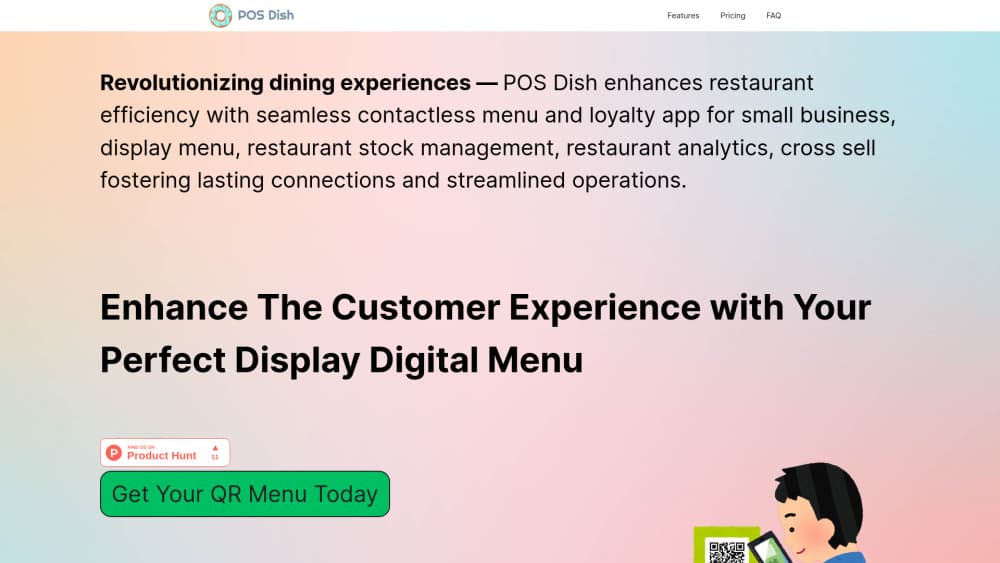
About POS Dish Barcode Menu
What Is POS Dish
POS Dish is a browser-based platform that replaces the printed menu with a barcode menu guests open on their own phone. You upload dishes and prices once, print the QR codes the system generates, and put one on each table. A guest scans, the menu loads in the browser, and the order goes to the kitchen without a waiter walking over first.
The product is aimed at the gap between a paper menu and a full restaurant POS. Most small venues don't need a new terminal or a long contract. They need prices that can change today, a menu that reads in more than one language, and a way to see which dishes actually sell. POS Dish is restaurant menu software that bundles those into one dashboard, and adds a restaurant loyalty program on top.
The limits are worth knowing before you sign up. The free plan stops at 10 items and 7 categories, which covers a coffee counter and not much else. Reports, stock tracking, menu variants, multilingual menus, and the waiter app all sit behind Premium at $50 per month. POS Dish also handles the menu and the order, not the card payment, so you still need a separate way to take money.
Getting Started
- Create an account on the POS Dish panel and pick the free trial of the basic plan. The site sends login details by email after signup.
- Add your location, then build categories and items: name, price, description, photo, and any variants such as size or milk choice.
- Generate the QR codes. POS Dish creates one for the whole menu and can create a separate code for each table so you can tell where orders come from.
- Print the codes, place them on the tables, and open the dashboard on a tablet or laptop. Changes you make there show up in the guest menu right away.
Product Information
A quick look at POS Dish Barcode Menu's pricing, supported platforms, and performance.
Best for
The users, tasks, and scenarios where this tool fits best.
Users
- Owners of a single cafe or small restaurant
- Multi-branch restaurant groups
- Waitstaff and floor managers
Tasks
- Updating prices and sold-out dishes during service
- Selling in a tourist area
- Growing average check size
Scenarios
- A busy lunch rush
- Opening a new small venue on a tight budget
- Collecting feedback without a survey tool
Key features
Scan to Open Barcode Menus
POS Dish generates a QR code for the whole menu and, if you want, a separate code for each table. The table codes let you see which seats order the most and how long guests sit before they order. Printing is on you, but the codes stay the same when the menu changes, so a sticker on the table keeps working after a price update.
Live Menu Updates
Edits made in the dashboard appear in the guest menu immediately. You can reorder categories, hide an item that ran out, change a description, or swap a photo in the middle of a shift. That's the main reason restaurants drop paper here: no waiting for the print shop, and no table card that lists last season's price.
Multilingual Menus and Variants
Premium unlocks a multilingual menu, so one code serves guests in several languages, and menu variants, which let you publish a breakfast list and a dinner list from the same item library. Both are Premium only. On the free plan you get a single language and a single menu, which is fine for a neighborhood spot and painful for a hotel restaurant.
Loyalty Program and Guest Feedback
The restaurant loyalty program rewards repeat guests with discounts and offers, and it runs from the same QR menu rather than a separate card or app. A short feedback survey can follow the meal, and the answers collect in your account. For an independent venue, that's a cheap way to build a guest list without buying another subscription.
Upsell and Cross-Sell on the Menu
The menu can suggest add-ons and premium upgrades while the guest is choosing, such as a side dish with a main or a larger size. Placement is built into the menu flow, so it doesn't depend on a waiter remembering to mention it. Restaurants that already train staff on upselling will get more from it than those who don't.
Waiter App for Table Service
The waiter app gives staff a table map, order entry at the table, and a live view of what the kitchen is working on. Orders taken on the phone reach the kitchen without a trip to the counter. It ships with Premium, so it isn't a separate purchase, but the free plan doesn't include it at all.
Restaurant Analytics and Stock Control
The restaurant analytics view tracks sales, guest behavior, and item performance in one place, and stock and prescribing tools let you keep an eye on what's running low. Reports are Premium only. For a small operator, the useful part is seeing which dishes carry the menu and which ones take up space without selling.
Pros and cons
Pros
- Setup takes an upload and a print job, not a hardware install, so a small cafe can be live the same week.
- Live edits mean a sold-out dish or a new price reaches every table at once, which is the clearest win over laminated menus.
- The loyalty program, feedback survey, and upsell blocks come with the same subscription, so you don't stitch three tools together.
- Premium is a flat $50 per month with unlimited locations and tables, which is predictable for a growing group.
Cons
- The free plan caps you at 10 items and 7 categories, so it works as a trial and not as a real menu for most restaurants.
- Reports, stock tracking, multilingual menus, and the waiter app all require Premium, which means the $50 tier is the real starting price for a working restaurant.
- POS Dish doesn't process card payments or supply terminals, so you still pay for and maintain a separate payment setup.
- Guests need a working data connection, and a venue with weak Wi-Fi or poor signal will see people give up and ask for a paper menu.
Frequently asked questions
It replaces a printed restaurant menu with a QR code menu that guests open on their phone. You manage dishes, prices, and languages in a dashboard, and the same system handles table codes, ordering, loyalty, and sales reports.
Related content
Explore related tools, skills, and articles for POS Dish Barcode Menu.
POS Dish Barcode Menu Alternatives

JarvisCore
Prescott Data · Coding · Productivity · OtherJarvisCore is an open source Python runtime where AI agents work as equal peers on an agent mesh, claim tasks from a shared ledger, and reach external services through a zero-trust broker.
Clef
Cloudflare · Business · OtherClef is Cloudflare's open-source decision model for Workers AI. It returns calibrated probabilities for typed questions, not generated text, so agents can classify, route, and act fast.

iFixAi
iFixAi · Business · OtheriFixAi is an open-source auditor for AI agents. It runs your agent through a simulation of your business, grades every reply, and returns an A to F scorecard backed by evidence.