

Postgres.new
Neon · Coding
Postgres.new is a free in-browser Postgres sandbox from Neon. Write real SQL, import CSVs, and let an AI assistant build tables and charts, with no install or account.
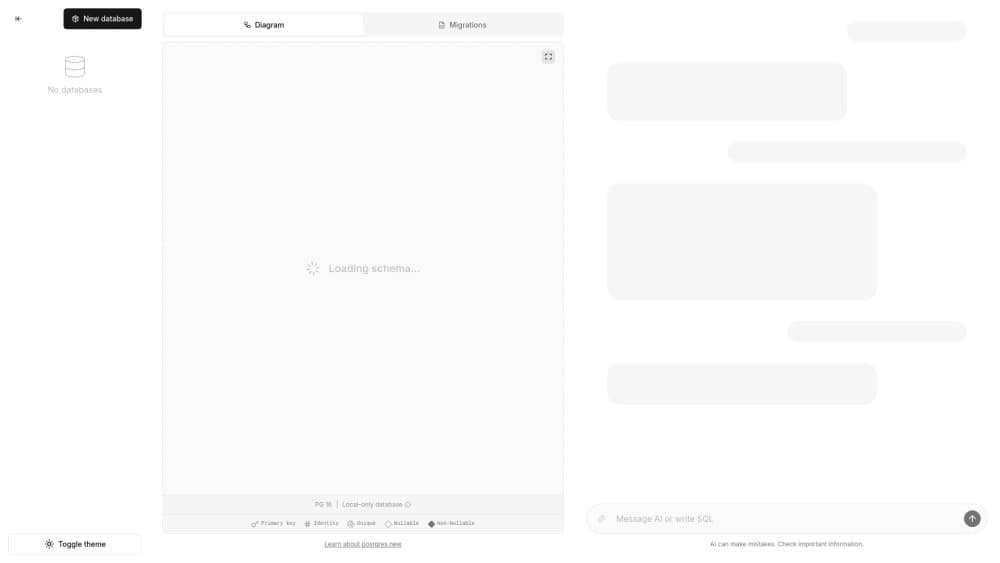
About Postgres.new
What Is Postgres.new
Postgres.new puts a working Postgres database inside a browser tab. Open the page, type a statement, and a database appears. No installer, no Docker image, no connection string to hunt down.
The engine underneath is PGlite, a build of Postgres compiled to WebAssembly. Tables and rows sit in the browser's IndexedDB, so a refresh doesn't wipe them. Close the tab, come back tomorrow, and your data is still there. Think of it as a SQL playground that happens to be a real database.
The catch is scope. This is a single-user sandbox tied to one browser profile. Nothing runs on a server, so a teammate can't connect to your database, and no backup job is watching your work.
Getting Started
- Open postgres.new in a desktop browser. A fresh database is created as soon as the editor loads.
- Write SQL and run it, or drop a CSV file onto the page and let the tool build the table for you.
- Ask the assistant to change the schema, chart a result, or draw the relationships between tables.
- Export what you need, or copy the schema to a hosted service once the prototype holds up.
Product Information
A quick look at Postgres.new's pricing, supported platforms, and performance.
Best for
The users, tasks, and scenarios where this tool fits best.
Users
- Developers who need a scratch database
- Analysts holding a CSV
- Students learning SQL
Tasks
- Sketching a schema
- Drafting migration SQL
- Exploring a dataset
- Putting together a quick report
Scenarios
- Checking a query on the train
- Running a workshop
- Prototyping a side project
Key features
A Real Postgres Engine in the Tab
Each database you open is its own PGlite instance, not a SQL mock. Joins, indexes, common table expressions, window functions, and transactions behave the way they do on a server. That matters when you copy a query into production a week later and expect the same result.
AI Assistant That Writes SQL
A chat panel sits beside the editor. Describe what you want in plain English, and the AI SQL assistant writes the statement, creates the table, or explains an error you don't recognize. You see the SQL before it runs, so nothing happens in the dark.
Drag and Drop CSV Import
Drop a file onto the page and the assistant guesses column types, creates the table, and loads the rows. It's the shortest path from CSV to Postgres that doesn't involve a script. Clean files behave best, and messy headers usually need one follow-up prompt.
Automatic Database Diagrams
The app doubles as a database diagram generator. It reads your schema and draws an entity relationship view, updating as tables change. A missing foreign key shows up as a floating box, which is hard to miss.
Charts and Exportable Reports
Ask for a chart in the chat and you get one built from a query result. Reports leave the browser as files, so a quick analysis can land in a deck instead of dying in a tab.
No Signup, No Server, No Cleanup
No account, no usage counter, no container to shut down. Every new tab can be a new database. The whole thing is open source under Apache 2.0, so you can host your own copy and skip the public site entirely.
Pros and cons
Pros
- Starts in seconds with no account, install, or cloud credentials.
- The assistant works on the data you're looking at, so its suggestions match your actual schema.
- CSV import removes the dullest part of a prototype: creating tables and guessing types by hand.
- Data stays in your browser, which helps with client files you'd rather not upload anywhere.
- Open source and free, so a team can run its own instance.
Cons
- Everything lives in one browser profile. Clearing site data deletes your databases, and there's no undo.
- No remote endpoint, so a colleague can't open your sandbox or share one with you.
- AI features need a connection and can slow down or hit rate limits at busy times.
- No backups, roles, or monitoring, which means nothing you can't rebuild belongs here.
Frequently asked questions
Yes. There's no paid plan and no account to create. The source is open under Apache 2.0, so self-hosting costs whatever your own infrastructure costs.
Related content
Explore related tools, skills, and articles for Postgres.new.
Postgres.new Alternatives

Base Code
Base44 (Wix) · Coding · ProductivityBase Code is a shared cloud development environment from Base44. Teammates describe changes to an existing GitHub codebase in chat, preview them live and send them back as pull requests.

Google EmbeddingGemma 2
Google DeepMind · Writing · Image · CodingGoogle EmbeddingGemma 2 is a 740M-parameter open model that turns text, code, images, audio, and video frames into vectors in one 768-dimension space, running on phones and laptops.

GitGlow
GitGlow · Coding · ProductivityGitGlow is a local-first desktop Git client that lets independent developers review their own code and their AI agents' changes in one place before shipping.