
Powerdrill
Powerdrill · Coding
Powerdrill is an AI workspace for data analysis. Ask questions across your documents and databases in plain language, and every figure comes back with the source behind it.
About Powerdrill
What Is Powerdrill
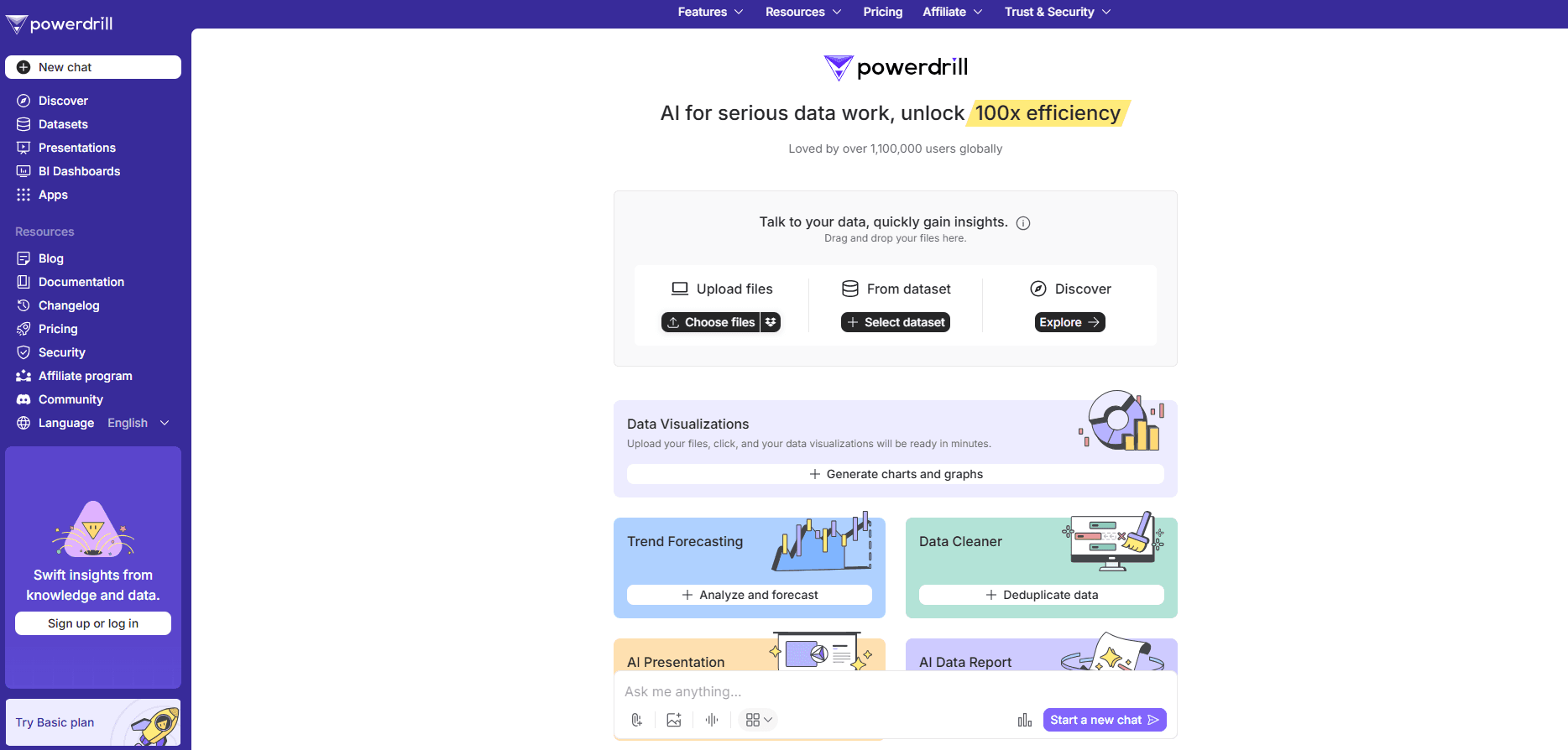
Powerdrill is an AI platform built around your own datasets. You upload files or connect a database, then ask questions in everyday language instead of writing SQL. The system reads your material, runs the query, and returns an answer with charts and a summary you can scan in seconds.
The reason people pick it over a general chatbot is traceability. Powerdrill links each number in its answer back to the page, row, and figure it came from, so you can check the work instead of trusting it. It also runs on-premise or in a private cloud, which matters when your data isn't allowed to leave the network.
The limit worth knowing up front is that it's a workspace, not a replacement for a governed BI stack. It connects to systems you already have, and you still need someone to confirm the important results. For teams that want faster first-pass analysis without losing the audit trail, it lands well.
Getting Started
- Sign in at powerdrill.ai and create a workspace. The free tier gives you a daily credit allowance so you can try the flow before paying.
- Bring in your data. Upload Excel, CSV, PDF, Word, or image files, or connect a supported database. You can also search built-in open data sources.
- Ask a question in plain language. Powerdrill parses the request, retrieves the relevant passages, and runs the analysis across your sources.
- Review the result and its evidence. Each answer shows the rows, pages, and figures behind it, plus charts and a written summary you can edit.
- Turn findings into an output. Export a report, a slide deck, a spreadsheet, or an image, or schedule the analysis to run again on its own.
Product Information
A quick look at Powerdrill's pricing, supported platforms, and performance.
Best for
The users, tasks, and scenarios where this tool fits best.
Users
- Data analysts
- Business teams without SQL skills
- Researchers and students
- Finance, market, and operations teams
Tasks
- Answering a question that spans a spreadsheet and a PDF
- Turning a raw dataset into a report
- Checking a suspicious number
- Defining a recurring report
- Exploring open research data
Scenarios
- Monthly reporting that has to be defensible
- Regulated or sensitive data
- Testing before committing
Key features
Answers With Traceable Sources
The core promise is that an answer comes with its evidence. When Powerdrill returns a figure, it links back to the row in your database or the specific page and location in a document, so someone can verify it rather than take it on faith. For teams that can't act on an unverifiable number, that's the feature that decides the purchase.
Document Intelligence
The platform keeps the structure of your documents instead of flattening everything into text. Complex tables with merged cells, nested headers, and multi-column layouts stay intact, and scanned or mixed-layout pages are handled too. That means an answer that points to a source sends you to the exact place it came from, not to a vague file reference.
Natural Language Across Documents and Databases
One question can cross every connected source. Powerdrill turns a plain-language request into a query against your data and your business definitions, and shows the SQL so an analyst can inspect how the result was produced. It splits complex questions into steps, queries databases, searches documents, and pulls the findings together.
AI Reports, Slides, and Charts
Raw data turns into a visual story with little manual work. Powerdrill automates charts, tables, and summaries, then packages them as a report, a slide deck, a spreadsheet, or an image. The point is speed on the first draft: you get something presentable and then edit it, rather than building every chart by hand.
Scheduled Agents
Recurring analysis can run itself. A scheduled task re-executes the same question on a set cadence and returns the refreshed result. Free accounts get one scheduled task, and paid tiers raise the count to twenty, which covers a routine reporting calendar without anyone remembering to press go.
Deployment You Control
Powerdrill runs in the cloud for a low-setup start, or inside your own data centre or private cloud tenancy with SSO and LDAP integration and model serving on your own hardware. For teams whose data cannot leave the network, that option is what makes the tool usable at all.
Pros and cons
Pros
- Every answer links back to its source, so a reviewer can check the work instead of re-running it.
- One question can span documents and databases, which fits questions that never live in a single place.
- On-premise and private-cloud options cover data that isn't allowed to leave the network.
- Reports, slides, and charts come out of the same workspace, cutting the manual packaging step.
- The free tier with a daily credit allowance lets you test on your own files before paying.
Cons
- Traceable answers aren't guaranteed correct ones. You still need a person to confirm results that drive decisions.
- It complements a BI platform rather than replacing it, so governed metrics may still live elsewhere.
- The credit model caps usage by tier, so heavy or high-volume work pushes you toward the pricier plans.
- Advanced throughput and higher credit pools sit behind the top plans, which raises the cost for small teams with occasional spikes.
Frequently asked questions
Powerdrill analyzes your documents and databases. You ask questions in plain language, it retrieves the relevant material, runs the analysis, and returns an answer with the sources, charts, and a summary attached. It covers anything from a quick lookup to a multi-source report.
Related content
Explore related tools, skills, and articles for Powerdrill.
Powerdrill Alternatives

Base Code
Base44 (Wix) · Coding · ProductivityBase Code is a shared cloud development environment from Base44. Teammates describe changes to an existing GitHub codebase in chat, preview them live and send them back as pull requests.

Google EmbeddingGemma 2
Google DeepMind · Writing · Image · CodingGoogle EmbeddingGemma 2 is a 740M-parameter open model that turns text, code, images, audio, and video frames into vectors in one 768-dimension space, running on phones and laptops.

GitGlow
GitGlow · Coding · ProductivityGitGlow is a local-first desktop Git client that lets independent developers review their own code and their AI agents' changes in one place before shipping.