
Preswald
Structured Labs · Coding
Preswald is an open-source framework that turns Python scripts into interactive data apps and packages them as self-contained files that run in the browser without a server.
About Preswald
What Is Preswald
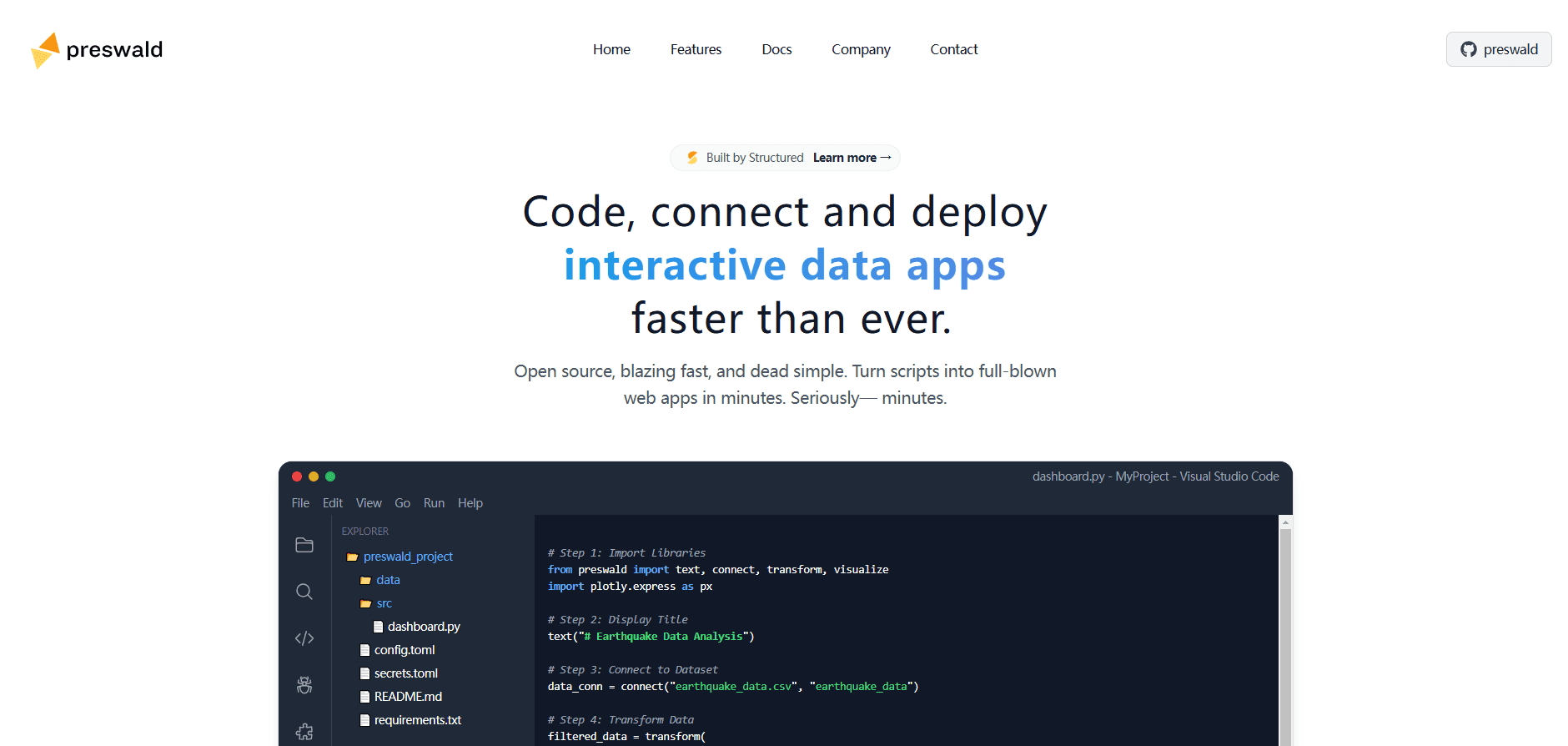
Preswald is a static-site generator for interactive data apps, built by Structured Labs and released under the Apache 2.0 license. You write the app in Python, then one command builds it into a folder of static files that you can open in a browser or hand to someone else. There's nothing to install on the machine that runs it.
The problem it targets is delivery. A data scientist can build a pandas and Plotly analysis in a notebook, but sharing that work usually means asking the other person to set up a Python environment. Preswald instead bundles your code, data and UI into a portable package that runs offline. Under the hood it leans on WebAssembly, running Pyodide for Python and DuckDB for queries directly in the browser tab.
That design comes with tradeoffs worth knowing up front. Because everything runs client-side, very large datasets and heavy computation are limited by the visitor's own machine and browser memory. The project is also early, and some community-reported bugs around chart re-rendering show it's still maturing. The official site now routes to Structured Labs, which continues to develop Preswald alongside its other products.
Getting Started
- Install the package with
pip install preswaldoruv pip install preswald. - Run
preswald init my_appto generate a project scaffold with an app file, config and sample data. - Edit the Python file and import UI helpers like
text,tableandget_dfto lay out your app. - Run
preswald runto start a local dev server and preview the app at localhost. - Run
preswald exportto build a static bundle in adist/folder that runs offline and can be shared.
Product Information
A quick look at Preswald's pricing, supported platforms, and performance.
Best for
The users, tasks, and scenarios where this tool fits best.
Users
- Data analysts
- Python developers
- Data teams handing work to stakeholders
- Privacy-sensitive teams
Tasks
- Building analyst dashboards
- Writing interactive reports
- Shipping data inspection tools
- Packaging offline kits
Scenarios
- Handing a tool to a non-technical colleague
- Working with confidential data
- Prototyping a quick data product
- Giving AI agents a structured tool
Key features
Python-first authoring
You build the whole app in Python, using helper functions for text, tables, charts and forms. There's no JavaScript to write and no notebook runtime to fight. For people already comfortable with pandas, the move from analysis script to working app is small.
File-first export
A single preswald export command builds the app into a static site inside a dist/ folder. That output contains everything needed to run it, so you can zip it, host it or drop it into a shared drive. It works offline in any modern browser.
In-browser compute with Pyodide and DuckDB
The runtime runs Python through Pyodide and queries through DuckDB, both compiled to WebAssembly. That means real data processing happens in the tab, not on a remote server. DuckDB handles analytical SQL on local files quickly, which is what makes fast in-browser data apps possible.
Reactive engine
Preswald tracks a dependency graph of your state and only re-runs the parts of the app that a change affects. When a user moves a filter, the app recomputes just the affected outputs rather than the whole script. This keeps interactive apps responsive as they grow.
Composable UI components
The framework ships prebuilt building blocks such as tables, charts, forms and layout elements. You drop them into your script and they render into a consistent interface. That spares you from hand-writing markup and styling for common data views.
Local execution by default
Because apps run entirely in the browser, there's no backend to deploy, secure or pay for. Data stays on the machine where the app runs, which suits sensitive datasets and offline fieldwork. The same property is what limits how much data and compute an app can handle.
Open source under Apache 2.0
Preswald is licensed under Apache 2.0 and developed in the open on GitHub, so you can read the code, file issues and contribute. The project is maintained by Structured Labs with an active community on Slack and GitHub discussions.
Pros and cons
Pros
- Write apps in Python, so data analysts can share their work without learning a front-end stack.
- Output is a self-contained static bundle that runs offline in the browser with no server to deploy.
- DuckDB and Pyodide bring real SQL and Python execution straight into the browser tab.
- Reactive re-runs keep interactive dashboards responsive as they grow.
- Apache 2.0 licensing means no vendor lock-in and full freedom to self-host.
Cons
- Everything runs client-side, so large datasets and heavy computation hit the memory and speed limits of the visitor's machine.
- The project is young, and community bug reports around chart re-rendering show the runtime is still maturing, which means rough edges are possible.
- There's no documented hosted cloud API, so teams wanting a managed backend have to look elsewhere or self-host.
- Browser-based delivery means apps depend on a modern browser and aren't suited to scheduled or headless server jobs.
Frequently asked questions
Preswald builds interactive data apps in Python and packages them as static files that run in the browser. It suits dashboards, reports, data inspection tools and prototypes that need to be shared without asking anyone to set up a Python environment.
Related content
Explore related tools, skills, and articles for Preswald.
Preswald Alternatives

Base Code
Base44 (Wix) · Coding · ProductivityBase Code is a shared cloud development environment from Base44. Teammates describe changes to an existing GitHub codebase in chat, preview them live and send them back as pull requests.

Google EmbeddingGemma 2
Google DeepMind · Writing · Image · CodingGoogle EmbeddingGemma 2 is a 740M-parameter open model that turns text, code, images, audio, and video frames into vectors in one 768-dimension space, running on phones and laptops.

GitGlow
GitGlow · Coding · ProductivityGitGlow is a local-first desktop Git client that lets independent developers review their own code and their AI agents' changes in one place before shipping.