

Private Mind
Software Mansion · Other
Private Mind is a free offline AI chat app for iOS and Android that runs open models like Llama, Gemma, and Qwen on your phone, with no account, no cloud, and no subscription.
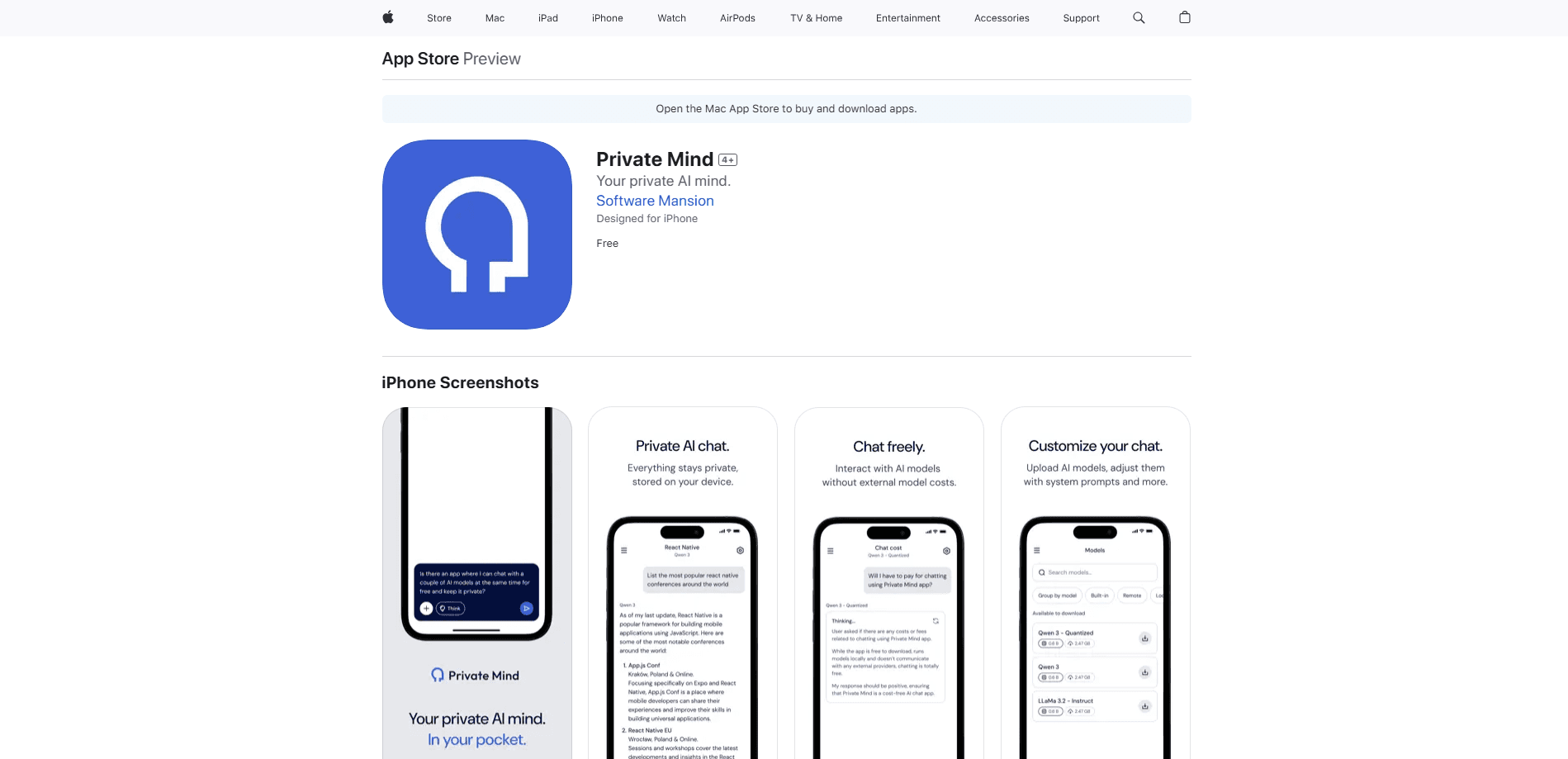
About Private Mind
What Is Private Mind
Private Mind is a mobile AI assistant and local AI assistant built by Software Mansion, a software agency that's been a core contributor to React Native since 2012. The app runs large language models directly on your phone instead of sending your messages to a server. Once a model is downloaded, every feature works without an internet connection, so it can chat in airplane mode or anywhere your signal drops.
The problem it addresses is trust. Most AI assistants route your messages through company servers, which means your questions, drafts, and documents leave your device and pass through systems you don't control. Private Mind keeps the whole conversation local: nothing gets collected, and your words stay on the hardware in your hand. It's free and open source, so you can read the code on GitHub if you want proof rather than a promise.
What you should know before you commit is that the models aren't included. Each one downloads from Hugging Face on first use, roughly 1 to 3 GB apiece, and that first run needs a network connection. A modern phone with 4 GB or more of RAM is recommended for the larger models, and the app runs best on iOS 17.0 or newer. The output also depends on which model you pick, since the smaller ones trade reasoning quality for speed and memory.
Getting Started
- Install Private Mind from the App Store or Google Play. There's no signup, so the app opens straight into a chat.
- Download a model from the built-in Model Hub, grouped by family. Grab it over Wi-Fi, since the files run 1 to 3 GB.
- Run the built-in benchmark if you're unsure which model your device can handle, then pick one that fits your RAM.
- Start a chat, attach a PDF or text file if you want to question a document, or dictate a prompt with on-device speech input.
- Save a system prompt as a preset, fork a conversation when you want to explore a different direction, and export any chat you want to keep.
Product Information
A quick look at Private Mind's pricing, supported platforms, and performance.
Best for
The users, tasks, and scenarios where this tool fits best.
Users
- Privacy-focused users
- Travelers and commuters
- Developers and tinkerers
Tasks
- Chatting with a document
- Drafting in private
- Picking the right model
Scenarios
- Working on a plane or in a dead zone
- Handling confidential material
- Testing model behavior
Key features
Fully offline, on-device chat
The core promise is that conversations run entirely on your phone, so the on-device LLM answers without any server in the loop. No messages go to a cloud server, and after a model downloads, the app keeps working with no internet at all. That's what makes it usable in airplane mode and what keeps your text off anyone else's machines.
Broad open-model support
Private Mind runs open models from the Llama, Gemma, and Qwen families, among others, and the Model Hub groups them by family so you can browse. It's built on React Native ExecuTorch, which is what lets those models run on a phone. If the curated list doesn't have what you want, you can import your own model. Support depends on the model's format and your device's memory, so newer and larger models may not fit older hardware.
Chat with your documents
You can attach a PDF, TXT, Markdown, HTML, or CSV file and ask questions about it. Retrieval and embeddings run on-device, and every answer links back to the passages it drew from, which lets you verify a claim instead of trusting it. The approach works well for summaries and lookups, and very large files still depend on your phone's memory.
On-device image and voice input
Send a photo to a vision-capable model, or dictate a prompt using speech input that transcribes on your phone through Whisper. Both features keep the data local, so a photo or a voice note never gets uploaded to a transcription service. Vision support only applies to models built with that capability.
Built-in performance benchmarks
Before you download a multi-gigabyte model, the app can benchmark it against your hardware. You see how fast each model runs, how much memory it uses, and how it performs on your specific phone, so you pick based on real numbers rather than specs on a product page.
Branching, custom prompts, and export
You can fork a conversation from any message to follow a different line of thinking without losing the original thread. System prompts can be saved as reusable presets and tuned per chat. When you're done, you can search your history and export conversations, which keeps your work usable outside the app.
Pros and cons
Pros
- Conversations stay on your device with no account, so your questions and documents never reach a company server.
- Works fully offline once a model is downloaded, which makes it usable on flights and in areas without a signal.
- Free and open source, so you can inspect the code rather than trust a privacy claim.
- Document chat links answers back to their sources, which lets you verify the result instead of accepting it.
Cons
- Models aren't bundled and run 1 to 3 GB each, so the first setup needs Wi-Fi and free storage.
- Larger models need a phone with 4 GB or more of RAM, so older or budget devices are limited to smaller ones.
- Answer quality depends on the model you pick, and the smaller options trail cloud models on harder reasoning.
- There's no API, so you can't call Private Mind from another app or automate it the way you would a hosted service.
Frequently asked questions
Private Mind is a free mobile app that runs open AI models like Llama, Gemma, and Qwen directly on your phone. Every conversation happens on your device, with no account, no subscription, and no data sent to the cloud.
Related content
Explore related tools, skills, and articles for Private Mind.
Private Mind Alternatives

Odyssey 3
Odyssey · OtherOdyssey-3 is Odyssey's foundation world model. It simulates physics in real time, turns a prompt into an interactive environment, and adapts to robots, cars and games.

JarvisCore
Prescott Data · Coding · Productivity · OtherJarvisCore is an open source Python runtime where AI agents work as equal peers on an agent mesh, claim tasks from a shared ledger, and reach external services through a zero-trust broker.
Clef
Cloudflare · Business · OtherClef is Cloudflare's open-source decision model for Workers AI. It returns calibrated probabilities for typed questions, not generated text, so agents can classify, route, and act fast.