

ProfileSpider
ProfileSpider · Coding
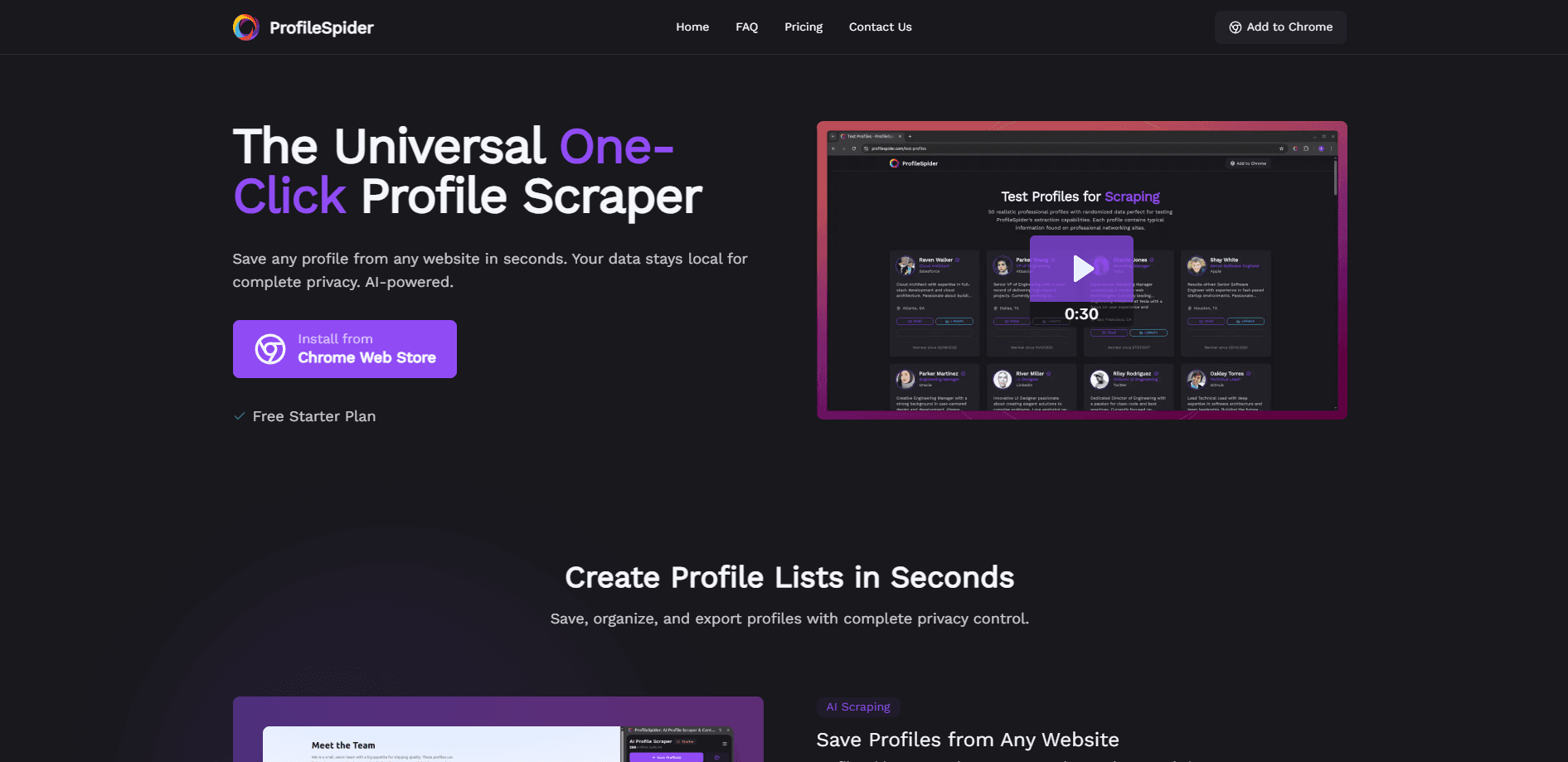
ProfileSpider is a Chrome extension that scrapes people and company profiles from any website, then turns them into lead lists you can export to your CRM.
About ProfileSpider
What Is ProfileSpider
ProfileSpider is an AI profile scraper built for sales, recruiting, marketing and research teams who need contact data without writing code. It reads profiles off whatever page you're on, then sorts the details into clean, searchable lists, doubling as a lead list builder for outreach teams. The company pitches it as a scraper that works everywhere rather than one locked to a single site.
The core idea is simple. You open a LinkedIn search, a company team page or a directory, click once, and ProfileSpider pulls up to 100 profiles at a time. It uses AI to work out which text is a job title, which is a company, and which is a name, so it doesn't need you to map fields or write selectors. Everything it grabs stays in your browser.
Two limits matter before you pay. First, it's Chrome-only: you need Chrome version 114 or later, and there's no Safari or Firefox build. Second, the email finder and enrichment run on a credit system. You burn credits even when a page turns up zero profiles, as long as the AI processed it.
Getting Started
- Install ProfileSpider from the Chrome Web Store and pin it to your toolbar.
- Open a page with profiles, like a LinkedIn search result or a company team page.
- Click the ProfileSpider icon and hit Scrape Profiles to capture one or many records.
- Save what you want into a named list, then add tags and notes.
- Use the Enrich column or Find Emails to fill in deeper fields and work addresses.
- Export to CSV, Excel or JSON, then import the file into HubSpot, Salesforce or any CRM.
Product Information
A quick look at ProfileSpider's pricing, supported platforms, and performance.
Best for
The users, tasks, and scenarios where this tool fits best.
Users
- Sales reps
- Recruiters
- Marketing teams
- Researchers and analysts
Tasks
- Scraping LinkedIn search results
- Building a B2B lead list
- Enriching saved records
- Finding verified work emails
Scenarios
- Filling a campaign list before a launch
- Researching a target company
- Ongoing prospecting during a busy week
Key features
One-Click Profile Capture
ProfileSpider grabs one profile or up to 100 from a single page without any setup. There are no CSS selectors or XPath expressions to write, which is the part that slows most scraping tools to a crawl. You click, the AI reads the page, and the records land in your list.
AI Field Mapping
The extension uses AI to tell a name from a job title from a company, then files each into the right column. That's why it works on sites it's never seen before. A profile scraping tool that relies on fixed selectors breaks the moment a page changes, and ProfileSpider avoids that trap by reading structure on the fly.
Profile Enrichment
Every saved profile keeps its source URL. The Enrich column reopens that page in the background and merges deeper fields back onto the record, covering job title, company, location and social links. You can run it on a single profile or batch it across many while you keep working.
Verified Email Finder
Find Emails pulls a work address for a saved person, or every team email at a target company, in one click. A company search returns up to 20 verified addresses. Risky, blacklisted and not-found responses are free, and repeat lookups are cached so you don't get charged twice for the same result.
Lists, Tags and Notes
You can keep unlimited lists for different projects or clients, tag each record, and add notes. People and companies both fit into the same workspace, so a prospect and their employer sit side by side. Moving records between lists and editing fields happens in the extension, not a separate tab.
Flexible Export
Profiles leave as CSV, Excel or JSON, and you pick the columns. That means the same list drops into HubSpot, Salesforce, Pipedrive, Greenhouse or Lemlist without reworking the data. Local storage also means nothing uploads until you export it yourself.
Pros and cons
Pros
- Works on almost any site, including LinkedIn, Twitter, GitHub, directories and company pages, without configuration.
- Charges per page rather than per profile, so a 100-profile page costs one credit.
- Data stays in the browser, which keeps extracted records off the vendor's servers.
- Both people and company profiles fit in one tool, so you juggle fewer extensions.
- Free plan with 10 credits lets you test the full workflow before paying.
Cons
- Chrome-only and needs version 114 or later, so Firefox and Safari users are shut out.
- Credits are consumed whenever the AI processes a page, even if it finds no profiles, which can waste spend on thin pages.
- Email results depend on what's publicly available, so some searches come back empty and still cost nothing but time.
- You're responsible for GDPR and site terms, and the tool offers no built-in compliance checks.
Frequently asked questions
Most scrapers need you to write CSS selectors or XPath expressions before they work, and they break when a page changes. ProfileSpider uses AI to read any page structure on the fly, so it extracts 1 to 100 profiles in seconds with no setup.
Related content
Explore related tools, skills, and articles for ProfileSpider.
ProfileSpider Alternatives

Base Code
Base44 (Wix) · Coding · ProductivityBase Code is a shared cloud development environment from Base44. Teammates describe changes to an existing GitHub codebase in chat, preview them live and send them back as pull requests.

Google EmbeddingGemma 2
Google DeepMind · Writing · Image · CodingGoogle EmbeddingGemma 2 is a 740M-parameter open model that turns text, code, images, audio, and video frames into vectors in one 768-dimension space, running on phones and laptops.

GitGlow
GitGlow · Coding · ProductivityGitGlow is a local-first desktop Git client that lets independent developers review their own code and their AI agents' changes in one place before shipping.