

PromptDC
Panagiotis Visilias · Coding · Prompts
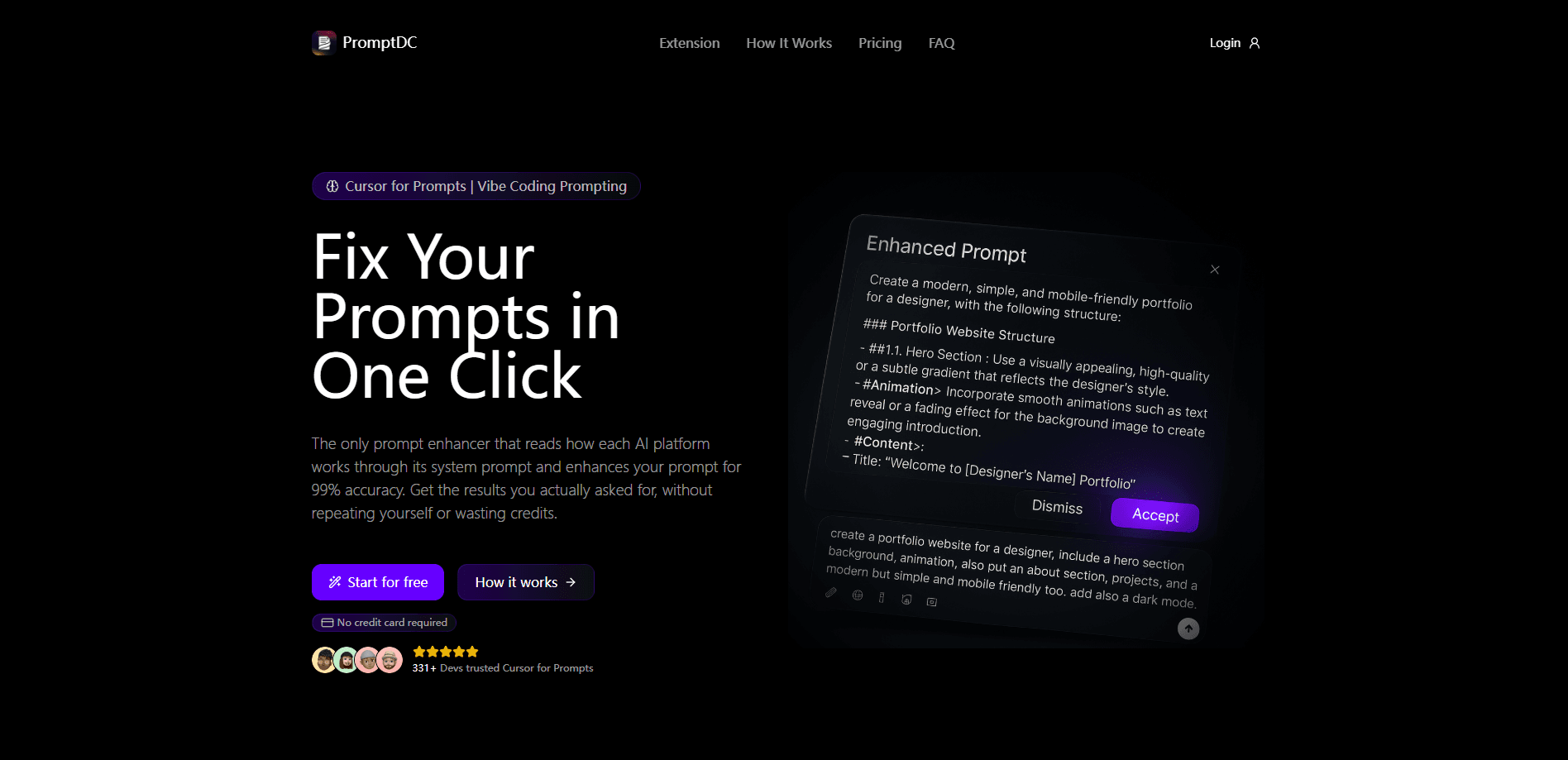
PromptDC is an AI writing and prompt enhancer that rewrites the text you select or type in any app, browser box, or IDE chat, then hands the clearer version back for you to accept.
About PromptDC
What Is PromptDC
PromptDC sits between what you meant and what you typed. Select a rough prompt, an email, a Slack reply, or a commit message, press a shortcut, and get a tightened version back in the same place. It runs as a Chrome extension, IDE extensions for VS Code and Cursor, and a desktop app for macOS and Windows. Every surface shares one account, the same profiles, and the same shortcuts.
The product targets two jobs at once. Writing mode handles grammar, email rewrites, social posts, and summaries. Coding mode turns a vague request into an implementation-ready prompt for tools like Cursor, Kiro, Replit, and Claude Code, in plain text or JSON, XML, and YAML. You review each result before anything is sent; the tool never fires off your prompt for you.
The catch is pricing. There is no free tier, and enhancements need at least a paid plan because each rewrite is a real model call. If you want the desktop app to cover browsers like Safari and Edge or terminals, that is a separate install from the Chrome extension.
Getting Started
- Install the Chrome extension, or add the VS Code or Cursor extension, and sign in with your PromptDC account.
- Choose a profile for the job, such as Grammar, Email, Social, or the coding profile, and set a default per site if you like.
- Type in a text box or select text, then click Enhance on the floating toolbar or press Ctrl+Shift+Space (Cmd+Shift+Space on Mac).
- Review the rewrite and accept it in place, or copy it out when the field is read-only.
- For the desktop app, grant Accessibility permission so it can replace selected text in any application.
Product Information
A quick look at PromptDC's pricing, supported platforms, and performance.
Best for
The users, tasks, and scenarios where this tool fits best.
Users
- Developers who live in an AI editor
- Everyday writers and freelancers
- Chrome users who want no setup
Tasks
- Sharpening a coding prompt
- Fixing grammar and tone
- Summarizing selected text
- Reusing your own style
- Formatting prompts for a target
Scenarios
- Working across several AI tools a day
- Handling high-volume email
- Terminal-first workflows
Key features
In-place rewriting on any surface
The Chrome extension rewrites editable fields where they sit and copies results from read-only pages to your clipboard. The desktop app handles selected text in any application, and the IDE extensions rewrite the prompt in the editor's AI chat panel without touching the file you're working on. One account and one set of profiles follow you across all of them.
Coding and writing profiles
PromptDC splits into two modes. As an AI writing assistant, the writing side covers grammar, email, social, and summarization profiles, with extra options like Professional and Concise. The coding side is a prompt enhancer for coding: it turns a rough ask into a structured prompt tuned to the tool and model you use, so the AI has enough context to build from the first response.
Output formats for different tools
Where most prompt helpers return a single paragraph, PromptDC can hand back your enhanced prompt as plain text, JSON, XML, or YAML. That matters when the tool receiving the prompt expects a schema rather than prose, and it saves you hand-converting the result afterward.
Simple and structured modes
You can choose a quick one-paragraph rewrite or a detailed structured version with sections. Simple mode suits a fast email fix; structured mode suits a build request where the model needs the stack, constraints, and edge cases laid out.
Custom profiles and prompt library
You can override the built-in logic with your own prompt and append standing rules to every output automatically. Saved prompts and Markdown files live in a library, and community-shared prompts are there to reuse, so your best instructions aren't trapped in a text file.
Nine supporting languages and BYOK option
Enhanced prompts come back in your language across nine supported languages, and output stays clear and structured regardless of which one you pick. The Lifetime plan swaps a subscription for a one-time payment and your own OpenAI, Claude, Gemini, or Grok key, so usage is billed by the provider you already use.
Pros and cons
Pros
- Works where you already type, so there's no tab-switching or copy-paste between an editor, a browser, and a chat box.
- The coding profile produces structured, tool-aware prompts rather than expanding text with filler.
- Four output formats (plain text, JSON, XML, YAML) fit tools that expect structured input.
- Output languages cover nine options, so non-English prompts stay usable instead of being translated into awkward phrasing.
- The Lifetime plan trades a subscription for a one-time fee and your own API key.
Cons
- There's no free tier, so you can't test a full enhancement before paying, and every rewrite consumes plan usage or your own API credits.
- The desktop app needs Accessibility permission, which is broader access than the Chrome extension asks for.
- Browser and terminal coverage on desktop is a separate download from the Chrome and IDE extensions, so you may end up installing more than one piece.
Frequently asked questions
It's an AI prompt and writing enhancer that rewrites the text you select or type. You review the result and decide whether to accept it, and the tool never sends your text on its own.
Related content
Explore related tools, skills, and articles for PromptDC.
PromptDC Alternatives

Base Code
Base44 (Wix) · Coding · ProductivityBase Code is a shared cloud development environment from Base44. Teammates describe changes to an existing GitHub codebase in chat, preview them live and send them back as pull requests.

Google EmbeddingGemma 2
Google DeepMind · Writing · Image · CodingGoogle EmbeddingGemma 2 is a 740M-parameter open model that turns text, code, images, audio, and video frames into vectors in one 768-dimension space, running on phones and laptops.

GitGlow
GitGlow · Coding · ProductivityGitGlow is a local-first desktop Git client that lets independent developers review their own code and their AI agents' changes in one place before shipping.