

Promptic
Promptic GmbH · Coding · Business · Prompts
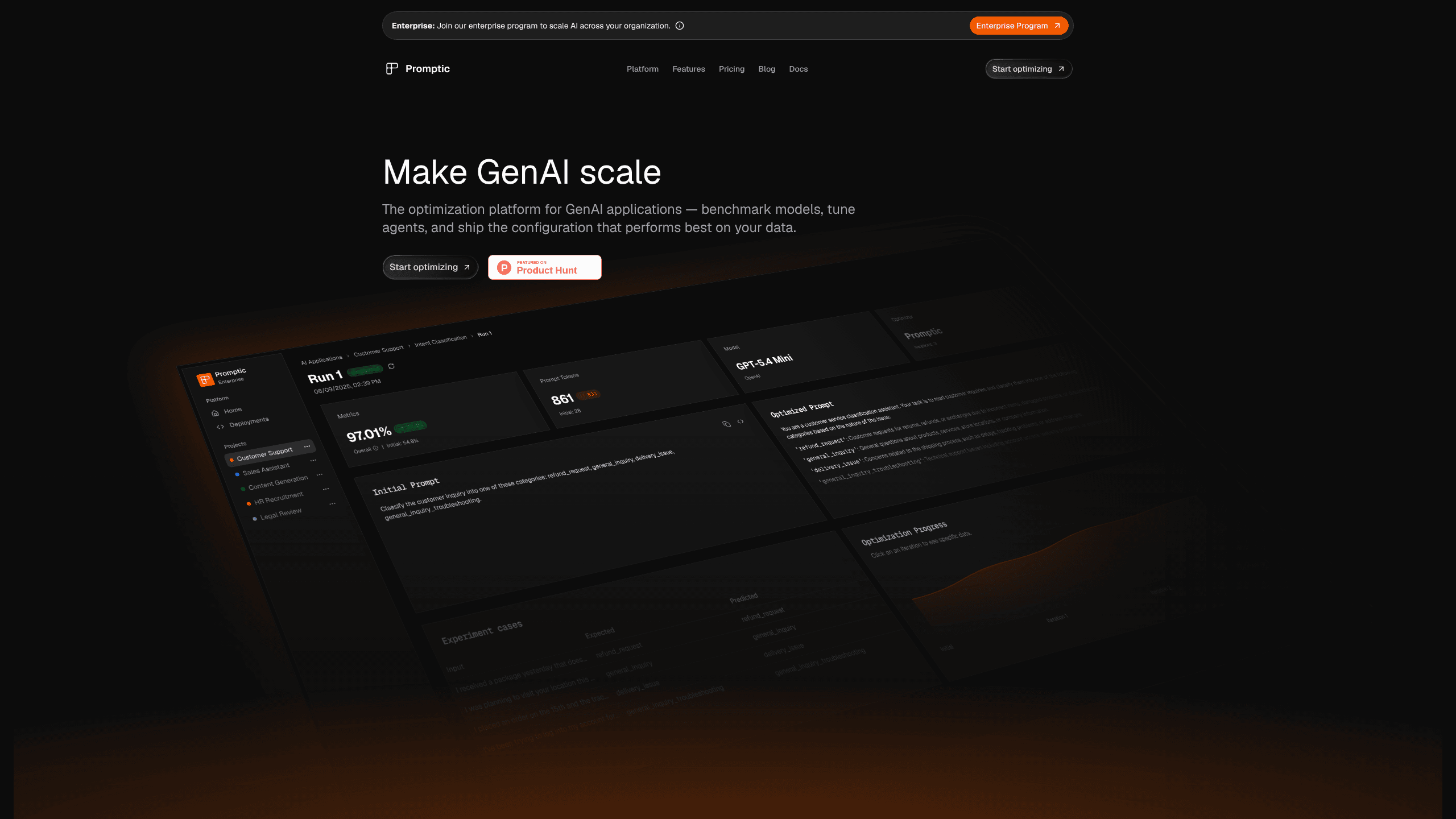
Promptic is a GenAI optimization platform from Promptic GmbH. It benchmarks models, tunes prompts and agents on your data, and traces live calls to pick the cheapest setup meeting quality targets.
About Promptic
What Is Promptic
Promptic is the optimization platform for GenAI applications, built by Promptic GmbH, a German company that keeps platform data in the EU. Teams reach for it at the point where a feature works but nobody can say which version of the prompt, model, or agent design actually performs best on real traffic.
Four jobs that usually sit in separate tools live in one workspace: datasets and test cases, model comparison, prompt and agent tuning, and OpenTelemetry tracing. Traces feed the same test set used for evaluation, so a failure spotted in production can become a test case the next morning.
It is not a no-code prompt playground. You bring labeled examples and model keys, or pay for managed billing, and the quality of the result depends on whether your test set matches what users really do. A team with no historical traffic should plan on collecting examples for the first week.
Getting Started
- Create a free account at promptic.eu. The free plan does not ask for a card.
- Connect model keys for the providers you want to compare, or leave managed billing for later.
- Upload a use case dataset, mark the test cases that matter, and pick the KPIs: answer quality, cost per call, latency, schema validity, or a business metric.
- Run a comparison across prompts, models, or agent paths and keep the candidate that wins on your KPIs.
- Add the SDK to your application so live calls arrive as traces. Those traces become the next round of test cases.
Product Information
A quick look at Promptic's pricing, supported platforms, and performance.
Best for
The users, tasks, and scenarios where this tool fits best.
Users
- Solo developers and small teams
- Product engineers shipping an LLM feature
- AI engineers who already run LLM evaluation
- Quality and compliance leads at EU companies
Tasks
- Picking between two models for one feature
- Fixing a prompt that breaks on edge cases
- Cutting token spend without losing accuracy
- Repairing an agent that calls the wrong tool
Scenarios
- Release week
- Support automation that misfires on unusual tickets
- Model migration
- Document extraction
Key features
Prompt tuning on your own examples
Promptic takes a prompt plus a set of labeled examples and searches for a rewrite that scores better on the metric you chose. Each candidate comes with a score, so you compare versions instead of arguing about wording. The tuned prompt stays readable, which matters when a human has to maintain it six months later. Prompt engineering judgment still decides which examples go in, because the search is only as good as the test set.
Model comparison on shared metrics
Point the same test set at two or more models and the platform reports quality, cost, and latency side by side. That answers the question most teams get wrong by default, which is assuming the most expensive model is also the safest. You can keep a cheaper candidate for simple requests and route the hard ones elsewhere.
Agent and tool selection tuning
For agents, Promptic tests different architectures and tool routing rather than a single prompt string. You see which path reaches a correct answer and what it costs in calls. This is the part that separates it from prompt-only tools, since most agent failures come from a wrong tool choice rather than bad wording.
OpenTelemetry tracing as the entry point
The SDK sends every LLM call, tool call, and workflow step out as OpenTelemetry spans. You get timing and spend per step, and the trace itself becomes raw material for tuning. Tracing is the doorway here, not the product's end goal.
Datasets, test cases, and AI-assisted judges
You can import examples, generate more with AI assistance, and build judges that score outputs automatically. Team plans and above add AI-assisted data and judge generation, which shortens the path from "we have 30 examples" to "we have 300." Judging criteria stay editable, so a domain expert can correct a judge that scores the wrong thing.
API, SDK, and CI/CD gates
Everything in the dashboard is reachable through the REST API, the SDK, or the CLI. Business plans add CI/CD gates that fail a build when the eval score drops, plus role-based access control. A coding agent can also run the tuning loop itself through the API, which suits teams that already automate work in their repository.
Pros and cons
Pros
- The free plan needs no credit card and runs on your own model keys, so an evaluation can start the same afternoon.
- Tracing and evaluation share one workspace, which removes the manual copy step between an observability tool and a spreadsheet of test cases.
- EU data region on the free plan too, not only on enterprise contracts.
- Unlimited users on Team and Business, so reviewers and product managers can read results without buying seats.
- A coding agent can drive the tuning loop through the API, a good fit for teams that already automate repo work.
Cons
- Credits are hard to forecast before you have a dataset. A large test set with several candidates burns through the 1M monthly credits faster than most teams expect, and extra credits cost €10 per 100k on Team.
- Prompt tuning needs decent labeled examples. With 20 test cases the winning prompt often fails on new traffic.
- The free plan keeps traces for 14 days and covers one application, which is fine for a trial and too short for long-term monitoring.
- SSO, SCIM, and audit logs sit on the Enterprise plan, so mid-sized companies with strict procurement may hit a wall.
Frequently asked questions
It compares and improves the parts of a GenAI application that decide output quality and cost: the prompt, the model, the agent design, the extraction schema, and tool routing. You supply examples and model keys, it runs the candidates, and you keep the version with the best score.
Related content
Explore related tools, skills, and articles for Promptic.
Promptic Alternatives

Base Code
Base44 (Wix) · Coding · ProductivityBase Code is a shared cloud development environment from Base44. Teammates describe changes to an existing GitHub codebase in chat, preview them live and send them back as pull requests.

Google EmbeddingGemma 2
Google DeepMind · Writing · Image · CodingGoogle EmbeddingGemma 2 is a 740M-parameter open model that turns text, code, images, audio, and video frames into vectors in one 768-dimension space, running on phones and laptops.

GitGlow
GitGlow · Coding · ProductivityGitGlow is a local-first desktop Git client that lets independent developers review their own code and their AI agents' changes in one place before shipping.