

Promptify
Promptify · Other · Prompts
Promptify is a Chrome extension that rewrites the short, vague prompts people type into AI chatbots and turns them into clear, structured instructions. It works alongside tools like ChatGPT, Gemini, and Claude, so you keep your usual chat window and just get better answers from it. It acts like a prompt optimizer you don't have to think about. The free plan covers a few uses a day, while paid tiers add higher limits, agent mode, and prompt chains for people who lean on AI daily.
About Promptify
What Is Promptify
Promptify is a prompt engineering tool built as a browser extension. Instead of teaching you to write better prompts by hand, it does the rewrite for you. You type something loose like "write a product email" and the extension expands it into a structured instruction that spells out the task, tone, format, and constraints. Born from a simple annoyance: most people know what they want from an AI model. They just don't phrase it in a way the model handles well.
The extension runs inside Chrome, so it follows you across the sites you already use rather than locking you into one app. The team behind it says 5,000+ prompts have been enhanced so far. That's a small base. Treat the polish level as early-stage, not battle-tested. What it does well is kill the blank-page problem. What it doesn't do is act as a general AI chatbot on its own.
One limit worth knowing up front: Promptify enhances prompts, it doesn't run the models. You still need your own ChatGPT, Gemini, or Claude account to use the output. Think of it as a layer that sits between you and whichever model you've already picked.
Getting Started
- Install the Promptify extension from the Chrome Web Store and pin it to your toolbar.
- Open any AI chat site, such as ChatGPT or Gemini, and sign in as usual.
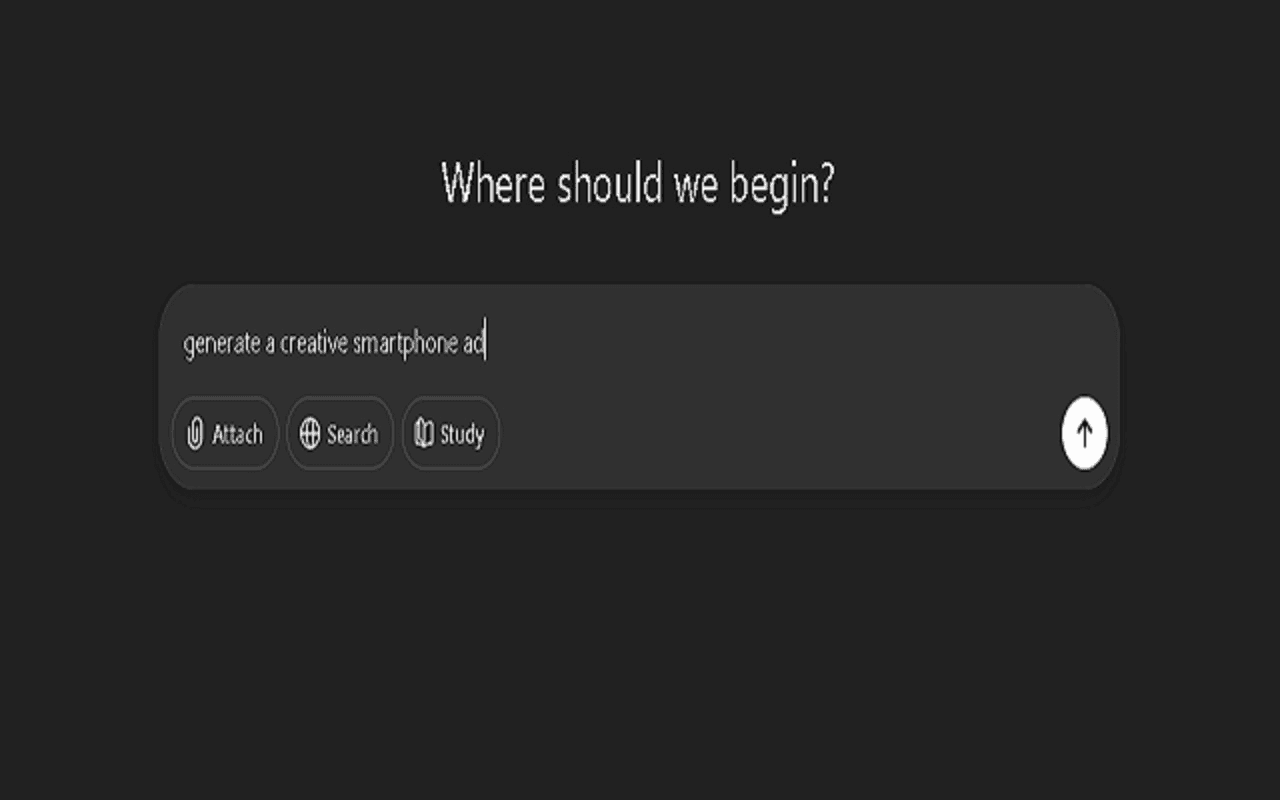
- Type your rough prompt into the chat box, then click the Promptify button to improve it.
- Review the rewritten instruction, tweak anything that doesn't match your intent, and send it.
- On the free plan you get 3 enhancements a day; upgrade to Pro if you need more.
That's the whole loop. It takes seconds once it's set up.
Product Information
A quick look at Promptify's pricing, supported platforms, and performance.
Best for
The users, tasks, and scenarios where this tool fits best.
Users
- Non-technical founders
- Students and writers
- Marketers and content teams
Tasks
- Rewriting quick prompts into structured instructions
- Chaining multi-step requests
- Saving and reusing prompt templates
Scenarios
- Daily AI work where you'd otherwise retype the same instructions
- Exploring code or MVP ideas
- Cross-tool workflows
Key features
Instant Prompt Enhancement
The headline feature rewrites a basic prompt into a structured, detailed instruction in a single click. It reads your intent and fills in the parts you left out: audience, length, format. Anyone tired of rephrasing the same request three times? This is the part that saves the most time.
Agent Mode
Agent mode is meant to run interactions more autonomously and reduce the back-and-forth that leads to wrong answers. When it detects a coding request, it can shift into an autonomous coding flow the team calls "vibe coding." That's aimed at non-technical founders prototyping an MVP, not at developers replacing their IDE. Ship fast, fix later.
Prompt Chains
Prompt chains let you connect several prompts so the output of one feeds the next. It's built for research, content production, and multi-step problem solving where a single prompt isn't enough. One prompt rarely gets you where you need to go on a hard task, and chaining is the workaround. On the free plan you get one chain a day; Pro raises that to five an hour.
Save and Organize Prompts
You can save, tag, and reopen your best prompts from a personal library instead of hunting through old chat logs. Pro unlocks unlimited saved prompts. The free tier keeps a tighter cap. It's a small quality-of-life feature. It's also the one people miss most when they lose it.
Works Across Major AI Models
Because Promptify sits in the browser rather than inside one app, it isn't tied to ChatGPT alone. It's built to improve prompts for ChatGPT, Gemini, and Claude, so switching models doesn't mean switching tools. No lock-in. That flexibility is the main reason to pick it over a model's built-in prompt helpers.
Pros and cons
Pros
- One-click prompt enhancement saves time versus writing structured prompts by hand.
- Runs as a Chrome extension, so it works across ChatGPT, Gemini, and Claude without a separate app.
- Free plan is genuinely usable, with 3 enhancements a day to test the workflow.
- Prompt library and chains help you reuse what already worked.
Cons
- Free tier caps you at 3 enhancements a day and 1 agent use a day, which runs out fast for daily users.
- It only enhances prompts; you still need your own paid or free model account to get answers, so it adds a step rather than replacing a tool.
- Chrome-only for now, so Firefox, Safari, and Edge users are left out.
Frequently asked questions
It rewrites short or messy prompts into clear, structured instructions before you send them to an AI model. You keep using ChatGPT, Gemini, or Claude as normal; Promptify just improves the request going in.
Related content
Explore related tools, skills, and articles for Promptify.
Promptify Alternatives
BinkBink
BinkBink · OtherBinkBink is a free online game platform and AI game maker that lets anyone turn a short text description into a playable browser game. You can jump into hundreds of community-made games. Or describe your own idea and play it in seconds, then share it with friends. Want to create your own game? You don't need to code. No engine setup, no download, no hassle.

Audiogen
Audiogen Inc. · OtherAudiogen is an AI music generator built by Audiogen Inc., a small research team that spent about 2.5 years training its own generative music model and designing a web interface around it. Instead of a plain text box, this AI music tool turns the timeline into a beginner-friendly Generative Audio Workstation, or GAW, where inpainting, extending, remixing and stem editing work more like painting on a canvas. The product is still in beta, so access runs through a waitlist or an invite. Paid plans aren't published yet.

Aiml API
AIMLAPI OÜ · OtherAiml API is a unified AI model API that puts more than 1000 models from OpenAI, Google, Anthropic, and others behind one endpoint and one bill. You write code against a single OpenAI-compatible schema, then switch between chat, image, video, and audio models by changing a model string. It suits developers and small teams who want multi-model access without juggling a dozen separate provider accounts, and it removes the usual billing headache that comes with testing several vendors. One key covers it all.