

Prototyper
Prototyper (founded by Thijs Verreck) · Coding
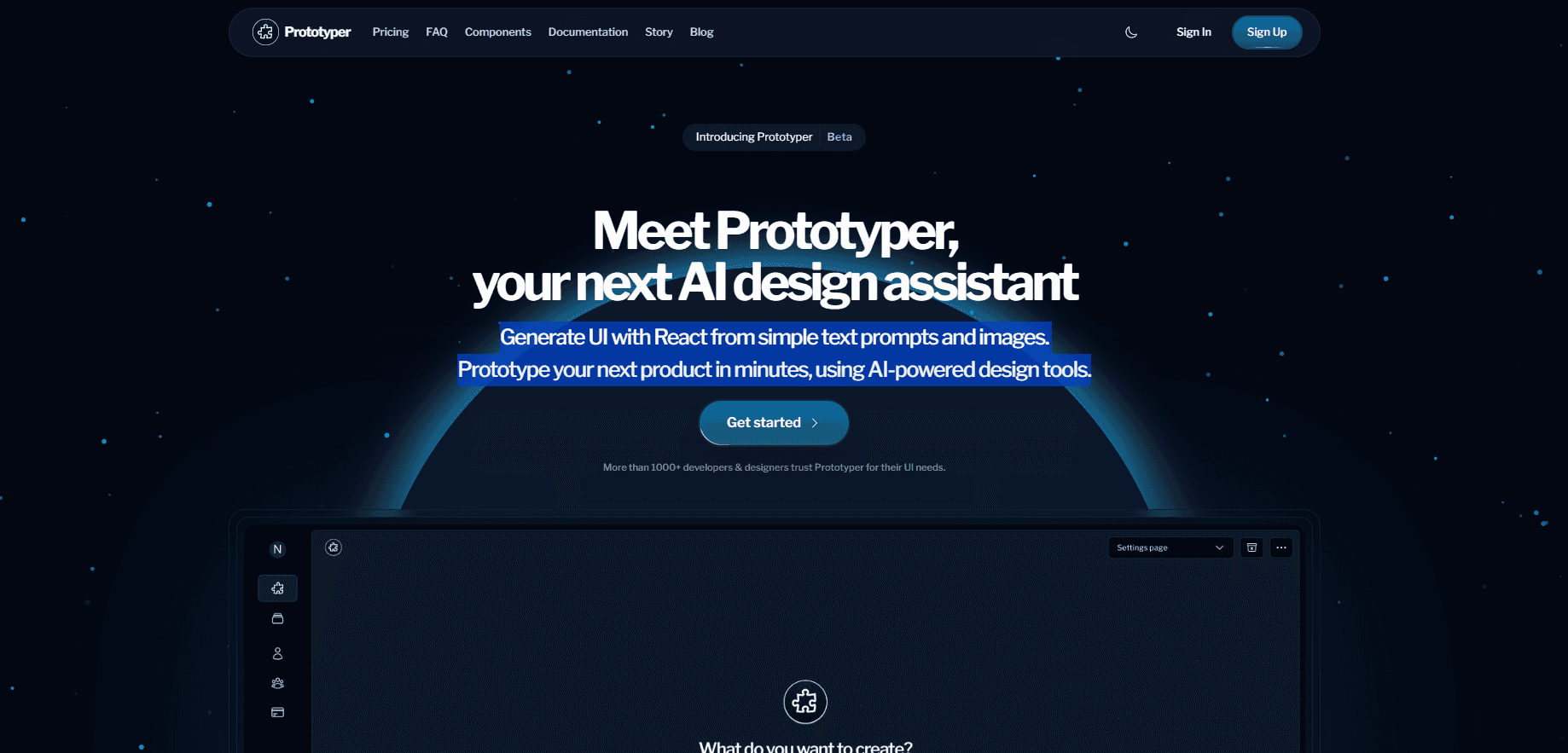
Prototyper is an AI prototyping tool where agents build running React apps, wireframes, and slide decks on one shared canvas your team can edit.
About Prototyper
What Is Prototyper
Prototyper is a browser-based design and development canvas, and it works as a React prototype builder without a separate export stage. You describe a screen or sketch rough boxes, then an AI agent writes real React and Tailwind code that compiles and runs inside the workspace. There is no separate export stage, because the running screen is the artifact you hand to users and later take to production.
The agent doesn't have to be Prototyper's own. Claude Code, Codex, Cursor, and other MCP clients connect to the same canvas, read the project files, write code, and open pull requests from your terminal. Prototyper charges for the canvas and the bundled assistant, and you can bring the subscription you already pay for.
The limits are practical rather than conceptual. It's a web app, so heavy local tooling stays outside. The built-in assistant runs on weekly message caps and metered AI credits, and a free workspace holds two canvases. Anyone who wants clean version control still needs to understand branches.
Getting Started
- Sign up at prototyper.co and open your first workspace. The free tier needs no card.
- Drop a brief on the canvas or type a screen description into the composer, such as a billing settings page with a plan card and an invoice table.
- Let the agent build, then operate the preview. Type real data into forms, resize the window, and click through states.
- Ask for two more variants, compare them side by side, and keep the one that survives review.
- Connect your GitHub repo or paste the MCP install line to keep working from Cursor, VS Code, or a terminal.
Product Information
A quick look at Prototyper's pricing, supported platforms, and performance.
Best for
The users, tasks, and scenarios where this tool fits best.
Users
- Product designers
- Front-end developers
- Startup founders
- Design leads at small teams
Tasks
- Turning a written brief into a clickable app
- Creating wireframes from marker sketches
- Building a launch deck
- Testing variants side by side
Scenarios
- A one-day validation sprint
- Design review with non-designers
- Handing work to engineering
Key features
A Canvas That Writes Back
Every window on the canvas is a running app, not a rendered image. Moving a shape rewrites the underlying React, and editing the code in your editor updates the shape on screen. The point is one living artifact across the whole project, from the first sketch to the build you ship.
Bring Your Own Agent
Prototyper works with Claude Code, Codex, Cursor, and any other MCP client. You paste one install line, and the agent you already pay for can read project files, write components, and open real pull requests while the result appears beside you. That keeps your existing subscription and your existing habits.
Parallel Agents on One Surface
You can point three agents at the same canvas at once. One handles the interface, one writes tests, one drafts the copy, and you watch all three work in the open. There's no status meeting, because the state of the work is visible.
Design Rules Instead of Generic Output
The built-in agent writes against a set of design rules aimed at the tells of AI-generated interfaces. Combined with 50 or more typed, accessible primitives and your own design tokens, the output looks chosen rather than default. Your brand colors, spacing, and components carry into every render.
Multiplayer With Human and Bot Cursors
Team members show up as cursors and agents show up as bots, all working from the same files in the same room. You can see who changed what and leave a sticky note on an empty state so the agent knows exactly what you mean. Version history rolls back 7 to 90 days depending on your plan.
Live Preview and Real Export
The preview compiles in the workspace with no build step, so the moment code lands the prototype is interactive. On a paid plan, your agent can export that same code into your own repository. The AI app builder doesn't trap the output inside a proprietary format.
Pros and cons
Pros
- The prototype runs, so user tests surface real failures instead of imagined ones.
- You can keep the Claude Code, Codex, or Cursor subscription you already have.
- Design and code stay in sync, which removes the rebuild stage before production.
- Free viewer seats make stakeholder review cheap for small teams.
- Version history and per-file rollback cover 7 to 90 days, depending on plan.
Cons
- The free tier caps you at 5 AI messages and 100 MCP tool calls per week, which runs out fast on a real project.
- Built-in AI runs on metered credits after the bundled amount, so heavy use produces a bill you can't predict from the sticker price.
- It's a browser workspace, which means no offline work and no local build chain.
- Teams that don't use React will get less out of it, since the generated code is React and Tailwind.
Frequently asked questions
It makes running React apps, wireframes, and slide decks on a shared canvas. The output compiles and runs in the workspace, so you can click, type, and test it rather than reviewing a screenshot.
Related content
Explore related tools, skills, and articles for Prototyper.
Prototyper Alternatives

Base Code
Base44 (Wix) · Coding · ProductivityBase Code is a shared cloud development environment from Base44. Teammates describe changes to an existing GitHub codebase in chat, preview them live and send them back as pull requests.

Google EmbeddingGemma 2
Google DeepMind · Writing · Image · CodingGoogle EmbeddingGemma 2 is a 740M-parameter open model that turns text, code, images, audio, and video frames into vectors in one 768-dimension space, running on phones and laptops.

GitGlow
GitGlow · Coding · ProductivityGitGlow is a local-first desktop Git client that lets independent developers review their own code and their AI agents' changes in one place before shipping.