

Pull Sense
Aswin VB · Coding
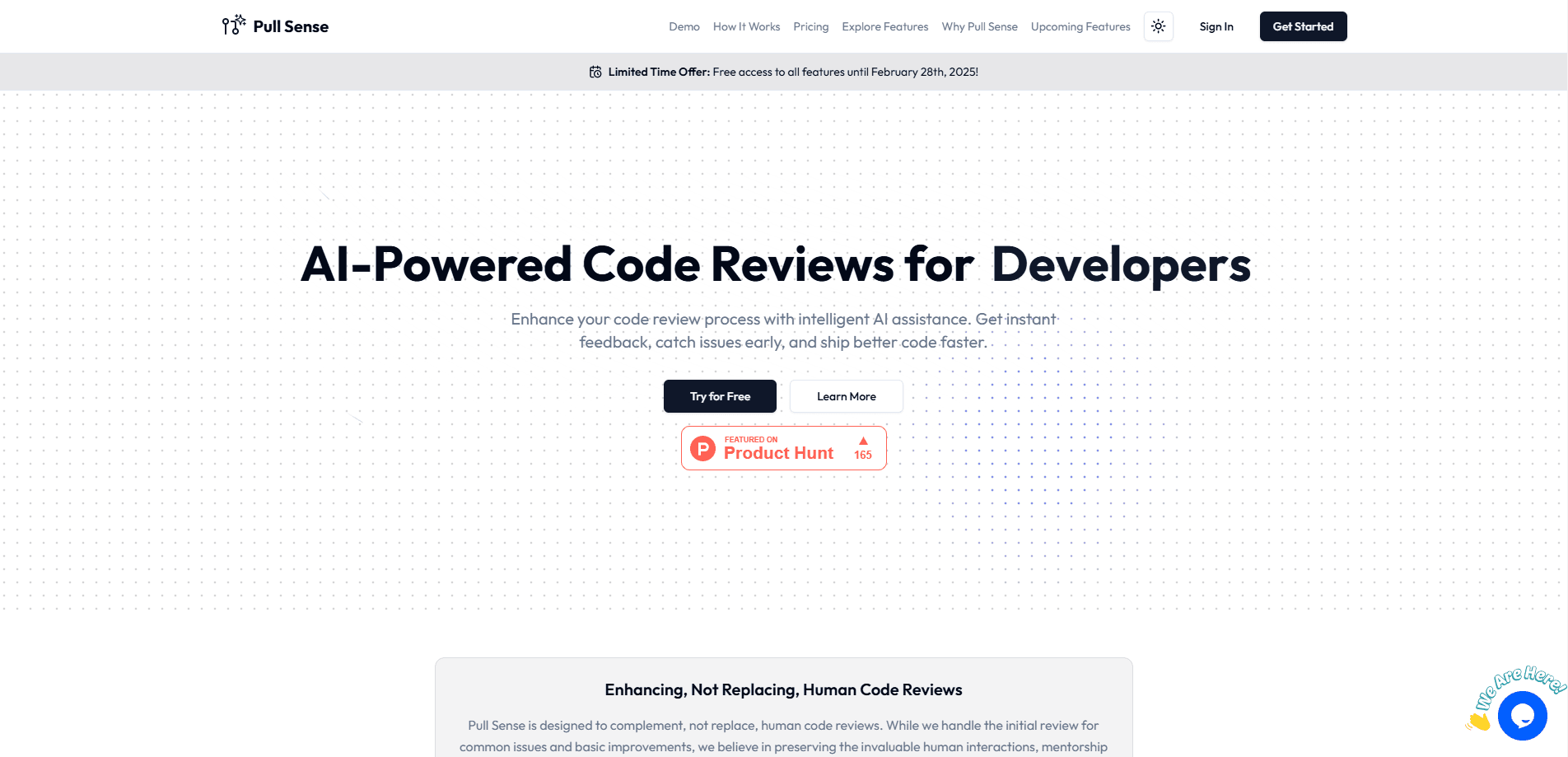
Pull Sense is an AI code review assistant for GitHub. Comment "pull-sense please review" on a pull request and it posts inline feedback using your own AI key.
About Pull Sense
What Is Pull Sense
Pull Sense, often written as PullSense, is an AI code review assistant built for GitHub pull requests. The idea is simple: instead of a bot that watches every change, you summon a review only when you want one. You type a short comment on a pull request, and the tool answers with inline notes about possible bugs, security gaps, and small improvements. It reviews the change in seconds, so a developer can get a first opinion before a teammate opens the diff.
The tool is built around the view that AI should sit next to a human reviewer, not replace them. It catches the obvious slips early, which trims the repetitive back and forth that eats up review time. Pull Sense uses a bring your own key model, so you plug in your own provider, such as OpenAI, and pay that provider for the AI work the tool runs. The maker states that your code isn't stored on the Pull Sense side.
Two traits shape how it fits into a team. It's free to use, with the AI cost handled through your own key, so there is no per seat charge to justify. And it only reads the files changed in the pull request, not the whole repository. That keeps things private and fast, but it also means the assistant can't catch a problem that only shows up when two distant parts of a codebase are read together.
Getting Started
- Sign in to the Pull Sense site and connect your GitHub account with an organization or personal access token
- Pick the repositories where you want the assistant to work
- Add your own AI provider key, such as an OpenAI key, so reviews run on your account
- Open a pull request and comment "pull-sense please review"
- Read the inline feedback and fix the issues you agree with before merging
Product Information
A quick look at Pull Sense's pricing, supported platforms, and performance.
Best for
The users, tasks, and scenarios where this tool fits best.
Users
- Individual developers
- Open source maintainers
- Small teams and startups
- Privacy conscious engineers
Tasks
- Pre screening a pull request
- Cutting review back and forth
- Onboarding a new contributor
- Keeping a baseline of quality
- Lightweight PR review automation
Scenarios
- A solo developer with no one to review a change
- A maintainer facing a backlog of pull requests
- A late night push before a deadline
- A team that can't adopt a paid review tool
Key features
Comment triggered reviews
Pull Sense doesn't watch your repository on its own. You trigger a review by commenting "pull-sense please review" on a pull request, and the assistant responds on that same thread. The on demand design keeps the tool quiet until you ask for it, so it never floods a busy project with noise.
Inline AI feedback on the change
When a review runs, the assistant posts comments tied to the lines it's talking about. It looks for possible bugs, security gaps, and code improvements, and explains each point where the reader is already looking. Feedback lands in context rather than as a wall of text at the top of the pull request.
Bring your own key
Pull Sense runs on a key you supply, such as an OpenAI key. You choose the provider and pay that provider directly for the AI work the tool requests. This is what lets the product stay free to use, and it also means a team can route reviews through a model it already trusts.
GitHub integration
The tool connects to GitHub through an organization or a personal access token, and you pick which repositories it can work in. Setup is a matter of signing in, authorizing access, and selecting repositories, with no pipeline or server to run.
Privacy first handling
Pull Sense reviews only the files changed in a pull request, and the maker states that your code isn't stored on the product side. That narrow scope keeps sensitive code out of a stored copy, and it also explains both the speed of a review and its main blind spot.
Free to start
There is no paid tier to sign up for. Because the AI cost flows through your own key, the tool itself costs nothing to use, so a developer or a small team can try it on a real pull request without a budget conversation.
Pros and cons
Pros
- Free to use, with the AI cost paid through your own provider key instead of a per seat fee
- Runs on demand, so it only reviews a pull request when a developer asks it to
- Keeps code private by reading only the changed files and, per the maker, not storing your code
- Posts feedback inline, which is easier to act on than a separate report
- Quick setup through GitHub with no pipeline or server to maintain
Cons
- Sees only the files changed in a pull request, so it can miss issues that depend on code outside the diff
- Tied to GitHub, so teams on GitLab or Bitbucket can't use it as is
- Quality depends on the model behind your own key, so a weak or costly key gives weak or costly reviews
- A small independent product, so support, updates, and a public roadmap are limited compared with larger review platforms
Frequently asked questions
Pull Sense is an AI code review assistant for GitHub. You comment "pull-sense please review" on a pull request, and it posts inline feedback about possible bugs, security issues, and code improvements.
Related content
Explore related tools, skills, and articles for Pull Sense.
Pull Sense Alternatives

Base Code
Base44 (Wix) · Coding · ProductivityBase Code is a shared cloud development environment from Base44. Teammates describe changes to an existing GitHub codebase in chat, preview them live and send them back as pull requests.

Google EmbeddingGemma 2
Google DeepMind · Writing · Image · CodingGoogle EmbeddingGemma 2 is a 740M-parameter open model that turns text, code, images, audio, and video frames into vectors in one 768-dimension space, running on phones and laptops.

GitGlow
GitGlow · Coding · ProductivityGitGlow is a local-first desktop Git client that lets independent developers review their own code and their AI agents' changes in one place before shipping.