

pumaDB
pumaDB · Coding
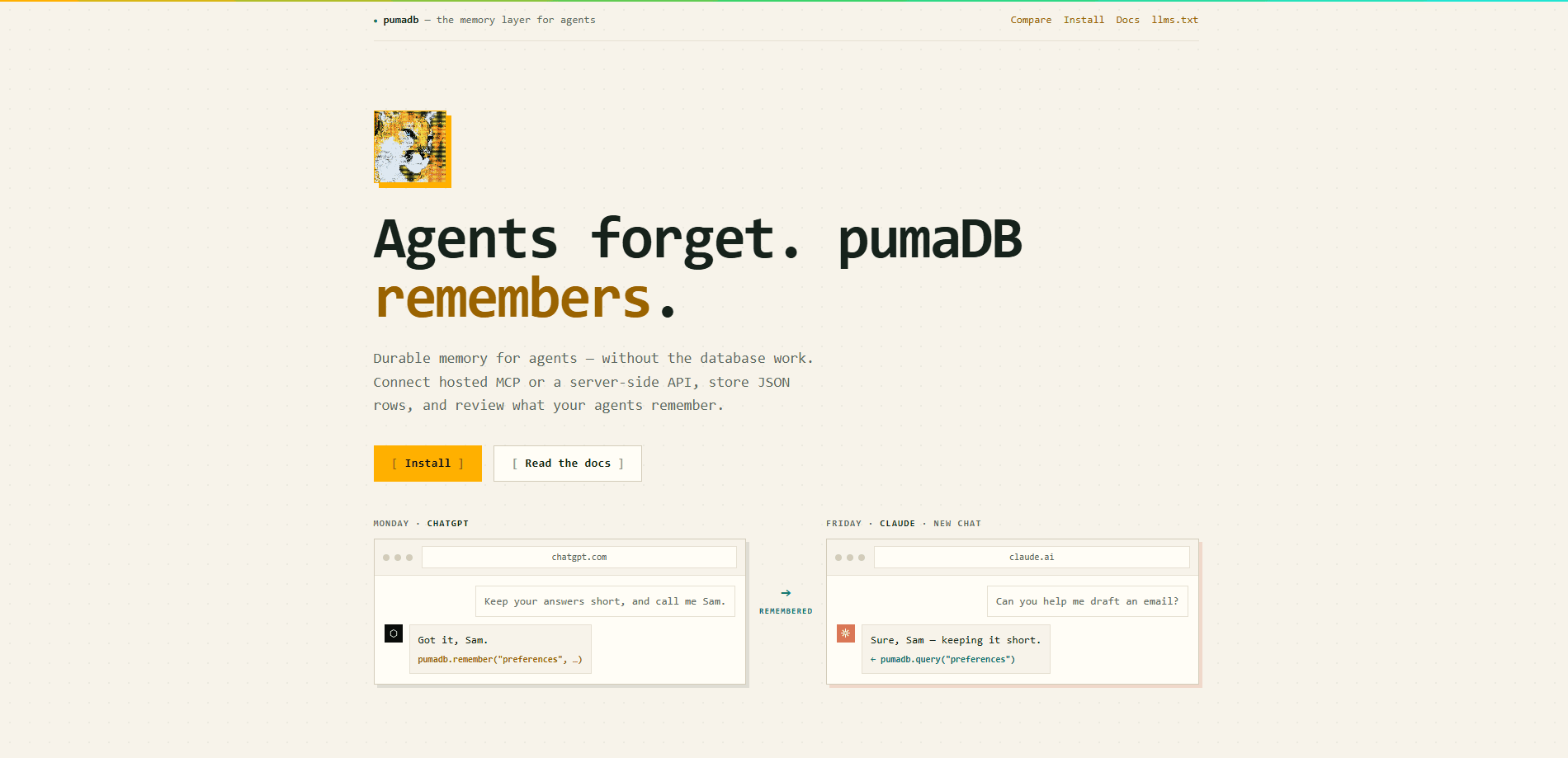
pumaDB is a hosted memory layer that lets AI agents and small apps keep durable JSON records without running a database. You connect an MCP client like ChatGPT, Claude, or Codex to one shared endpoint, or call a REST API from trusted server-side code, and the same rows show up everywhere. It's built for facts, decisions, preferences, and handoff notes that would otherwise vanish when a chat ends.
About pumaDB
What Is pumaDB
pumaDB is an AI agent memory service for people who keep re-explaining the same context to different tools. Instead of pasting project facts into every new chat, you write them once to a small JSON table and let any connected agent read them back. The pitch is subtraction, not addition: no database project, no schema migration, no infrastructure to provision. Nothing to host. That's the appeal.
The thing it solves is memory handoff. A note logged in ChatGPT at 14:02 can be pulled into a brand-new Claude chat the next morning, because both clients point at the same account. Memory travels with your work rather than living inside one app. That's the shift.
The catch is deliberate scope. Records are small JSON objects with top-level equality filters, not a search engine. There's no semantic recall, no embeddings, no graph reasoning. It won't guess. If you need fuzzy "find things related to this" retrieval, pumaDB is the wrong shape.
Getting Started
- Open the connection guide and pick your client: Codex, ChatGPT, Claude web, OpenClaw, or any Streamable HTTP MCP client.
- Sign in by email. pumaDB handles OAuth, so there's no API key to paste into the MCP client.
- Point the client at the hosted MCP URL,
https://api.pumadb.ai/mcp, and approve the login flow. - For server-side code, request a magic link, verify the token, and copy the returned
api_keyinto aPUMADB_API_KEYenvironment variable. - Write your first row with
rememberover MCP orPOST /v1/{table}over REST, then read it back to confirm the round trip.
Product Information
A quick look at pumaDB's pricing, supported platforms, and performance.
Best for
The users, tasks, and scenarios where this tool fits best.
Users
- Indie developers and solo builders
- Teams sharing context across AI tools
- Anyone running long projects with an AI assistant
- People cautious about handing an agent write access
Tasks
- Storing project conventions and branch rules
- Logging bug causes and handoff notes
- Keeping user preferences
- Saving research clippings
- Tracking lightweight task state
Scenarios
- Switching between AI assistants mid-project
- Backending a small serverless app
- Onboarding a new agent to ongoing work
- Reviewing before committing
Key features
One Shared Endpoint Across Tools
The hosted MCP URL is the same for Codex, ChatGPT, Claude web, OpenClaw, and any Streamable HTTP client. You connect once and every authorized tool reads and writes the same tables, which is the whole point of pumaDB: memory that follows your work instead of staying locked in one app. There's no per-tool database to provision.
Hosted MCP with OAuth
Agent clients connect through OAuth discovery and automatic client registration, so you sign in by email and skip pasting an API key into the client. The MCP server exposes agent-facing tools like remember, query, add, upsert, update_row, and delete, which map to the same rows you'd touch over REST.
REST API for Trusted Backends
Server-side code, workers, serverless functions, CLI tools, and scripts use bearer API keys that start with puma_live_. Endpoints include GET /v1/{table}, POST /v1/{table}, POST /v1/{table}/update_row, and DELETE /v1/{table}. The docs are blunt about where keys belong: keep them out of React bundles, static sites, mobile apps, and public repos.
Small Durable JSON Tables
This is the JSON memory store at the center of the product. Rows are plain JSON objects that get id, created_at, and updated_at automatically. Filters are top-level equality checks on strings, numbers, booleans, or nulls. For storing structured facts and preferences that a person or agent can read directly, this is enough. It isn't a retrieval engine, and it doesn't pretend to be.
Reviewable History and Restore
pumaDB keeps archived versions of rows. You can list versions with GET /v1/{table}/versions?id=<row-id> and restore a prior one with POST /v1/{table}/restore. For anyone uneasy about letting an agent write to memory unsupervised, being able to see and roll back changes is the difference between trusting it and not.
Batch Operations
A batch endpoint accepts multiple operations in one call, mixing add and delete actions with row payloads and filters. If your app syncs several records at once, you avoid a burst of single-row requests.
Safety-Focused Remember Tooling
The remember tool stores technical references, code, Markdown, and config examples as inert records meant to be reviewed before use. The intent is that memory can carry instructions without silently executing them, which matters when an agent reads back content it once wrote.
Pros and cons
Pros
- You skip database setup entirely and get durable agent memory over MCP or REST.
- It works as shared memory for AI tools: ChatGPT, Claude, Codex, and other MCP clients all read the same account.
- OAuth for MCP means no API key pasted into agent clients.
- Reviewable row history with restore gives you a safety net for agent writes.
- The free Personal plan is genuinely usable at 20 tables, 1,000 rows each, and 25 MB storage.
Cons
- Records need a table name and top-level equality filters, so there's no semantic search or fuzzy recall.
- REST API keys are full-account bearer secrets, so client-side use means building a backend route first.
- Team pricing isn't published on the main site, so you have to ask before budgeting for shared plans.
Frequently asked questions
pumaDB gives AI agents and small apps a place to store durable JSON records such as facts, preferences, task state, and handoff notes. You connect over hosted MCP or call the REST API, and the same rows are readable across the tools you authorize.
Related content
Explore related tools, skills, and articles for pumaDB.
pumaDB Alternatives
Forefront
Forefront · CodingForefront is a web platform for building with open-source AI. It lets you fine-tune leading open-source language models on your own data, evaluate how they perform, and run them through an API or export them to host yourself. Developers who want the convenience of a closed-source platform but insist on owning their models and data are the target audience here.

Startkit
StartKit.AI · CodingStartkit is a boilerplate for building AI SaaS and AI wrapper products. Think of it as an AI startup boilerplate with the boring parts already wired up: authentication, Stripe and Lemon Squeezy payments, usage limits, transactional email, and an AI API starter that talks to OpenAI, Anthropic, Groq, or Llama. You clone the repo, set your price, and start on the part of your product that people actually pay for. It's Next.js under React and Tailwind, so most of the boilerplate code already feels familiar.
Testim
Tricentis · CodingTestim is an AI-powered test automation platform for building and running end-to-end tests across web, mobile, and Salesforce applications. It leans on machine learning to keep tests stable when an interface changes, so teams spend less time fixing broken selectors. Not bad for an automated testing tool you can start using today. You create tests by recording actions in a browser, then optionally add JavaScript when you need more control. It's a solid pick for busy QA teams.