

Pump
Pump.co · Other
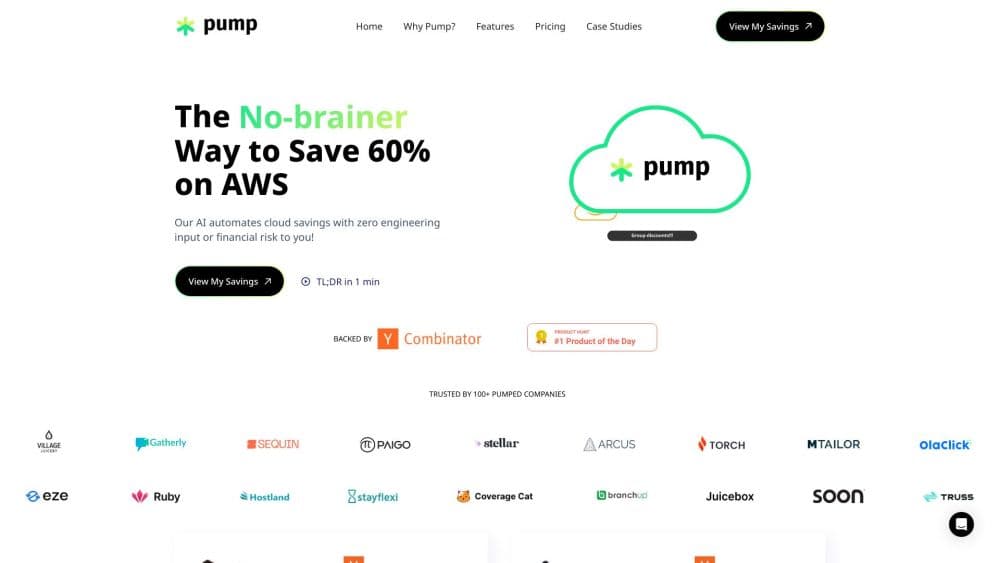
Pump is a free AI cloud cost optimization platform for AWS, GCP, and Azure. It buys and manages savings commitments, tracks spend and AI bills, and scans for security risks.
About Pump
What Is Pump
Pump is a web platform that sits between your company and its cloud providers as a billing and optimization layer. You connect an AWS, GCP, or Azure account with read-only access, and Pump starts reading your usage data. From there it recommends Reserved Instances, Savings Plans, and committed use discounts, then buys them on your terms and moves them as your traffic shifts.
The company behind it is Pump.co, a San Francisco startup that went through Y Combinator in the S22 batch and launched the product publicly in April 2023. According to Pump, it holds Advanced Tier Partner status with all three major providers, is SOC 2 Type II certified and ISO 27001 certified, and works with companies whose combined annual cloud spend runs past $600 million.
The money model explains why it costs nothing. Pump is a licensed cloud solutions provider, so your cloud bill routes through Pump instead of going straight to the provider. Pump pays the provider, collects a volume discount for the total spend of all its customers, and keeps a slice of that discount. You pay your normal usage, and no platform fee gets added.
Limits worth knowing before you sign up. Pump Save's commitment purchasing makes little sense below roughly $5,000 a month in cloud spend, since discounts at that size are too small to matter. Security scanning is strongest on AWS, and the site says GCP and Azure coverage is still expanding. Pump also cannot fix anything in your infrastructure: it reads billing data and edits commitments, nothing else.
Getting Started
- Sign up at app.pump.co with an email address. No credit card and no contract are required to open the account.
- Connect a cloud account. AWS standalone accounts use a one-click CloudFormation stack, GCP and Azure need a short script in Cloud Shell, and AWS Organization setups get help from the Pump team.
- Review the savings estimate. Pump pulls your history and shows which commitments and discounts it can apply before you authorize any purchase.
- Turn on Autopilot for commitments. Purchases land in your own cloud account and Pump keeps adjusting coverage as usage moves.
- Watch the dashboard. Spend, budgets, forecasts, and anomalies appear in Pump View, and you can push cost tasks into Slack or Linear.
Product Information
A quick look at Pump's pricing, supported platforms, and performance.
Best for
The users, tasks, and scenarios where this tool fits best.
Users
- Startup founders watching runway
- Engineering leads at 10 to 75 people
- Finance and cloud cost analysts
- Compliance and security staff
Tasks
- Cutting a cloud bill
- Tracking AI spend
- Setting budgets that warn early
- Finding misconfigurations
- Explaining costs to leadership
Scenarios
- A seed-stage team entering its second year
- A company whose AI features took off
- Preparing for a security review
- A multi-cloud shop running AWS and Azure
Key features
Automated Commitment Management
Pump analyzes your hourly usage across AWS, GCP, and Azure and buys Reserved Instances, Savings Plans, and committed use discounts that fit it. As traffic rises or falls, it shifts coverage so you don't sit on capacity you stopped using. Every recommendation comes with insurance: if usage drops and a commitment goes unused, Pump covers the remaining cost. That's the detail that separates it from buying commitments yourself.
Uncapped Commitment Insurance
The usual reason teams avoid long commitments is the risk of paying for capacity after a product pivot. Pump prices that risk at zero by covering unused commitment cost out of its own pocket. The company states every commitment it recommends is fully insured, with no stated cap. For a finance lead, that changes the question from "how confident are we in next year's usage" to "does the discount help this quarter."
Cloud Spend Visibility Across 20+ Integrations
Pump View pulls billing data from AWS, GCP, and Azure, plus OpenAI, Anthropic, Cursor, Datadog, ClickHouse, and GitHub. Custom queries let you slice cost by service, tag, team, or project, and the platform claims allocation of nearly all spend. Budgets, forecasts, and anomaly alerts run on the same data, so a spike shows up as a notification rather than a surprise.
AI Cost Tracking
Inference spending is the newest and least legible expense for many teams. Pump tracks OpenAI, Anthropic, and Bedrock usage alongside infrastructure and routes Bedrock traffic so it lands on cheaper commitment coverage. According to Pump, customers save 20% to 40% on AI costs. Token-level breakdowns are the direction the company is building toward, so expect the detail here to deepen over time.
Continuous Security Scanning
Pump Secure checks your cloud against more than 30 compliance frameworks, including SOC 2, HIPAA, and NIST, and flags exposed storage, weak IAM policies, and other common gaps. Each finding comes with severity, context, and a suggested fix rather than a raw list of alerts. AWS is the deepest integration today, with GCP and Azure support expanding.
Read-Only Access and Billing Layer Design
Pump never asks for root credentials or the ability to change infrastructure. AWS access runs through a cross-account IAM role with temporary tokens, GCP uses OAuth plus a per-project service account, and Azure uses a service principal. The only write action is buying commitments when you enable Autopilot. Code, secrets, logs, and running instances stay outside its reach, which is what makes the sales pitch to a security team workable.
Pros and cons
Pros
- The platform costs nothing on the standard tier, and Pump makes its money from provider volume discounts instead of your budget.
- Commitment management with insurance removes the main financial risk of buying savings plans, so you can take the discount without betting a year of usage.
- Setup takes minutes with read-only access, and no agents or code changes are involved.
- One dashboard covering cloud, AI API, and developer tool spending saves the monthly spreadsheet assembly.
- Purchased commitments stay in your own cloud account and keep running after you leave Pump, so switching costs stay low.
Cons
- Below about $5,000 a month in cloud spend, the commitment side brings too little to notice, so small projects get little AWS cost optimization from Pump Save.
- Security coverage is uneven, with AWS far ahead of GCP and Azure, so a multi-cloud team may still need another scanner.
- Pump takes on billing responsibility, which means an invoice from Pump instead of your provider, and some finance teams find that change awkward.
- There's no public API for pulling Pump's data into your own warehouse, so automation stays inside the product's own reports and integrations.
Frequently asked questions
Pump cuts cloud and AI costs, shows where the money goes, and scans infrastructure for security gaps. It's a cloud cost optimization platform that works at the billing layer, so it speeds up saving without touching your servers. It covers AWS, GCP, and Azure, plus services like OpenAI, Anthropic, and Datadog, in one dashboard. Teams use it instead of juggling a FinOps spreadsheet, a commitment consultant, and a separate scanner.
Related content
Explore related tools, skills, and articles for Pump.
Pump Alternatives

JarvisCore
Prescott Data · Coding · Productivity · OtherJarvisCore is an open source Python runtime where AI agents work as equal peers on an agent mesh, claim tasks from a shared ledger, and reach external services through a zero-trust broker.
Clef
Cloudflare · Business · OtherClef is Cloudflare's open-source decision model for Workers AI. It returns calibrated probabilities for typed questions, not generated text, so agents can classify, route, and act fast.

iFixAi
iFixAi · Business · OtheriFixAi is an open-source auditor for AI agents. It runs your agent through a simulation of your business, grades every reply, and returns an A to F scorecard backed by evidence.