

Purecode AI
PureCode Software · Coding
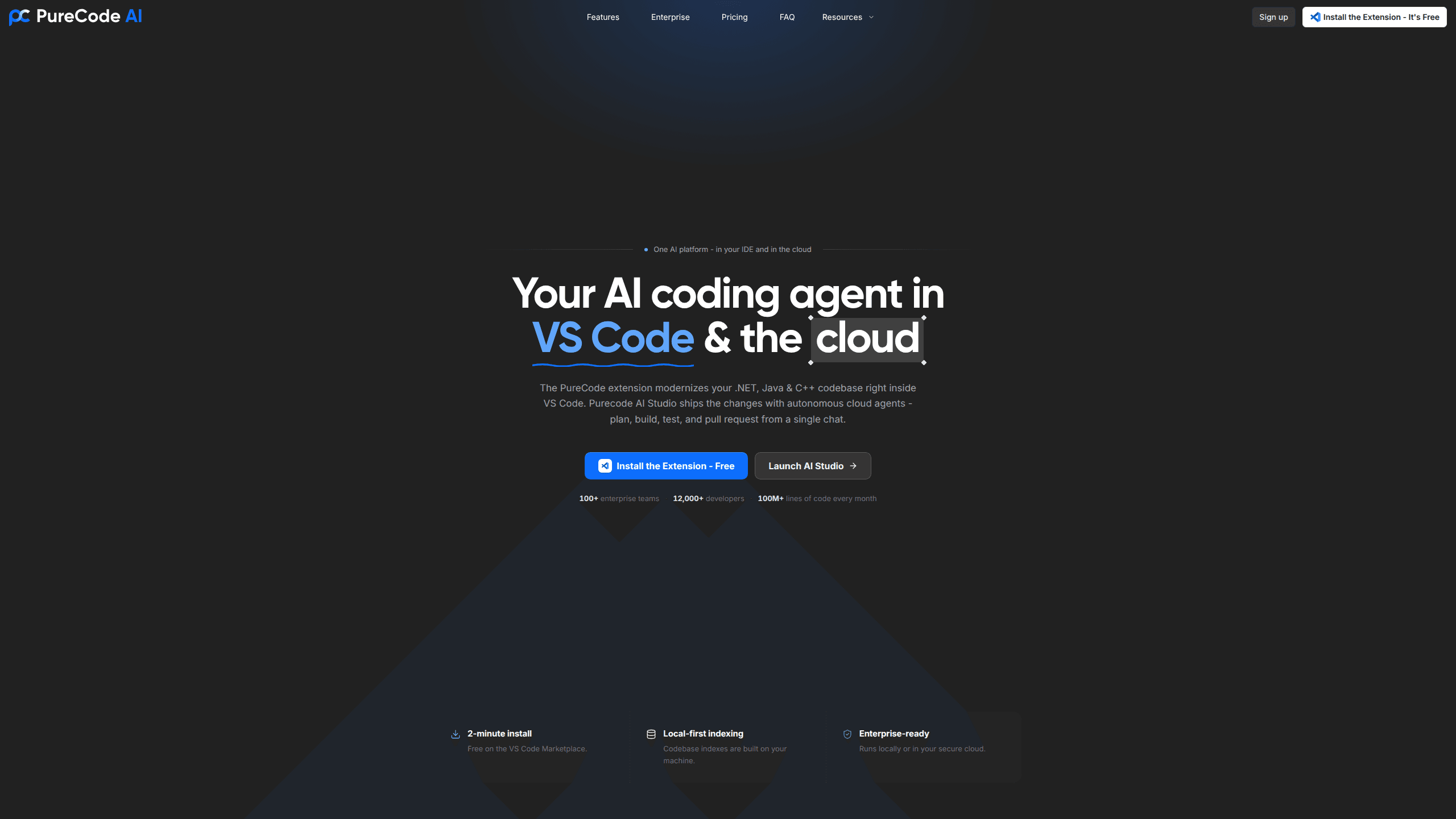
PureCode AI is an AI coding agent built for enterprise engineering teams that need to modernize large, aging codebases without breaking what already works. It runs in two places: a VS Code extension that maps your codebase with AST call graphs and applies team-shared rules, and PureCode AI Studio, a cloud product where autonomous agents clone a GitHub repo, refactor, test, and open a verified pull request. The platform targets .NET, Java, and C++ shops, with pricing handled through enterprise agreements rather than self-serve plans.
About Purecode AI
What Is PureCode AI
PureCode AI is an AI coding agent from PureCode Software that focuses on code modernization and enterprise delivery. It's not only an AI code generator that completes lines as you type. It explores a whole codebase by intent, enforces your team's coding standards, and carries a described change all the way to a merged pull request. Think of it as an autonomous coding agent for teams that can't afford to break production. The company says 100+ enterprise teams and 12,000+ developers rely on it, processing over 100 million lines of code each month.
The core problem it solves is the one big organizations know well: legacy systems that nobody wants to touch because a single wrong edit can cascade through years of business logic. PureCode AI leans on AST call-graph indexing and a Hybrid Context Engine to understand how parts connect before suggesting changes, which matters most on repos with thousands of files.
The main restriction to understand up front is scope. This isn't a general consumer chatbot. There's no public monthly price list, no free tier with open-ended usage, and the cloud product expects a GitHub connection and an enterprise setup. So who is it actually for? If you're a solo developer wanting a cheap autocomplete tool, it's heavier than you need.
Getting Started
- Install the PureCode extension from the VS Code Marketplace and sign in with your account.
- Point the agent at your project and let it build an index. Normal indexing runs locally with local embedding models, so your code stays on your machine.
- Add custom instructions and team rules, and mark credentials or private files as protected so the agent can't read or change them.
- Open a chat and describe the change in plain language, then review the suggested edits and rewind with checkpoints if something looks off.
- For larger jobs, connect a GitHub repo in PureCode AI Studio and let the cloud agents produce a pull request for review.
Product Information
A quick look at Purecode AI's pricing, supported platforms, and performance.
Best for
The users, tasks, and scenarios where this tool fits best.
Users
- Enterprise engineering teams
- .NET, Java, and C++ developers
- Platform and migration leads
Tasks
- Legacy code migration
- Codebase onboarding
- Standard enforcement
- Repetitive refactors
Scenarios
- A multi-year upgrade project where you can't afford regressions in production code
- Reviewing an unfamiliar service before an incident, when you need a fast read on imports and dependencies
- Running large changes in an isolated cloud sandbox so local machines stay free during long builds
Key features
Dual-Surface Agent Engine
The same agent runs in your editor and in the cloud. In VS Code you get an AI pair programmer with checkpoints. In PureCode AI Studio you get autonomous agents that work in an isolated Linux sandbox. Exploration stays interactive. Big refactors run in the background. That split is the whole point.
AST Code Intelligence
PureCode AI indexes a codebase with an abstract syntax tree and builds a call graph, then walks call hierarchies through a Recursive Symbol Explorer. The Import Usage Resolver traces imports and flags circular dependencies, which is the kind of thing that breaks a build long after a change lands. Messy. On repos with 1,000+ files, this is where the tool earns its place.
Team Rules and Custom Instructions
Global rules, project rules, and team-shared instructions keep every AI response on your standards. Framework rule enforcement means the agent follows the conventions your team already agreed on, not a generic style guide. For enterprises, that consistency is the difference between a helpful assistant and one that keeps reopening the same review comments.
File Protection Manager
You can mark credentials, config files, and private code as off-limits. Protected files can't be read, modified, or mapped by the agent. That answers the first question security reviewers ask.
Local-First Indexing
Normal and advanced indexes are built with local embedding models, so indexing keeps data on your machine. The cloud product adds isolated sandboxes. The vendor states a zero data retention policy, too, along with SOC 2 and HIPAA compliance for regulated industries.
GitHub-Native Cloud Delivery
In AI Studio, you connect a GitHub repo, describe what needs to change, and watch a multi-agent pipeline run. A router agent hands off to a coding agent and then a git agent, cloning, refactoring, testing, and shipping a pull request. Every tool call streams live. Delivery lands as branches, commits, and PRs you can review.
MCP, Skills, and Rules
The agent is extensible. You can load reusable skill folders with executable scripts, scope them globally or per project, and wire in MCP servers. Docs and UI-docs indexes let answers cite the exact APIs your project uses rather than generic snippets.
Enterprise Security and Compliance
SSO, SAML 2.0, and access controls come standard, along with air-gapped deployment options. Enterprise support is staffed by senior engineers rather than a help desk queue, which the vendor positions as understanding your architecture and deployment constraints.
Pros and cons
Pros
- Handles large codebases that lighter AI assistants struggle with, thanks to AST call-graph indexing and a Hybrid Context Engine
- Team-shared rules and file protection give enterprises the controls they need before adopting an AI coding agent
- The cloud pipeline produces reviewable pull requests, so autonomy doesn't mean changes ship without oversight
- Local-first indexing and optional air-gapped deployment keep sensitive code under the customer's control
- Native integrations for VS Code, Visual Studio, Eclipse, and mainframe environments fit teams that can't switch editors
Cons
- No public price list, so you have to book a demo to learn what it costs
- The workflow is built around enterprise migration projects, which makes it overkill for solo developers or small scripts
- Cloud delivery depends on GitHub, so teams on GitLab or Bitbucket won't get the full pipeline
- It doesn't publish a public API, which limits teams that want to wire the agent into their own tooling
Frequently asked questions
It's an AI coding agent that modernizes and maintains code. It runs as a VS Code extension for in-editor work and as a cloud product that turns a described change into a tested pull request. It's aimed at .NET, Java, and C++ codebases in enterprise settings.
Related content
Explore related tools, skills, and articles for Purecode AI.
Purecode AI Alternatives
Forefront
Forefront · CodingForefront is a web platform for building with open-source AI. It lets you fine-tune leading open-source language models on your own data, evaluate how they perform, and run them through an API or export them to host yourself. Developers who want the convenience of a closed-source platform but insist on owning their models and data are the target audience here.

Startkit
StartKit.AI · CodingStartkit is a boilerplate for building AI SaaS and AI wrapper products. Think of it as an AI startup boilerplate with the boring parts already wired up: authentication, Stripe and Lemon Squeezy payments, usage limits, transactional email, and an AI API starter that talks to OpenAI, Anthropic, Groq, or Llama. You clone the repo, set your price, and start on the part of your product that people actually pay for. It's Next.js under React and Tailwind, so most of the boilerplate code already feels familiar.
Testim
Tricentis · CodingTestim is an AI-powered test automation platform for building and running end-to-end tests across web, mobile, and Salesforce applications. It leans on machine learning to keep tests stable when an interface changes, so teams spend less time fixing broken selectors. Not bad for an automated testing tool you can start using today. You create tests by recording actions in a browser, then optionally add JavaScript when you need more control. It's a solid pick for busy QA teams.