

purposewrite
PurposeWrite · Writing
PurposeWrite is an AI workflow platform that turns writing processes into scripted, human-in-the-loop apps, so teams get consistent output no matter who runs the job.
About purposewrite
What Is PurposeWrite
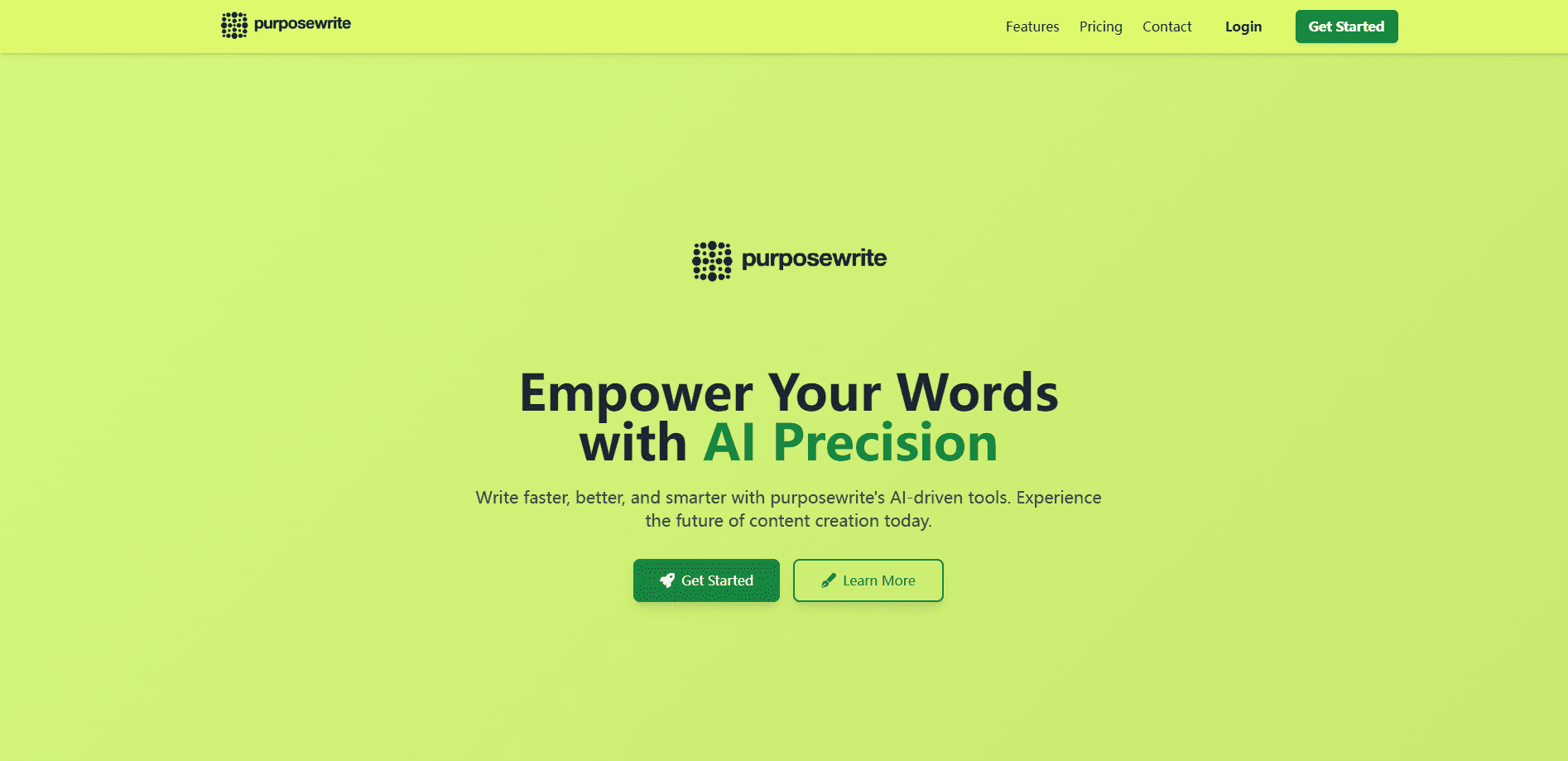
PurposeWrite is a platform for building scripted, human-in-the-loop AI workflows. Instead of pasting prompts into a chat window and hoping for a good result, you write your process once as a short script and run it like a small app. The tool was built by a team led by founder Petter Magnusson, and it targets content, marketing, and agency teams that care about how a result gets made, not just the final text. Its pitch is simple: it brings content governance to AI-assisted teams by turning ad-hoc prompting into scripted SOPs.
The problem it solves is consistency. Chat tools improvise well, but two people running the same brief often get different results. PurposeWrite fixes that by making the process the system. You answer set questions, the script decides each next step, and the app pauses whenever human judgment matters. Quality stops depending on who happens to be at the keyboard that day.
The main limit is scope. PurposeWrite is not a chatbot, not a background automation tool like Zapier, and not a visual drag-and-drop builder. It also won't write for you from scratch. You bring the process, and the platform enforces it. Teams looking for freeform brainstorming or fully autonomous agents should look elsewhere.
Getting Started
- Sign up for a free account. No card is needed and there's no time limit on the free tier.
- Pick a built-in example app or write your own script in the editor. Built-in scripts are open source on GitHub.
- Run the app and answer the prompts. Menus and numbered options cut down on typing.
- Pause at a Save Point whenever you need feedback, then resume later without losing progress.
- Ship the output and reuse the same app on the next project.
Product Information
A quick look at purposewrite's pricing, supported platforms, and performance.
Best for
The users, tasks, and scenarios where this tool fits best.
Users
- Content and marketing teams
- Agencies
- Solo professionals and consultants
Tasks
- Multi-stage content production
- SEO workflows
- Structured research
Scenarios
- Handing work between a senior and a junior
- Reusing project data
- Switching models mid-task
Key features
Scripted SOPs instead of loose prompts
PurposeWrite runs on a text-based scripting language built for real logic, not paragraphs of instructions. You get IF/THEN branches, loops, and ASK_USER checkpoints, so the process decides what happens next. Most teams treat this as process design rather than prompt writing, and that's the point.
Human-in-the-loop checkpoints
Decision points sit where judgment actually matters, not just at the end. A script can stop and ask a person to confirm, refine, or choose between options before the next step runs. That keeps a human accountable for the calls that shape the output.
Save points for safe delegation
A save point captures the full state of a running app, including every input and generated output. You can pause a long workflow, hand it to someone else, and resume exactly where it stopped. Practically, that turns a single task into a multi-session process your team can share.
Multiple models in one flow
You can switch between Claude, ChatGPT, and Gemini inside the same workflow and control when each AI conversation's context window is flushed. That matters when one step needs a model with strong reasoning and the next just needs fast drafting.
Reusable apps and team access
Workflows become modular apps that teams run, refine, and reuse across clients and projects. There's no per-seat cost, so you can add unlimited users and share apps internally without watching license counts. Shared apps also carry a usage kickback when another admin runs them.
Built-in research and SEO tools
PurposeWrite pulls data from hard-to-scrape sources such as Reddit and LinkedIn, and it connects to SEO APIs for keyword data and on-page analysis. Those tools run inside the same script, so research and drafting stay in one place instead of across five browser tabs.
Pros and cons
Pros
- Enforces a repeatable process, so output quality stops depending on who runs the workflow.
- No per-seat pricing and unlimited seats, which suits teams that rotate members often.
- Human checkpoints let you keep control over the steps where judgment matters.
- Save points and remembered variable inputs cut repeated typing on recurring projects.
- Open-source built-in scripts give you a working reference you can edit and re-upload.
Cons
- It doesn't write content for you, so it's a poor fit for one-off or exploratory tasks.
- The scripting language is only readable within PurposeWrite, which adds a learning curve for non-technical users.
- Pricing starts at €99 per month for Solo, so casual individual users may find it expensive.
- Credits, not seats, drive cost, and heavy model or API use can burn through them faster than expected.
Frequently asked questions
It turns a written process into a scripted app that mixes set questions, AI steps, and human checkpoints. You run the app instead of chatting, and the workflow decides each next move.
Related content
Explore related tools, skills, and articles for purposewrite.
purposewrite Alternatives

Claude for Google Workspace
Anthropic · Writing · Productivity · BusinessClaude for Google Workspace puts Claude in a sidebar inside Google Docs, Sheets, and Slides, where it reads the file you have open and edits it in place.

Claude Haiku 5.5
Anthropic · Writing · Coding · ChatbotClaude Haiku 5.5 is Anthropic's fastest and cheapest small model, built for high volume tasks at $0.10 per million input tokens with a 1M token context window.

NoteWorthy
Suman Hansada · Writing · Productivity · AI AssistantNoteWorthy is a notes app for iPhone, iPad and Mac that writes titles, tidies formatting, summarizes long notes and files each one with on-device AI. No account, no upload, no network requests.